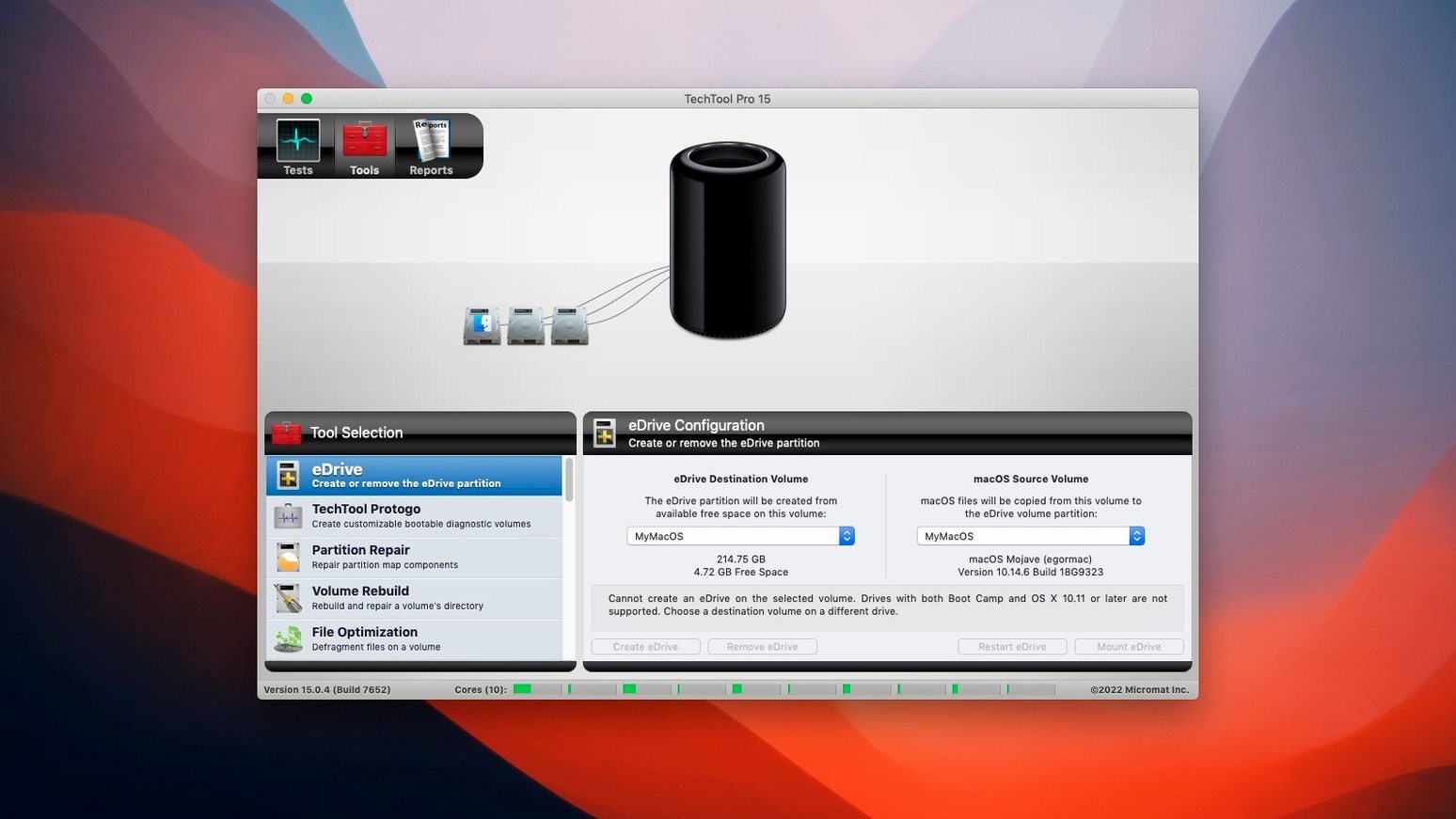
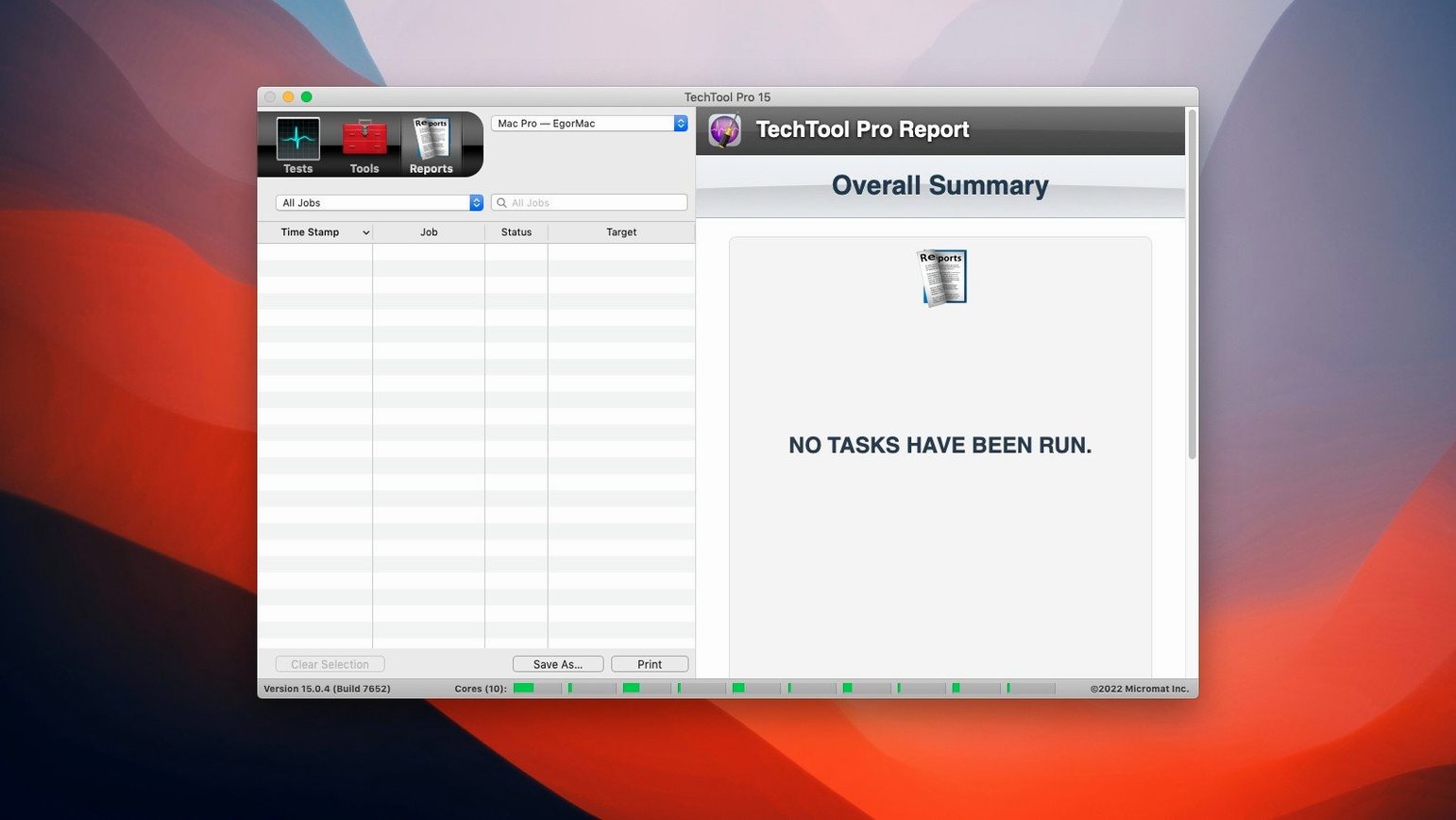
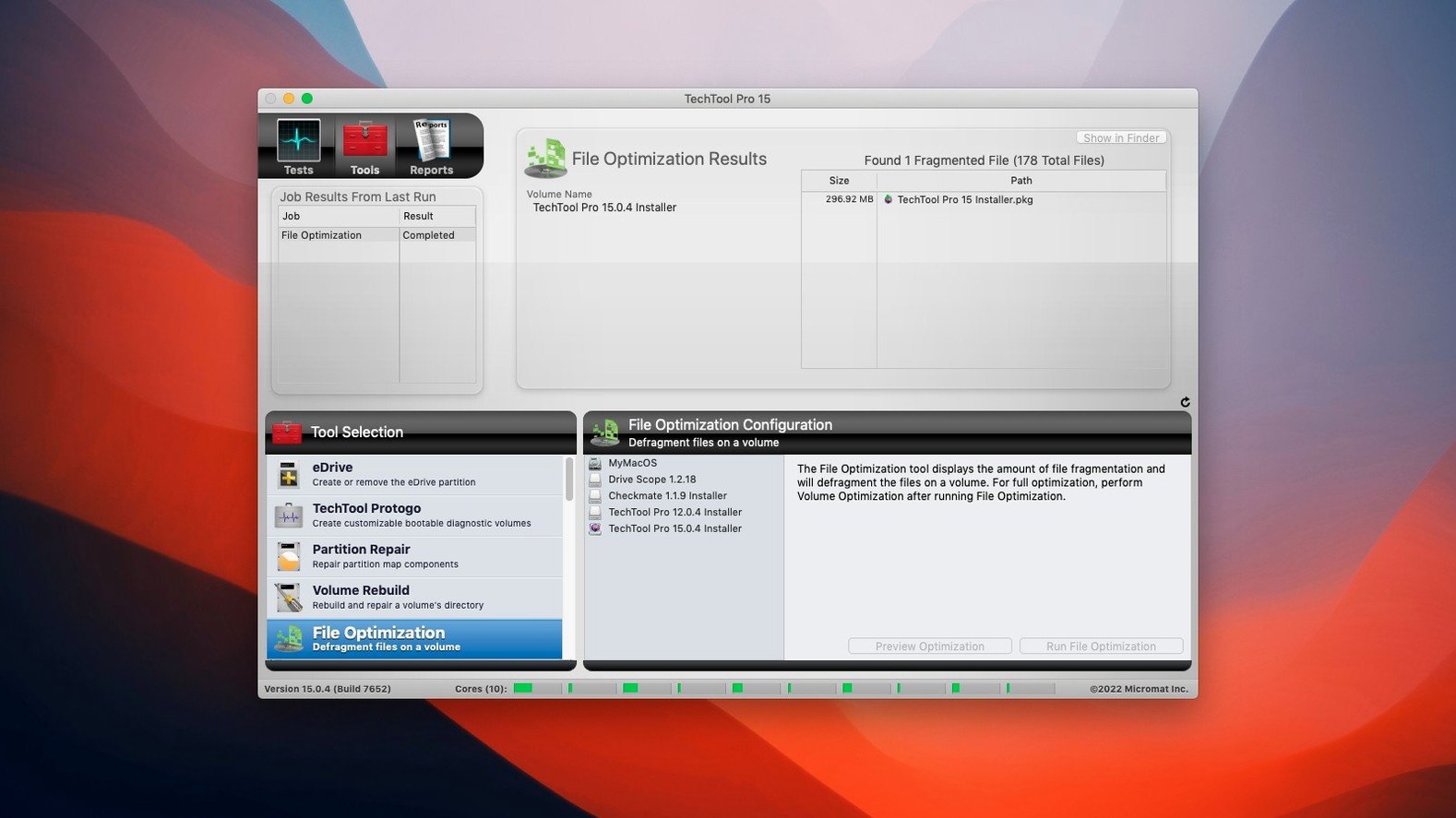
Techtool Pro 20 runs on Macs with macOS 10.13 High Sierra and newer, on both Intel and Apple Silicon machines. If your Mac still boots and you want to keep it that way, here's a sensible workflow to fit it alongside the tools you already reach for.
- Let it watch in the background. Turn on Techtool Protection and set the automatic checks you're comfortable with. It monitors for odd behavior and device config changes on your local network, surfacing a warning before a small glitch turns into a weekend project.
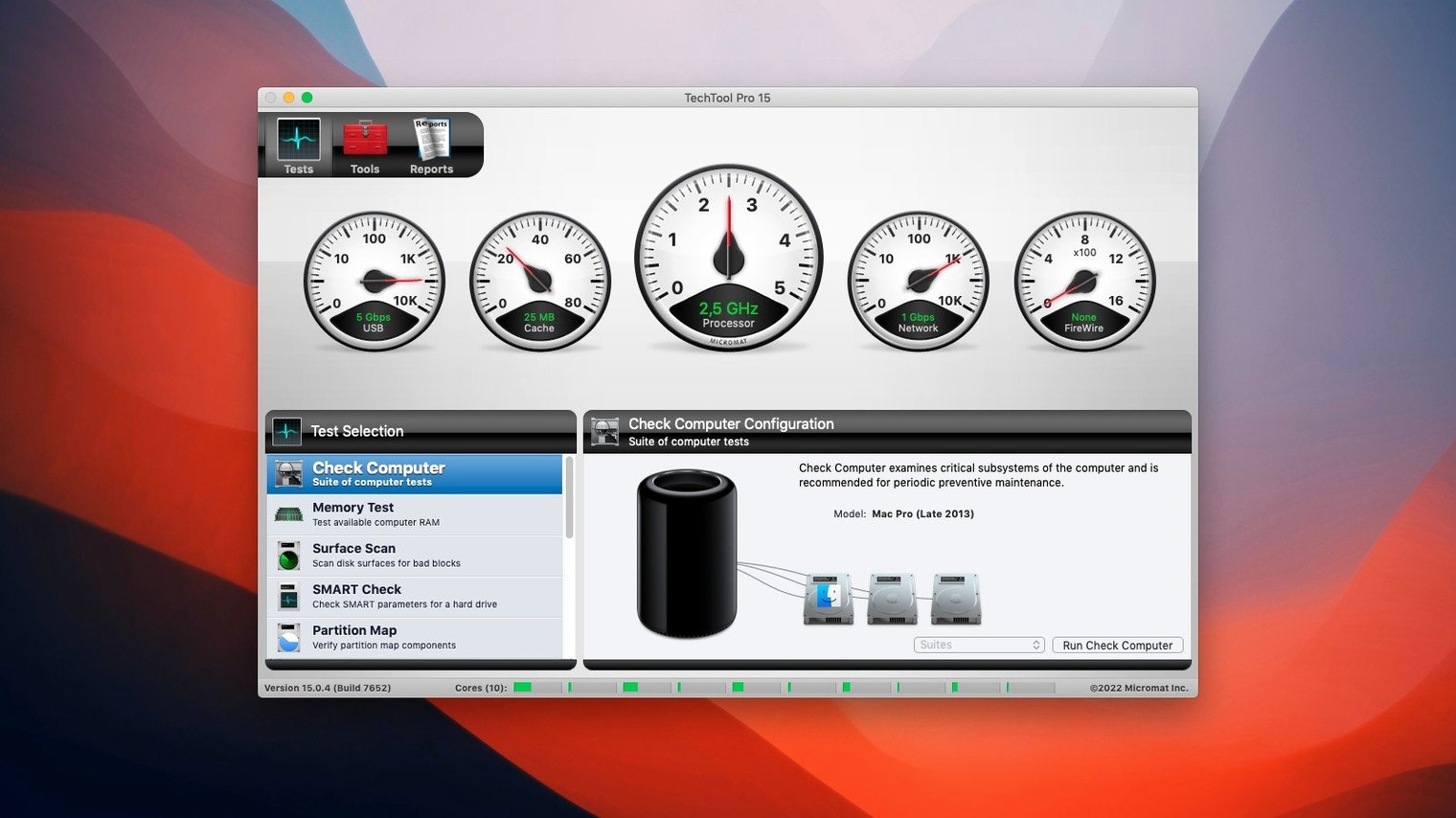
- Run a checkup when something feels off. Before you start reinstalling anything, use the suite to test your hardware and system. It's not a replacement for Disk Utility, but it goes deeper on things like volume structure and RAM.
- Fix permissions without the guesswork. If an app suddenly can't open its own files after a migration or update, the permission repair on the affected partition often sorts it out in under a minute.
- Build a safety net. Use Protogo to make a bootable diagnostic USB drive, or create an emergency boot partition right on your active volume. No DVD needed. When your main startup disk refuses to cooperate, you'll be glad that rescue partition is sitting there.
What I'd use it for is the combination of a light-touch monitor and a bootable toolkit that doesn't need a second Mac to set up. It sits quietly next to Time Machine and your regular backup routine, giving you a way to act on hardware and low-level file system problems before you're stuck staring at a progress bar.
Background monitor sips resources while on guard
Techtool Pro 20.1.7 is a heavyweight toolkit, but it wears that weight lightly in daily use. The background monitor — Techtool Protection — idles at a fraction of a percent of CPU on both my Intel iMac and an M1 MacBook Air. Memory use hovers around 120–160 MB when the full interface is open, and drops to roughly 40 MB when only the monitor runs in the background. That is small enough to forget about, which is exactly what you want from a watchdog.
Surface scans and volume rebuilds are inherently disk-intensive and will peg your drive, especially on spinning hard drives. On an SSD, a full surface scan completes noticeably faster and the machine stays usable throughout. I have not seen a kernel panic or a Finder hang triggered by the app itself across several versions, and build 9559 specifically fixed a crash-on-launch issue with the monitor — stability on the current build feels settled.
From beachball to diagnosis in one checkup flow
Say your Mac has started beachballing when you open large folders, and a reboot did not help. Here is how a session tends to go.
You launch Techtool Pro and let it check the SMART status of all connected drives first — that takes about fifteen seconds and tells you immediately if a drive is reporting prefailure indicators. Nothing flagged, so you move to the Volume Structure test on your startup disk. The scan runs for several minutes, reading directory records and checking for cross-linked files. Midway through it finds a handful of catalog errors — nothing catastrophic, but enough to explain the beachballs.
You stop the scan, switch to the Volume Rebuild tool, and let it reconstruct the directory. Ten minutes later the rebuild completes. You run the Volume Structure test again, it comes back clean, and you reboot. The Finder lag is gone. No reinstalls, no Terminal commands, no lost files.
Before closing the app you open the Protection tab, make sure the "track removed files" and SMART monitoring options are ticked, and set an email alert for any new warnings. The whole session took under twenty minutes and required no external boot drive.
Surface scans and RAM tests Disk Utility cannot touch
Techtool Pro does not fight with Disk Utility; it complements it. Disk Utility handles first aid and APFS snapshot management well, but it cannot run a sustained surface scan, test RAM modules, or rebuild a corrupted directory with the granularity Techtool offers. I keep both in the Utilities folder and reach for whichever matches the problem.
Protogo-made bootable drives work with every Mac that supports the macOS version installed on them, so you can carry one USB stick to test multiple machines on a local network — handy if you maintain a small fleet of Macs for a studio or a family. The device-configuration monitor also plays nicely with Apple's built-in sharing and firewall settings; it logs changes without overriding them.
If you are searching for a techtool pro free download or a techtool pro torrent, keep in mind that this version integrates tightly with macOS security features — background monitoring and Protogo bootability depend on full disk access permissions, so with cracked copies you'll want to manually grant those permissions in System Settings to get everything running smoothly. A clean installation from the disk image, activated with the supplied SN.txt, gives you the complete toolkit without surprises.
Tip: Use Techtool Protection's backup function on your ~/Library and /Applications folders alongside Time Machine. Time Machine versions hourly, but Techtool catches the moment a critical preference file vanishes — before the next backup window.
- macOS 10.13 High Sierra or later
- Works on Intel and Apple Silicon Macs
Questions from the stall
Does Techtool Pro 20 include a way to make a bootable repair drive?
Yes. The integrated Protogo feature lets you create bootable diagnostic media, and you can also build an emergency boot partition directly on your active system volume without needing a DVD.
Notes from other shops 0
Sign in or open a shop account to leave a note.
No notes yet. If you've used this on a shop Mac, tell me how it went.