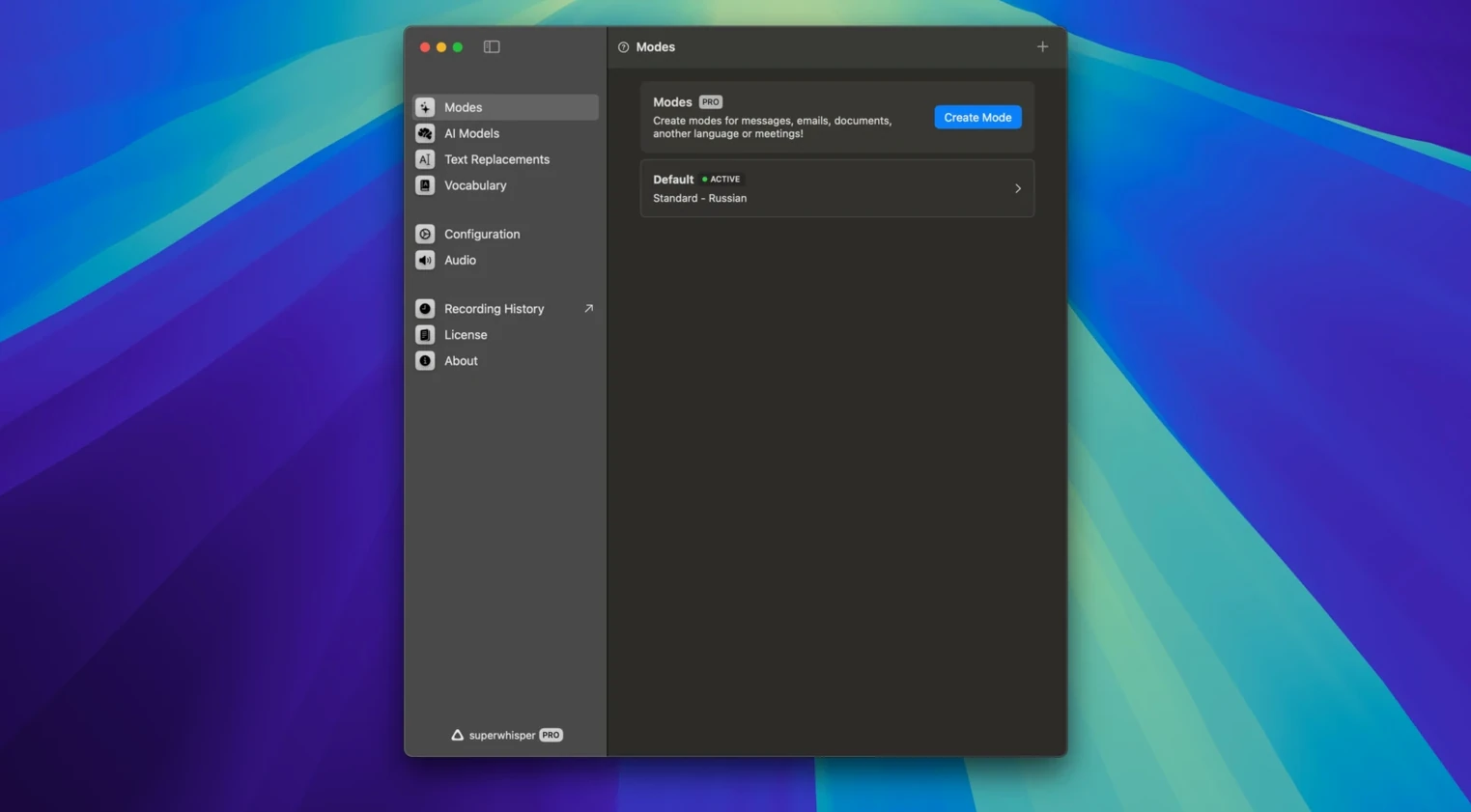
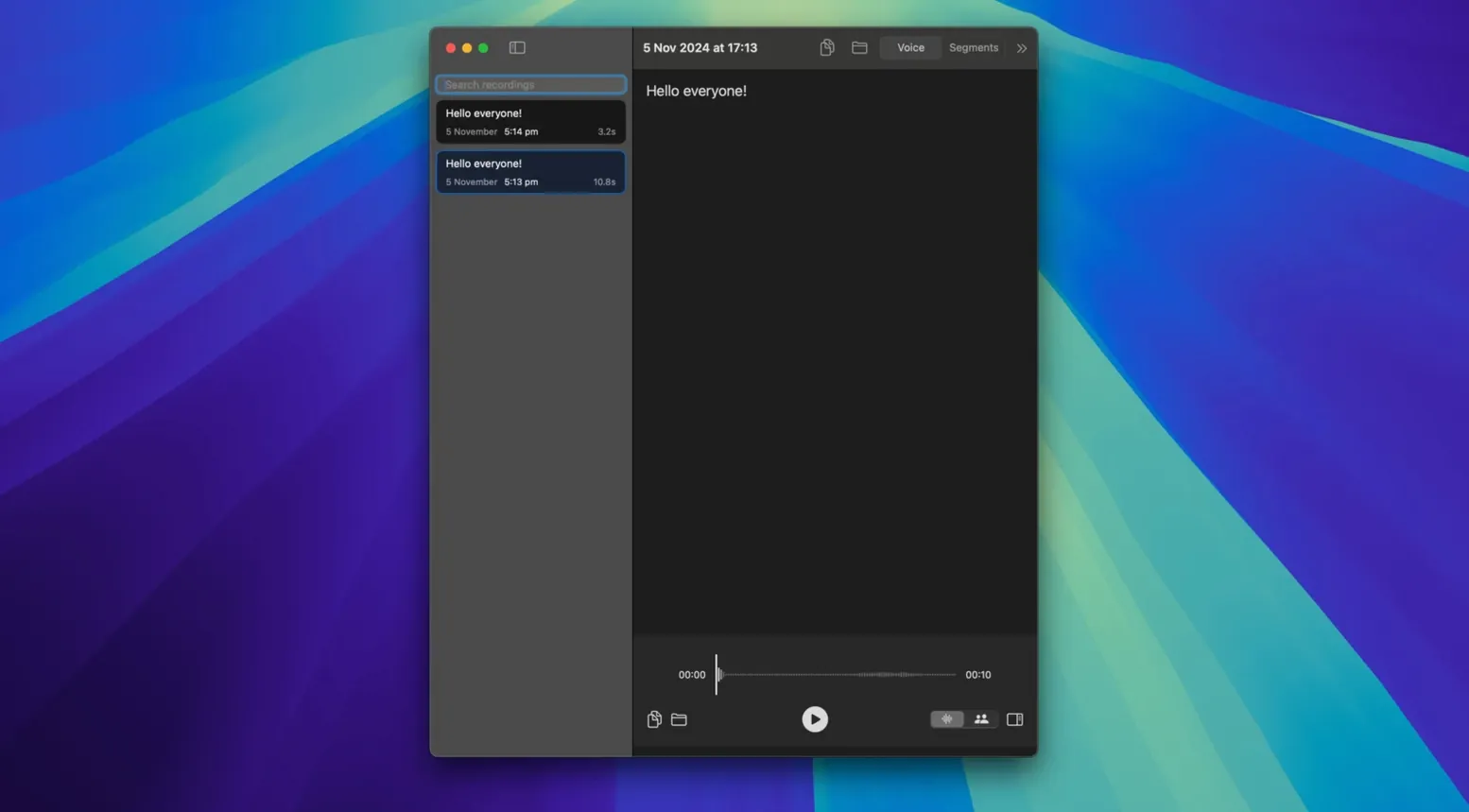
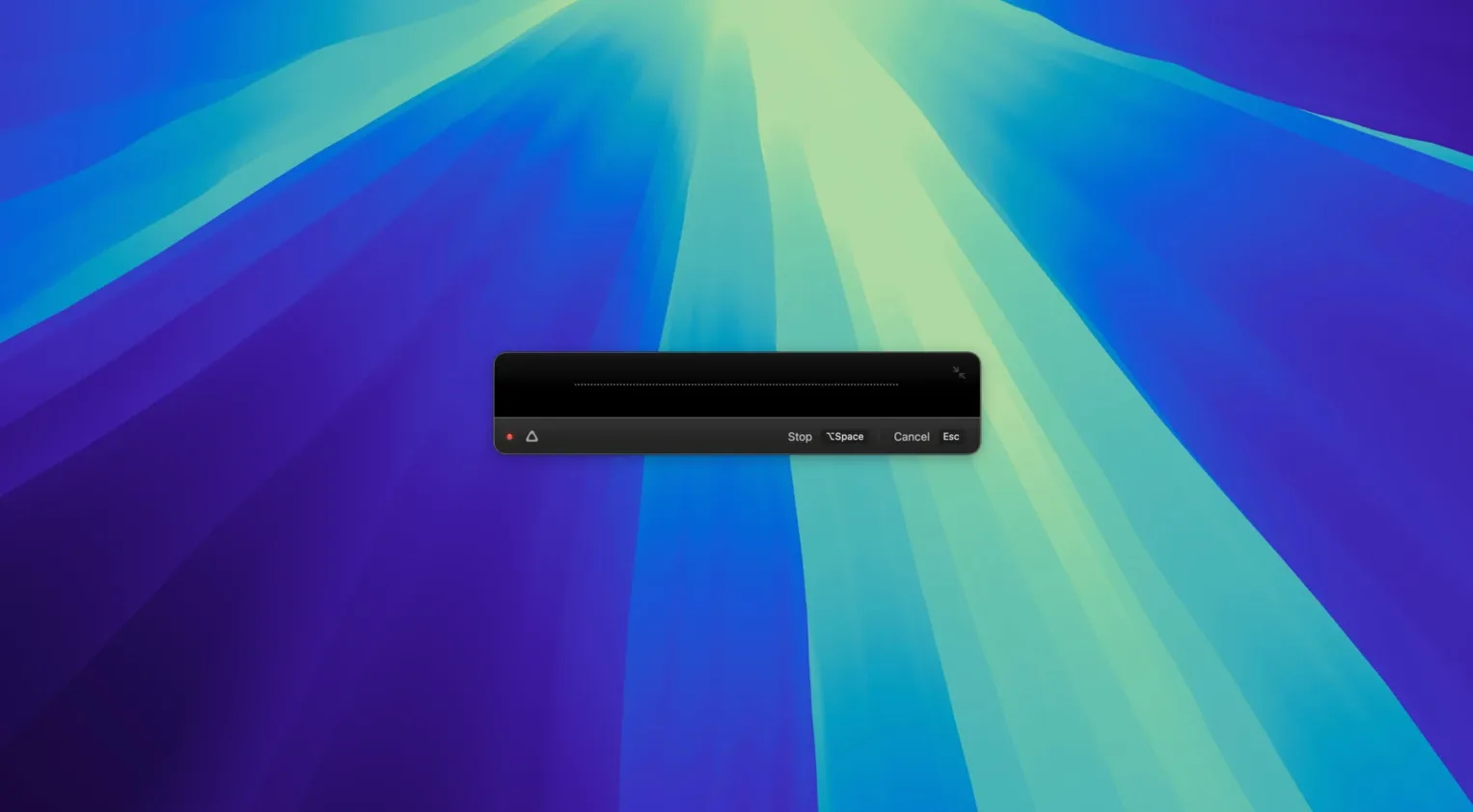
Plain dictation is one thing—getting it to spell your client's surname correctly, insert a pre-written link, or handle a sudden switch to German is another. That's where the standard voice-to-text tools start to stumble, and that's where the deeper tools inside superwhisper matter.
What I'd spend my first hour on is building a custom phrase library. You can add names, abbreviations, and even full URLs that the AI then types out verbatim. For a small shop with a lot of repeat terminology—product codes, address blocks, an Etsy shop link—this is a quiet time-saver.
Beyond that, it works offline after the initial model download, which means your transcription doesn't pause when the cafe Wi-Fi drops. It also handles translations into English from over a hundred supported languages, a handy thing if you're communicating with suppliers or collaborators overseas.
Under the hood, it runs natively on both Apple Silicon and Intel Macs running macOS 13 or newer. The recent fix in version 2.18.5 for real-time transcription dropping audio suggests a developer paying attention to the details that experienced users actually notice.
Transcription feels instant on Apple Silicon
In practice, transcription pops onto the screen with almost no perceptible delay — I'd place it in the "fast enough that you stop thinking about it" category. On an Apple Silicon Mac, the on-device models stay responsive even with other apps open, and the S1-mini model added in a recent update brings optional tone control without dragging things down.
Stability has been solid through a full morning of switching between English dictation, German phrases for supplier emails, and the occasional burst of product-code shorthand. The 2.18.5 fix for high CPU usage after pausing a History recording is the kind of refinement you appreciate if you keep the app running all day — it stops background processes from chewing through battery when you're not actively transcribing.
Memory use stays modest. It's not the lightest utility on the system, but it doesn't balloon over time the way some AI-powered tools can. For anyone who discovered this app through a download superwhisper search and wondered whether an offline transcription tool would bog down an older Intel machine, the answer is reassuring: it runs lean enough that a 2019 MacBook Air handles it without complaint.
Writers, researchers, and shop owners dictating offline
Three groups stand out. First, anyone who dictates long-form text daily — writers, researchers, or shop owners who compose product descriptions aloud while their hands are busy with inventory. The offline capability means you can dictate from a stockroom with zero connectivity.
Second, multilingual users. If your workday involves switching between languages, the translation-into-English feature saves the step of pasting text into a separate tool. Someone hunting a superwhisper torrent macos link might be looking for exactly that — a single app that handles dictation and on-the-fly translation without a subscription.
Third, privacy-conscious pros. Because everything stays on-device, client notes, internal pricing discussions, or supplier correspondence never touch a cloud server. That's the real reason some people seek a download superwhisper for mac rather than using browser-based alternatives.
If most of your communication is short-form — quick messages, Slack replies, one-line emails — you might not feel the difference. But the moment your daily voice-to-text volume passes a few hundred words, the custom phrase handling and offline reliability tip the scales noticeably.
- macOS 13 (Ventura) or later
- Works on both Apple Silicon and Intel Macs
Questions from the stall
Can I use superwhisper without an internet connection?
Yes, once the required models are downloaded, the transcription can run entirely offline.
Notes from other shops 0
Sign in or open a shop account to leave a note.
No notes yet. If you've used this on a shop Mac, tell me how it went.