
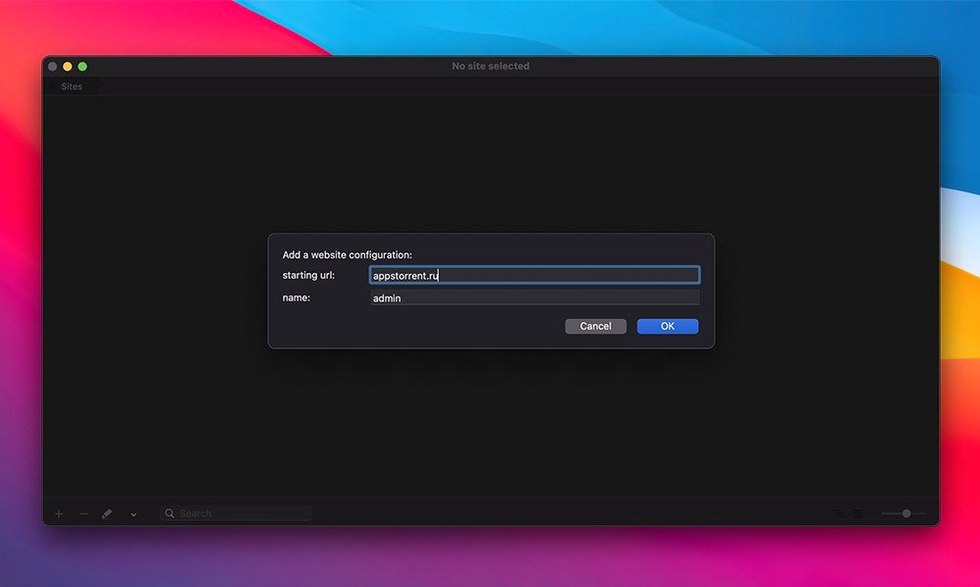
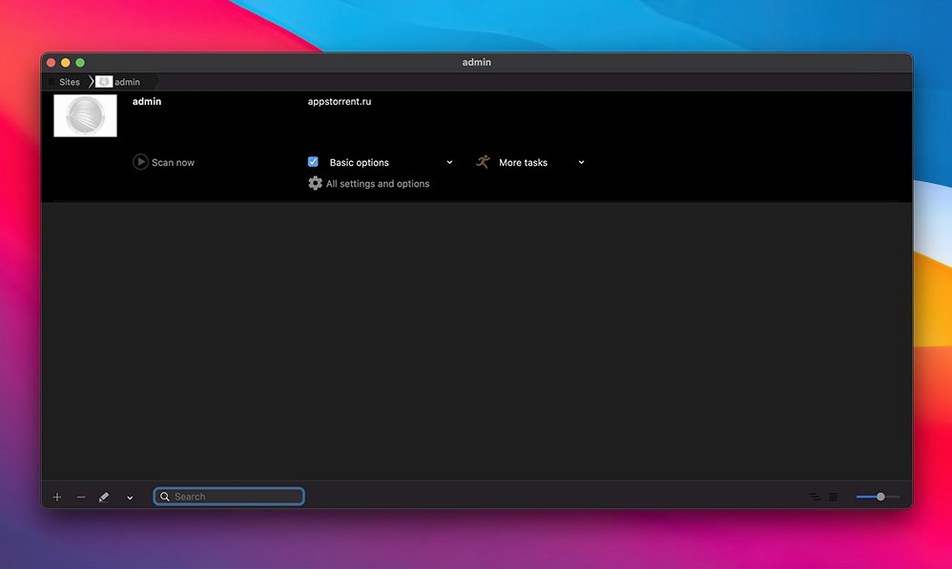
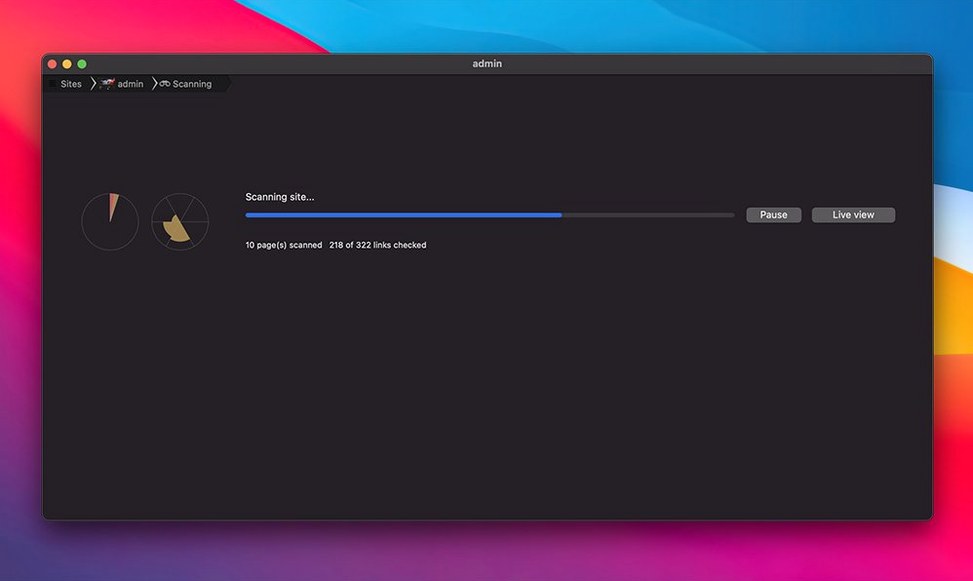
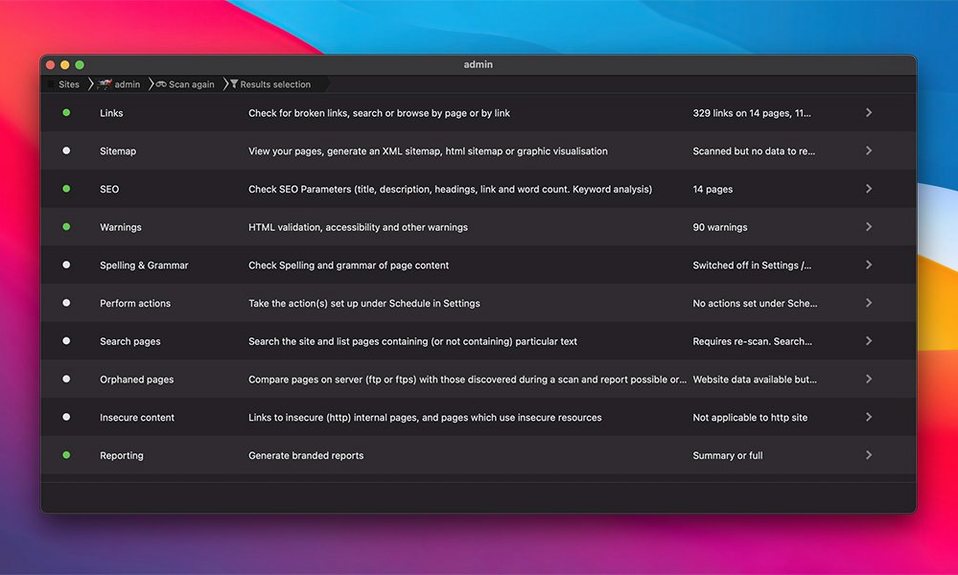
Nothing makes a small site look neglected like a broken link or a page full of sloppy markup. Scrutiny 12 crawls your site so you can find those problems before your visitors do.
Check links
Scrutiny checks both internal and external links across multiple URLs, then logs what needs attention. Alerts and logging mean you can keep an eye on things over time.
Validate pages
It checks your HTML and reports issues that could trip up browsers or search engines. Retina display support keeps the reports crisp while you work through them.
Build sitemaps
Generate XML, HTML, CSV, or DOT sitemaps from a crawl. The app is part of the Scrutiny and Integrity family of Mac crawling tools, alongside Integrity Pro, Integrity Plus, and Integrity.
Little things that speed up a crawl
A few shortcuts are easy to walk right past. You can double‑click any row in the link table to open that URL in your default browser — no right‑click menu needed. While a crawl is running, pressing Space pauses and resumes it, which is handy when you spot something mid‑scan and want a closer look before the list scrolls further.
If you drag a folder of saved HTML files onto the Scrutiny window, it treats them as local pages and crawls the links between them. That’s a quiet feature many people miss, and it’s useful for testing a static site before it goes live.
Bump simultaneous requests for faster scans
The defaults are sensible, but a couple of tweaks make the tool feel more like yours. In Preferences, under Crawl, bump the Simultaneous requests number up to 8 or 12 if your host can handle it — scans finish noticeably faster on most modern servers. Under Reports, switch the default export format to whichever one you actually use, so you aren’t re‑selecting it every time.
If you’re working on a site that blocks generic crawler user agents, head to Advanced and set a custom user‑agent string that matches a real browser. It’s one of those settings that saves a round of head‑scratching when pages come back with 403 errors for no obvious reason.
Where Scrutiny fits with other apps
Scrutiny plays nicely with the rest of your toolkit in ways that aren’t shouted about. You can pipe a finished crawl straight into an AppleScript that renames the report and files it in a project folder, or uploads the XML sitemap via FTP with zero manual steps. The scheduled‑run option ties into that: set it for 2 a.m. on Sunday, and a fresh sitemap lands on your server before anyone notices.
If you use a text editor like BBEdit or CotEditor, opening an exported link list as a plain‑text file lets you search and filter URLs with tools you already know. The HTML report doubles as a lightweight task list — mark bad links as fixed, re‑crawl just those pages, and the updated report tells you what’s left.
For teams that keep an eye on errors over time, the logging output drops right into a shared folder watched by a monitoring dashboard, or you can have it email a summary to a support address after every scheduled run. It doesn’t try to be a full project‑management tool, but it hands off clean data to the ones you already have.
Scrutiny 12.13.1 is out, bringing the developer's latest fixes and improvements for a smoother site-checking run.
- macOS 10.14 (Mojave) or later
- Runs natively on both Apple Silicon and Intel 64-bit Macs
Notes from other shops 0
Sign in or open a shop account to leave a note.
No notes yet. If you've used this on a shop Mac, tell me how it went.