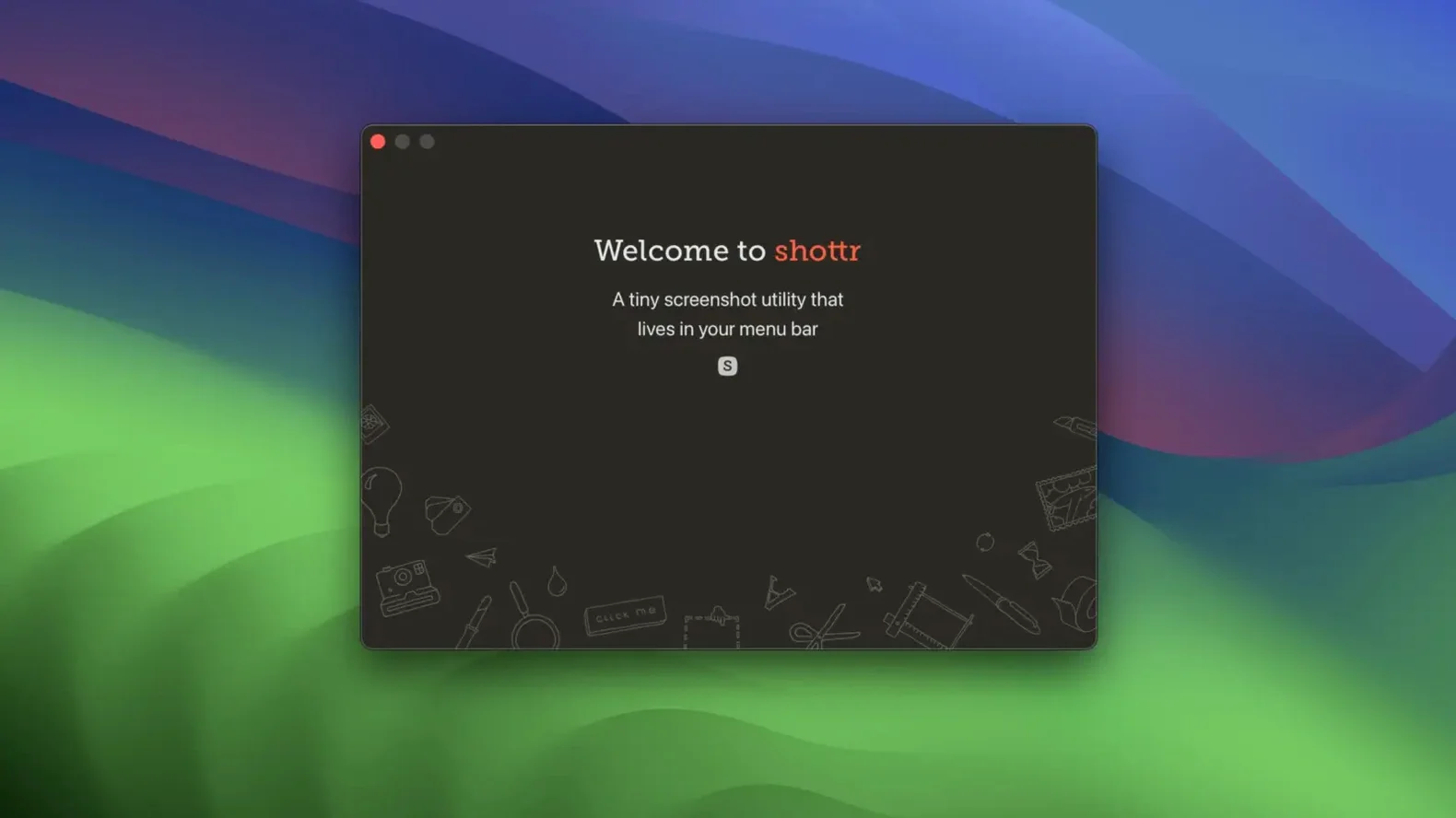
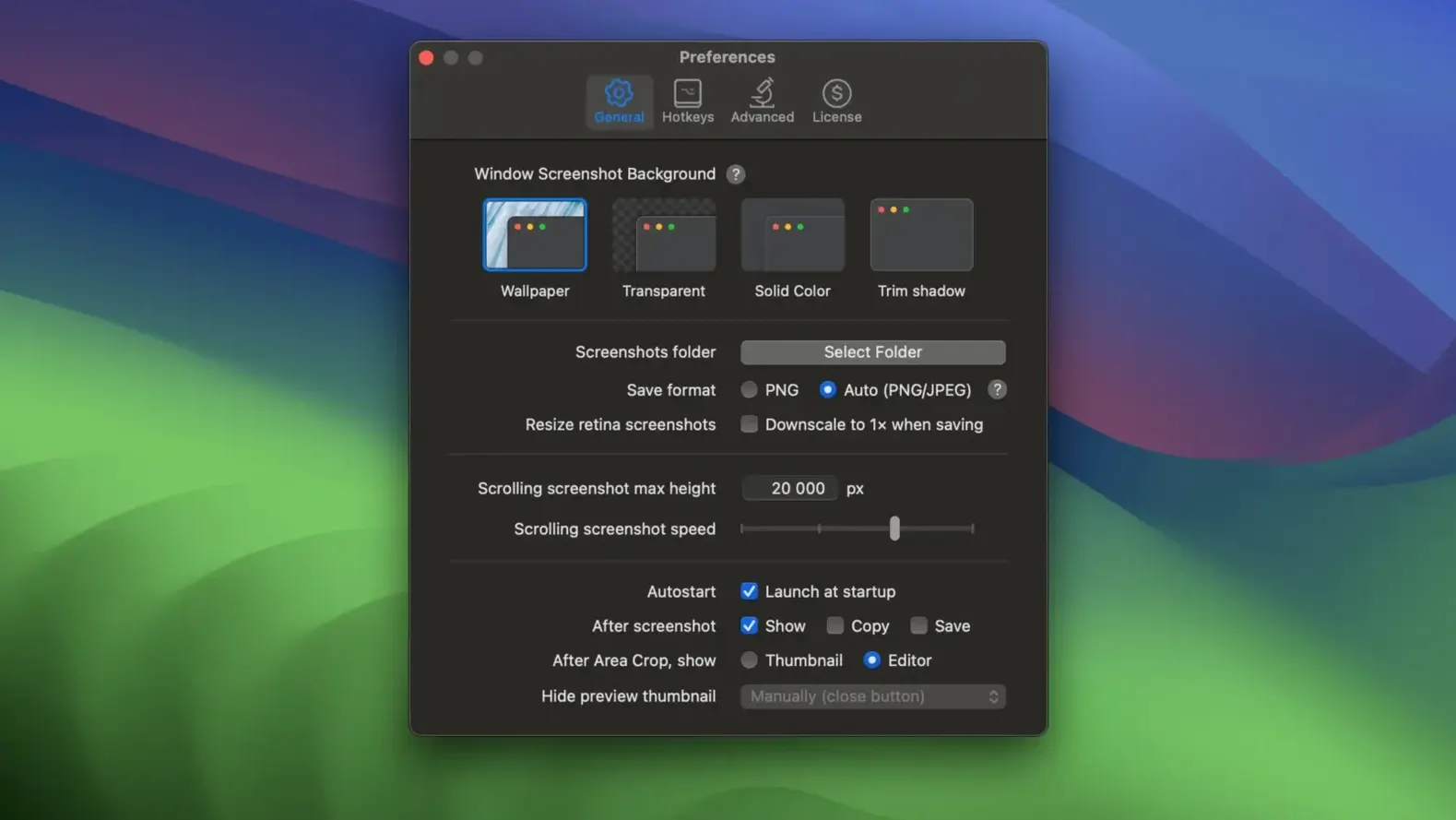
Shottr 1.9.2 needs just 10.15 Catalina or newer and is built for both Intel and Apple silicon Macs. The core toolkit hasn't changed this release, so what you get is a settled, fast screenshot companion that stays out of your way until you call it with a keyboard shortcut.
Capture full-page scrolls and measure pixels with a ruler
- Grabbing a full scrolling web page or chat thread in one tall image
- Measuring on-screen spacing with the vertical and horizontal ruler instead of counting pixels by eye
- Reading QR codes directly from a screenshot without opening a separate scanner
- Pinning a reference shot as an always-on-top floating window while you work in another app
- Zooming in to pixel level to check alignment or tiny details
- Overlaying one image onto a screenshot for quick before-and-after comparisons
English-only interface and screenshot-based OCR
- The interface is English only
- OCR extracts text from your shots, but it works within a screenshot workflow—not as a standalone batch document scanner
- The installer is a simple disk image: you drag the app to Applications and launch it from Launchpad
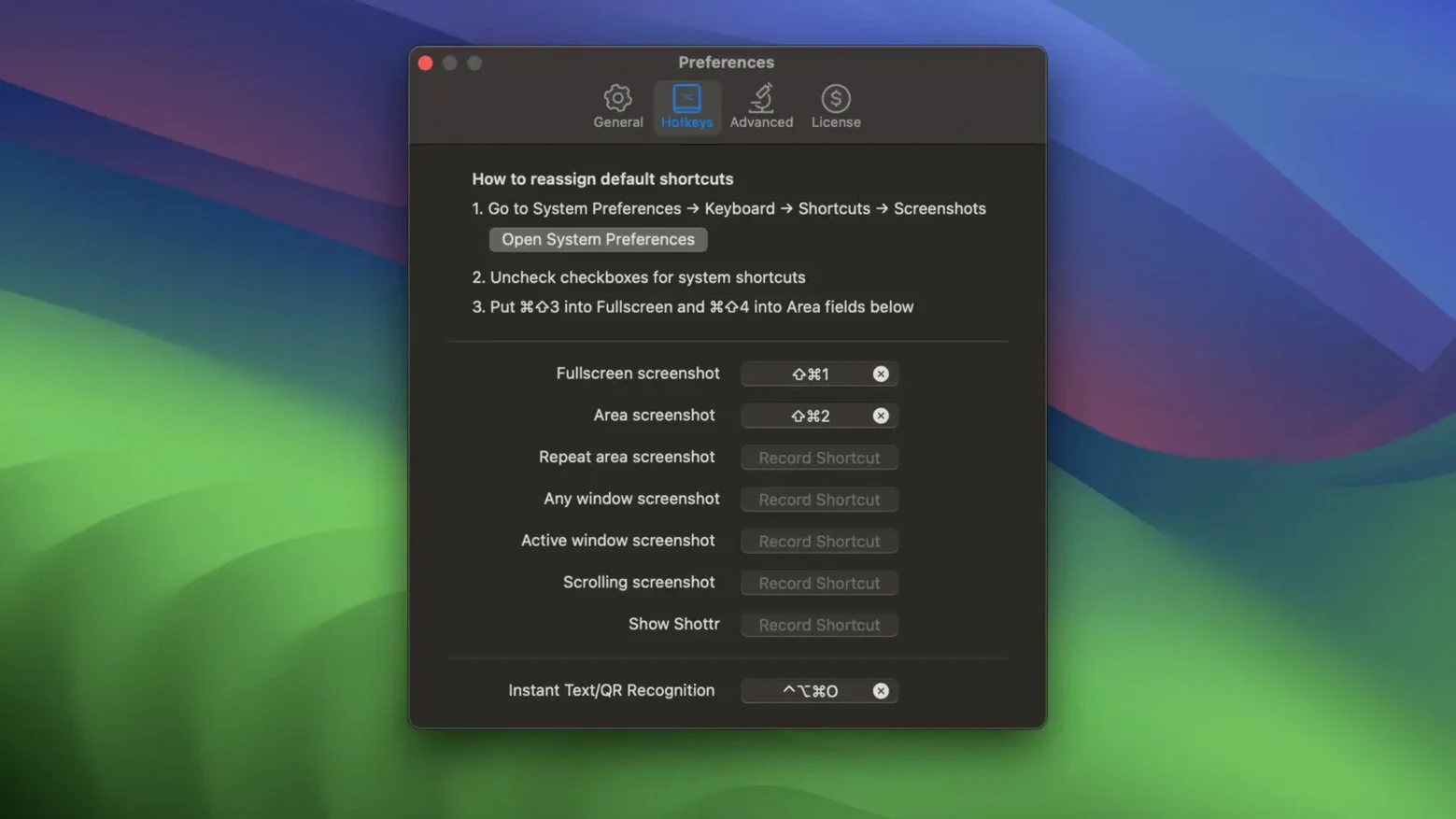
It won’t hijack your macOS screenshot shortcuts
Will it fight with the built-in macOS screenshot tools? No — Shottr doesn't overwrite the system shortcuts unless you tell it to. You can set your own key combo during setup, and the app sits quietly in the menu bar. You can even keep using Shift-Command-4 for quick grabs and only call Shottr when you need annotations, scrolling capture, or OCR.
Is it heavy on resources? Not at all. It's a native app tuned for Apple silicon and older Intel Macs alike. You won't see a background process hogging CPU when the app is idle, and it launches fast from a cold start. If you're working on an older MacBook Air that already groans under browser tabs, Shottr won't add to the problem.
What about privacy for cloud uploads? Uploads are optional — you trigger them manually, not automatically. Nothing leaves your machine unless you click the upload button and choose the service. Locally saved shots stay local, and the OCR engine runs entirely on-device, so text recognition doesn't phone home.
A few people search for Shottr torrent macOS to try before they commit, and the straightforward installer from the disk image is a clean drag-and-drop affair. No activation hoops, no license key to paste, just the app in your Applications folder ready to launch.
Pick a hex color right on the screenshot
- Color picker without leaving the screenshot. Hover over any pixel during or after a capture and the hex code appears — click to copy it. Handy when you're matching a UI element and don't want to open a separate color tool.
- Command-S to save where you want. The default save location is fine, but muscle memory for
Command-Sworks here too, and you can pick any folder on the fly without digging into preferences first. - Spotlight and highlight are two different tools. The spotlight effect dims everything outside a circle or rectangle you define, while the highlighter is a translucent brush stroke. Use spotlight to focus attention on one button; use the highlighter to mark a sentence in a captured paragraph.
- Image overlay isn't just for comparisons. Drop a watermark PNG onto a shot, or layer your logo in the corner before sending a client draft — the overlay stays editable until you export.
- Ruler measurements follow your zoom level. Zoom in tight for pixel-accurate spacing, and the ruler tick marks adjust accordingly. It works horizontally and vertically, so checking padding on a mockup takes seconds.
Annotating a UI mismatch for a developer
You're preparing a UI feedback note for a developer. A design mockup sits in Figma, and there's a live build open in your browser that doesn't quite match it.
1. Grab the mockup region. You press your Shottr shortcut, drag a rectangle around a card component in Figma, and release. The capture opens in the annotation window instantly — no intermediate preview step.
2. Pin it for reference. You click the pin button, and the shot floats above all other windows, always visible. You drag it to the right side of your screen so it stays in sight while you switch to the browser.
3. Capture the live build. Same shortcut, this time selecting the same card on the live site. The new shot opens in a second annotation window.
4. Measure the spacing discrepancy. You grab the vertical ruler, drag from the top edge of the card to the heading baseline on both shots. The pixel counts don't match. You jot down the difference in a sticky note — no need to export numbers; the ruler tells you right there.
5. Annotate the issue. On the live-build screenshot you draw a red freehand circle around the misaligned heading, add a text note "padding-top: 18px should be 24px," and use the spotlight tool to dim everything except the problem area. The developer will see exactly what you mean without opening Figma.
6. Save and send. You hit Command-S, drop the annotated shot into your project folder, and attach it to a task comment. Total time from first grab to sent feedback: under two minutes.
Shottr 1.9.3 is a tidy maintenance release with the developer’s latest bug fixes and polish.
- macOS 10.15 or later
- Apple Silicon or Intel 64-bit Mac
Questions from the stall
Can Shottr measure distances on my screen?
Yes, it includes a screen ruler that measures vertical and horizontal distances in pixels, so you can check spacing without guessing.
Notes from other shops 0
Sign in or open a shop account to leave a note.
No notes yet. If you've used this on a shop Mac, tell me how it went.