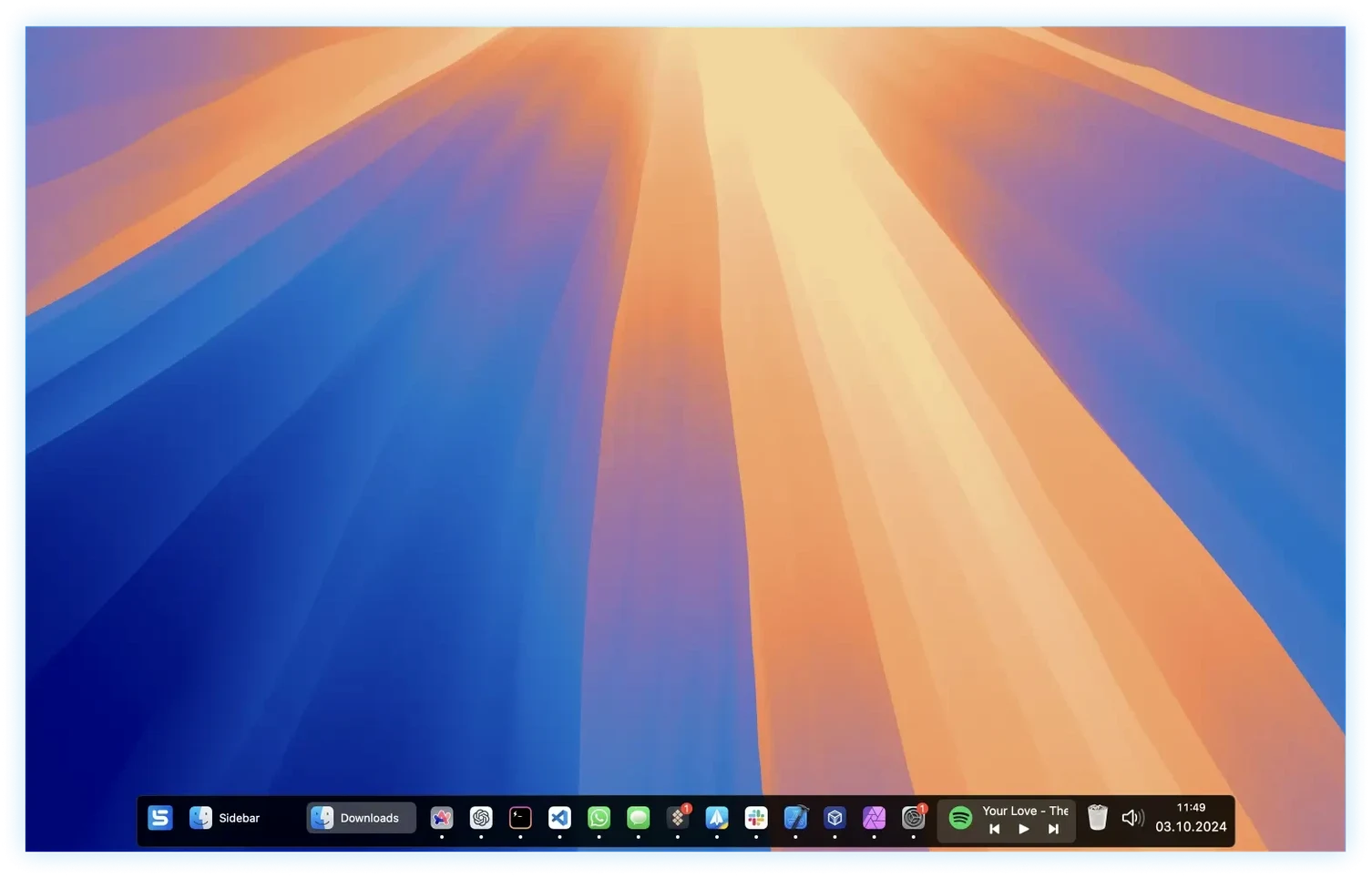
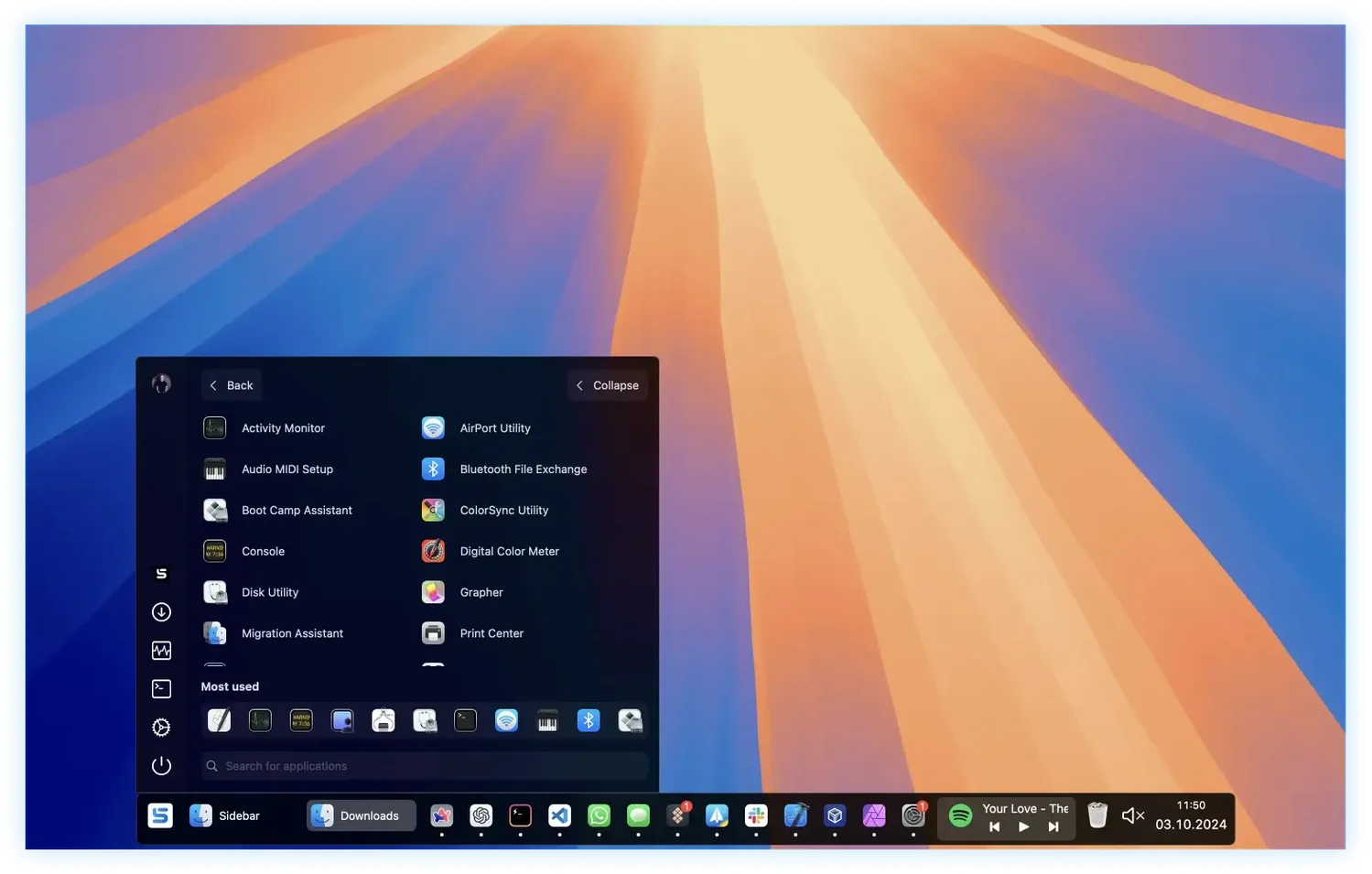
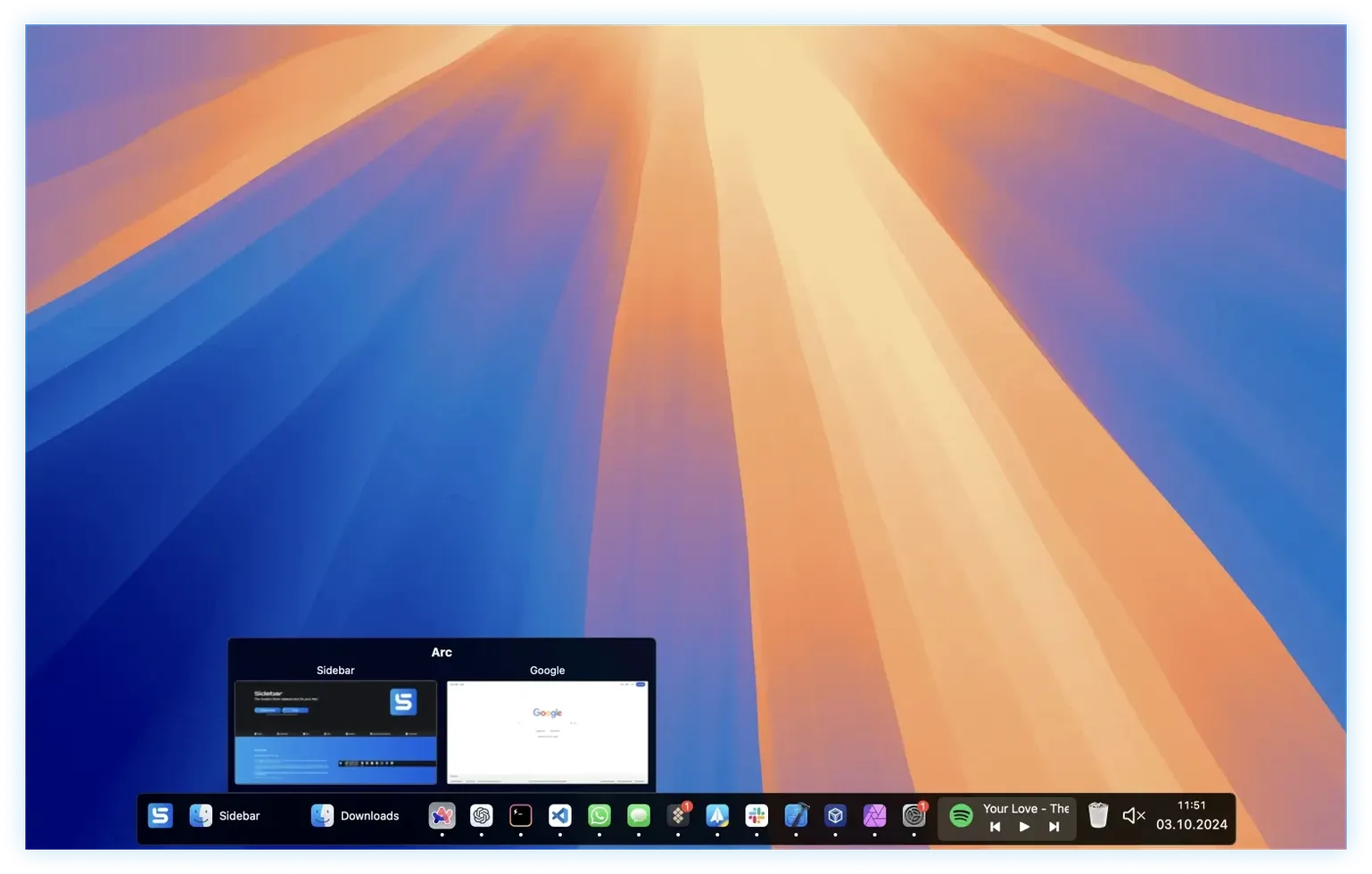
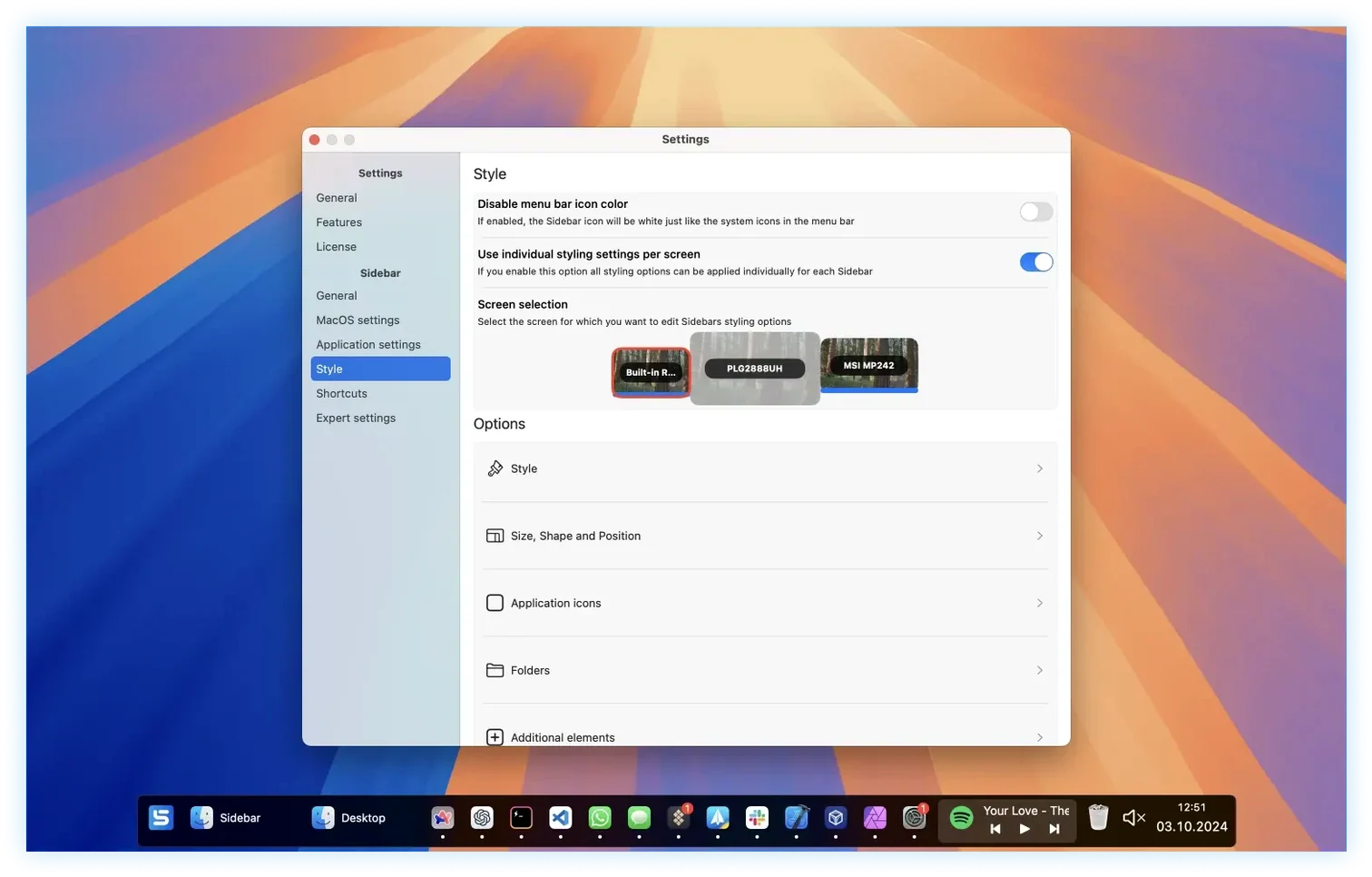
Sidebar tends to click fastest with people who've already outgrown the Dock — designers juggling a dozen apps, developers who want a launcher that stays put, or anyone who runs a second display and finds the default setup clumsy. It swaps the familiar bar for a persistent sidebar you can pin to one screen, a portion of the screen, or the full edge. The result is a workspace that feels deliberately arranged rather than inherited from Cupertino.
Tools you'll actually reach for
Beyond launching apps, Sidebar gives you a few controls that cut out trips to the menu bar or Control Center. You can adjust system volume right from the sidebar, and playback controls for running apps — Music, Spotify, whatever's active — live there too. A compact calendar sits inside the panel, so checking a date doesn't mean opening a separate app or clicking the menu bar clock. These small consolidations add up when you're trying to stay in flow.
How it handles windows and clutter
The window preview behavior is one of those features that feels obvious once you use it. Hover over any app icon and Sidebar shows previews of all its open windows, which makes picking the right Safari tab group or Sketch file much faster than hunting through Mission Control. Apps and folders can be bundled into stacks — think a group for writing tools, another for image editors — so the sidebar stays lean even when you've pinned thirty things. For an experienced user, Sidebar 2.2.5 for Mac is less about replacing the Dock and more about having a faster, quieter way to navigate everything that's running.
Tapping ⌘1 to pull up my writing stack
I open the Mac and Sidebar is already there on the left edge of the main display — pinned, persistent, not hiding behind windows. I tap ⌘1 to pull up my writing stack: Ulysses, Notes, Safari. No Dock animation, no hunting.
Next I drag a Finder folder for client assets onto the sidebar. It becomes a stack automatically. A short hover shows the folder contents without opening a window, so I grab the latest mockup and drop it into a message.
Mid-morning I plug in the second monitor. Sidebar's configuration for that screen kicks in — a narrower panel on the right edge, with just a calendar, playback controls, and the Trash. The panel reserves its space, so when I snap a browser window full-screen it stops at the sidebar edge instead of sliding behind it.
By afternoon three browsers and a Figma file are open. I hover over the Safari icon, see five window thumbnails, and pick the one showing a shared style guide. Two clicks later I'm back in the layout. Volume gets nudged down from the sidebar when a call comes in; mute is a single press. I never opened the menu bar once.
Each display keeps its own set of controls
Multi-monitor Mac users notice the difference first. The Dock can only live on one screen and loves to jump around; Sidebar gives each display its own set of controls and keeps them where you placed them. Anyone who switches between a laptop and a desktop setup will appreciate that the per-screen settings stick — unplug the external display and your laptop sidebar stays exactly as you left it.
People who rely on keyboard shortcuts and macos sidebar workflows find the app launcher and assignable shortcuts particularly useful, but even a more visual worker who prefers hovering to typing benefits from the window previews and stacks. If you've ever searched “sidebar torrent mac” trying to find a Dock alternative that doesn't feel bolted-on, this one is built to feel native — just more thoughtful than what ships with the system. Creative pros, developers, and anyone with a macos sidebar habit from other operating systems tend to stick with it longest.
- macOS 12 (Monterey) or newer
- Works on both Apple Silicon and Intel Macs
Questions from the stall
Which versions of macOS does Sidebar 2.2.5 support?
Sidebar 2.2.5 requires macOS 12 (Monterey) or later and runs on both Intel and Apple Silicon Macs.
Notes from other shops 0
Sign in or open a shop account to leave a note.
No notes yet. If you've used this on a shop Mac, tell me how it went.