
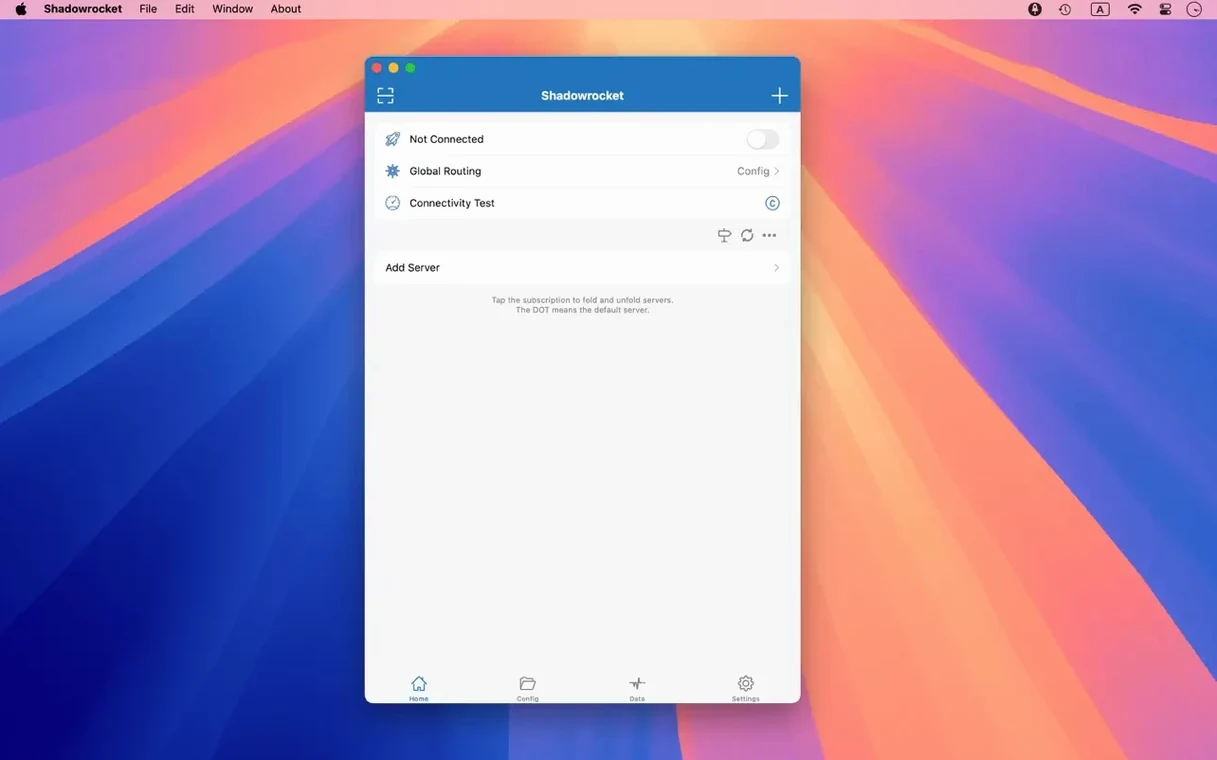
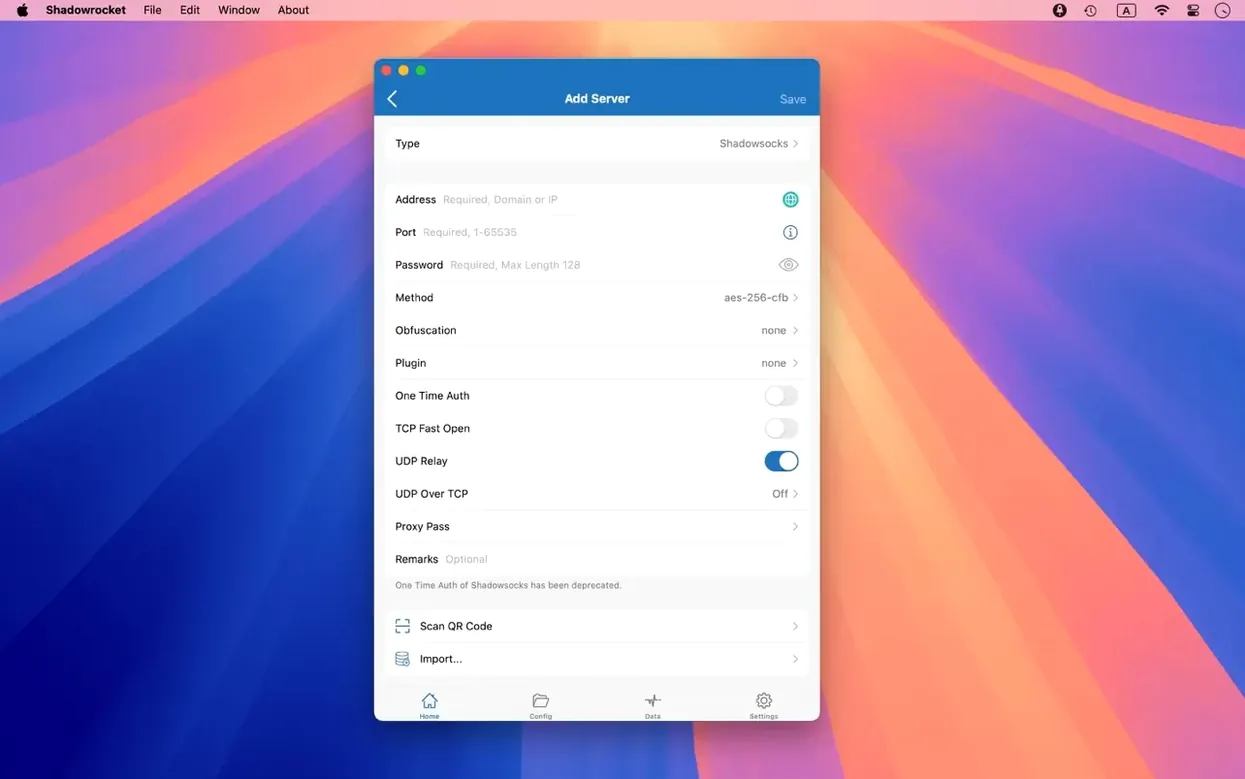
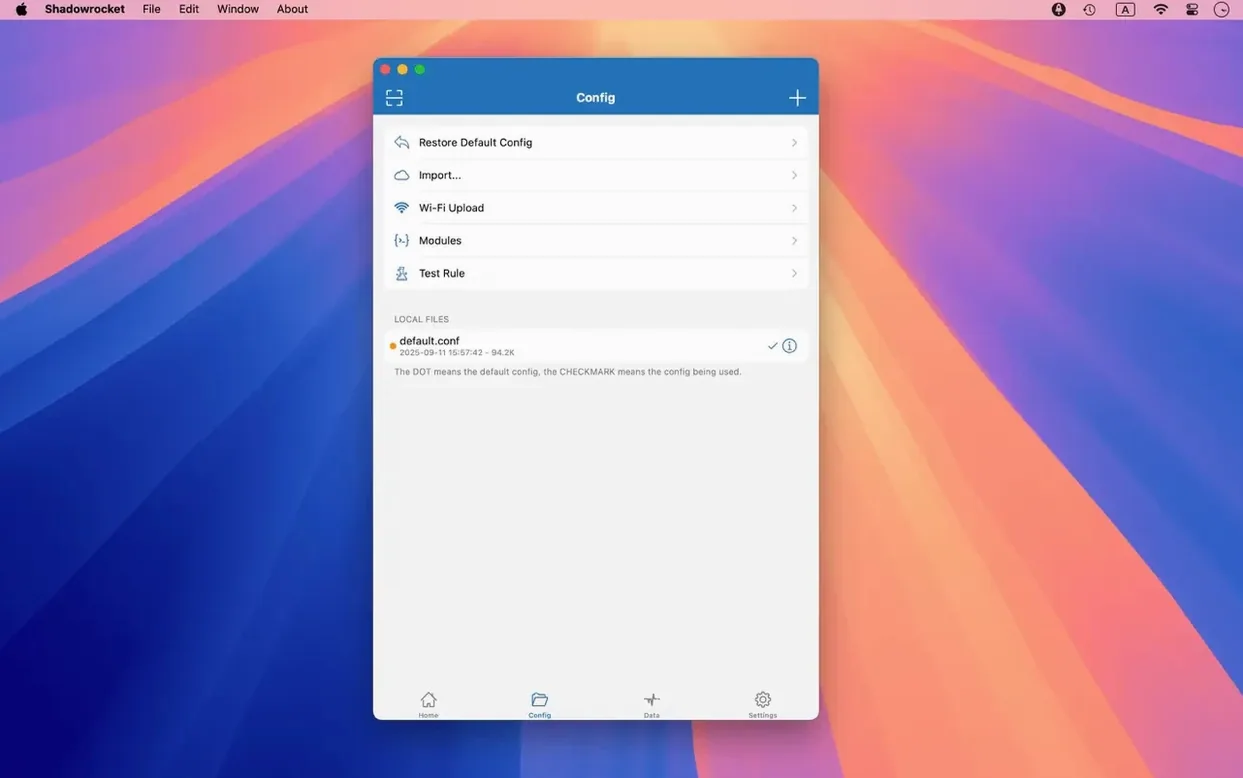
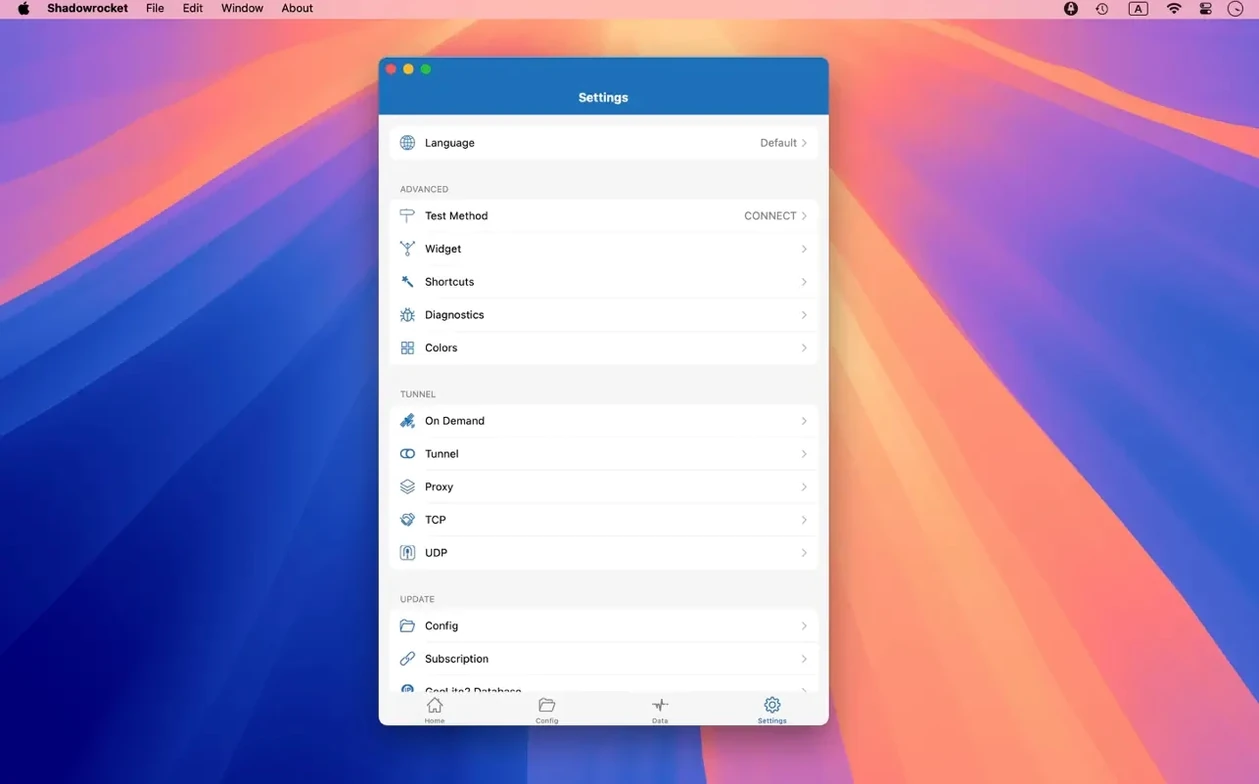
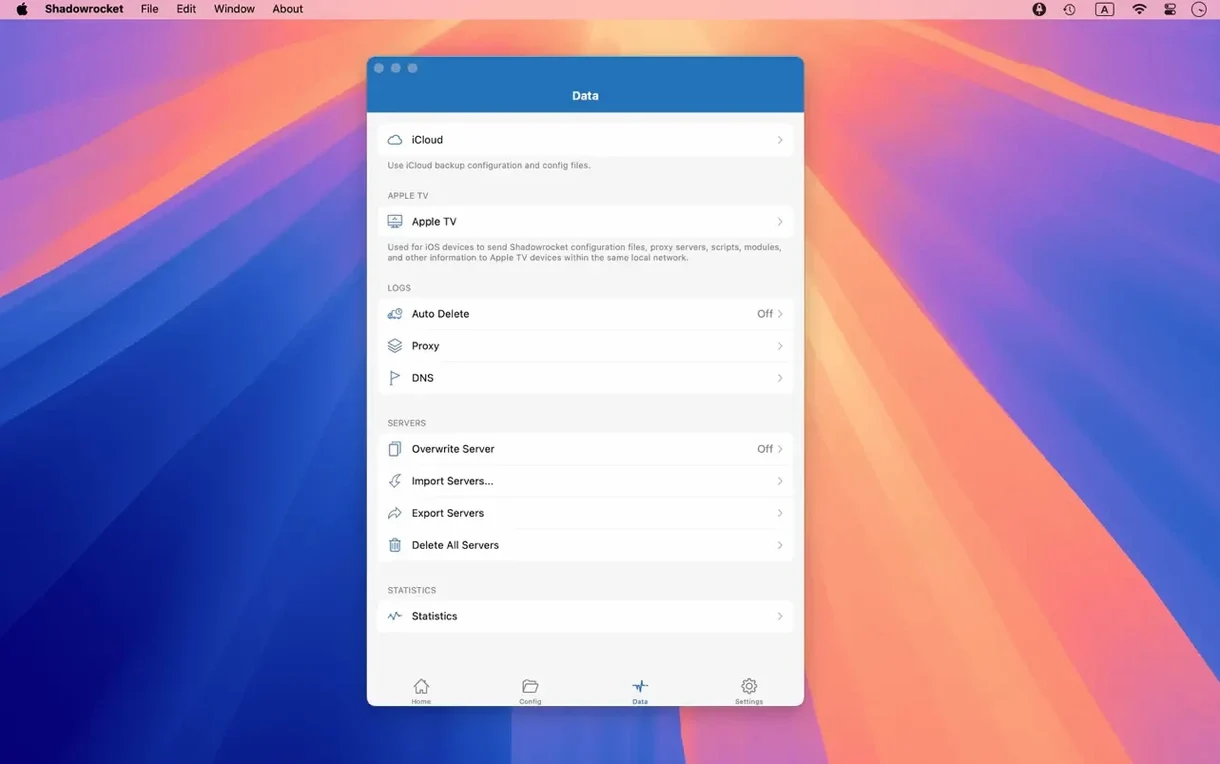
Shadowrocket is built for people who need fine-grained control over how their network traffic leaves a Mac. It sits next to your usual browser and desktop apps, intercepting HTTP, HTTPS, and TCP connections and forwarding them through a proxy server according to rules you set. Freelancers testing geo-specific sites, developers routing API calls through a staging network, or anyone behind a restrictive firewall will find it slots neatly into a toolbox alongside Safari, Terminal, and a code editor.
Route only specific traffic through a proxy
Rather than forcing all traffic through one tunnel, Shadowrocket lets you define conditions. You can route only traffic matching a domain suffix through a proxy while your email client and iCloud sync stay on a direct connection. The rule system works on domain matches, domain keywords, CIDR IP ranges, and GeoIP lookups. It also supports URL rewriting and local DNS mapping, so you can override how specific hostnames resolve without touching your system-level network settings.
Block in-app ads system-wide
Practical, everyday uses come to mind quickly. I'd set up domain-based ad blocking to clean up apps that ignore system-wide content blockers. I'd use the HTTPS decryption capability to inspect a misbehaving web service during debugging. The traffic measurement tools let you compare speed on a direct Wi‑Fi connection versus a proxy, which is handy when you are troubleshooting why a particular service suddenly feels slow. Plugin support for kcptun, cloak, gost, and v2ray keeps it adaptable to different server setups without switching tools.
Runs natively on Apple Silicon Macs
One of the first things Mac owners want to know is whether Shadowrocket runs on Apple Silicon. It does — the build supports both ARM and 64‑bit Intel Macs natively, so there is no emulation layer to worry about. Another common question is which proxy protocols are included. Shadowsocks, V2Ray, and SOCKS5 are all supported out of the box, which covers most setups a creator or small team is likely to encounter.
The macOS version does not require you to jailbreak anything or disable System Integrity Protection. It works as a standard app on macOS 10.15 or later. People also ask about DNS privacy, and here the app supports DNS over HTTPS, DNS over TLS, and DNS over QUIC — so your name lookups can stay encrypted even before traffic hits the proxy. As for whether it can import existing rule sets, you can pull them in from a URL or iCloud Drive, which makes it easy to share configurations across machines.
Menu bar and Dock annoyances tidied up
Version 2.2.92 is a maintenance release, but it tidied a few interface rough edges that had become daily annoyances. The server table now handles multiple selection more cleanly, and the menu bar and Dock icon behavior were fixed — small things that make the app feel less like it is fighting the macOS UI conventions you rely on without thinking. When you are switching between proxy configurations a dozen times a day, those refinements add up.
Earlier iterations brought full IPv6 support and the script filter system, both of which matured over time. If you have been using an older build, moving to the current version means you will not trip over selection glitches when editing server lists, and the app will sit more predictably in the Dock during long work sessions.
First days with Shadowrocket
Start with a single, simple rule. Pick one domain suffix that should go through your proxy and leave everything else on a direct connection. This lets you verify your server credentials and plugin configuration before you layer on complex GeoIP or CIDR rules. Once that works, enable the traffic measurement display and watch the speed difference between your direct Wi‑Fi connection and the proxy route — it is a quick way to spot if a particular server is underperforming.
Next, import your existing ad‑blocking domain list or build a short one from scratch. Shadowrocket can block by domain and by user‑agent pattern, so start with a handful of entries and check that nothing you actually need gets caught. After a day or two, turn on the HTTP, HTTPS, and DNS request logging to get a feel for which apps on your Mac are phoning home. That visibility often leads to better rule decisions on day three or four.
Tip: Keep a plain‑text backup of your rule set on iCloud Drive before experimenting with URL rewriting or HTTPS decryption. It is much faster to re‑import a known‑good configuration than to retype rules while you learn how the script filters behave.
Version 2.2.92 tidies up the macOS experience. The server table, menu bar item, and Dock icon all received UI bug fixes so the interface feels more reliable day to day.
- macOS 10.15 or newer
- Runs natively on Intel and Apple Silicon Macs
- Interface languages: Russian, English, Vietnamese, Traditional Chinese, Simplified Chinese, Korean, Japanese
Questions from the stall
Can Shadowrocket block ads on my Mac?
Yes, it supports ad blocking by domain and user-agent rules that apply to all traffic passing through the proxy.
Does Shadowrocket support modern DNS encryption?
It supports DNS over HTTPS, DNS over TLS, and DNS over QUIC, keeping your DNS queries private.
Which plugins does Shadowrocket work with?
It supports kcptun, cloak, gost, and v2ray plugins for connecting to a variety of proxy server types.
Notes from other shops 0
Sign in or open a shop account to leave a note.
No notes yet. If you've used this on a shop Mac, tell me how it went.