
Researchers, designers, and anyone who needs a reliable offline copy of a web project reach for SiteSucker. It pulls down pages, images, PDFs, and stylesheets, then recreates the site's folder structure right on your own drive so everything stays linked and browsable.
Grabbing a whole site for offline reference
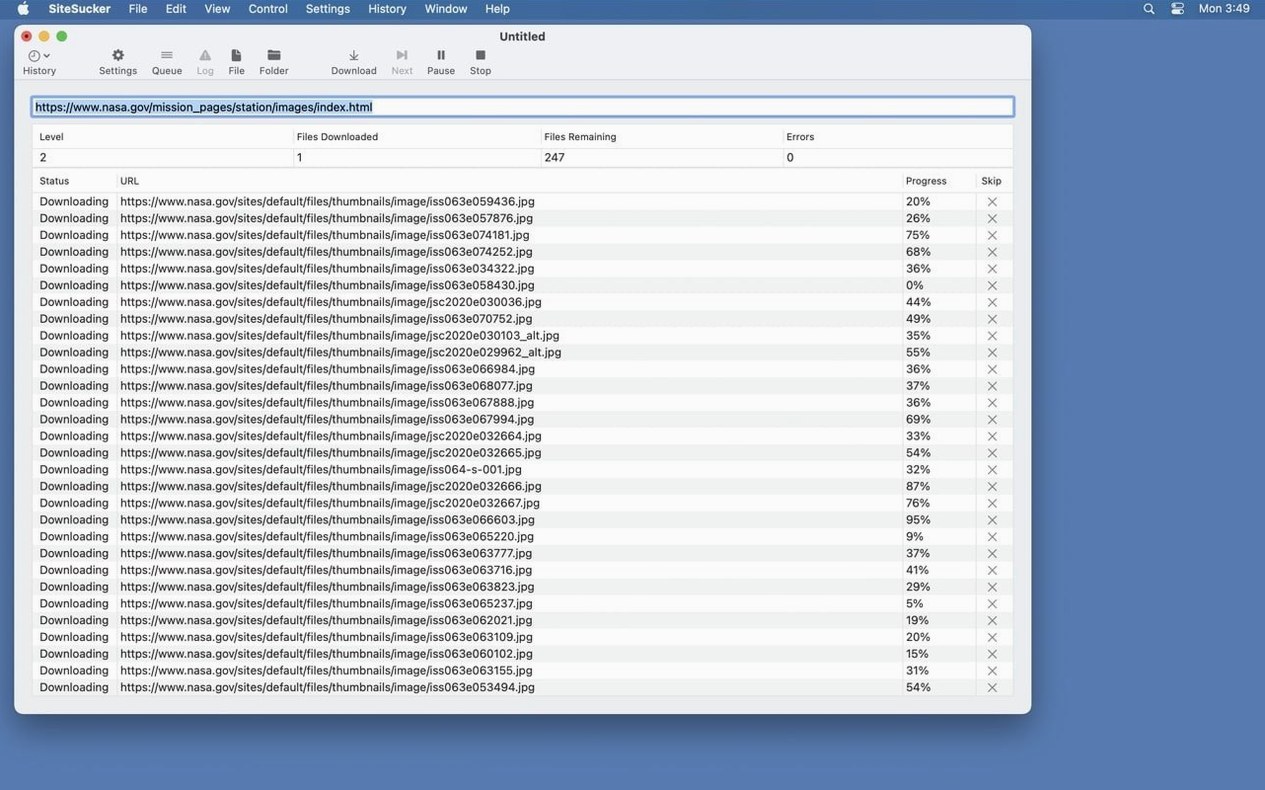
Give SiteSucker a URL and it quietly copies everything it finds, keeping the internal links intact. You get a working local snapshot you can browse without an internet connection.
Fine-tuning what gets downloaded
The Paths settings let you force certain file types or page links to download, or skip sections you don't need. It's a practical way to trim the fat from a large site before you commit to the copy.
Pulling down embedded video
The Pro edition reaches further, downloading embedded YouTube and Vimeo clips alongside the pages that host them. That's the main reason a content archivist or tutorial collector upgrades.
Does it hog disk space and work offline
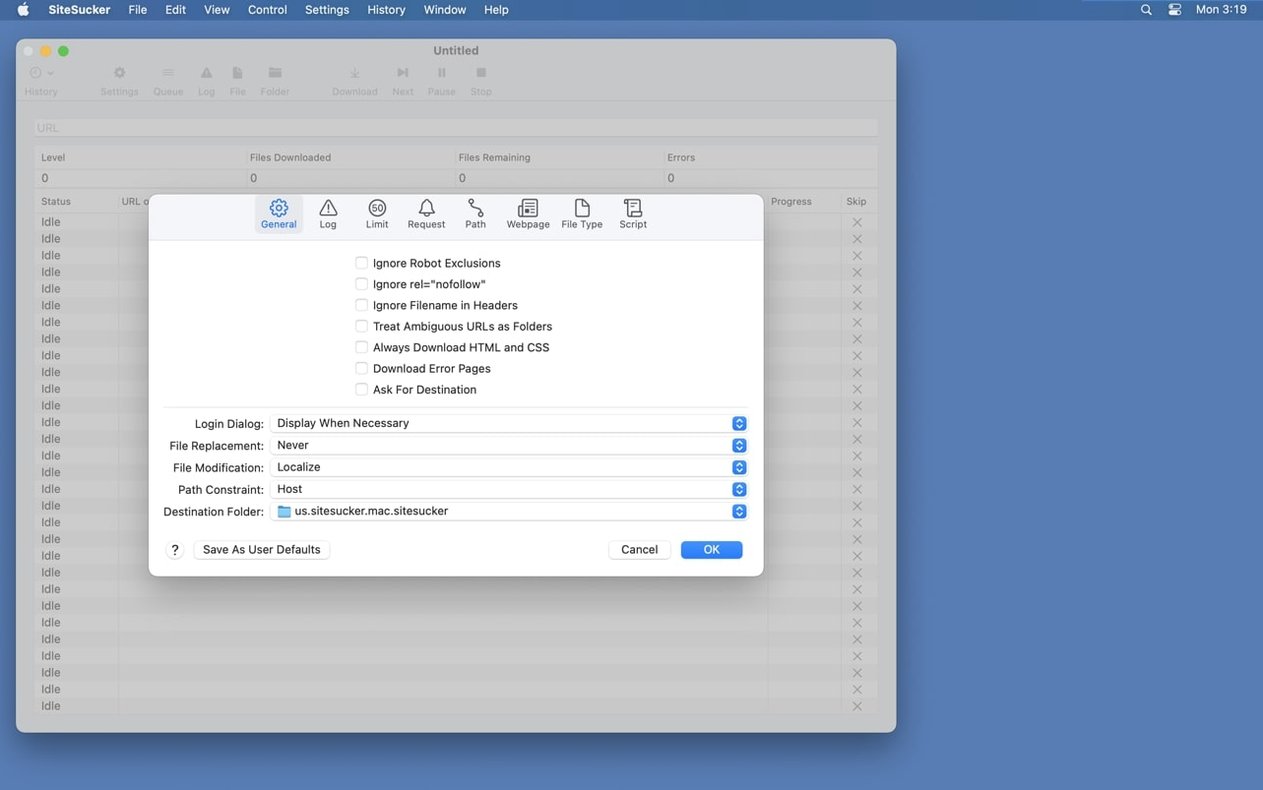
Most questions I hear boil down to two things: how much disk space it'll eat and whether a downloaded site really works offline. On space, that depends entirely on the site you point it at — a text-heavy blog runs small, while a media-rich portfolio can climb into the gigabytes. The Limits settings are where you set a maximum file count and a minimum or maximum file size, so you can cap the footprint before it gets away from you.
As for offline browsing, yes, internal links work because SiteSucker recreates the directory structure locally. External links still point to the live web, so those won't open without a connection. People also ask about robots.txt. By default the app respects it, which is the polite thing to do, but if you have permission to archive a site you own, you can toggle that exclusion off in the General settings.
Another recurring question is whether sitesucker mac handles login-protected pages. It doesn't — this isn't a scraper for gated content. It works with publicly accessible URLs. For open research archives, documentation sets, or your own published work, that's usually enough.
Designers and devs pulling reference sites offline
The people I picture reaching for sitesucker pro regularly fall into a few clear camps. Designers and front-end developers use it to grab reference sites for mood boards or to study layout choices without relying on a browser's "Save Page As" shortcut, which often breaks CSS and misses assets. Because SiteSucker pulls stylesheets, images, and scripts in one pass, the local copy looks right.
Educators and researchers are another natural fit. A professor compiling reading packets from open-access journals can download whole article directories and browse them offline during a commute. The Pro edition's video support makes a difference here — embedded lecture clips from YouTube or Vimeo come along with the page, so the material stays complete.
If you're evaluating sitesucker mac free options, it's worth knowing the standard edition skips embedded video. That's the single biggest reason someone moves up to Pro. Archivists cataloging digital exhibits, musicians saving tutorial playlists, and hobbyists preserving old forums all benefit from that extra reach. It's also a solid fit for small-business owners who want a local backup of their own site before a redesign.
Start with a small 20-page site and watch the log
Start small. Don't feed it a 5,000-page wiki as your first test — pick a modest site you know well, maybe twenty pages deep, and let it run. Open the log (that Open Log button on the toolbar) in Console while it downloads. Watching the requests scroll past gives you a feel for what's being grabbed and what's skipped, and it surfaces broken paths early.
Next, spend ten minutes in the Paths settings. Add a rule that skips a section you don't need — tag archives on a blog, say — and run the same URL again. Comparing the two downloads teaches you more about the app's filtering than reading any manual will. The Advanced section's user-agent setting is another early tweak worth making. Switching from the default to Safari or Firefox can help when a site serves different markup to different browsers, and it's a quick change with real effect.
If you're using sitesucker pro mac for video, test a page with a single embedded clip first. Confirm the video file lands in the expected folder and plays back before you queue up a large playlist. The File Types section can be set to download everything or only the formats you choose — locking it to HTML, CSS, and video for a media-heavy project keeps the archive lean. One last tip: after a big download, spot-check a handful of internal links by opening the local HTML files directly. If a relative path breaks, you'll catch it early and can adjust the crawl depth or path rules before you rely on the offline copy.
Version 6.2.2 tidies up a few rough edges and adds a small but handy formatting control:
- Fixed bugs related to creating PDFs.
- Added a Format HTML option to Webpage settings.
- macOS 14.0 or later
- Runs on Intel and Apple Silicon Macs
Questions from the stall
Can SiteSucker Pro download videos from YouTube and Vimeo?
Yes, the Pro version specifically adds the ability to download embedded YouTube and Vimeo videos as part of the website copy.
Notes from other shops 0
Sign in or open a shop account to leave a note.
No notes yet. If you've used this on a shop Mac, tell me how it went.