
Rider is a cross-platform .NET IDE from JetBrains that brings the brains of ReSharper and the IntelliJ Platform to your Mac.
Open and explore any C# solution
Throw a largish .NET Framework, .NET Core, or Mono project at Rider and watch the code inspections light up. The built-in decompiler lets you peek inside libraries without leaving the editor, which is a great way to understand unfamiliar codebases.
Run the debugger on a unit test
Set a breakpoint inside a test method, then right-click the gutter and pick Debug. Rider’s testing tools recognise NUnit, xUnit, and TUnit frameworks straight away, so you can step through failing assertions with the same toolset you use for application code.
Attach the profiler to a Unity game
If you work with Unity, open a project and hit the Attach to Unity button. Rider connects its debugger directly to the editor, letting you inspect game scripts, set conditional breakpoints, and profile performance without switching windows.
Parsing C#, JavaScript, and Sass in one window
Rider clicks fastest for developers who split time between .NET back-end work and a front end written in JavaScript, TypeScript, or Sass. The IDE parses all those languages in one window, so you edit an ASP.NET Core controller and tweak a React component without juggling separate editors. Unity game developers on Mac also get a lot out of it — Rider’s Unity-specific inspections catch scripting mistakes that a generic C# editor would miss, and the debugger attaches to the Unity editor in a couple of clicks.
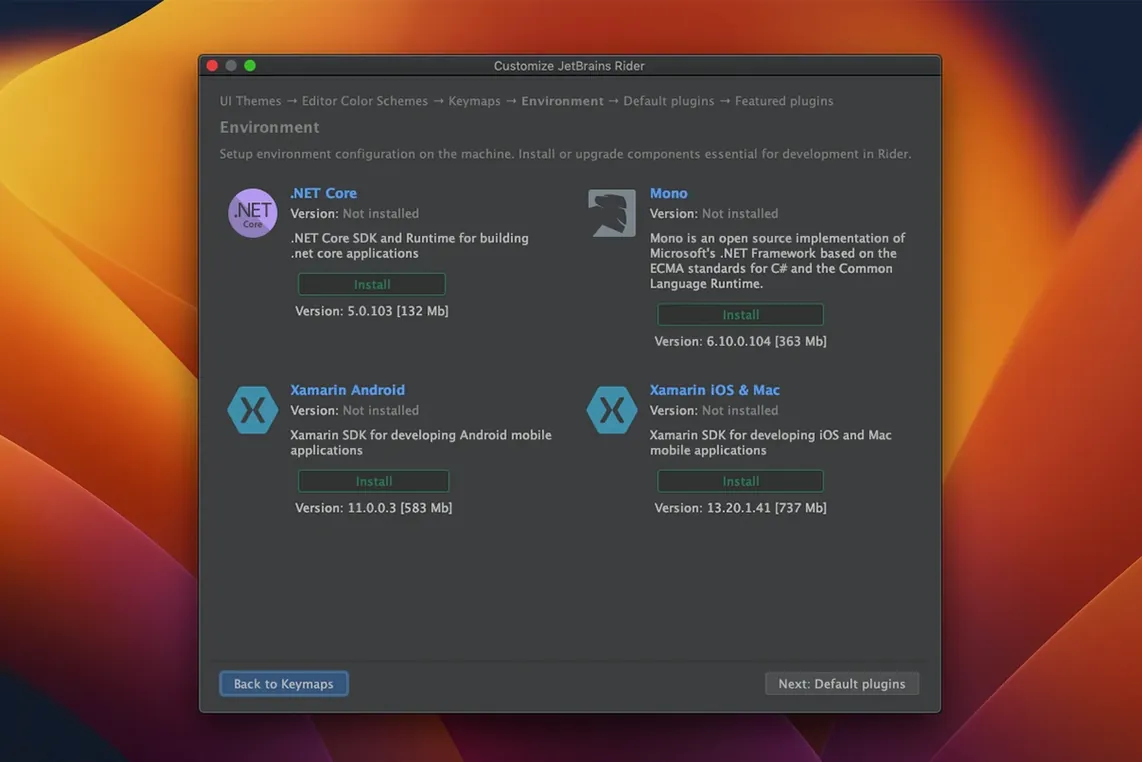
If you maintain older .NET Framework services alongside newer .NET Core apps, the cross-platform runtime support means you open both kinds of solution on the same machine without firing up a Windows VM. Xamarin mobile developers benefit too, because Rider understands Android and iOS project structures and gives you code completion that respects the platform-specific APIs. The common thread is this: Rider suits people who want deep .NET tooling without leaving the Mac ecosystem.
Opening a solution and seeing a teammate’s TODO flagged instantly
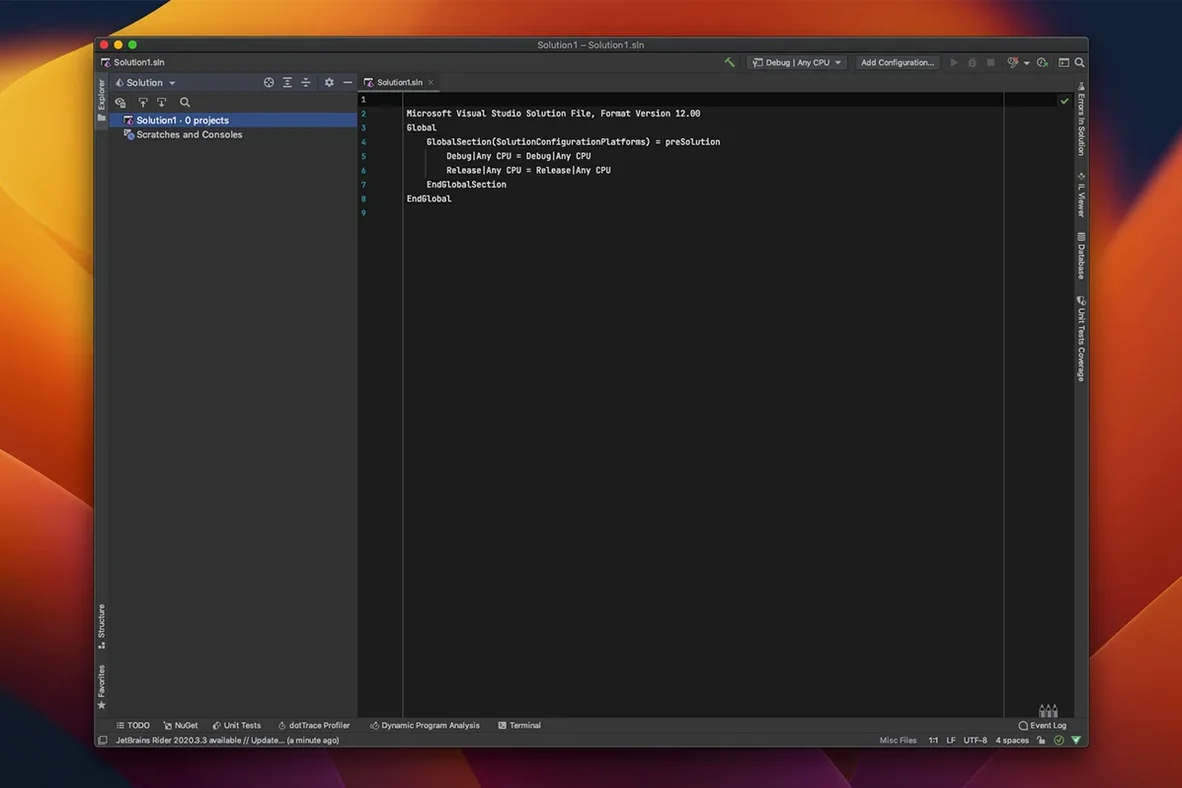
Imagine opening an ASP.NET Core solution after a morning coffee. The project tree populates in a second or two, and Rider starts indexing in the background.
- You open a controller where a teammate left a TODO comment. The inspections underline a disposed
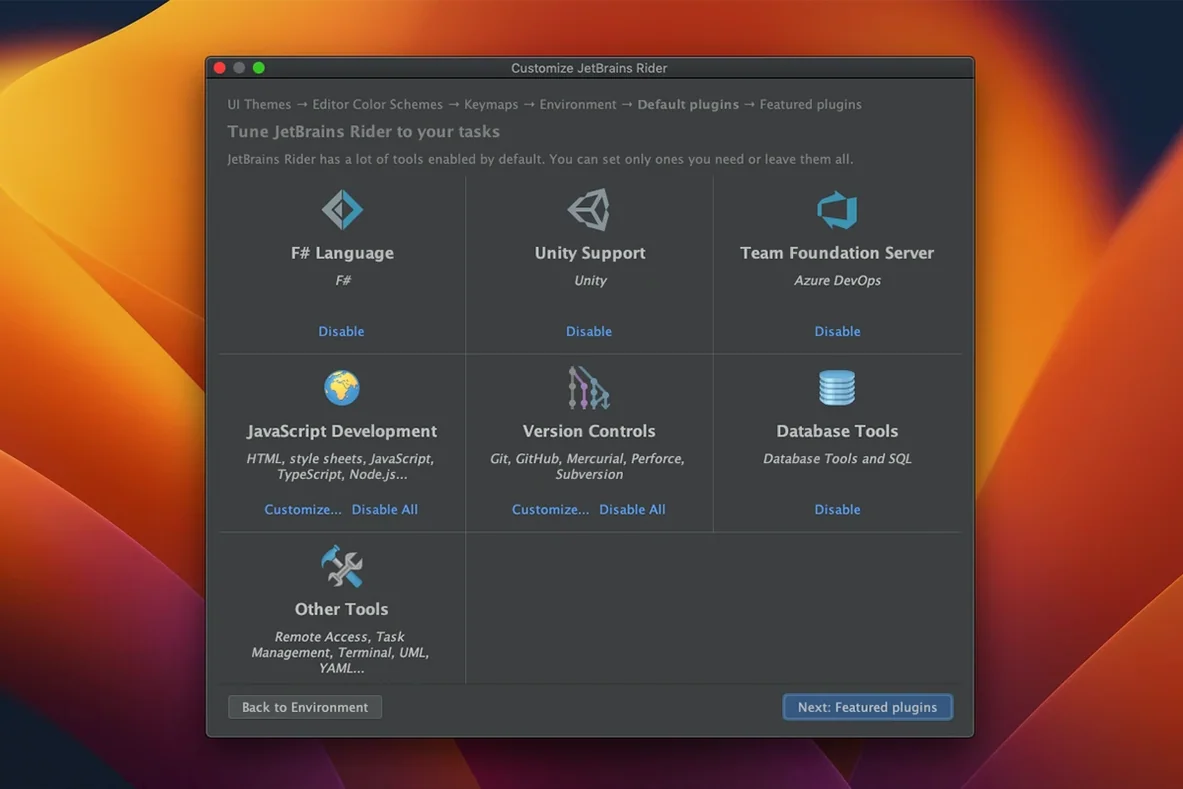
DbContextaccess right away, and you accept Rider’s suggested fix with a quick Alt+Enter. - You switch to the database tool window, run a SQL query against the local Postgres instance to verify the schema change, and see the result set inline — no external client needed.
- A unit test project catches your eye, so you run the full suite with the built-in test runner. One test fails, and the stack trace links directly into the source line that threw.
- You set a conditional breakpoint on a variable assignment, relaunch the debug session, and step through the request pipeline while watching the Locals panel update.
- Before committing, you open the Git tool window, stage chunks selectively, write a commit message, and push — all inside the same workspace.
No window-hopping, no separate diff tool. The flow feels cohesive because each step feeds into the next without a context switch.
Native Apple Silicon responsiveness without the Java-tool lag
Rider runs natively on both Apple Silicon and Intel Macs, and on an M-series machine the UI responds without the sluggishness some Java-based tools carry. Cold-start project indexing takes a minute or two on a large solution, but once the caches are warm, navigation and code completion feel near-instant. Memory use settles around a gigabyte and a half for medium-sized solutions, creeping higher when you open multiple database consoles or run a long debug session.
The 2026.2.2 release specifically addresses a macOS freeze that affected earlier builds, so the editor stays responsive even during heavy refactoring runs. Rider’s background processes — code analysis, NuGet restore, test discovery — rarely block the typing caret, and the status bar gives clear feedback when something is still indexing. For a tool that packs an entire ReSharper engine under the hood, it stays remarkably well-behaved on a MacBook, and I’d call it one of the most polished options for a rider macos free download if you’re building .NET projects on Apple hardware.
The developer's official release notes for version 2026.2.3.1 are up on their site with the full list of fixes and improvements.
- macOS 11 or later
- Works on both Apple Silicon and Intel 64-bit Macs
Questions from the stall
Does Rider include database tools?
Yes, Rider comes with built-in SQL and database support, so you can query and manage databases without leaving the IDE.
Notes from other shops 0
Sign in or open a shop account to leave a note.
No notes yet. If you've used this on a shop Mac, tell me how it went.