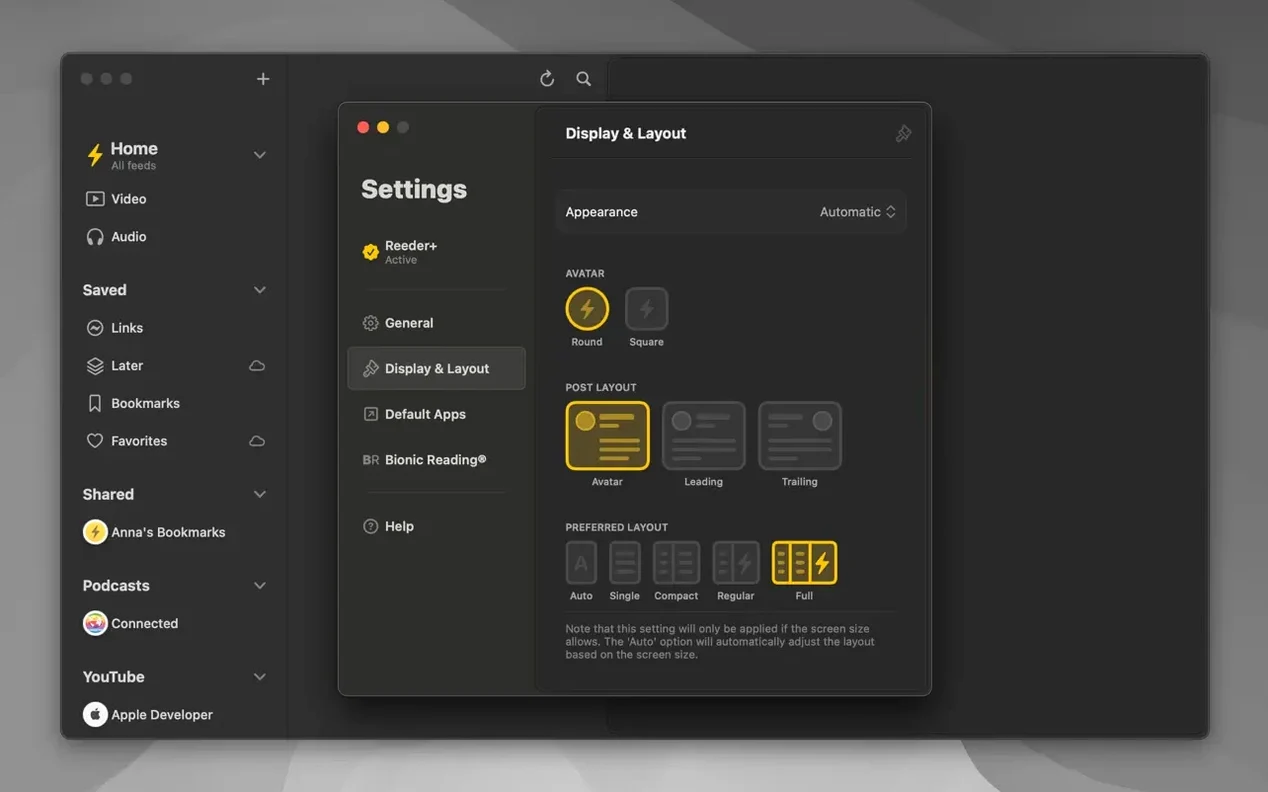
Reeder runs on any Mac with macOS 14 or later, on both Intel and Apple Silicon machines. If you just grabbed the Reeder download and opened it for the first time, a few things are worth setting up right away.
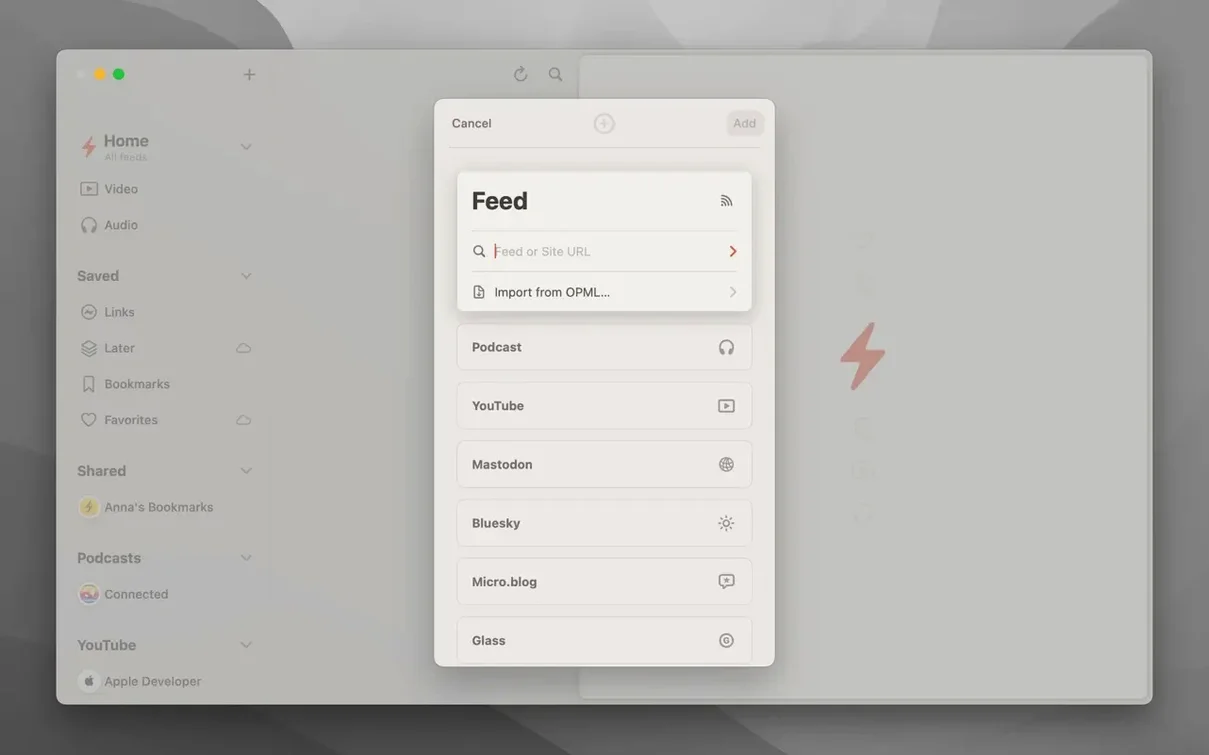
- Connect a sync service. Head into Settings and pick from Feedbin, Feedly, Feed Wrangler, Inoreader, NewsBlur, The Old Reader, BazQux Reader, FeedHQ, Instapaper, or Pocket. Your feeds and read status stay in sync across every device.
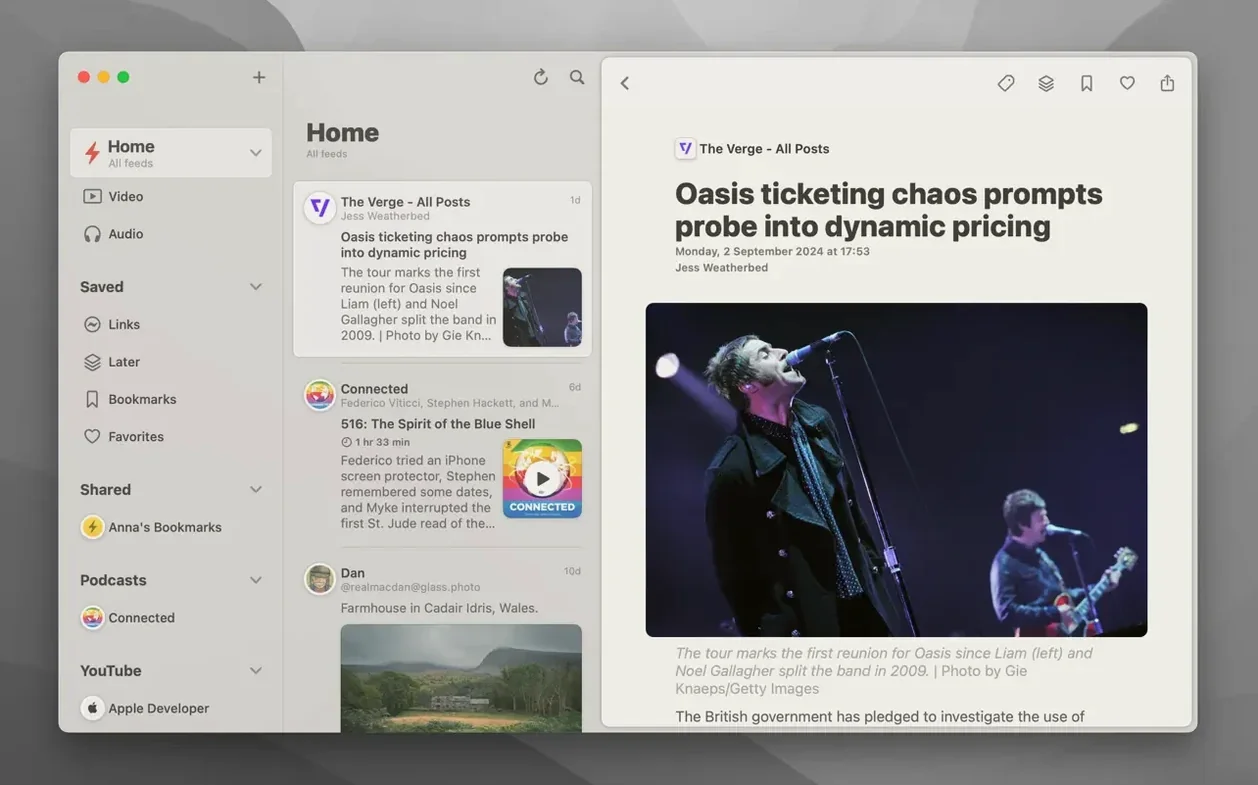
- Turn on image previews. In the articles list, image thumbnails make scanning a batch of headlines much faster. You will spot the posts you actually want to read without reading every title twice.
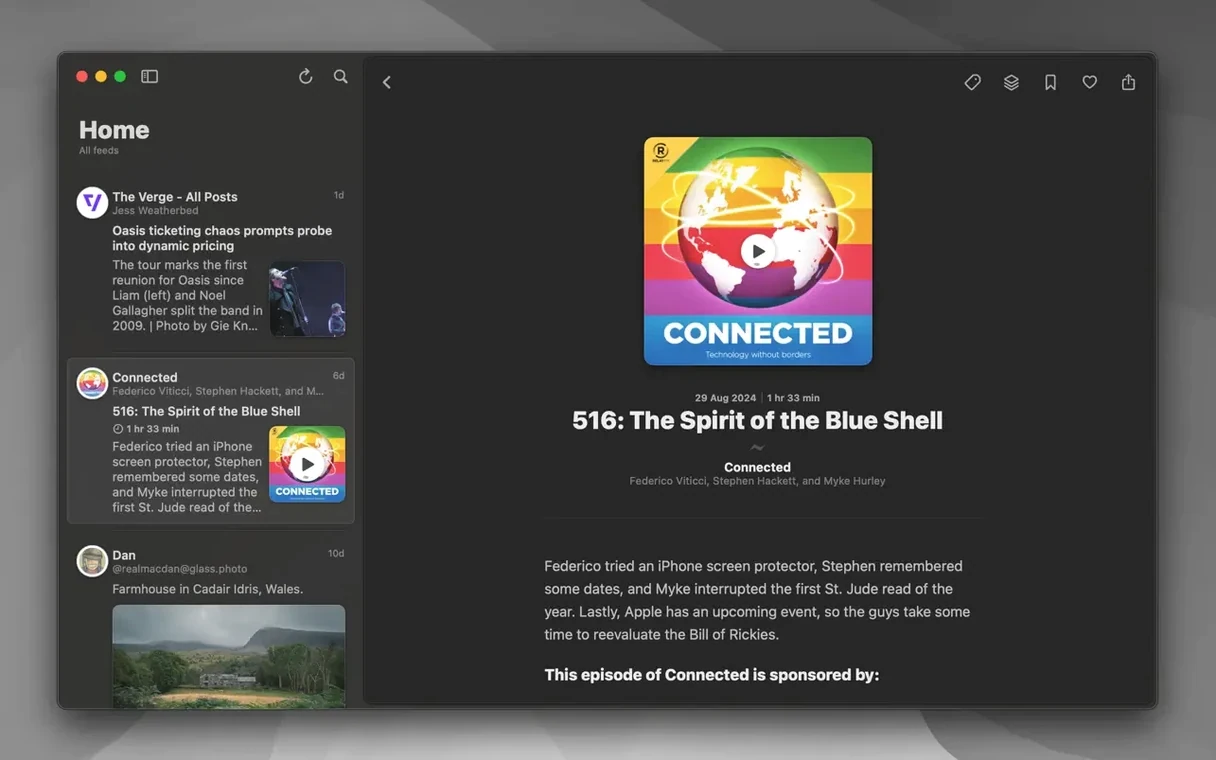
- Try the reader view. Tap an article and switch to the improved reader view. It strips clutter and lets you focus on text and images. For even faster reading, flip on Bionic Reading mode — it bolds the first part of each word so your eye tracks through sentences with less effort.
- Customize a few gestures. Reeder lets you assign actions to swipes and trackpad gestures. Set a short left swipe to mark as read and a right swipe to star — it cuts down on menu trips when you are triaging a full inbox.
Once those four are in place, the improved article viewer and smoother list scrolling make daily catch-ups feel quick. The app rewards a little front-loaded setup.
A morning skim for the newsletter writer
Picture someone who curates a weekly design-tools newsletter. Monday morning means 200 unread items across a dozen feeds, and only twenty minutes to find the two gems worth sharing. They open Reeder on a MacBook with the window stretched wide enough to trigger the automatic layout — three columns, images visible, article list dense but scannable. A quick downward swipe on the trackpad scrolls through headlines; a right swipe stars anything that might make the cut. By the time coffee is gone, ten starred items sit in a shortlist, and the rest are marked read with a single gesture. The image viewer gets used once, to check a screenshot-heavy post without leaving the article list. It feels less like reading and more like editing — pulling signal out of noise fast.
What to expect before you download
Does Reeder work without a paid sync service?
Yes. The built-in Read Later service runs on iCloud, so you can save articles and sync them across Macs and iOS devices without signing up for anything else. If you only follow a handful of feeds and do not need cross-platform RSS syncing, you can use Reeder as a local reader and skip Feedbin or Feedly entirely. Several people search for reeder macos free workflows that rely on iCloud alone, and the app handles that just fine.
YouTube thumbnails and fixed podcast playback
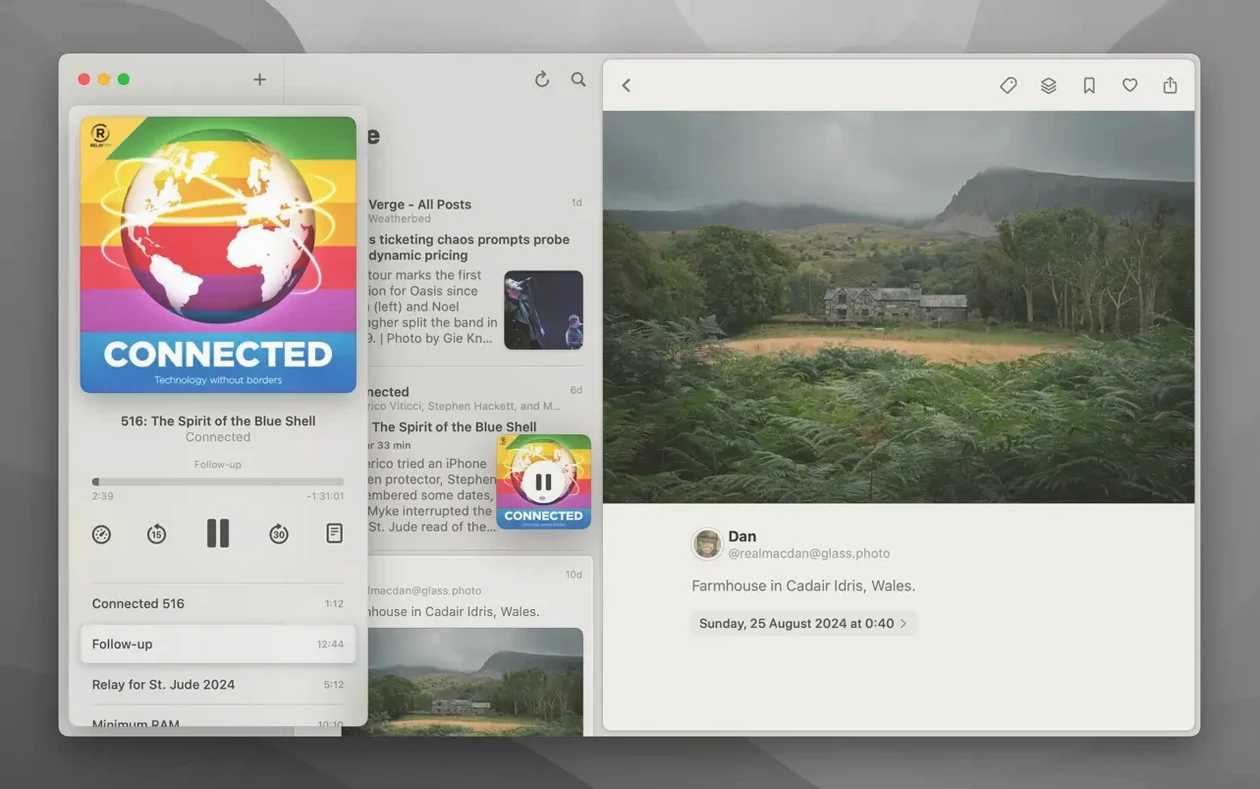
Version 2026.6 improved YouTube preview detection, so video thumbnails show up directly in the article list when a feed item links to YouTube. The podcast player controls were also fixed in this release — playback glitches that some users hit in earlier versions should be gone now. If a feed mixes text posts with podcast episodes, you can play audio inline without switching apps.
The latest update brings a handful of welcome fixes and speed improvements:
- List loading is quicker, especially when you use filters.
- Scrolling and animations feel noticeably smoother.
- Podcast player controls now work reliably.
- Comics search no longer stumbles.
- YouTube video previews appear more consistently in the items list.
- macOS 14 or newer
- Apple Silicon or Intel Mac
Questions from the stall
Which read-later services does Reeder sync with?
Reeder connects to Instapaper and Pocket, plus Feedbin, Feedly, Feed Wrangler, FeedHQ, NewsBlur, The Old Reader, Inoreader, and BazQux Reader.
Notes from other shops 0
Sign in or open a shop account to leave a note.
No notes yet. If you've used this on a shop Mac, tell me how it went.