
You've got a folder of design assets open in one pane, a client's shared drive in another, and the project's exports folder in a third. Dragging files across three panes at once, you compress the final round into a 7z file without ever opening a separate tool.
Working with QSpace Pro 6.3
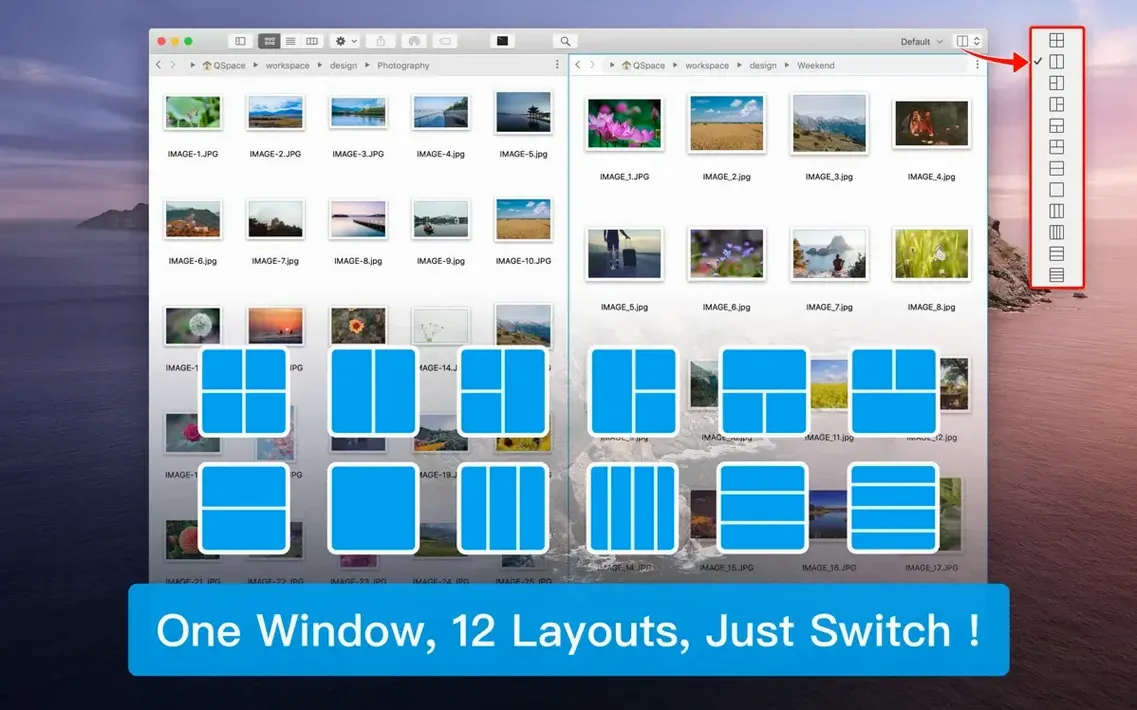
- Pick a layout. Right-click the toolbar to switch between up to 12 pane arrangements. A three-pane vertical split handles most daily transfers, but the grid layout saves time during batch renames across unrelated folders.
- Open a workspace. Groups of tabs and folders spring back whole. I'd set one workspace for client delivery prep—source panes, an archive pane, and a local backups pane—and another for sorting the downloads folder on slow Mondays.
- Browse an archive like a folder. The enhanced archive manager now handles nested archives. Double-click a zip inside a tarball and it opens in place instead of extracting first. When you're ready, compress selections as ZIP or 7z directly from the file list.
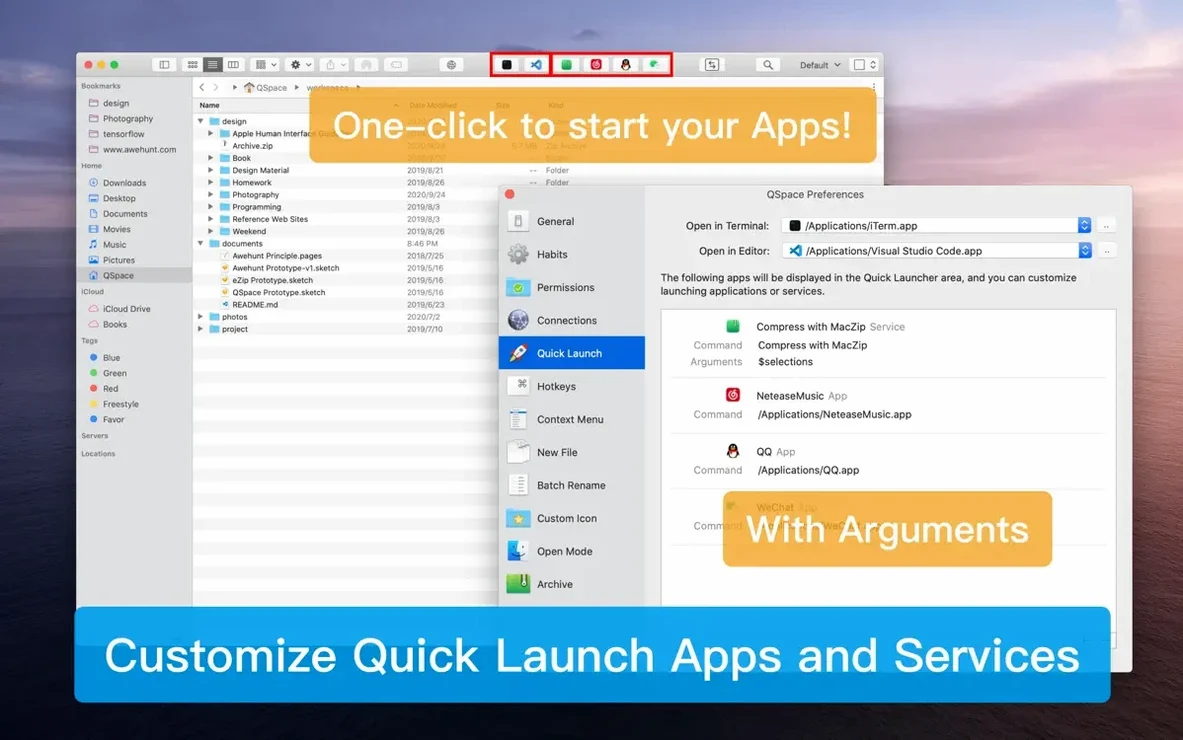
- Jump to an editor. Highlight a folder and send it straight to VS Code, Sublime Text, or Atom from the context menu. No dragging paths into a terminal.
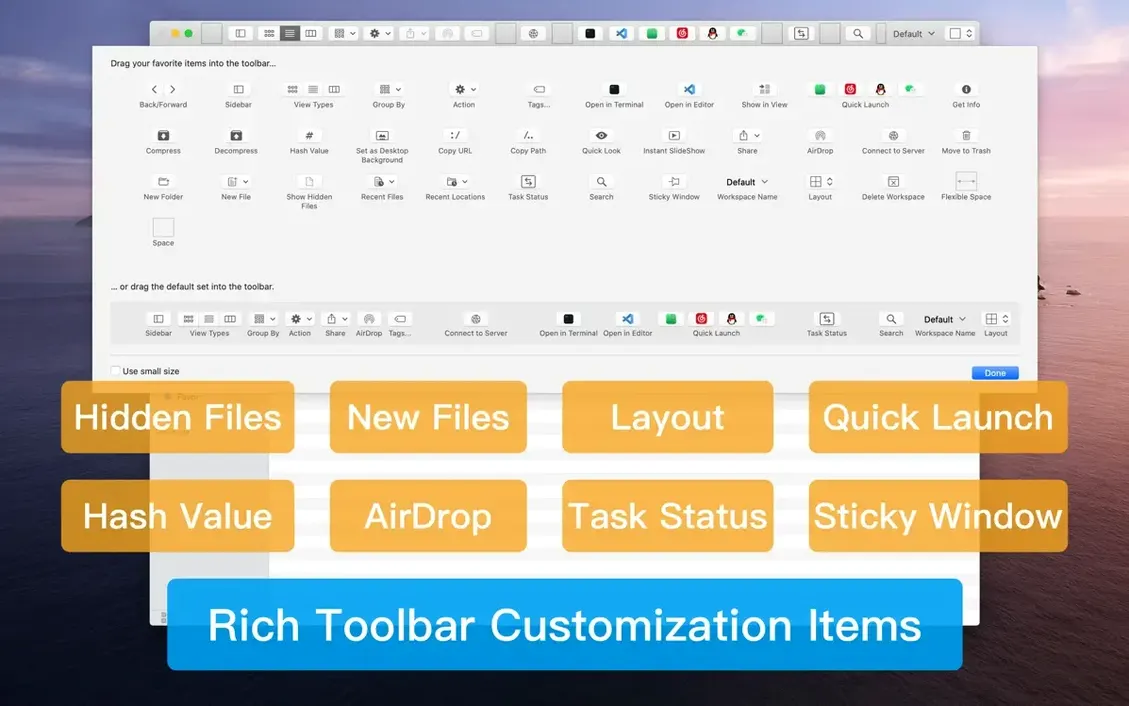
- Check a hash. Before sending the deliverables, select a file and calculate SHA256 or CRC32 right from the workspace. It's quicker than opening a separate utility just to verify a transfer.
A quiet but practical change: pane minimization now works with a drag and custom shortcuts, so you can tuck away a reference pane without closing its tabs. The preferences page got a redesign, and the theme accent and intensity options let you dial down the contrast on long days. Under the hood, interface lag was reduced and macOS 26 performance improved—nothing flashy, just a file manager that gets out of your way a little faster.
How QSpace Pro connects to your other tools
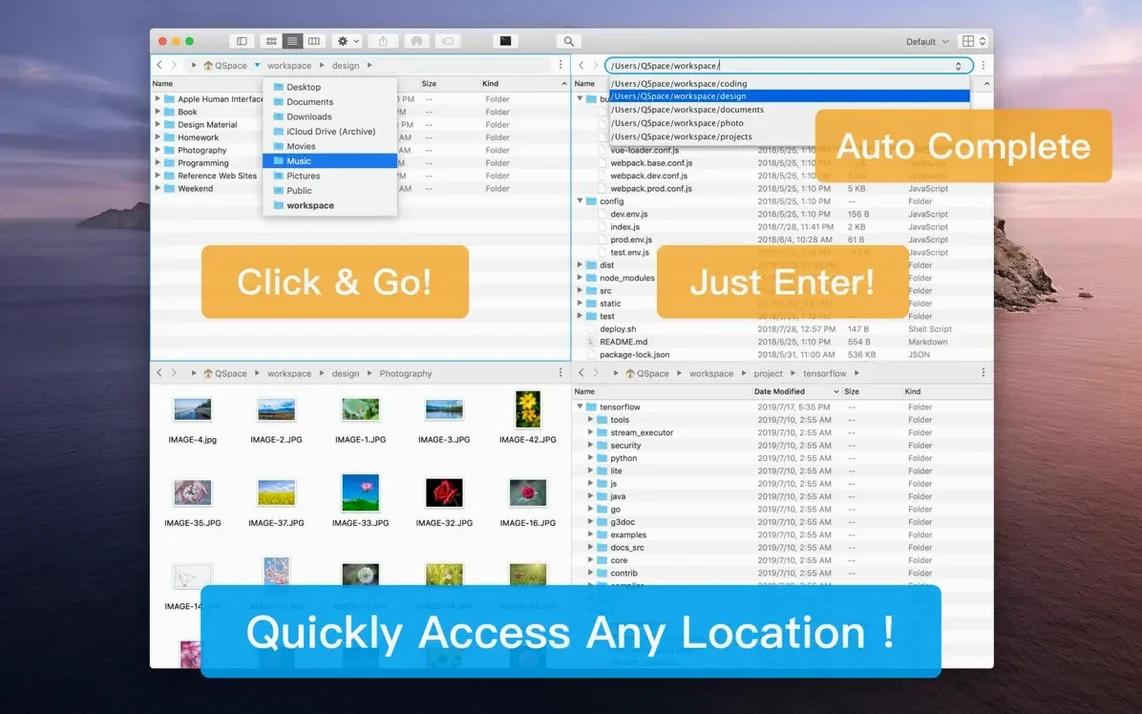
The address bar uses the same segmented breadcrumb navigation Finder does, so clicking through nested folders feels familiar even across four panes. But the bigger win is how it reaches outside itself: right-click any folder and open it in Terminal or iTerm with the working directory pre-set. The same menu sends files straight to VS Code, Sublime Text, or Atom—handy when a batch rename reveals six old assets that need a quick edit before the deadline.
On the cloud side, QSpace Pro talks directly to Dropbox, OneDrive, Google Drive, Amazon S3, and Aliyun OSS without a separate sync client. Mount a remote volume in one pane and drag files to a local folder in another. FTP, SFTP, and WebDAV connections sit right alongside local directories, so comparing a live server folder against a development copy is just two panes side by side.
More panes and saved workspaces than ForkLift offers
ForkLift shares the dual-pane approach and remote connection support, but it stops at two panes. QSpace Pro's 12 layouts and workspace saving give you more room when you're juggling source files, archives, cloud storage, and a delivery folder all at once. ForkLift leans harder into sync and transfer queues; QSpace Pro puts the workspace flexibility front and center.
Path Finder packs a deep feature set—drop stacks, module-based windows, and a shelf—but its interface can feel heavy, especially on newer macOS versions. QSpace Pro stays closer to Finder's visual language while still offering a stash shelf, batch renaming with live preview, and hash calculation. If you want power without a completely foreign window layout, QSpace Pro fits more naturally into a day spent switching between design tools and file management.
Searching for a qspace pro torrent mac or a qspace pro crack can be a way to find builds that may need a few extra checks to unlock pane minimization and nested archive browsing. A current qspace pro mac install covers more archive formats, smoother performance on macOS 26, and the redesigned preferences—something to keep in mind when setting up any version you choose.
QSpace Pro 7.0.4 rolls in with maintenance updates that keep multi-pane browsing smooth and predictable across workspaces.
- macOS 10.13 or newer
- Runs native on Apple Silicon and Intel 64-bit Macs
Notes from other shops 0
Sign in or open a shop account to leave a note.
No notes yet. If you've used this on a shop Mac, tell me how it went.