
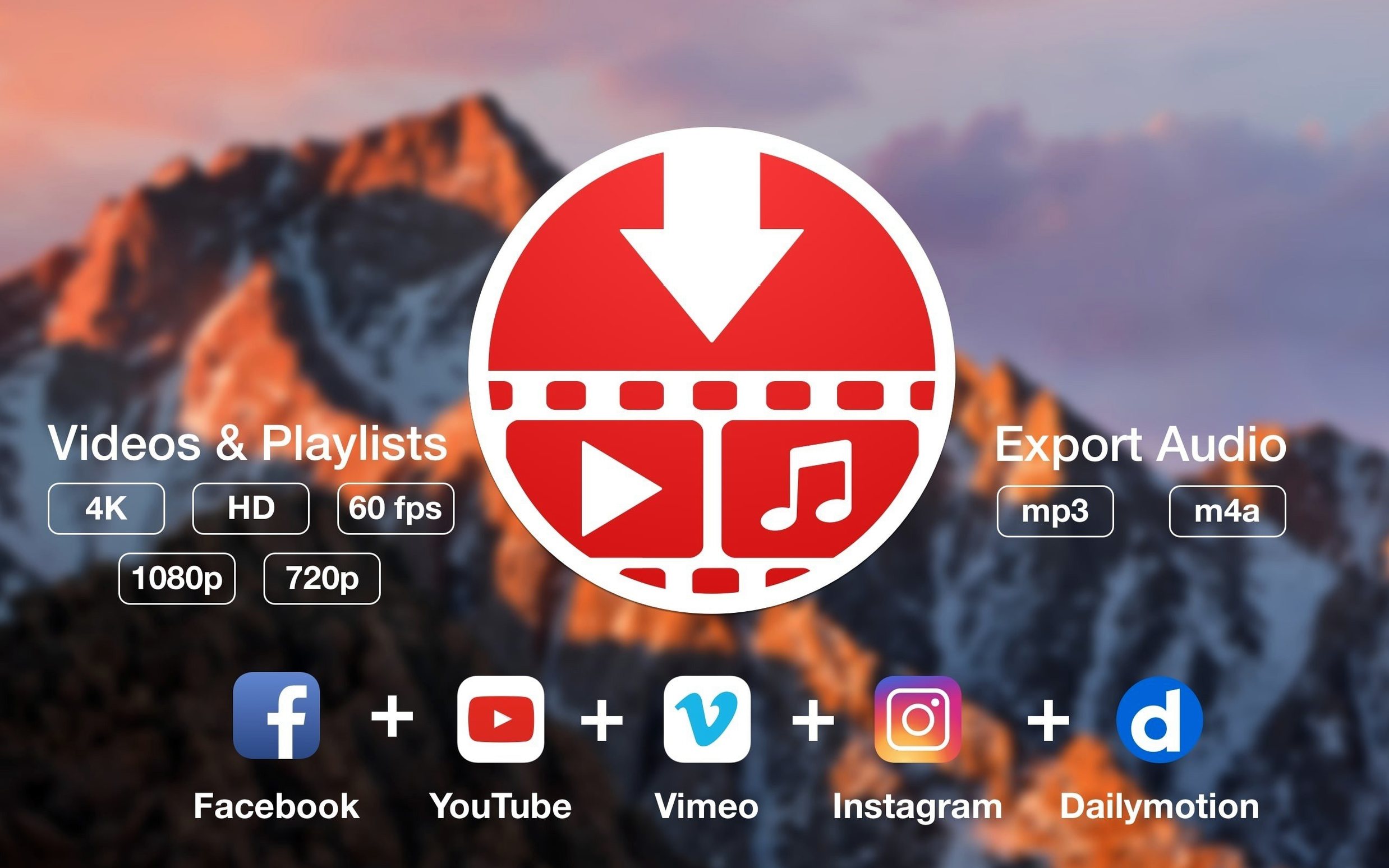
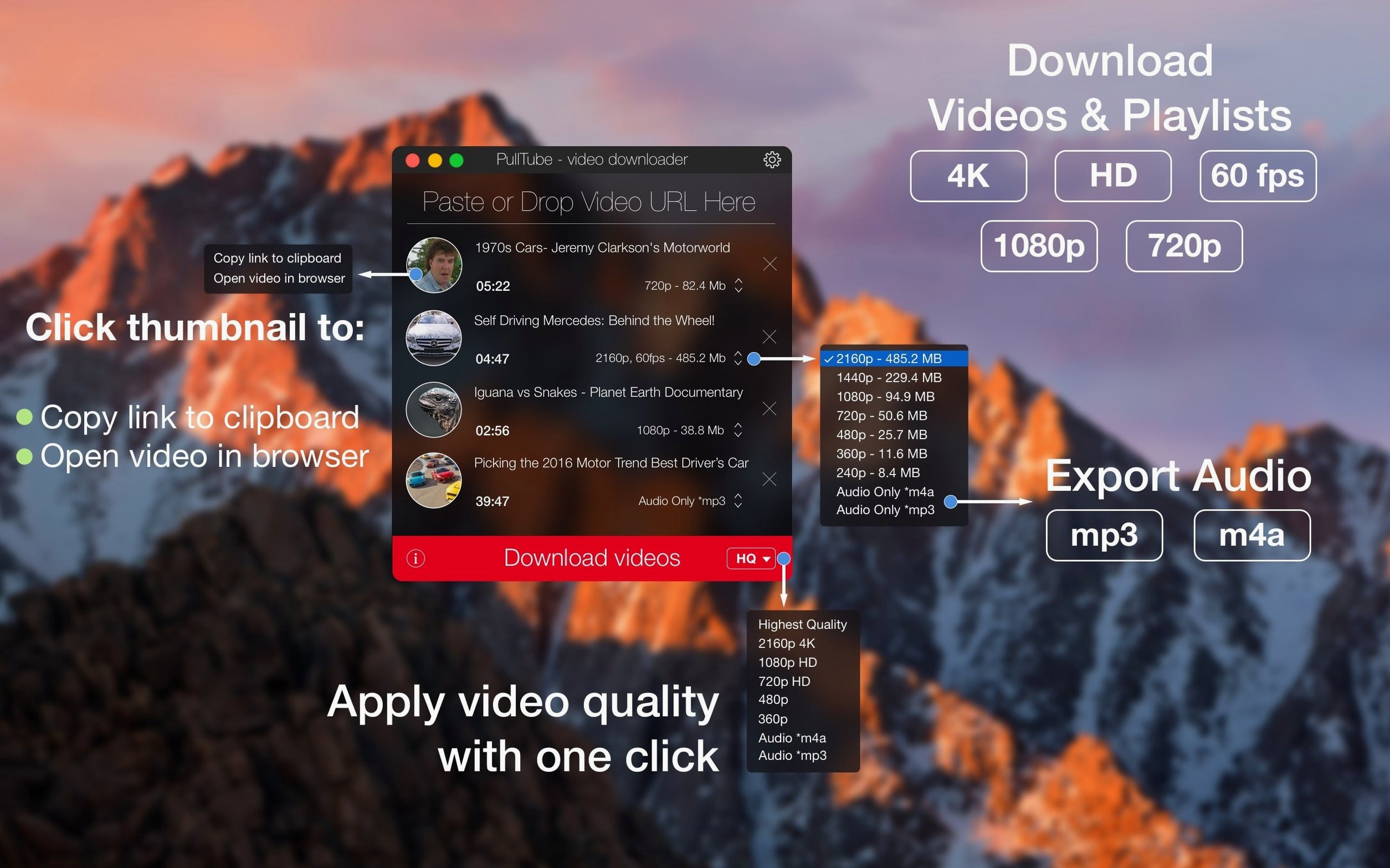
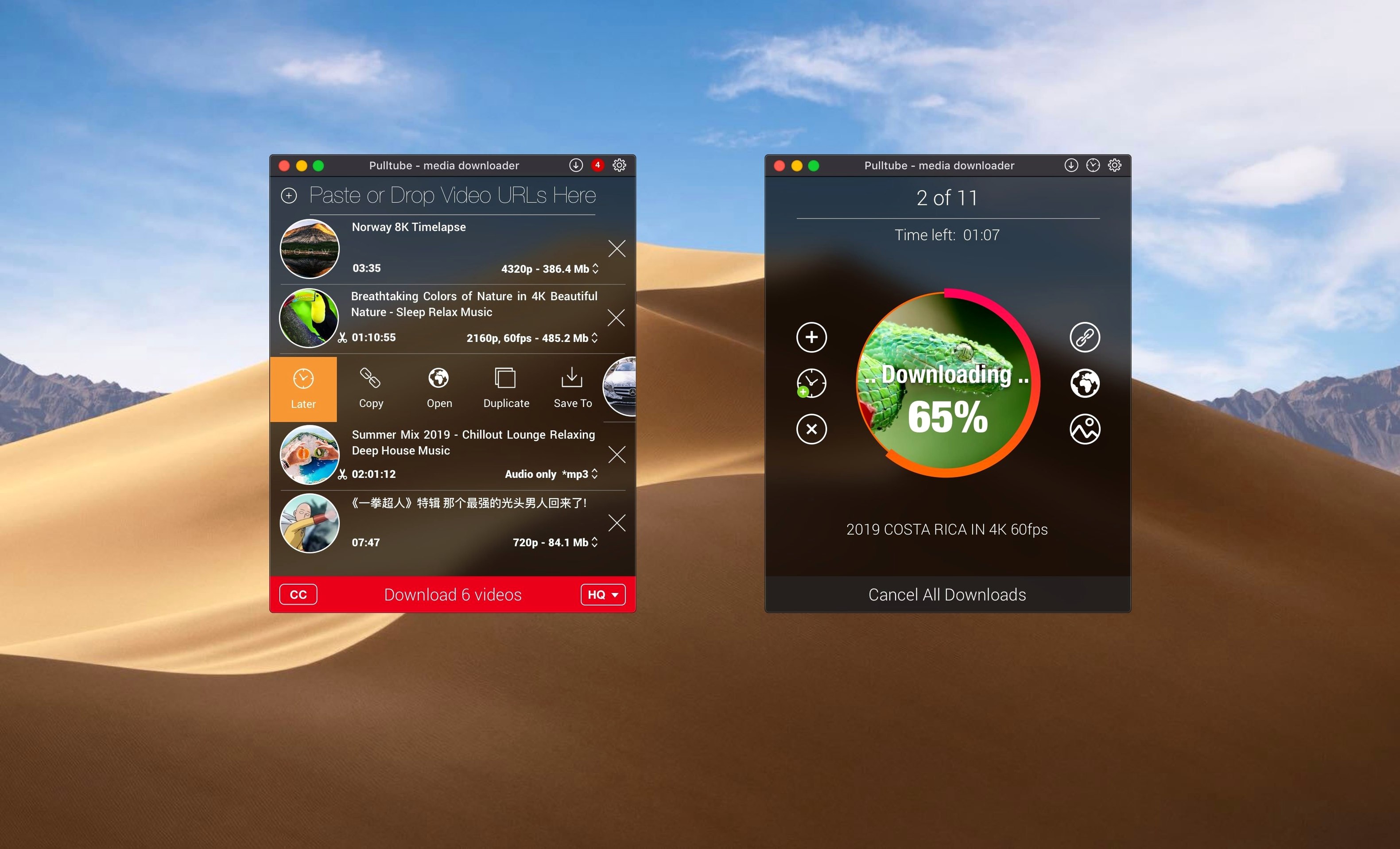
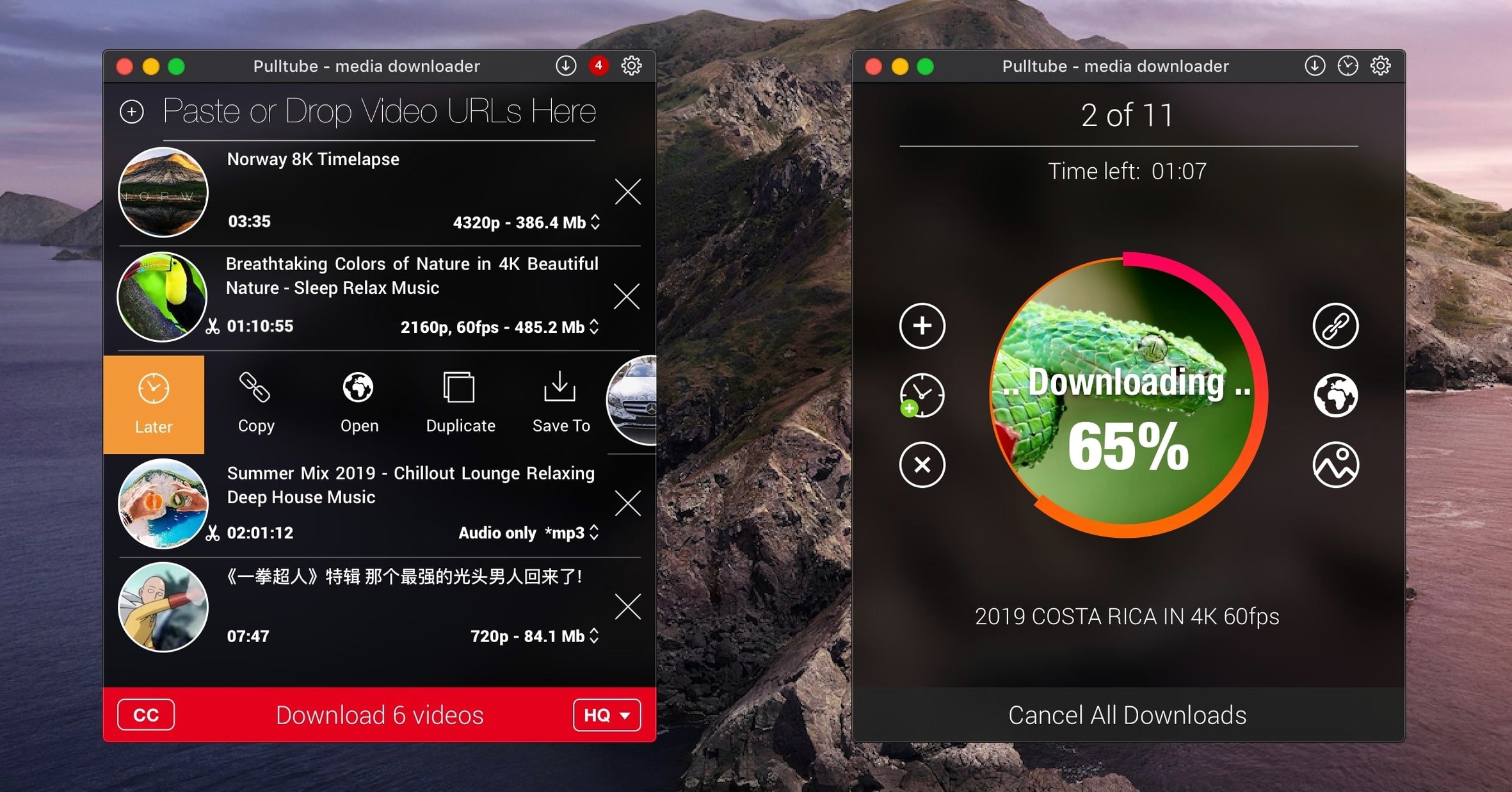
PullTube is for the person who wants to hold onto a tutorial, a clip that inspires them, or a playlist for a long trip without relying on Wi‑Fi. Before you plan your offline library, the first thing to check is whether it will actually run on your machine. Here’s what the developer has to say about compatibility, plus a quick look at what the app delivers.
- Requires macOS 11 Big Sur or later.
- Works natively on both Apple‑silicon Macs and Intel Macs.
- Downloads video from YouTube and Vimeo in qualities up to 4K.
- Extracts audio only and saves it as MP3 or M4A.
- Handles full playlists instead of one‑off links.
- Imports links by dragging them straight into the window.
Once you’ve confirmed it fits your system, the rest is uncomplicated. You pick the quality you want, decide whether you need the picture or just the sound, and leave it to work. There’s also an option to tell the app to quit when the job is done, which suits the way a small shop owner might set things up before closing the MacBook for the night.
Not reading what the download window already shows
The app is straightforward, but a few habits can trip up someone using a pull tube download tool for the first time. Most of them come from not noticing what the window is trying to tell you, rather than anything the software does wrong.
- Pasting a YouTube search results link instead of a single video link. The app expects a direct video or playlist URL. If you copy the address bar while you're looking at a list of search hits, PullTube won't know which one you meant. Open the actual clip first, then grab the URL.
- Forgetting to switch from video to audio before hitting the download button. The default behavior is to save the whole video file. If you only wanted an MP3, you need to select the audio-only option before you start — you can't change your mind mid‑download.
- Assuming every site works the same way. PullTube handles more than 1,000 websites, but the metadata it pulls (title, thumbnail, duration) varies by platform. A Vimeo link might show a clean preview instantly, while a smaller site might only give you the raw filename. That's normal.
- Closing the app while a playlist is still queued. Playlists don't pause gracefully if you quit halfway. You'll come back to a partial folder and need to redownload the lot, which wastes bandwidth and time.
Corner features that quietly change your daily flow
Some of the best features in PullTube for Mac are the ones that don't shout about themselves. They're tucked into the corners of the interface, and once you find them they change how you use the app day to day.
The drag‑and‑drop link import isn't just for URLs you've copied — you can drag a Safari tab straight into the PullTube window. Grab the tab, pull it down, and the app reads the address immediately. No selecting, no right‑clicking.
In the quality selector, the app can append the resolution to the filename. That's a toggle in preferences, and it's invaluable if you're pulling the same lecture at different quality levels to test what looks best on your device. You end up with filenames like lecture‑3‑1080p.mp4 instead of three copies all named lecture‑3.mp4.
The quit‑when‑finished checkbox isn't just for bedtime runs. A shop owner queuing a big playlist during a lunch break can set it, walk away, and know the Mac won't sit there burning power all afternoon. Combine it with the audio‑only setting for long podcast playlists and you've got a genuinely hands‑off workflow.
Tip
If you use PullTube Mac regularly for audio extraction, set M4A as your default format. The files are usually smaller than MP3 at the same perceived quality, which adds up fast when you're pulling entire playlists.
Creators who collect clips and reference material
Not every Mac user needs a video downloader, but a few groups find it earns its place on the dock quickly.
Creators collecting reference material — illustrators, editors, and designers who pull tube download links to save visual inspiration or style references they can't afford to lose when a channel gets taken down. The 4K option matters here; low‑res grabs aren't useful for studying composition or color grading.
People who learn from video tutorials — anyone working through a long course on YouTube or Vimeo benefits from offline access. Slow internet, travel, or a workshop with no Wi‑Fi stops being an obstacle. The playlist detection means you paste one link and get the whole series, which is far less tedious than saving forty clips one by one.
Music learners and language students — extracting audio only and saving it as MP3 turns a performance or pronunciation video into something you can loop in a media player, slow down, or carry on a device with limited storage.
Small business owners who present offline — if you run a class, a tasting, or a talk and rely on a specific clip, streaming it live is a gamble. Having the file locally means no buffering, no ads, and no awkward silence while the Wi‑Fi recovers.
Pasting the plain URL when a supported link won’t stick
PullTube para Mac is stable, but a handful of situations produce head‑scratching moments. The fixes are usually simple.
The app won't accept a link from a site you know is supported. Try pasting the plain URL instead of dragging it. Some browsers add tracking parameters that confuse the parser. If the URL contains &si= or similar junk after the video ID, strip everything from the ampersand onward and try again.
A download starts but hangs at the same percentage every time. This often happens when the source server throttles connections or the chosen quality is temporarily unavailable. Cancel the download, wait a minute, and try a different quality tier. If 4K stalls repeatedly, dropping to 1080p usually gets things moving.
The audio extraction produces a file with no sound. Check that you haven't accidentally selected a video stream that carries no audio track — rare, but it can happen with certain high‑bitrate options on platforms that separate video and audio streams. Picking a standard HD quality almost always solves it.
Playlist detection misses some videos. This tends to affect playlists that mix public and private videos. PullTube can only see the public ones. If a playlist claims forty items but the app only lists thirty‑eight, those last two are probably set to private or unlisted.
The thumbnail or title doesn't appear after pasting a link. Give it a few seconds. On slower connections, metadata retrieval lags behind the initial URL parse. If nothing shows after ten seconds, the link format may not be supported — try copying it again directly from the address bar.
The latest PullTube update tidies up behind the scenes so video grabs land cleanly every time.
- macOS 11 (Big Sur) or later
- Works natively on both Apple Silicon and Intel 64-bit Macs
Questions from the stall
Can PullTube save audio without the video?
Yes, it can extract the audio track and save it directly as an MP3 or M4A file so you don't have to convert anything afterward.
Notes from other shops 0
Sign in or open a shop account to leave a note.
No notes yet. If you've used this on a shop Mac, tell me how it went.