
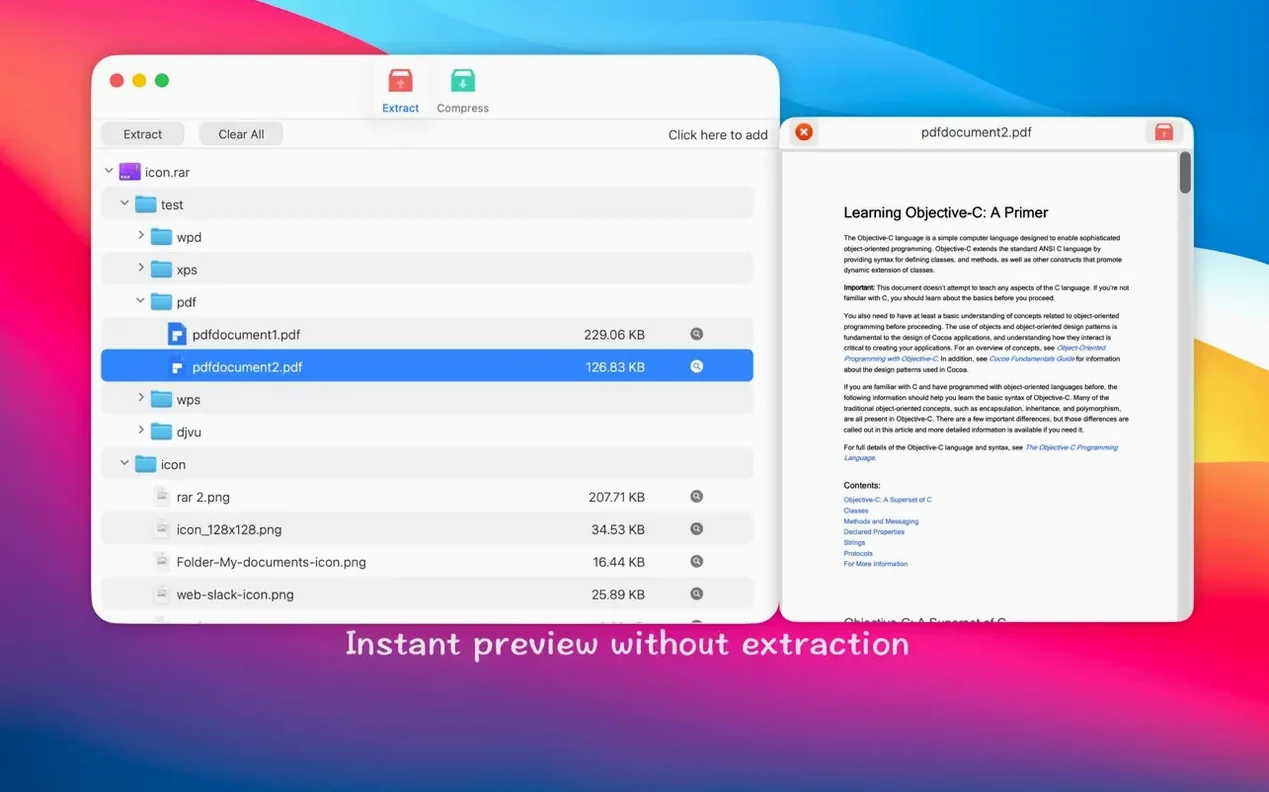
The Quick Look integration is the part I reach for most—hit the spacebar on a compressed file and you see exactly what's inside without committing to a full extraction. It's a small thing that saves a lot of guesswork when you're hunting for a specific folder buried in a client's project archive.
| Feature | Detail |
|---|---|
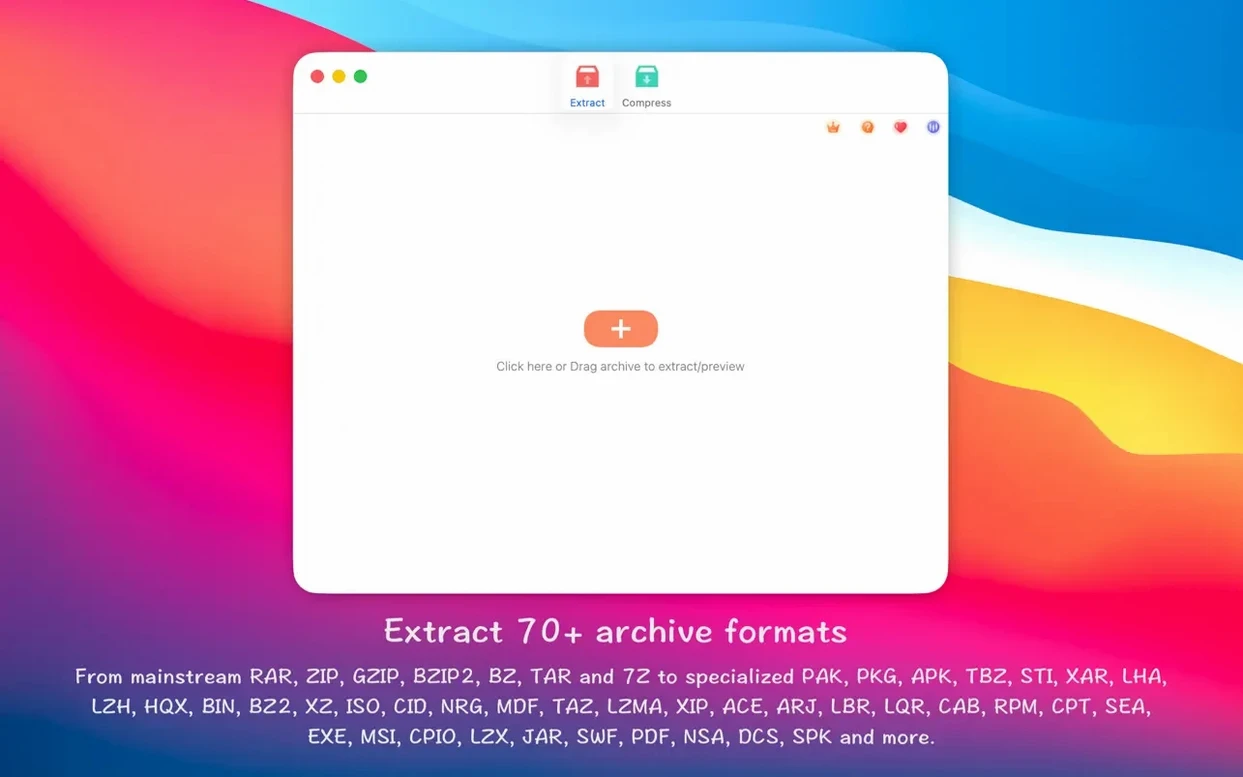
| Formats supported | 50+, including RAR, ZIP, 7z, pkg, apk, tar, xz, iso, jar, swf, pdf |
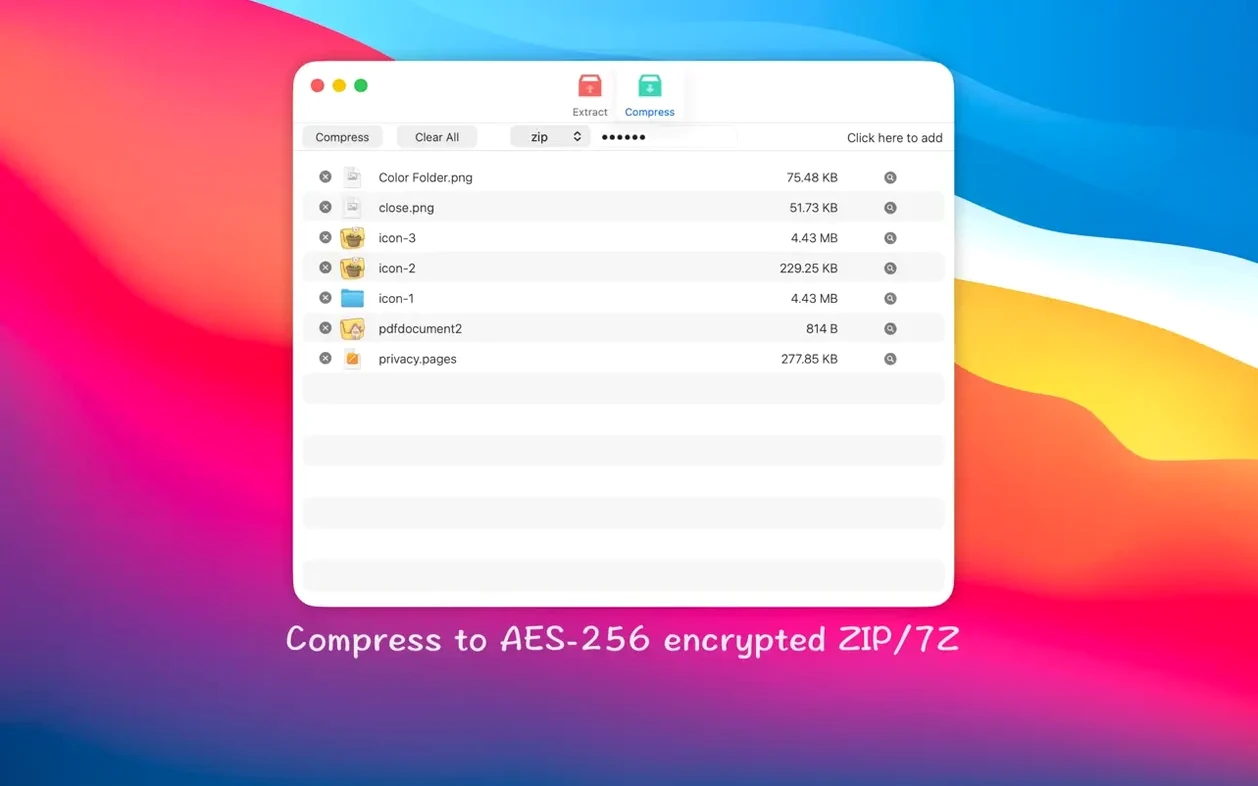
| Encryption | AES-256 for ZIP and 7Z creation |
| Interface languages | Russian, English, Indonesian, Simplified Chinese, Portuguese, French |
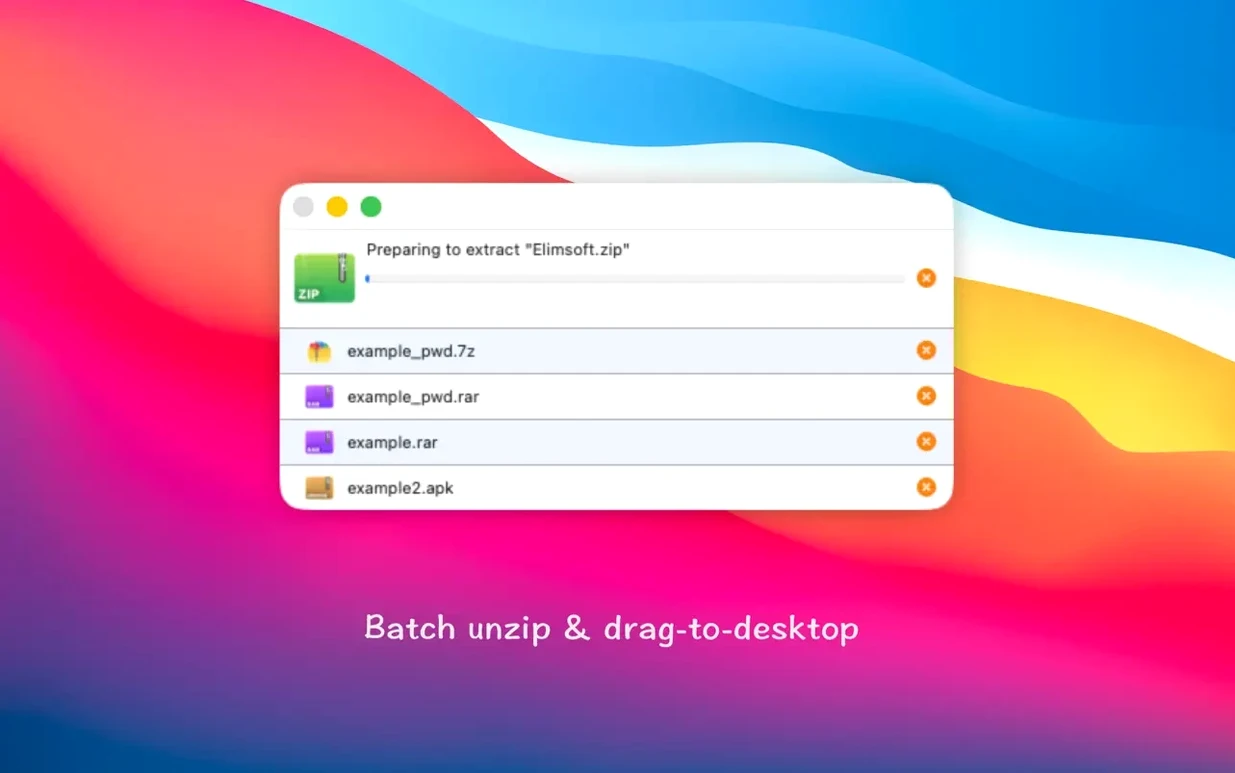
What I'd use it for: pulling a single design file from a zipped supplier bundle without unpacking the whole thing, or batch-extracting a dozen product photo archives at once by dropping them on the Dock icon. The partial extraction is genuinely handy—you can grab one selected file or folder from a larger archive and leave the rest untouched, which keeps a tidy workspace when you only need a logo or a font file out of a packed delivery.
Where it pulls ahead of The Unarchiver on creation
Compared to The Unarchiver, this app pulls ahead on archive creation—The Unarchiver is strictly an extractor, so you can’t make password-protected ZIPs or 7Z files with it. Both handle a long list of formats, but RAR Extractor adds that compression side which matters if you send client files and want a layer of AES-256 encryption baked in.
Next to Keka, the experience feels a little more window-driven and less icon-focused. Keka leans hard on drag-and-drop onto a menu bar or Dock icon and keeps its interface minimal to the point of being cryptic for newcomers. RAR Extractor gives you a proper window where you can preview contents, pick individual files, and set a password before packing something up—helpful when you’re not entirely sure what’s inside a downloaded archive and want to browse first. Keka has a slight edge in sheer format depth for extraction, but the gap is narrow in daily use unless you regularly encounter genuinely obscure compression types.
For anyone who occasionally searches for a rar extractor - unzip torrent mac solution after a large download, both alternatives work, but RAR Extractor’s Quick Look integration and partial extraction make sifting through a multi-part archive feel less like guesswork.
Snappy multi‑gigabyte RAR extraction on Apple Silicon
Extraction times are snappy on Apple Silicon machines—large multi-gigabyte RAR archives decompress without the spinning beachball making an appearance. On an Intel Mac running Monterey or later, it’s still responsive; the app doesn’t bog down when you queue up a batch of ten or fifteen ZIP files. Memory use stays modest, typically hovering under 200 MB even during batch operations, and it releases resources cleanly when the job finishes.
I’ve yet to see a crash during normal extraction or archive creation, even with password-protected 7Z files that trip up lesser tools. The Gatekeeper dance on first launch is a one-time thing, and afterward the app behaves like any well-behaved Mac citizen—no background processes lingering, no launch daemons to worry about. If you work with archives daily, the stability holds up; it’s not the kind of utility that makes you save everything else before you double-click a compressed file.
Preview-and-pick workflow for designers and freelancers
Small-shop owners and freelancers who regularly receive compressed design bundles, font packs, or product photo sets will find the preview-and-pick workflow a real time-saver. Instead of unpacking a 2 GB archive just to grab one logo variant, you open the Quick Look overlay, spot the file, and extract only that—workspace stays clean and you’re not hunting through a newly created folder of 300 items.
People handling password-protected deliveries also benefit: the AES-256 encryption for ZIP and 7Z creation means you can send sensitive client documents without reaching for a separate encryption tool. If you occasionally need a straightforward rar extractor - unzip torrent mac utility for downloaded archives that arrive in odd formats, the broad format support covers most of what you’ll encounter, and the Dock-icon drop target keeps things quick when Finder’s built-in archive utility shrugs and walks away.
- macOS 11.5 or newer
- Apple Silicon and Intel 64-bit Macs
Questions from the stall
Can I preview an archive's contents without extracting it?
Yes, RAR Extractor - unzip supports Quick Look for archive contents, so you can browse files inside RAR, ZIP, 7z and other formats by pressing the spacebar without unpacking anything.
Notes from other shops 0
Sign in or open a shop account to leave a note.
No notes yet. If you've used this on a shop Mac, tell me how it went.