
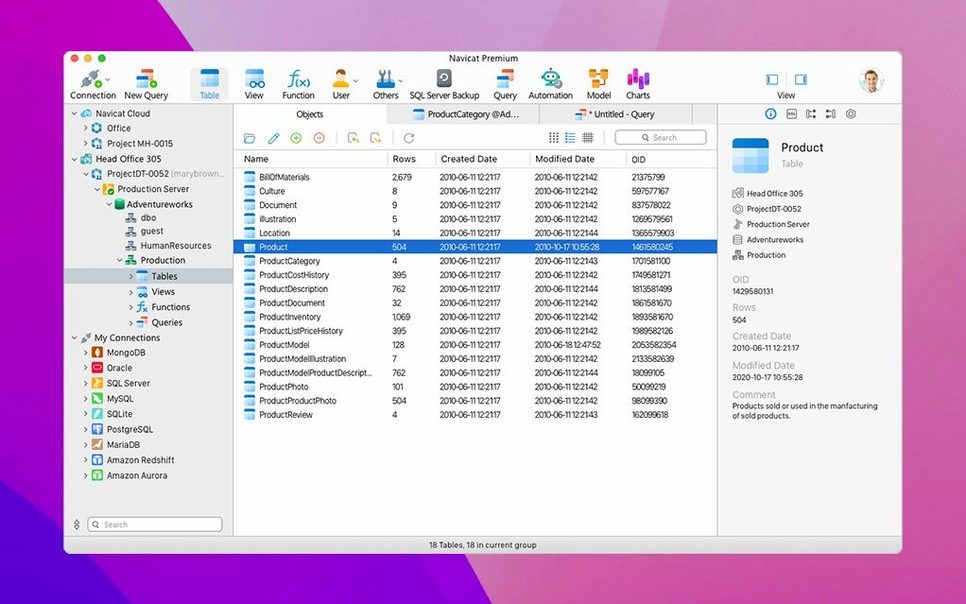
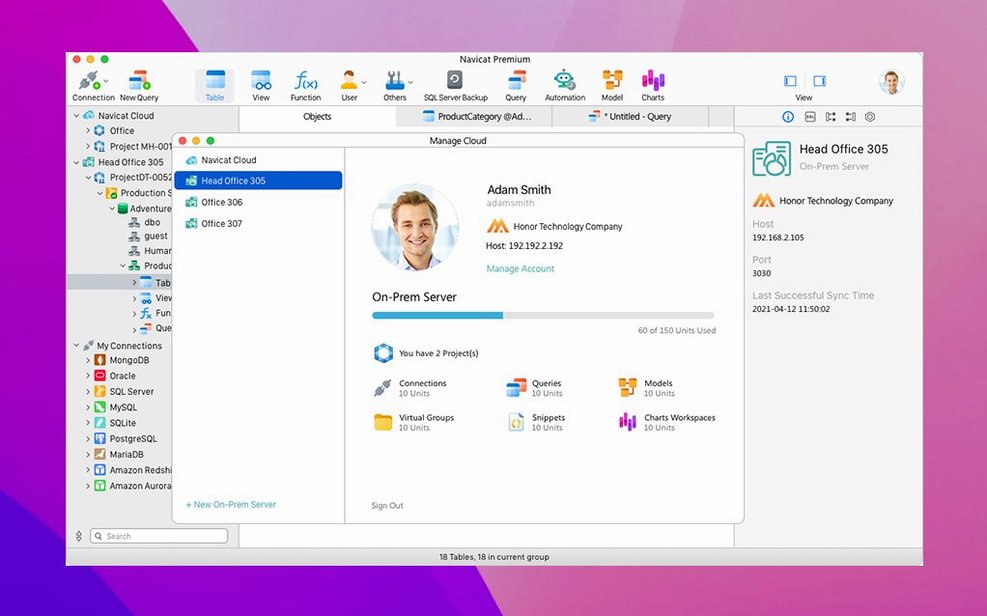
Version 17.3.8 landed as a maintenance release for macOS, smoothing out bugs and tightening a few things under the hood. If you're already comfortable with Navicat Premium, you know the real draw isn't just the multi-database connection — it's how far you can push the toolset once you're past the basics.
Data modeling and design
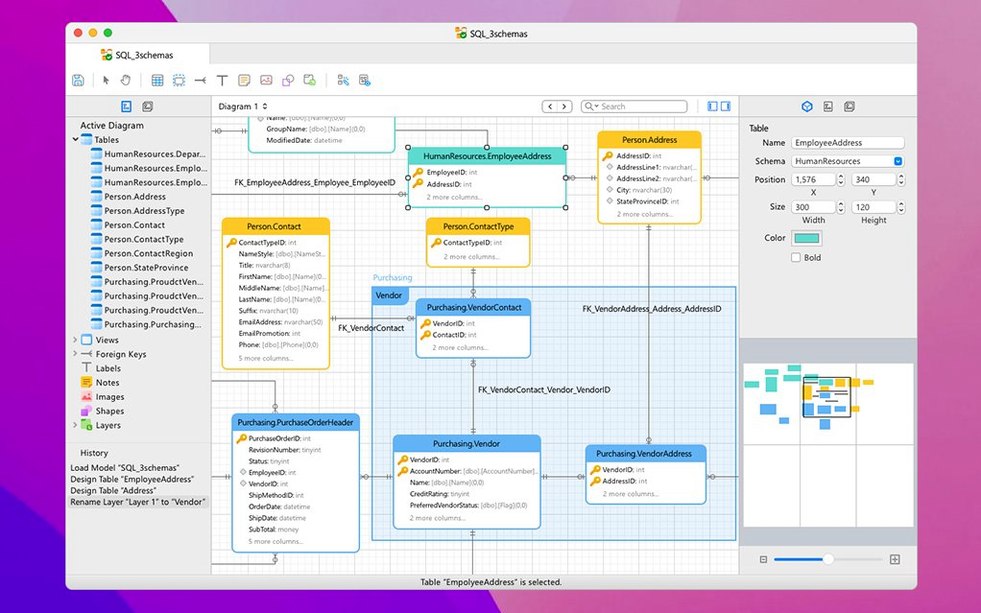
Building or reverse-engineering a schema is where the ER data model earns its place. You get a visual canvas to lay out tables, relationships and constraints across MySQL, Oracle, PostgreSQL and SQLite. Stored procedures, events, triggers and functions are all editable without leaving the model view. When you're done designing, forward-engineer it straight to the server. The modeling tools feel built for someone who thinks in diagrams but needs the precision of raw DDL underneath.
Moving and shrinking SQL
The data transfer tool bridges MySQL, Oracle and PostgreSQL directly — no CSV middle step, no fussing with intermediate dumps. Select the source, point to the target and it handles type mapping during the move. For clean-up work, the SQL Minifier takes a sprawling auto-generated query and compresses it into something tight and readable. Pair that with the SQL console for ad-hoc work, the import/export wizard for file shuffling, and the built-in backup tools for scheduled dumps, and you've got a kit that keeps a production database manageable without switching to the command line.
A freelancer's Thursday afternoon
Picture a solo developer juggling three client projects. One runs on PostgreSQL, another on MySQL and a small internal tool sits on SQLite. Thursday means pulling fresh backups, checking a few slow queries and migrating a staging dataset to the live server. With Navicat Premium open, all three connections live in the sidebar. A scheduled batch job handles the PostgreSQL backup while you run the SQL Minifier on a bloated query from the MySQL client. The data migration from staging to live? Drag source to target, review the type mapping and let it run. No hopping between three different admin tools, no remembering which app has which saved password. For a freelancer who bills by the hour, that kind of session focus matters.
Lighter than TablePlus and DBeaver in day-to-day feel
A navicat premium setup tends to get compared to TablePlus and DBeaver — both solid, both native on macOS. TablePlus is lighter on its feet. It opens fast, handles multiple connection types and has a clean, native-feeling interface. Where it pulls back is on the depth of administration features: no built-in data modeling, no visual report builder and no job scheduler. It's a fantastic query tool, but if you need to design schemas or schedule cross-database tasks, you'll reach for something else.
DBeaver covers more ground. It's open source, connects to an enormous list of database types and includes ER diagrams, data export wizards and basic task scheduling. The trade-off is interface weight. DBeaver runs on Java, so it can feel heavier on resources and less polished around window management and text rendering on a Mac. Navigation has more friction, especially when you're switching between design and administration tasks across different engines.
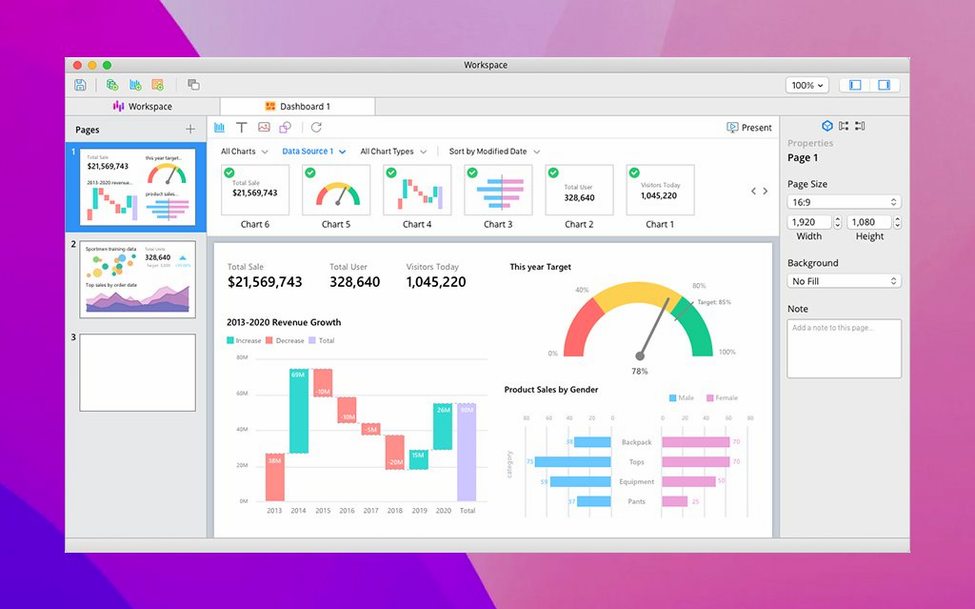
Navicat premium 17 mac splits the difference with more finesse than DBeaver and far more administration muscle than TablePlus. The visual data modeling alone tilts the decision for anyone mapping out relational structures regularly. The business intelligence tools — basic charting and reporting — aren't something you'll find in either alternative without plug-ins or separate applications. If you're reaching for navicat for mac specifically because Snowflake and Redis support matter to you, the premium package earns its keep.
Cold launch in four seconds on Apple Silicon
On an Apple Silicon machine, navicat premium 17 mac launches in about four seconds cold and under two warm. Connection establishment is near-instant for local servers and predictably network-bound for remote ones. The query editor stays responsive even with result sets pushing a few hundred thousand rows — scroll and filter operations hold their frame rate. Background operations like scheduled backups or data sync jobs don't lock the interface, which means you can keep working in the SQL console while a migration churns.
Memory use sits between 300 MB and 600 MB in typical multi-connection sessions. That's heavier than TablePlus but lighter than DBeaver under comparable load. On Intel Macs still running macOS 11, the app remains snappy, though the visual modeler can dip slightly when rendering complex diagrams with dozens of tables. I haven't seen crashes during daily admin work — query cancellations, connection drops and schema refreshes all recover gracefully. If you're on a machine with 8 GB of RAM, you'll notice the footprint when several other heavy apps are open, but on 16 GB or more it blends into the background.
Build 17.3.12 folds in a round of quiet corrections and maintenance work across the entire multi-database environment.
- macOS 11 (Big Sur) or newer
- Works natively on both Apple Silicon and Intel 64‑bit Macs
Notes from other shops 0
Sign in or open a shop account to leave a note.
No notes yet. If you've used this on a shop Mac, tell me how it went.