
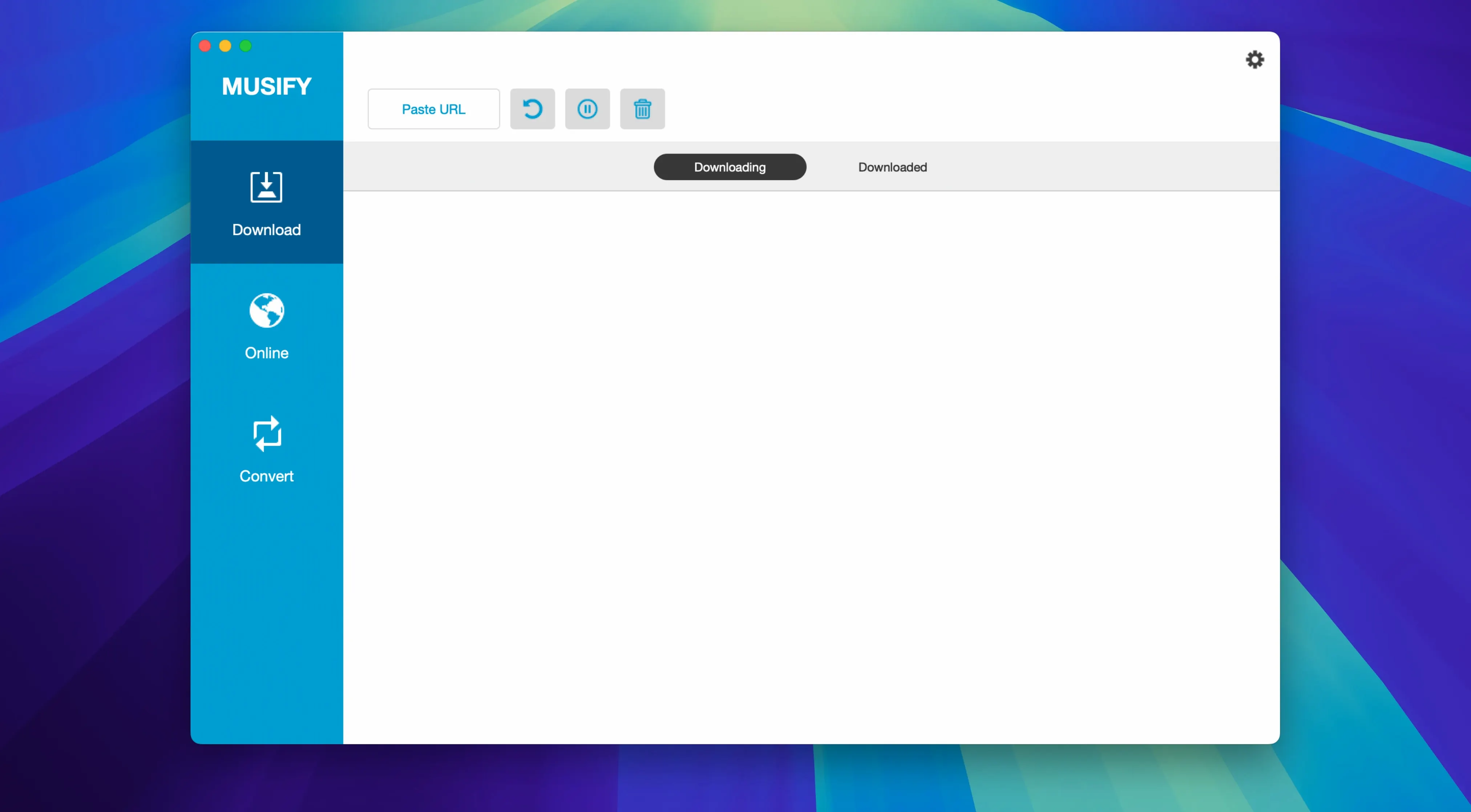
Scattered audio files with missing artist names and wrong album art are a quiet kind of chaos. Musify is built to pull clean, organized audio from the web so you spend less time tidying up your library and more time listening.
Playlist handling that actually works
Grabbing a single track is easy. Where Musify earns its keep is with full playlists from YouTube, Spotify, SoundCloud and Bandcamp. Drop a link and it unpacks the whole set, preserving the original order and embedding metadata — artist, title, album, cover art — into every file. For a shop owner curating background music or a long road-trip mix, that alone saves an afternoon of manual tagging.
Format control and conversion depth
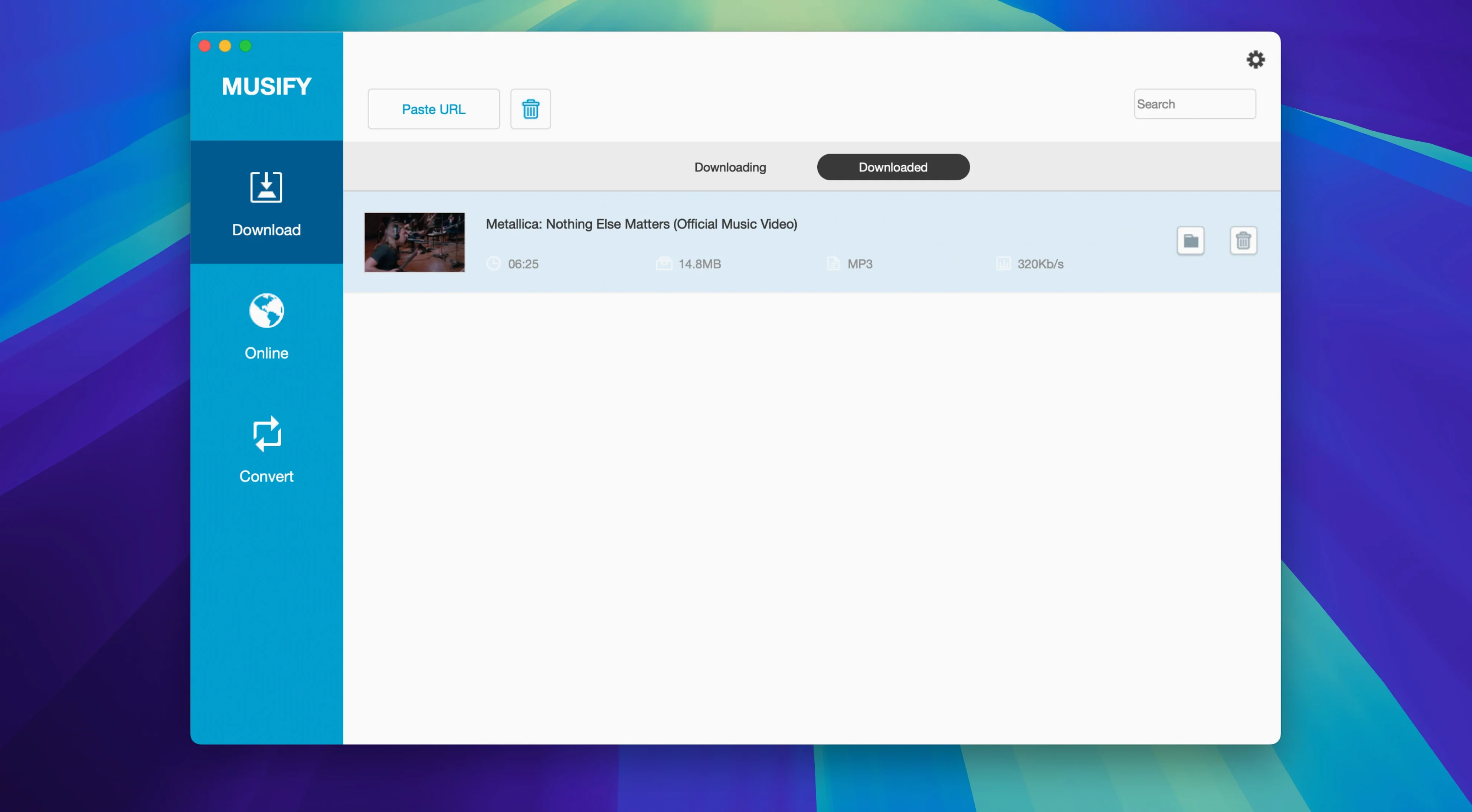
The converter handles MP3 with variable bitrate settings, plus M4A and WAV for anyone who needs lossless or Apple-native formats. If your source is a video, Musify strips the audio and hands you a clean music file. The built-in browser taps into more than 1,000 sites, so you are rarely forced to find a workaround. Everything lands in a single library view where you can search, sort and play tracks without jumping between Finder windows.
Who clicks with Musify right away
Offline listening drives a lot of the interest, but the people I see getting the most out of Musify tend to fall into a few camps. DJs and event planners building themed sets from YouTube and SoundCloud use the playlist downloader hard — grab a 40-track mix, convert it all to high-bitrate MP3, and load it onto a USB stick without touching another tool. Small shop owners like me use it to pull royalty-free ambient tracks from Freesound and Bandcamp for in-store playlists, keeping everything tagged neatly so shuffle mode doesn't suddenly blast a loud tutorial clip between calm instrumentals.
Language learners and podcast hoarders are another group. Musify handles spoken-word content from Audioboom and MixCloud just as smoothly as music. Download a full series, convert to M4A for the Books app on an iPhone, and you have offline listening for a commute. Fitness instructors curating workout sets from Instagram and Facebook video links also find the workflow quick — paste a link, get a clean audio file, drop it into a workout app. If your day involves pulling audio from scattered web sources and actually using it offline, the app fits.
A fetching layer, not a full player
Musify doesn't try to be a full media player, and that's a quiet strength. I treat it as a fetching and conversion layer between the web and the apps where I actually listen. Downloaded files land in a sensible folder structure — artist folders inside a master Musify folder — so dragging them into the Apple Music app, VLC, or a DJ tool like djay is straightforward. Metadata comes through cleanly, so Apple Music picks up album art and artist names without extra fiddling.
For iOS and Android transfers, the built-in device manager skips iTunes entirely. Connect a phone via USB, select tracks or playlists in Musify, and send them over. Handy when a friend wants a copy of a Bandcamp playlist and you don't want to go through cloud uploads. On the macOS side, the app plays nicely with Quick Look — tap the spacebar on a converted file in Finder and it previews instantly, so you can verify a track before moving it into a playlist. The library view inside Musify also supports drag-and-drop export to Finder, which fits the Mac's natural way of doing things better than a locked-in database.
The search bar knows which site you're on
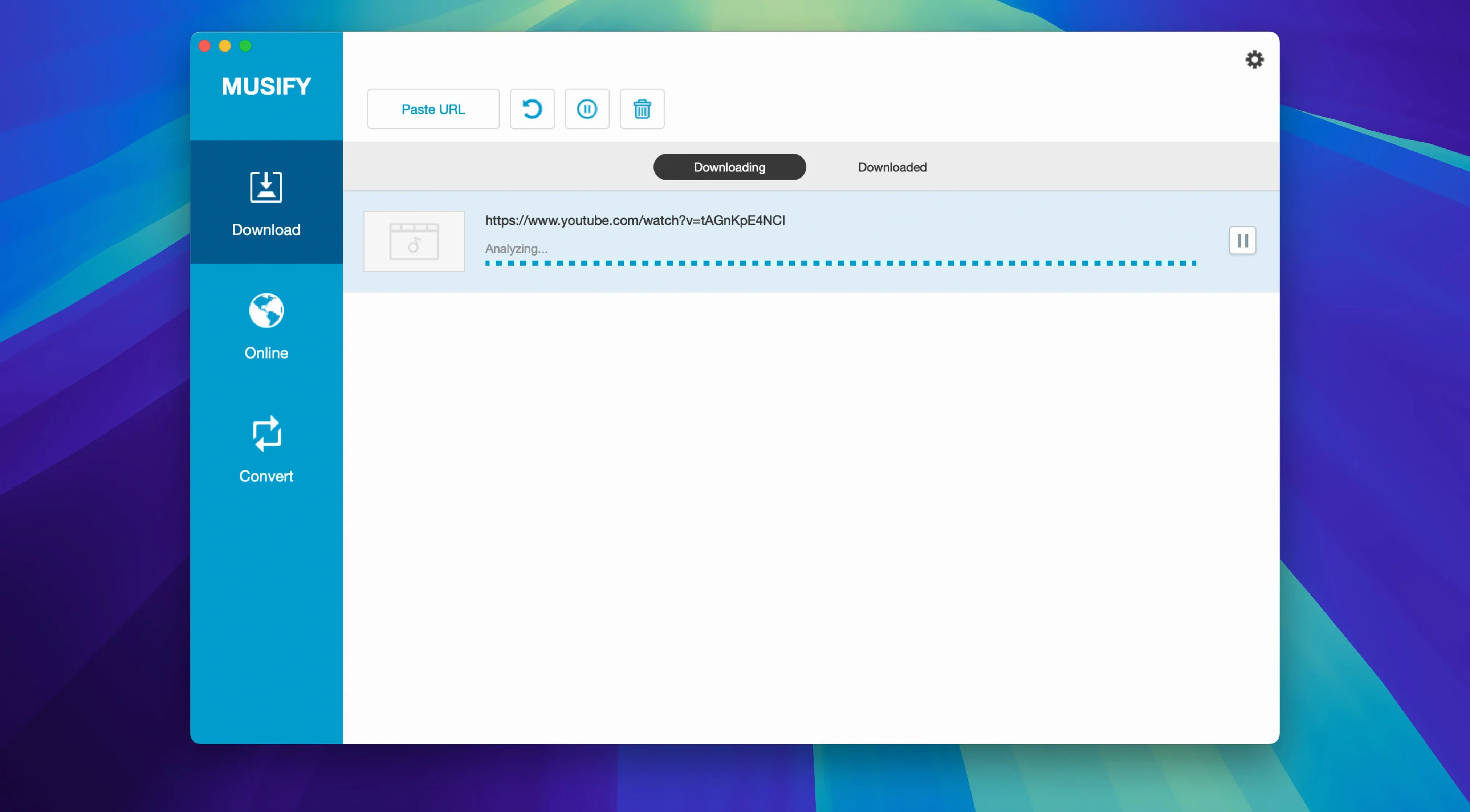
A few conveniences hide in plain sight. The built-in browser has a search bar that auto-detects which site you're pulling from — no need to switch modes for YouTube versus SoundCloud. If you paste a link while the app is in the background, it grabs the URL from the clipboard when you switch back. Batch conversion runs genuinely in parallel on multi-core Intel Macs, so converting thirty files at once doesn't crawl the way single-threaded converters do.
The metadata editor deserves a closer look. Before converting, you can edit the artist name, album, and even swap out cover art right in the preview panel. If Bandcamp gives you a tiny album image, drop a higher-resolution one before conversion and it sticks. There's also a quiet setting in preferences that keeps the original file creation date rather than stamping today's date — useful if you sort your library chronologically and don't want a freshly downloaded album from 2012 to show up as new.
First days with Musify on your Mac
Start small. Pick one playlist you already listen to on YouTube, paste the link, and let Musify pull the whole thing at the default 320 kbps MP3. Check the output folder, play a few tracks, and make sure the metadata looks right before adjusting any settings. That single workflow teaches you the rhythm of the app faster than reading a manual.
Once you're comfortable, set a custom download folder early. I keep mine inside a synced cloud folder so finished tracks appear on other devices without extra steps. If you plan to convert large YouTube playlists, tick the preference that skips duplicate URLs — Musify remembers what you already grabbed, even if the original playlist link is the same one you used last month. For Bandcamp albums, download the full set first, then use the batch metadata editor to add a consistent album title before converting. It's a small habit that prevents a dozen untagged files from landing loose in your library.
If you hit a Gatekeeper warning during installation, that's expected for software distributed outside the App Store. Open Finder, right-click the app, choose Open, and confirm. After that first launch, it opens normally. Keep the app updated by checking the developer's site — version 5.3.0 runs on Intel Macs from macOS 10.12 onward, so even older machines handle it without issues.
- macOS 10.12 or later
- Intel-based Mac
Questions from the stall
Can Musify download full playlists from Spotify?
Yes, Musify can download complete playlists from Spotify along with YouTube, SoundCloud and Bandcamp, keeping the track order and metadata intact.
Which audio formats does Musify support for conversion?
Musify converts to MP3, M4A and WAV, giving you a range from high-compression MP3s through to lossless WAV files.
Notes from other shops 0
Sign in or open a shop account to leave a note.
No notes yet. If you've used this on a shop Mac, tell me how it went.