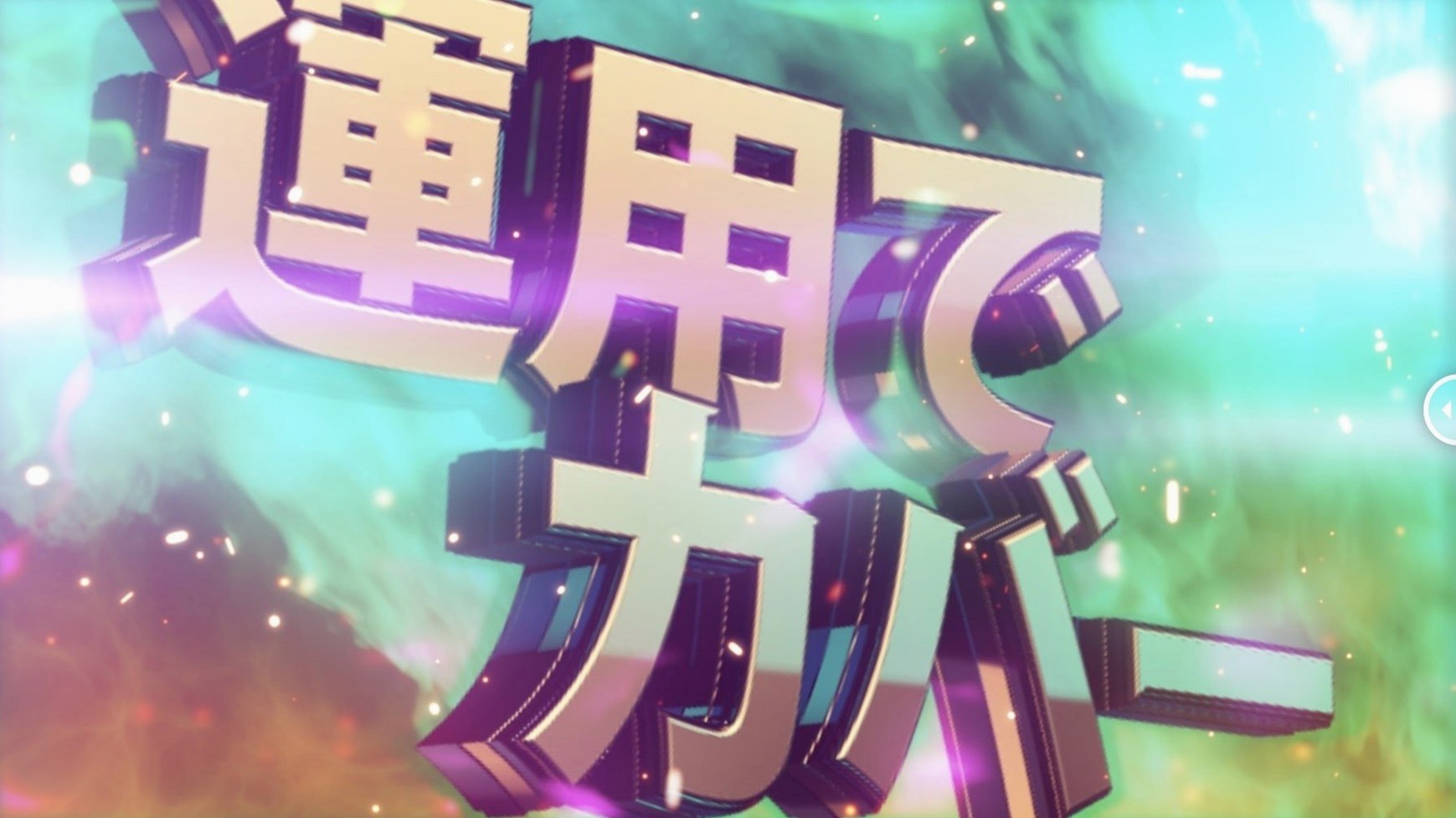
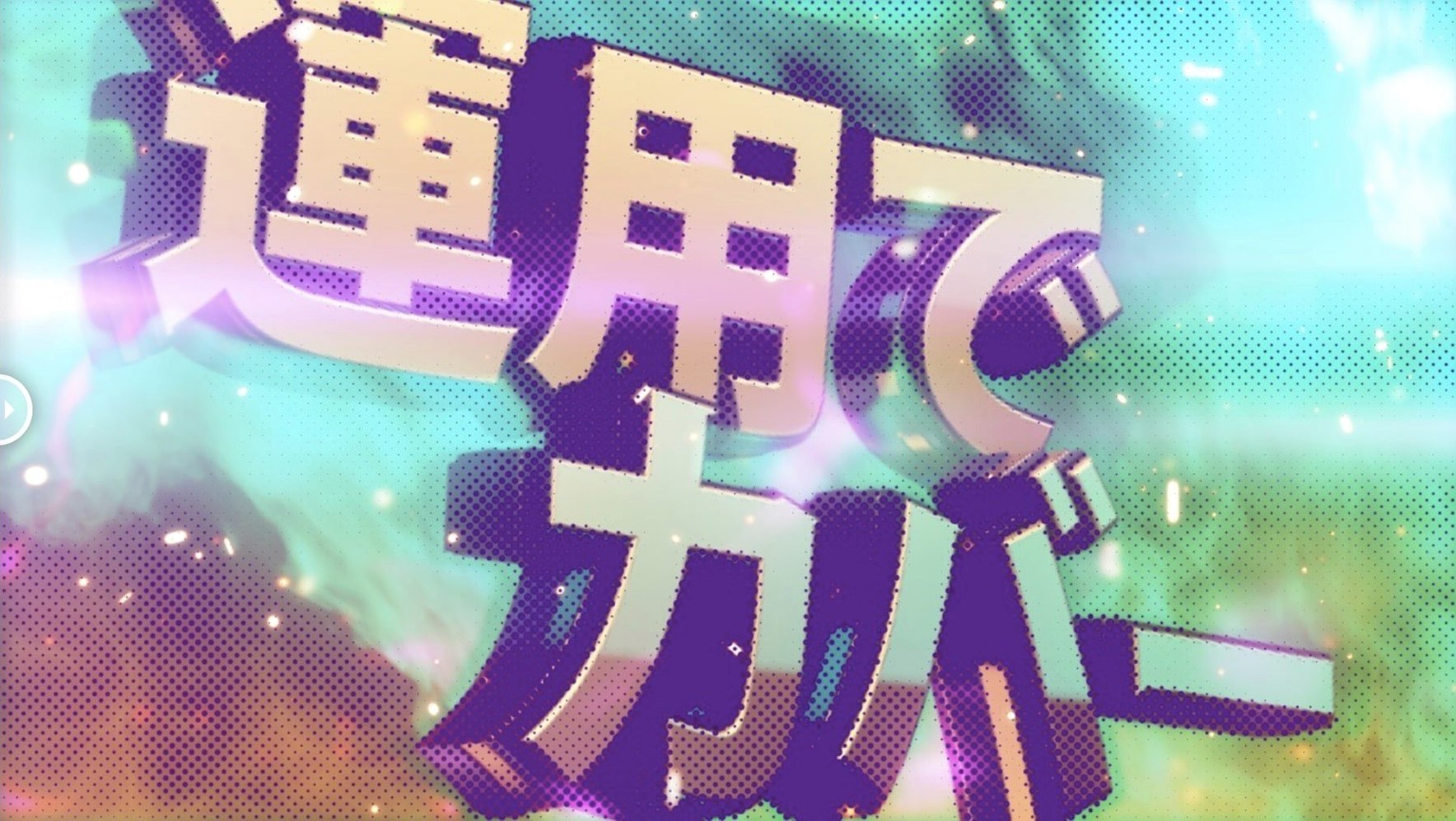
Version 1.5.3 brought the licensing framework up to v4.1.4, keeping activation smooth for After Effects 2026 all the way back to CS5.
Drop it on a single layer in the Effects panel
You drop it onto a single layer, no fussing with layer maps. It lives right in the Effects panel, so I reach for it after I've locked the composition's timing and want to stylize a background or text animation.
Bus graphics into a pre-comp for a clean timeline
It works on pre-comps and adjustment layers like any other effect. I'll often bus a few graphic layers into a pre-comp and apply the halftone there, keeping the main timeline clean while the dots do their thing across the whole group.
What's a typical job for it?
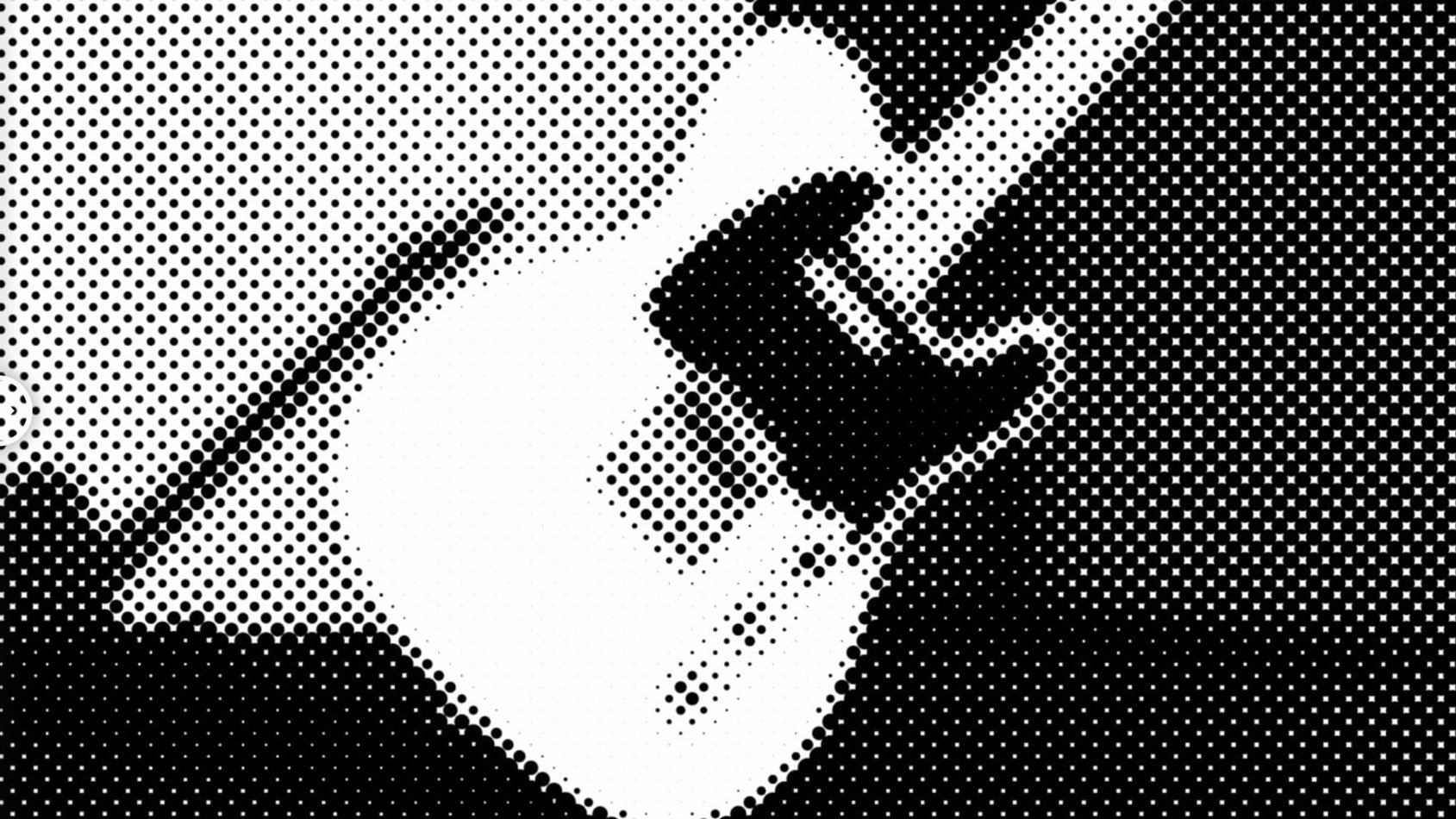
Giving solid vector art a printed, zine-like texture. Switching between circle, square, and line shapes lets me match the pattern to the project's feel without building a custom halftone setup from scratch.
4K comps with stacked effects stay snappy
I’ve thrown m’s HalfTone at 4K comps with multiple effects stacked underneath and it hasn’t blinked. Render times stay surprisingly tight for a pixel-based effect — a full-res preview of a ten-second halftoned logo rarely makes me wait more than a breath or two on Apple Silicon. On older Intel machines it’s still well-behaved; I’ve used it on a 2019 MacBook Pro without the fans kicking into panic mode.
Memory use is modest. I’ve watched Activity Monitor while scrubbing timelines and the plugin doesn’t leak or creep upward over a long session. That matters when you’re juggling a dozen comps and the last thing you need is After Effects reaching for swap memory because a single effect got greedy.
Stability has been solid through the 1.5.x cycle. No unexpected preview glitches, no dead frames on export. I’ve pushed it through Media Encoder queues overnight and woken up to finished renders, not error dialogs. The licensing update in 1.5.3 was a quiet maintenance move — no behavior changes, just a smoother activation handshake that keeps the plugin loading reliably even when Adobe shuffles its backend.
Adding print-shop texture to a timed title card
Let’s say I’m finishing a short title card for a client’s social cut. The text animation is timed, the color palette is locked, and it needs a print-shop texture before it ships.
I pre-comp the title layer and its shadow mattes so the halftone hits everything as one flat graphic. Then I search m's HalfTone in the Effects panel and drop it onto the pre-comp. The default circle pattern appears immediately — no lag, no black frame while it initializes.
First adjustment: dot size. I pull it down until the circles feel like newsprint, not polka dots. Then I open the shape menu and flip through circle, square, and line. The square pattern clicks for this project — it has a risograph stiffness that matches the client’s brand. I nudge the rotation a few degrees so the grid doesn’t fight the diagonal angles in the letterforms.
Next I check the alpha sampling behavior. The plugin reads the layer’s transparency by default, but I toggle it to see how the dots react to the shadow mattes. A slight offset shift keeps the pattern from cutting awkwardly at the title’s edge. I leave sampling on its default — the dot density follows the luminance of the underlying art, which is exactly what I need here.
One RAM preview, a quick export to check compression, and it’s done. The whole halftone pass took under three minutes, and that’s with me being picky about rotation angles.
Tip: When you want the halftone to feel built into the artwork rather than slapped on top, apply it before any grain or film damage effects. The grain will break up the dot edges just enough to hide the digital precision.
Alongside other halftone tools
Compared to the built-in CC Block Load or CC Glass tricks that some artists chain together for a halftone look, m’s HalfTone is refreshingly direct. Those native-effect workarounds demand three or four stacked filters and a lot of trial-and-error with blending modes. This plugin gives you the dots, squares, or lines on one layer, with controls that map to what a print designer actually wants to adjust.
Against RetroDither (another third-party halftone plugin), the difference is focus. RetroDither leans into glitchy, lo-fi color reduction and palette simulation — great for a degraded 8-bit vibe. m’s HalfTone stays truer to a clean, mechanical halftone: the screen angles feel precise, the dot shapes are crisp, and there’s no color-space remapping going on behind your back. If you want a straight reprographic halftone without the CRT artifacts, this is the one.
Halftone by aescripts + aeplugins takes a more simulation-heavy route, modeling physical screen angles and ink spread. It’s powerful but dense — you’re adjusting variables that matter for offset-print simulation. m’s HalfTone skips the physics lesson and gives you the aesthetic result faster. For motion work where the halftone is a texture choice rather than a pre-press proof, that speed is the whole point.
If you’ve been stacking native effects and squinting at the result, m's halftone free download searches lead here often because people want the look without the headache. It’s a plugin that does one visual idea and does it without chewing through your afternoon.
What's new in 1.5.3:
- Licensing framework updated to v4.1.4.
- macOS (Intel and Apple Silicon supported)
- After Effects CS5 through 2026
Notes from other shops 0
Sign in or open a shop account to leave a note.
No notes yet. If you've used this on a shop Mac, tell me how it went.