
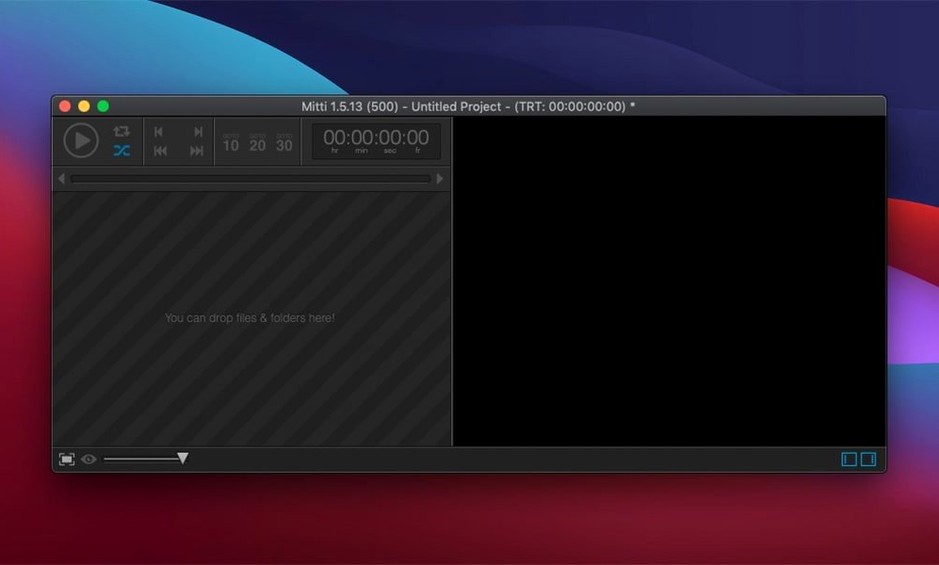
A stage manager clicks a single key, and a high-resolution backdrop fades smoothly onto the 20-foot screen behind the performers. That single action is a Mitti cue. Built for theatre, broadcast, exhibitions, and live shows, Mitti treats every video, still, or Syphon feed as a cued event you trigger, loop, or layer with precision.
| Developer | Current version |
|---|---|
| Imimot | 2.8.18 (Apple Silicon native) |
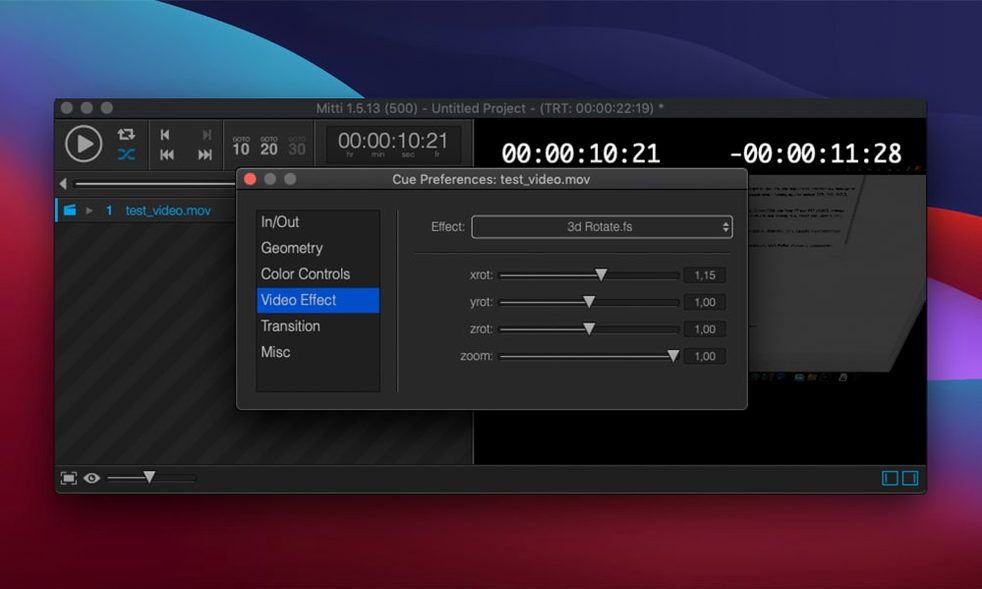
Where Mitti fits alongside a Mac user's regular toolkit is in the moment a Keynote deck or QuickTime window isn't enough. It slots in next to a DAW or a lighting console, routing audio to specific channels while a playlist of cues runs on a second display. The playlist can be exported with all its media to another Mac, so a show programmed in a studio opens identically backstage. It also auto-transcodes legacy film files into modern codecs so an old h.264 archive doesn't hold up a rehearsal, and the built-in ISF effects library puts color correction and generative looks right inside the cue stack.
Hitting play on a single clip and expecting loops or fades
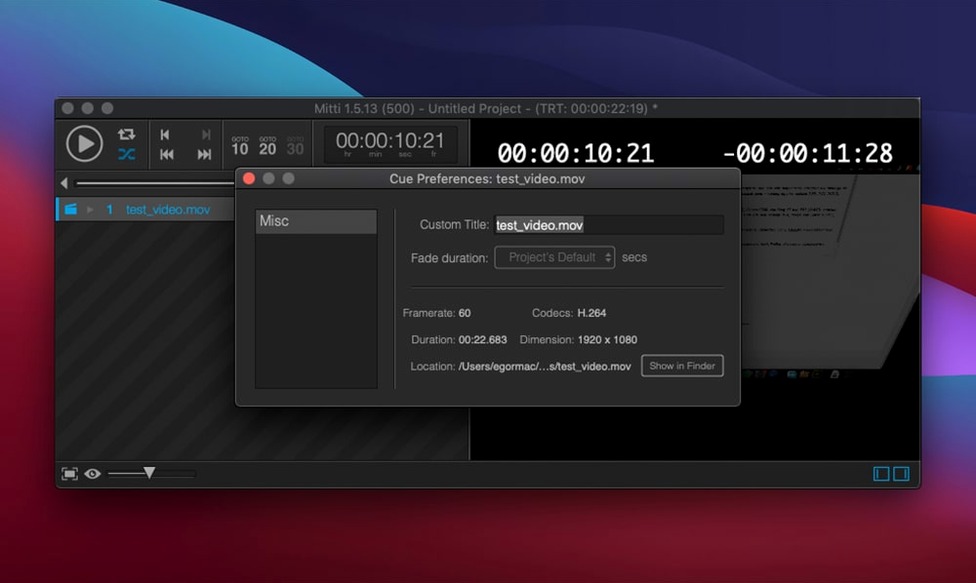
Most slip-ups come from treating Mitti like a regular media player instead of a cue-based playback engine. The big one: loading a single long file and hitting the spacebar, then wondering why nothing loops or fades. Mitti thinks in cues, so that movie needs to live inside a cue with its own in/out points and fade handles.
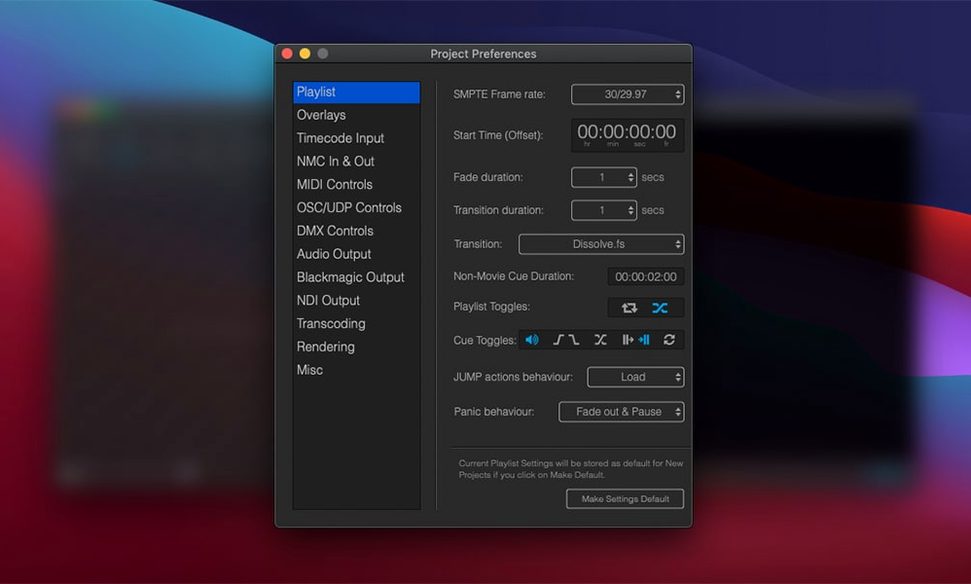
Another common stumble is ignoring audio routing early in the build. By default, audio goes to the system output, but a theatre setup usually needs discrete channels for the house and backstage monitors. Setting the routing per cue from the start saves frantic re-patching an hour before doors.
Beginners also underestimate how much the auto-transcode feature helps. Dragging in an oddball MPEG-2 file without letting Mitti convert it can cause stutter during a live transition. Letting the app create a clean ProRes copy in the background keeps playback solid when it counts.
- Tip: Name your cues with the same labels the stage manager uses in the call script — it makes mid-show adjustments far less stressful.
How Mitti compares with similar Mac playback apps
QLab dominates theatre spaces and goes deeper into audio, MIDI, and show-control scripting. But that depth brings complexity; Mitti feels lighter and quicker to program for a straightforward video-heavy event. If your show is ninety percent screen content and ten percent audio, Mitti's interface stays out of the way.
PlaybackPro has been a corporate-event workhorse for years. It handles a single-screen crossfade operation cleanly, but it doesn't touch Mitti's NDI and Syphon source support or its network-sync protocol. For multi-screen exhibitions or broadcast galleries pulling live camera feeds, Mitti pulls ahead.
Pandoras Box is a media-server powerhouse, not a direct competitor, but some users arrive at Mitti after realizing they don't need a full server for a two-projector exhibition booth. Mitti covers that middle ground: more than a simple player, less overhead than a server rack.
Three projectors mapped across a gallery wall from one playlist
An exhibition installer has three projectors mapped across a long gallery wall. One Mac runs Mitti with a playlist of looped artist video works, each cue set to hold on the last frame until the next trigger. A second Mac in the next room syncs via Mitti's NMC protocol so both playlists advance together. One of the feeds comes from a Blackmagic camera pointed at a kinetic sculpture; that live input sits as a Syphon source cue, blended with a subtle ISF color effect that shifts throughout the day. The installer preps the entire playlist in the workshop, exports it with media, and hands the bundle to the gallery staff — who only need to press the spacebar to start the show.
The release notes for version 2.8.19 are posted over on the developer's site with the latest fixes and improvements.
- macOS 10.15 (Catalina) or newer
- Intel 64-bit processor
Notes from other shops 0
Sign in or open a shop account to leave a note.
No notes yet. If you've used this on a shop Mac, tell me how it went.