

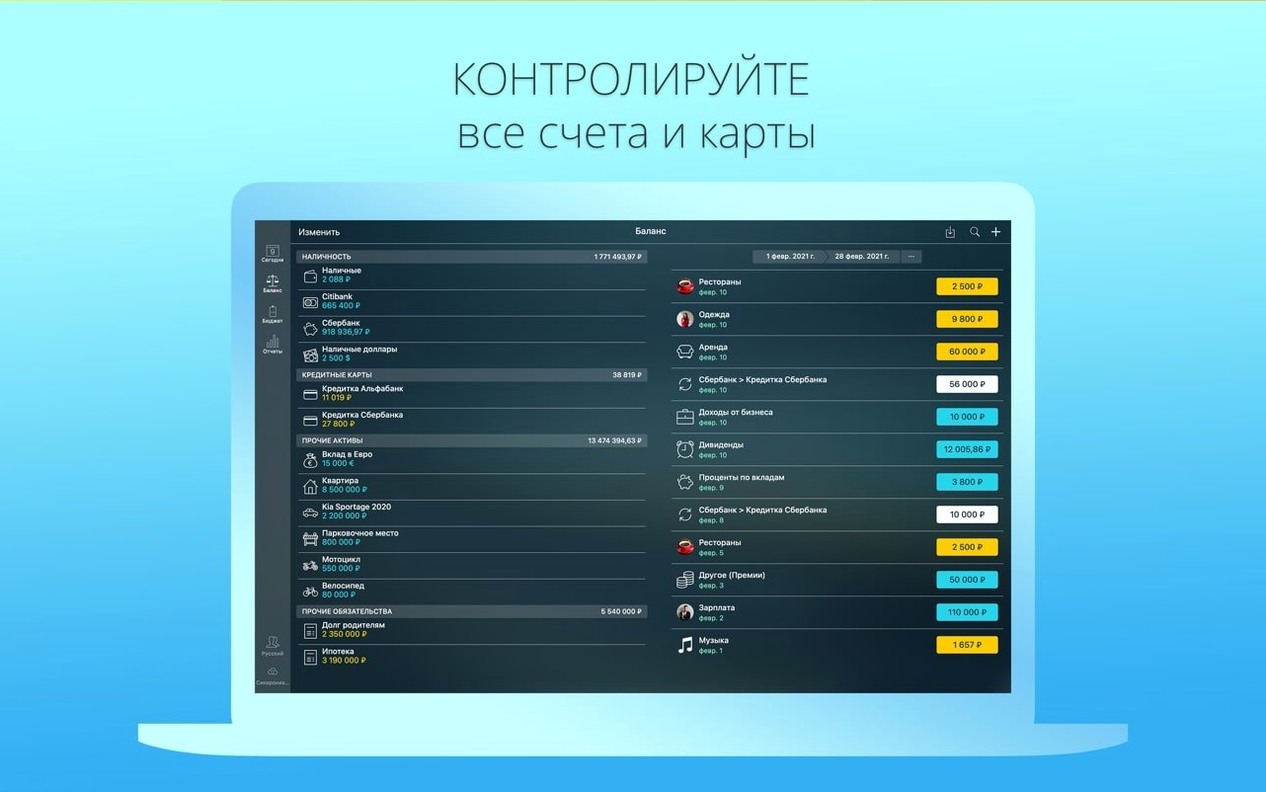

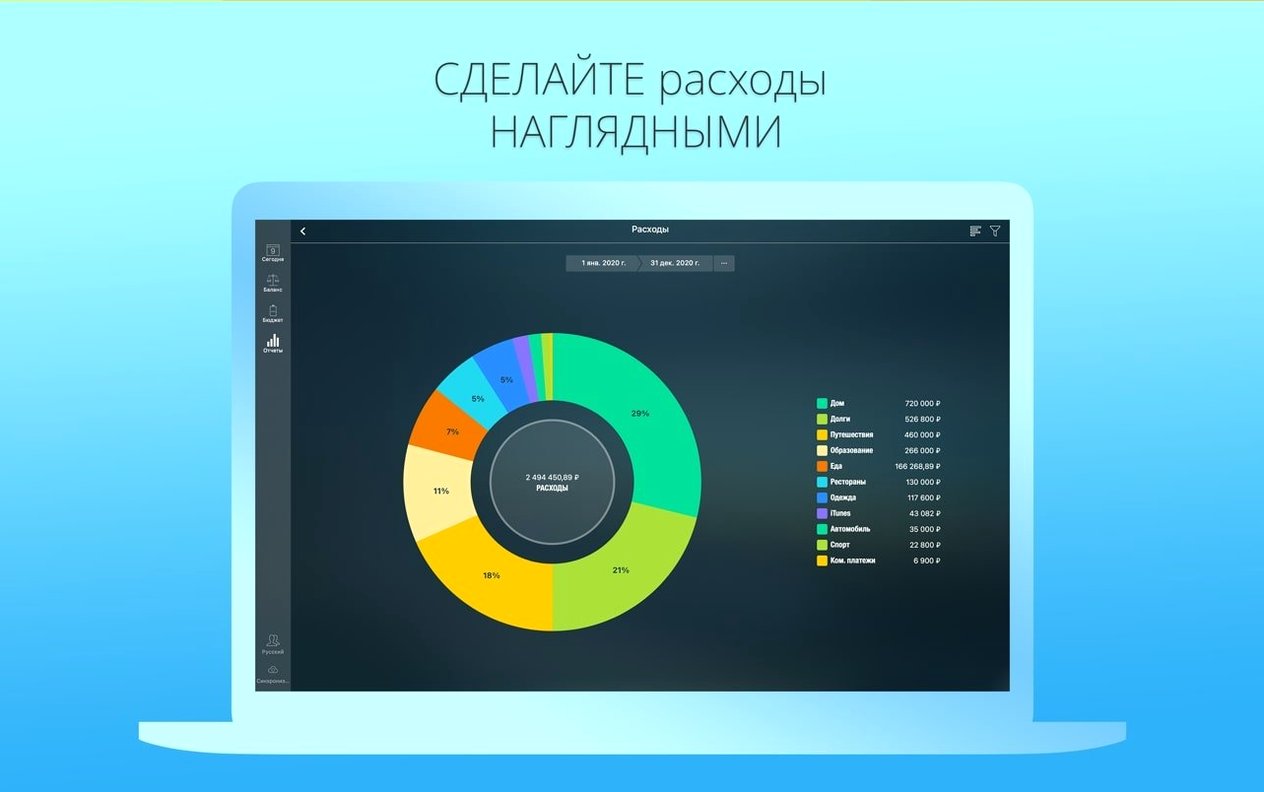
Money Pro is a personal finance app that brings budgeting, bill planning, and account tracking into a single place on your Mac.
What Money Pro is good for
- Household budgeting with rollovers. You can set monthly or custom-period budgets and let leftover amounts carry into the next period — handy for envelope-style planning.
- Bill reminders on a calendar. Mark upcoming payment dates right on a built-in calendar so you see what's due and when, including recurring bills.
- Tracking accounts across devices. Syncs between Mac, iPhone, and iPad through Money Pro Sync, so two people can keep an eye on shared finances.
- Handling multiple currencies. The app updates exchange rates automatically and supports several currencies at once — useful if you deal with overseas suppliers or travel often.
- Importing bank data. Pull in transactions from OFX and CSV files instead of typing everything by hand.
- Splitting transactions. A single purchase can be divided across categories, which helps when a Costco run covers groceries, stationery, and a new kitchen gadget.
A separate successor with built-in backups
- Money Pro is the successor to the original Money app, so it shares that lineage but is a separate product.
- Data backup is built in, so you can keep snapshots of your financial info.
- The interface supports 22 languages, from Arabic to Vietnamese.
- Recurring payments are supported, which saves re-entering the same rent or subscription every month.
- This version runs on macOS 12 and later, on both Intel and Apple Silicon Macs.
Little shortcuts you might not notice
Some of the best bits in Money Pro sit just beneath the surface. A tap-and-hold on a calendar day for scheduled bills gives you the “mark as paid” action without opening a single form. If you track small-business expenses alongside household ones, attaching a receipt photo to a transaction is as simple as dragging an image onto the record — way faster than hunting for the paper copy later. The built-in calculator pops up inside amount fields too, so splitting that team lunch into precise thirds takes seconds instead of switching apps.
Another quiet helper is the multi-profile support. If your partner runs a craft booth and you handle the home accounts, you can keep both worlds separate under one app without juggling logins.
What a freelance designer might do with it
Picture someone who sells handmade ceramics online and at weekend markets. Their income comes in lumps — a big Etsy payout one week, cash sales the next — and expenses hit unevenly: glaze materials, stall fees, shipping supplies. In Money Pro, they’d set up a budget that carries unused amounts forward, so a quiet month doesn’t punish the next one. A recurring payment for studio rent sits on the calendar view, and each client invoice payment gets recorded with the payer name and a custom “business” class tag. When tax time looms, they search transactions by category and export a CSV straight to their accountant. No spreadsheets scattered across folders, just one place where the numbers make sense.
Match budget cycles to your pay schedule
- Set your budget periods to match real cycles. If you get paid biweekly, switch the default monthly period to something that mirrors your cash flow — it makes the rollover logic feel more natural.
- Turn on password protection. It’s off by default. Head into preferences and set a passcode before you enter any account numbers.
- Pick your currency and auto-update rates. The exchange-rate refresh is on by default for the main currency, but double-check your secondary currencies are set to update automatically if you work across borders.
- Customize account icons early. You can use your own photos — a snapshot of your actual credit card or bank logo saves squinting at generic icons later.
- Enable backup reminders. The app can back up data, but nudging yourself to do it regularly means you won’t lose your history when you upgrade your Mac.
This one's a quiet maintenance update. They've smoothed out a handful of small bugs to keep things running nicely.
- macOS 12 or later
- Works on both Apple Silicon and Intel Macs
Notes from other shops 0
Sign in or open a shop account to leave a note.
No notes yet. If you've used this on a shop Mac, tell me how it went.