
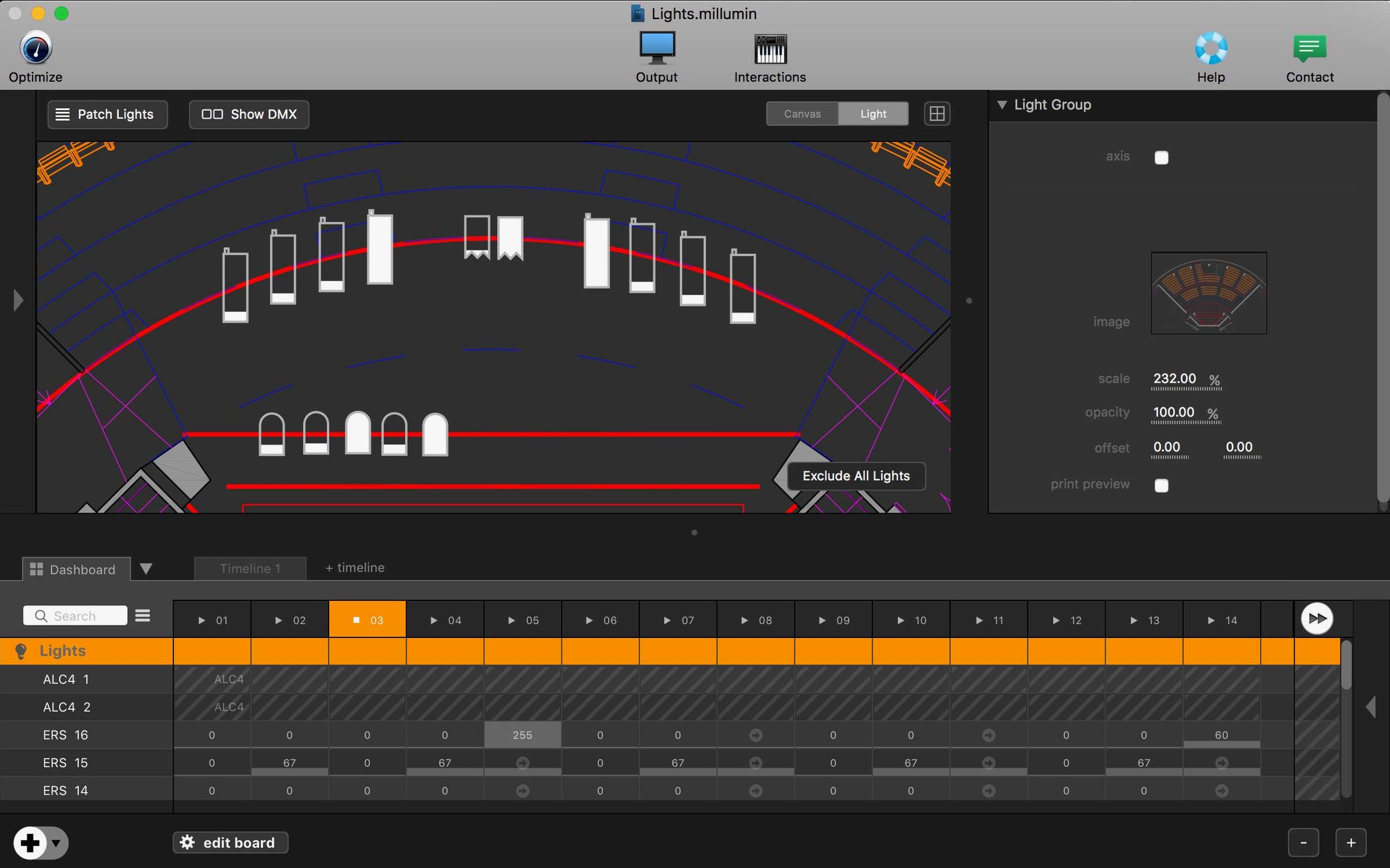
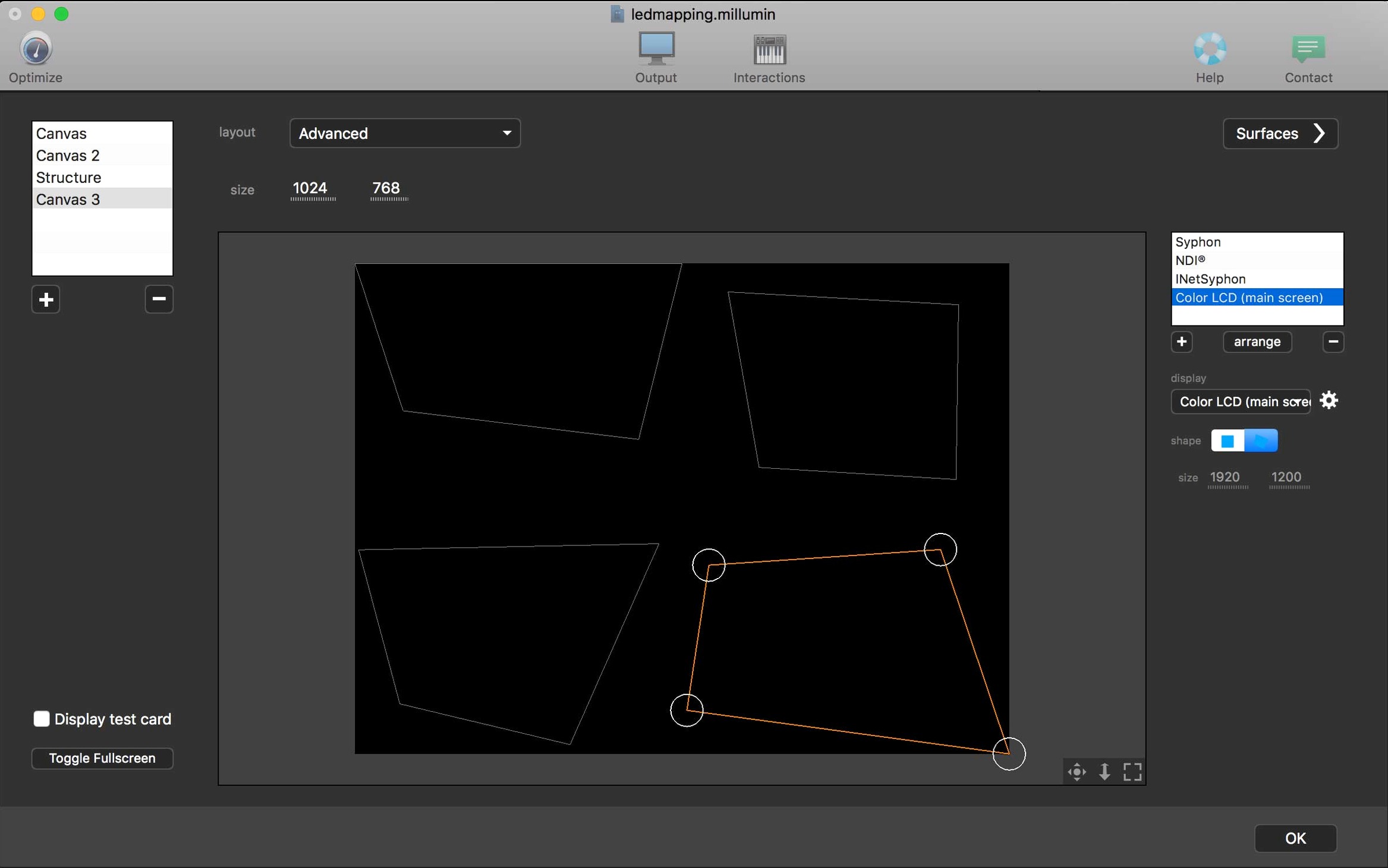
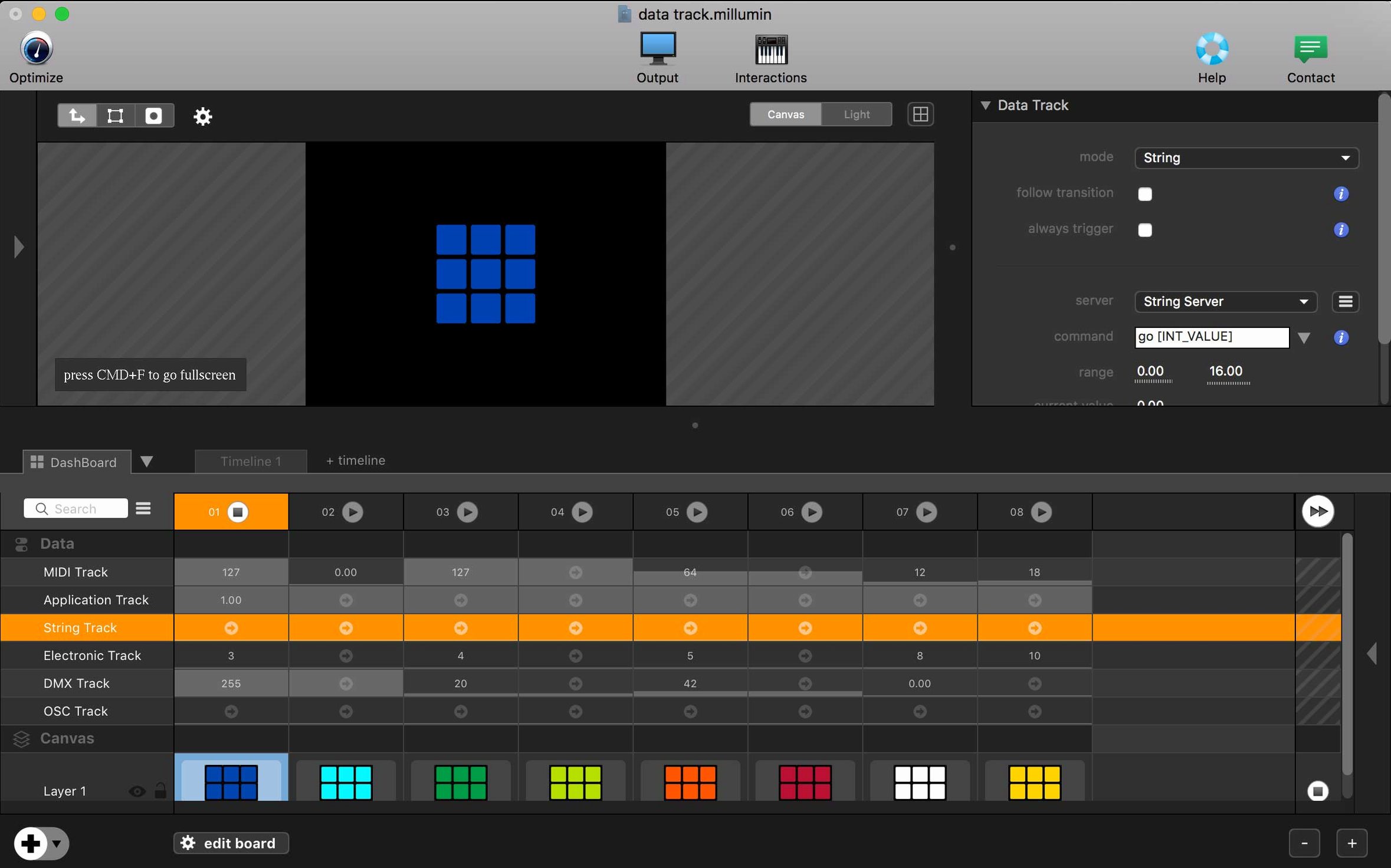
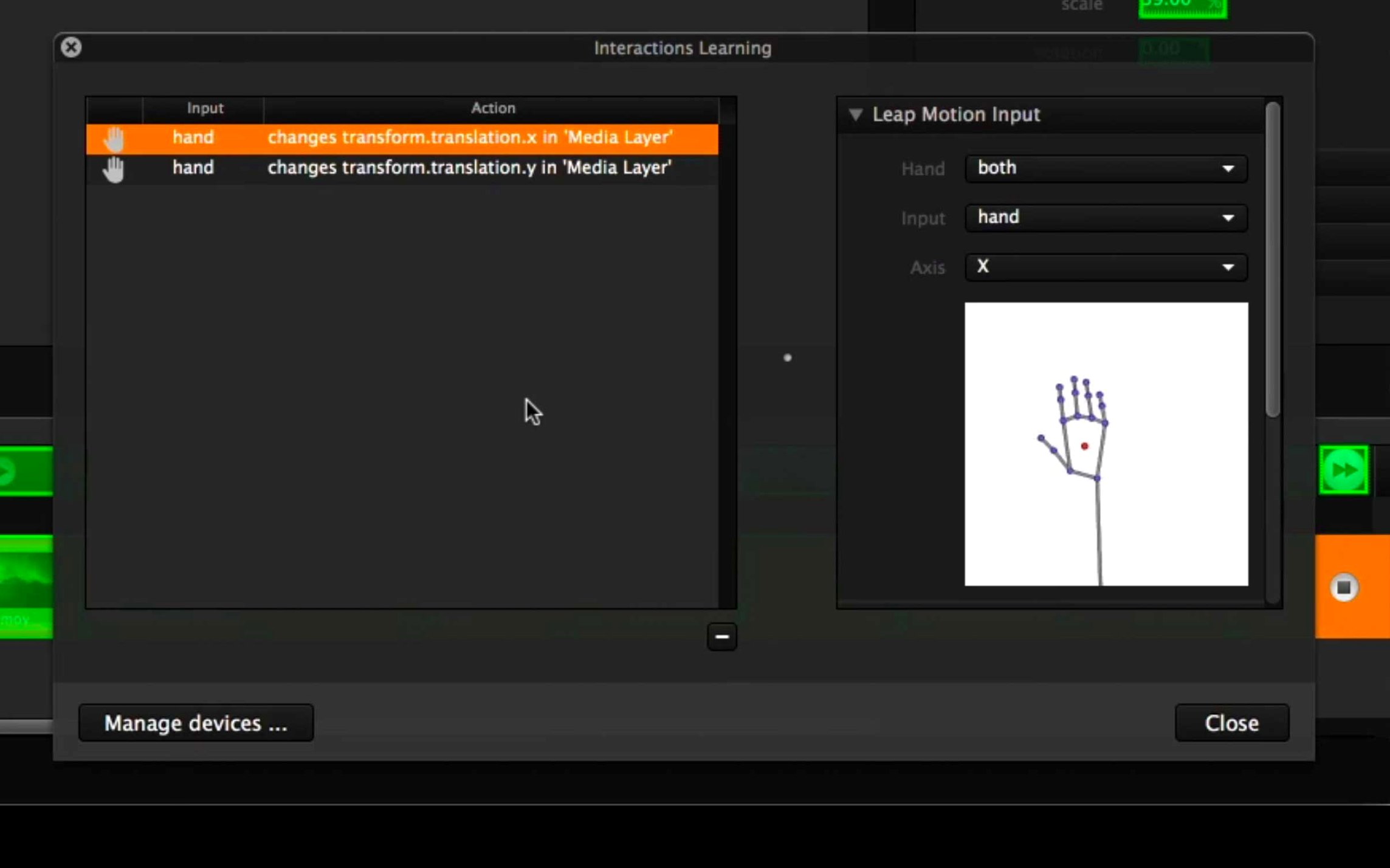
Millumin V5 arrived in late April 2025, and while release notes for 5.14.j are sparse, the jump to V5 itself was the real story. It brought the app onto macOS 11 Big Sur and kept it on Intel 64-bit Macs. If you already run QLab for cues, MadMapper for projection, or Ableton Live for audio, Millumin is the piece that stitches video, light, and interactivity into one timeline without fighting your other tools.
- Connects to gear you already own. A growing list of devices and software means it talks to MIDI controllers, lighting desks, and camera inputs you likely have in your rack.
- Runs on older Intel Macs. V5 stays on Intel 64-bit, so that trusty cheese-grater Mac Pro still has a job.
- Tutorials inside the app. Online help is built in, so you pick up mapping or sequencing right where you work.
- Sits between design and playback. Make content in After Effects or Blender, then assemble and trigger it live here.
Where project files go missing and how to relink them
People hit a few predictable bumps when they first open a show file. Here are the ones I see most often, plus what actually fixes them.
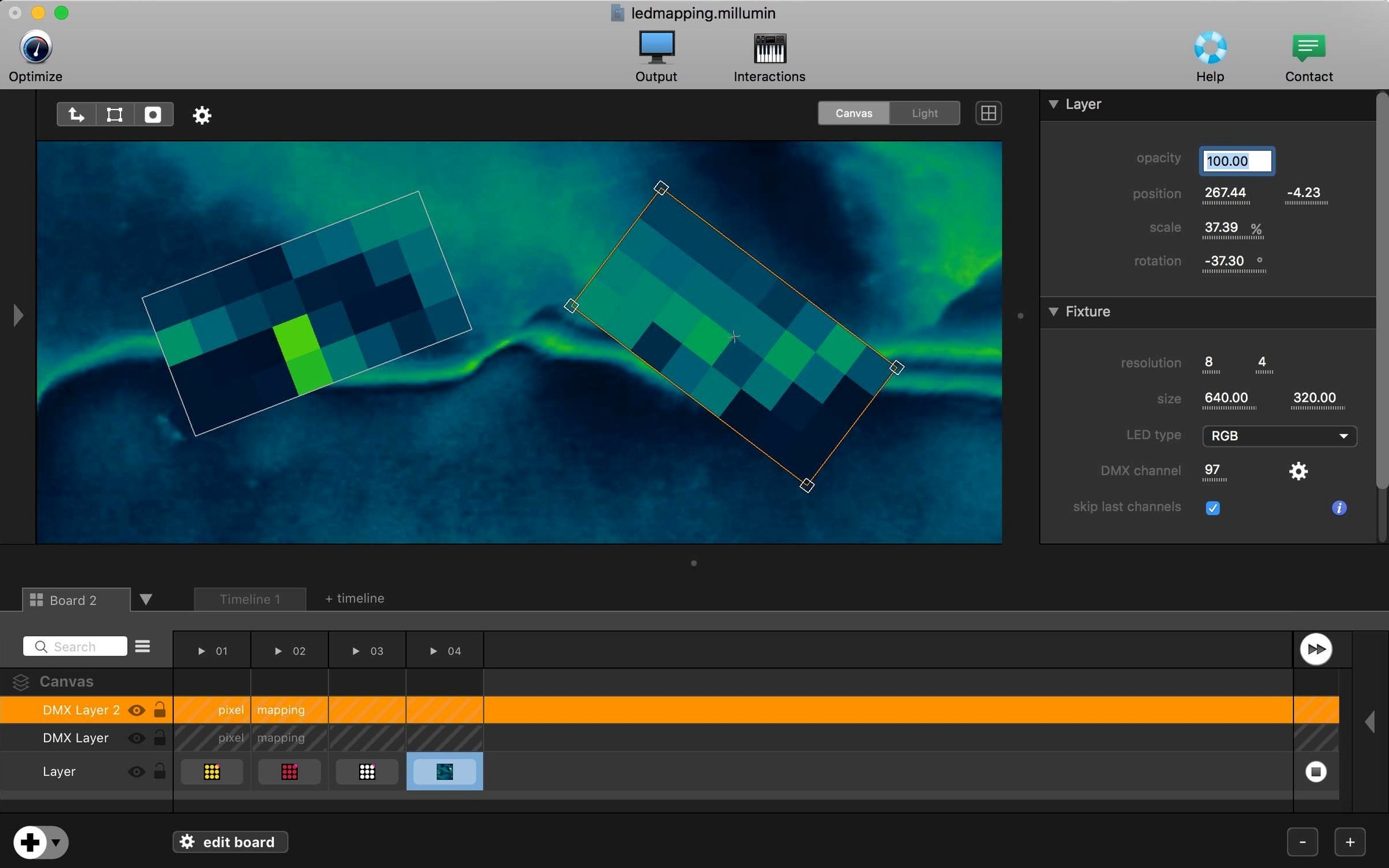
- Media shows black frames after moving the project folder. Millumin references files by path, not by embedding them. If you rename or relocate a folder of video clips, the canvas goes dark. The fix is to open the Media panel, look for red exclamation marks, and relink the folder from the top level—it usually finds the rest automatically.
- MIDI notes fire but nothing happens. The mapping window accepts a note, but the cue stays frozen. Nine times out of ten, the Learn button was still armed for a different layer. Click the target column first, then hit Learn, then send the note.
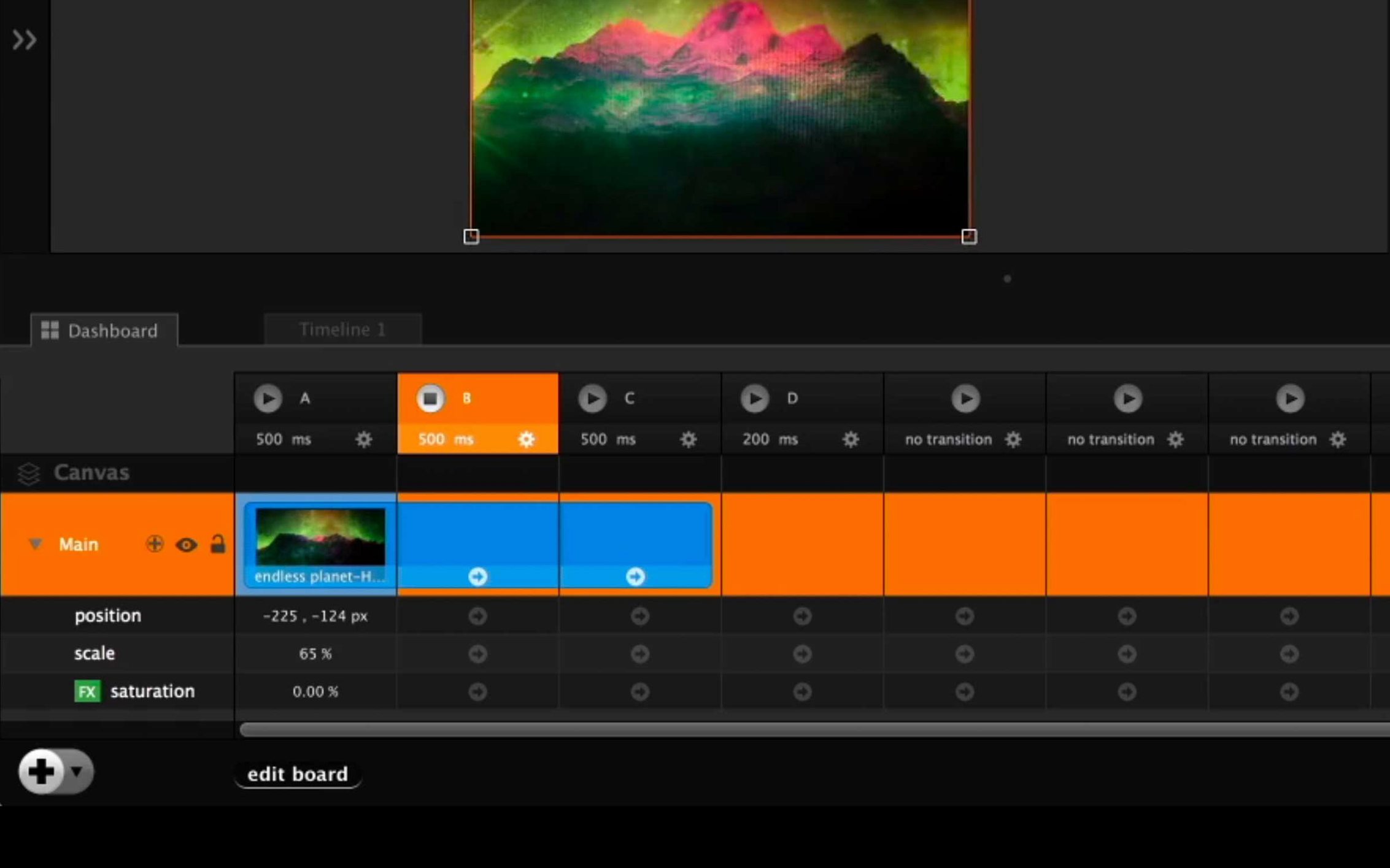
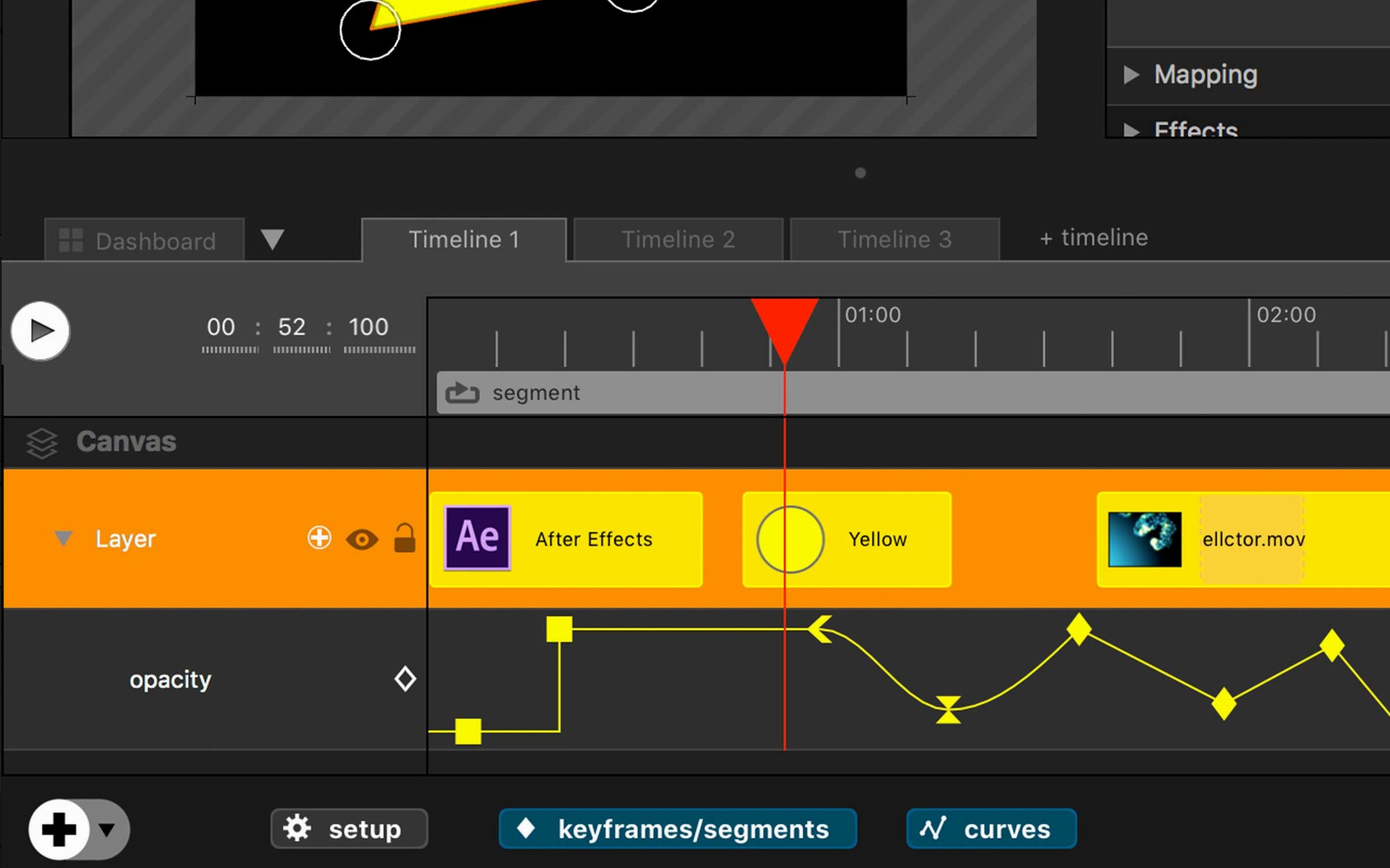
- Timeline cues drift when you change the frame rate. Millumin recalculates durations based on the new fps, but keyframes don't always re-snap to frame boundaries. Before switching frame rates, lock your cue durations manually in the inspector—it saves a quiet panic during tech rehearsal.
- Canvas output lags on an older Intel Mac. The GPU gets asked to do a lot. Drop the canvas preview resolution in the Output settings, and turn off real-time anti-aliasing on layers that don’t need it. A 2013 Mac Pro can push three 1080p layers fine once those two switches are flipped.
Right-click a cue to duplicate it with its own media copy
A few things aren’t shouted about, but they make long programming days easier.
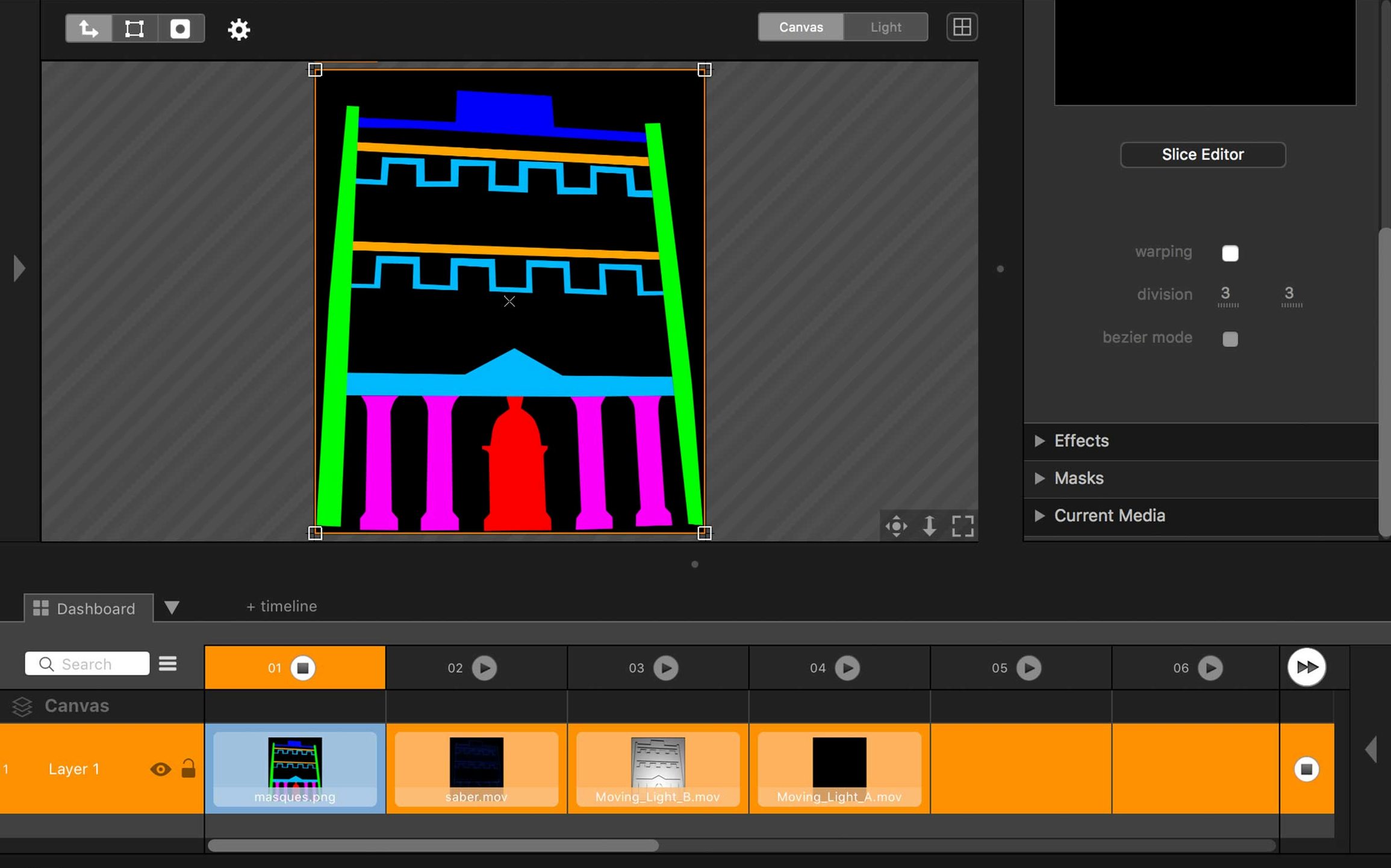
- Right-click a cue and choose "Duplicate with media." The standard duplicate shares the same source file. This one creates an independent copy so you can trim or filter it separately without touching the original.
- Hold Option while dragging a cue edge. It trims the cue without rippling anything else on the timeline. Simple, but not obvious.
- Color-coded columns in the dashboard. You can assign a color to each column header—it mirrors across the board. When you're running twenty cues blind from a MIDI pad, those colored blocks are faster than reading labels.
- Contextual help responds to which panel is active. Press
Cmd + ?while looking at the Canvas, the Dashboard, or the Timeline, and you jump straight to the relevant section of the online tutorials. It's subtle, but it means you don't have to search from scratch every time.
Bridging QLab, Isadora, and MadMapper without the bloat
I keep Millumin on the same machine as QLab, Isadora, and MadMapper. Each of them does one thing brilliantly; Millumin's strength is how it bridges them without turning into a sprawling Swiss Army knife.
Millumin vs. QLab 5 — QLab owns audio cues and traditional theater workflows. If your show is mostly sound with some projection, QLab is the natural hub. But for heavy videomapping or interactive layers triggered by sensors, Millumin's canvas and timeline feel purpose-built. QLab can map, but it's a bolt-on; Millumin starts from the pixel.
Millumin vs. Isadora — Isadora's node-based patching is unmatched for experimental interactive art. You can build a video-tracking installation from scratch in an afternoon. Millumin is more structured—timeline, layers, columns—which makes it faster to program a linear or semi-linear show. If you think in scenes, go Millumin. If you think in signal flow, stick with Isadora.
Millumin vs. MadMapper — MadMapper is a projection-mapping specialist with a lean interface that stays out of your way. Millumin wraps mapping inside a full show-control timeline. For a single-surface mapped installation, MadMapper is lighter. For a dance piece with four projectors, live camera feeds, and MIDI-triggered lighting cues, Millumin keeps everything in one file.
It's not a replacement for your creative apps—it's the stage manager that cues everything on show night.
- macOS 11 Big Sur or later
- Intel 64-bit Mac
Questions from the stall
Does Millumin V5 work on Apple Silicon Macs?
The developer lists Intel 64-bit support for V5, and it runs on Apple Silicon through Rosetta 2.
What macOS version does Millumin 5 need?
Millumin V5 requires macOS 11 Big Sur or a later version.
Where can I learn how to use the app?
Online tutorials are included directly in the app, and the help center is dedicated to Millumin V5.
Notes from other shops 0
Sign in or open a shop account to leave a note.
No notes yet. If you've used this on a shop Mac, tell me how it went.