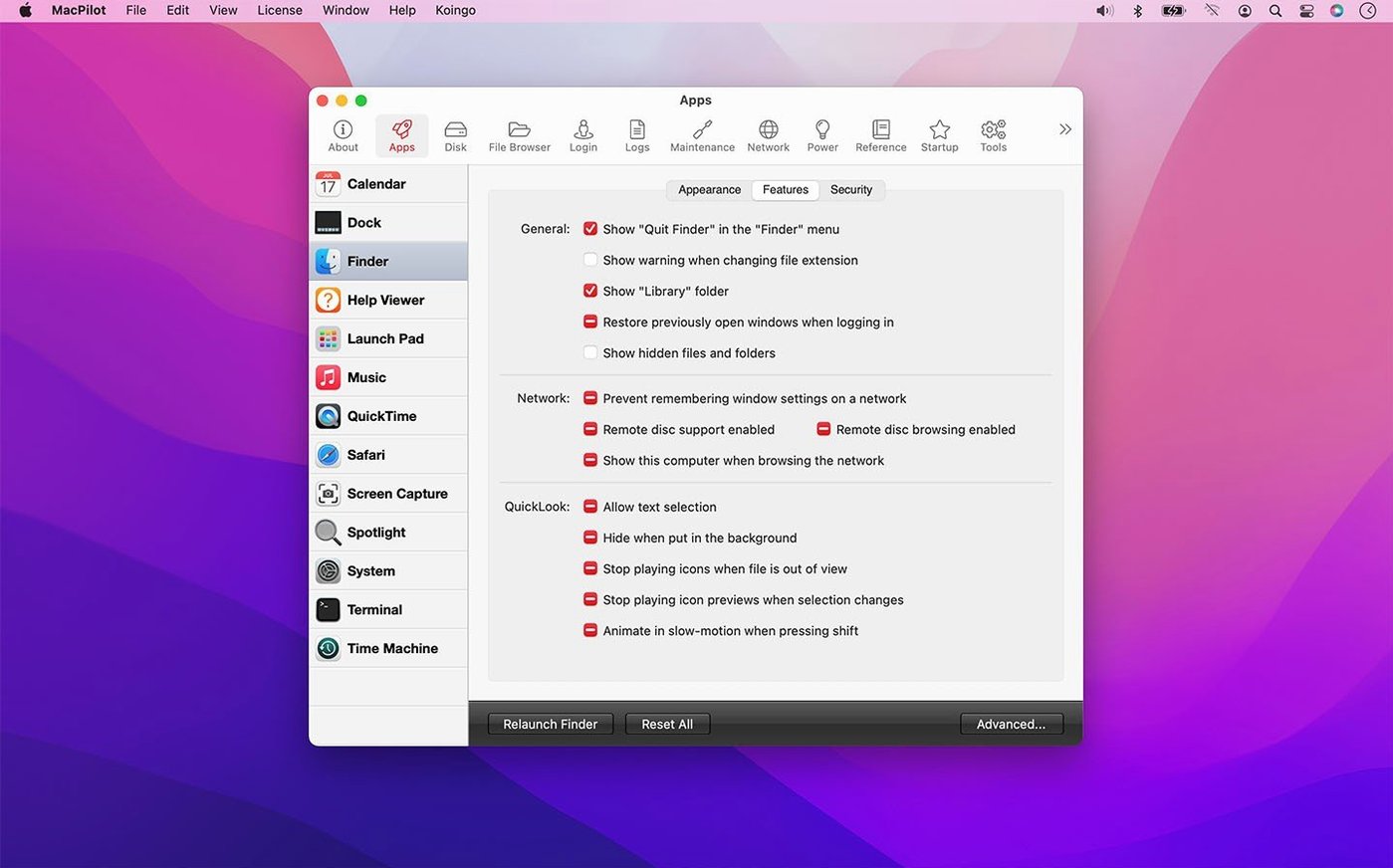
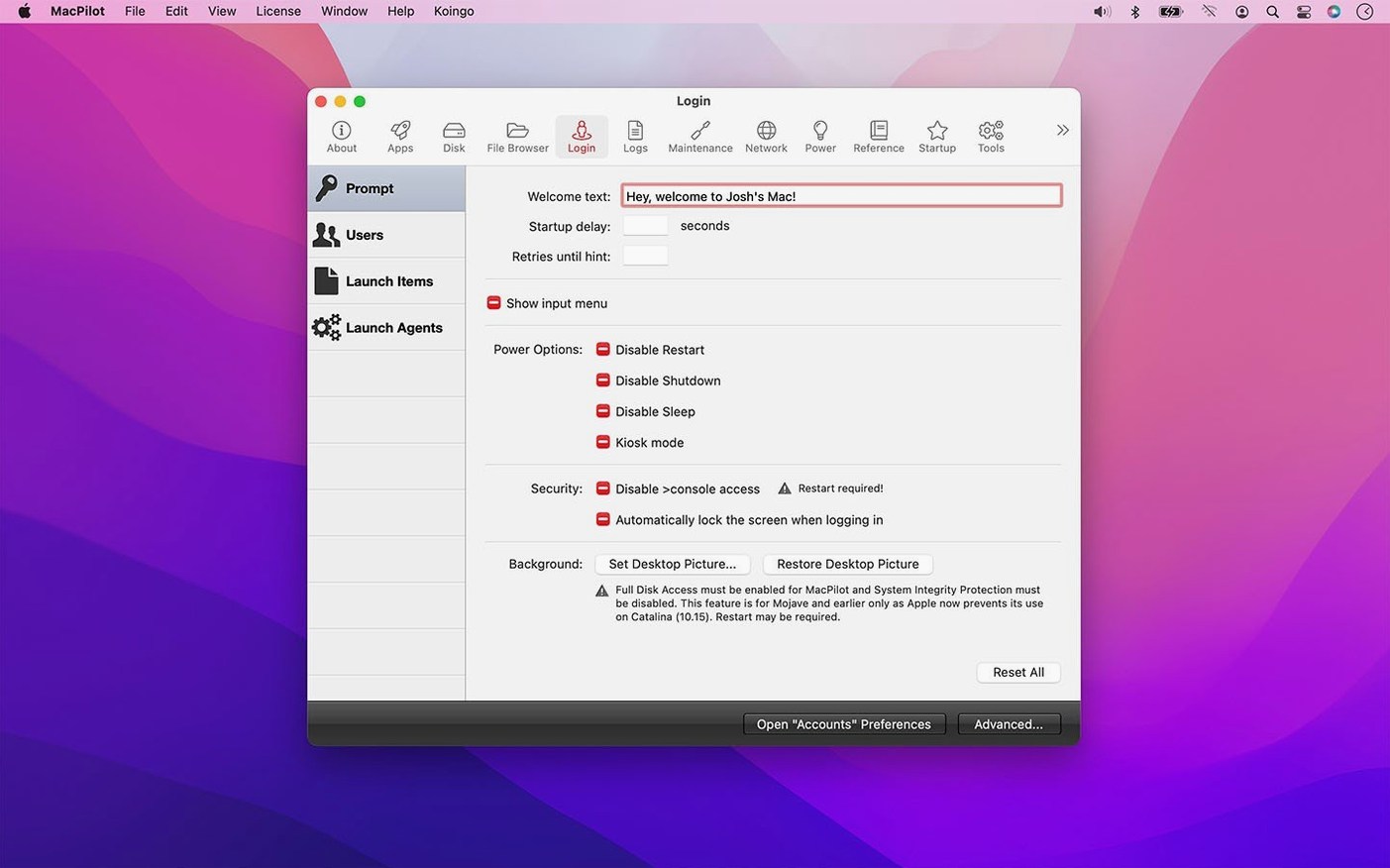
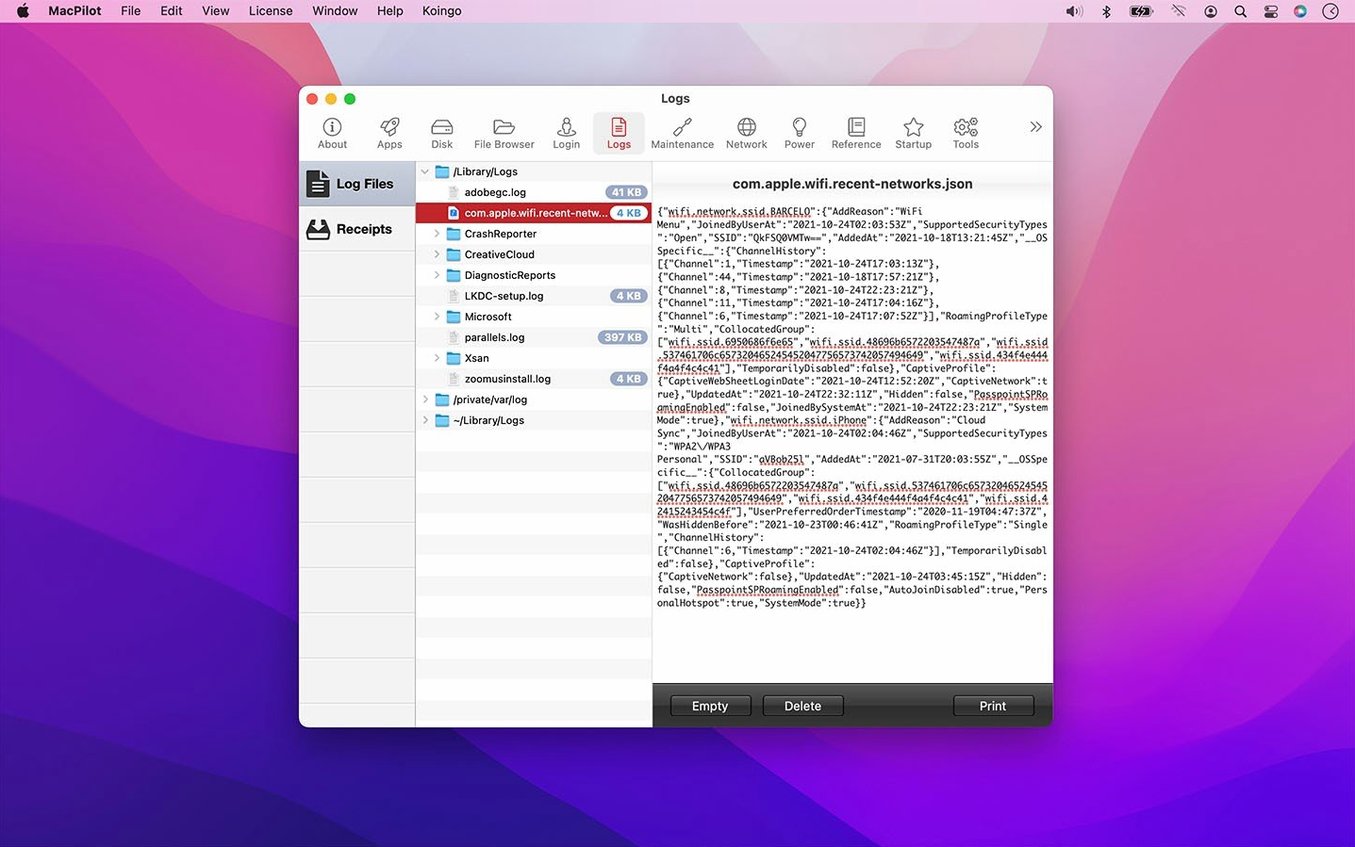
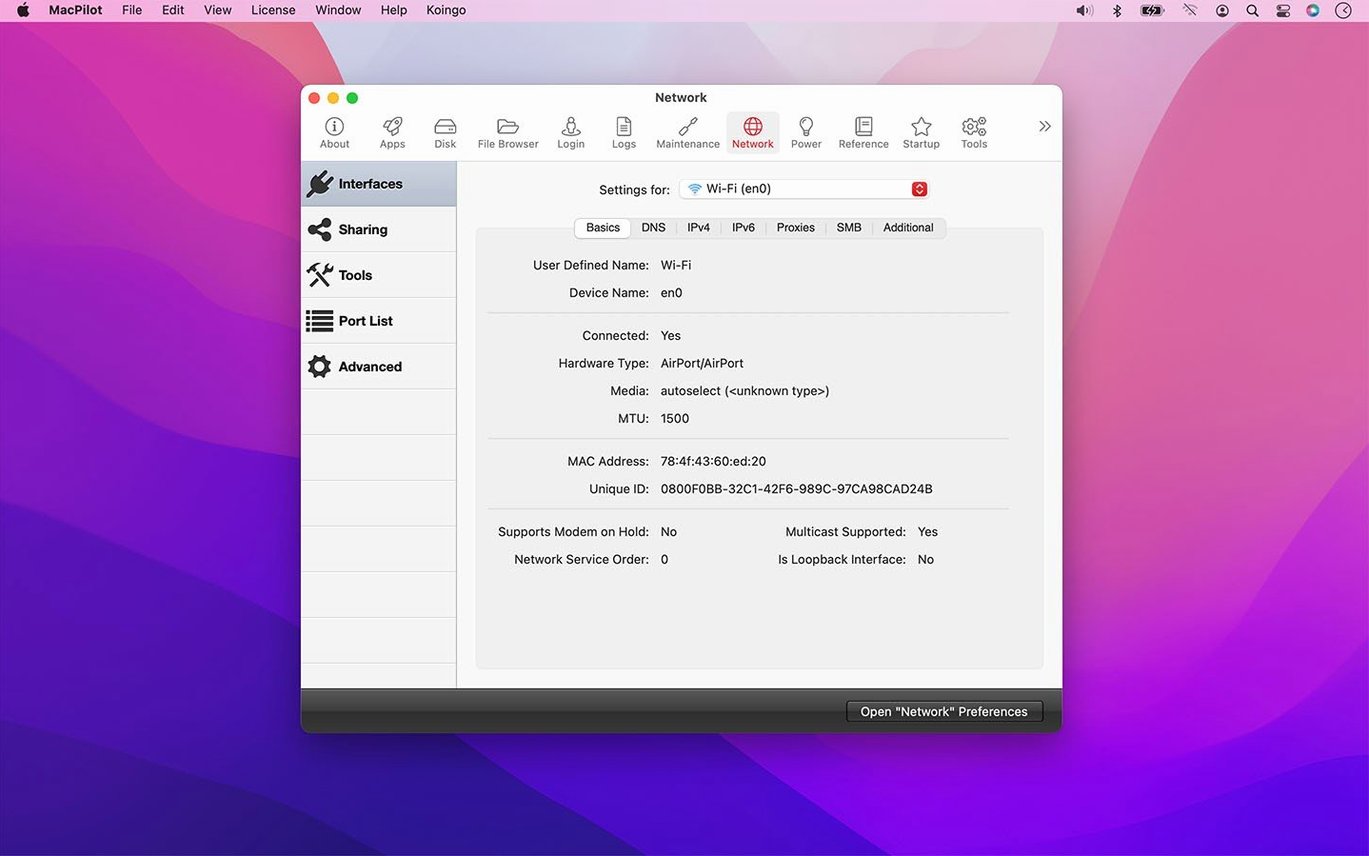
MacPilot is for the kind of person who looks at the Finder and thinks "you could do more." It opens up hundreds of hidden macOS settings that Apple keeps tucked away, no Terminal commands needed. While version 18.0.1 cleans up the basics, the real draw for an experienced user is the set of lower-level tools included under one roof.
What you can dig into:
- Advanced file permissions and attributes. Edit POSIX permissions, ACLs, and extended file attributes through a property list editor and hex editor, not by memorizing chmod flags.
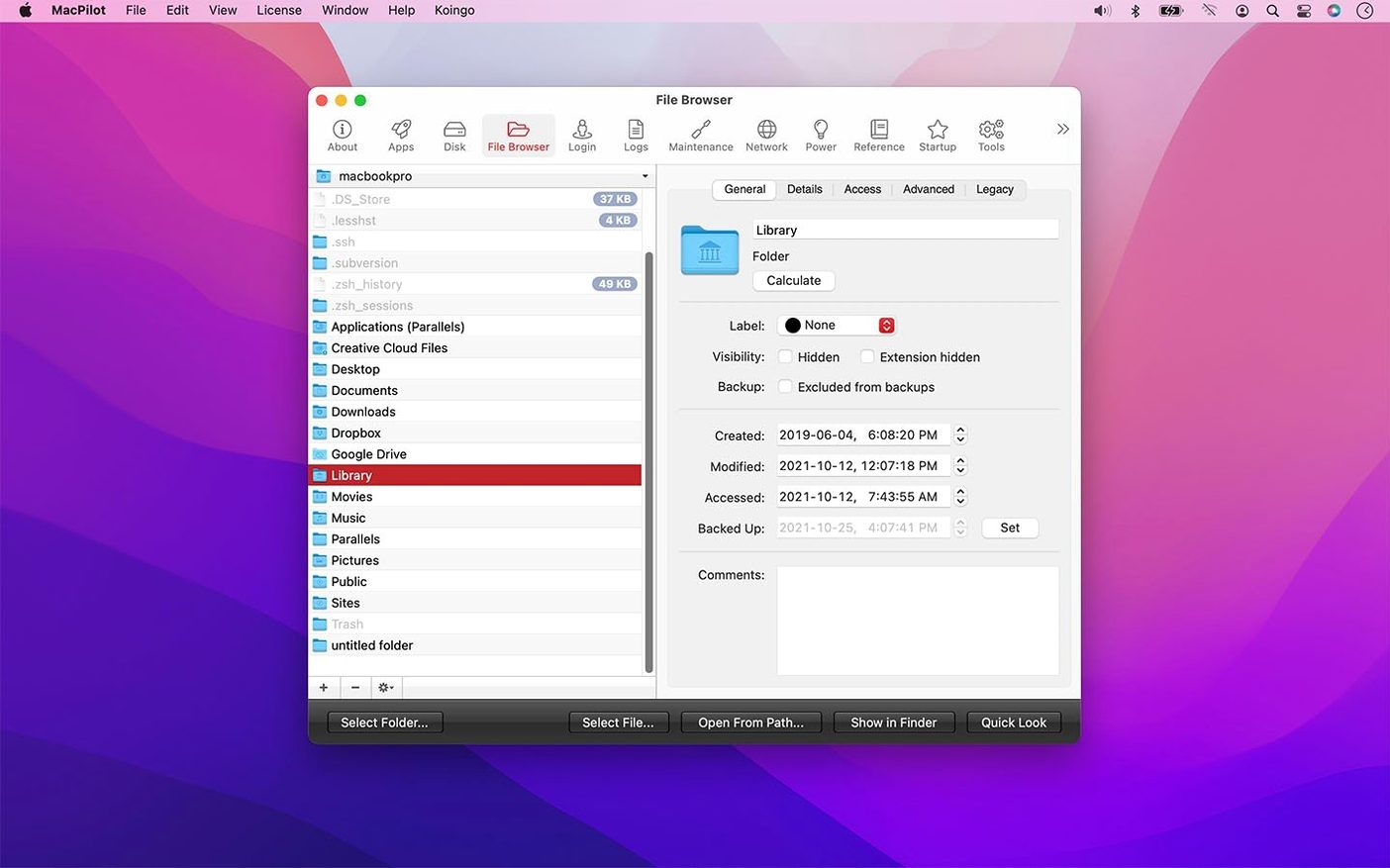
- A file browser that shows everything. See invisible and system files without toggling a Finder flag, and handle file date corrections for creation, access, and backup dates from the same panel.
- Dock customization that goes past System Settings. Add spacers and stacks to the Dock for a layout that fits how you actually organize your work.
- System helpers in one place. Access Bluetooth assistants, certificates, directories, RAID setup, and printing system helpers without hunting through obscure folders.
- Stubborn Trash emptying. Force-empty the Trash when a locked file refuses to leave, straight from the interface.
These aren't surface-level tweaks. They are the kind of controls you reach for when something on your Mac behaves oddly and you want to fix it directly, rather than clicking through five layers of friendly menus. The feature set feels cohesive because everything lives in the same familiar browser, which saves you from scattering your attention across separate utilities.
SIP stays on and buried toggles surface
Does it mess with SIP or require disabling it? MacPilot works within macOS's normal boundaries and does not ask you to turn off System Integrity Protection. The settings it exposes are hidden, not locked. If Apple has buried a toggle, the app usually surfaces it without low-level tinkering.
Will I break something I can't undo? The safety improvements in version 18.0.1 add extra guards around protected preferences, NVRAM settings, and login pictures, so the truly dangerous paths are harder to stumble into. That said, the app gives you access to over 1200 features, and some of them change deep system behaviors. The rule of thumb is simple: know what you are adjusting before you flip the switch.
How does it compare to running Terminal commands manually? There is a certain satisfaction in typing defaults write and watching it take effect. MacPilot is less about replacing that skill and more about saving time when you need to apply ten changes across Finder, the Dock, and QuickTime in one sitting. It also keeps you from hunting through forum threads for the exact domain key you forgot.
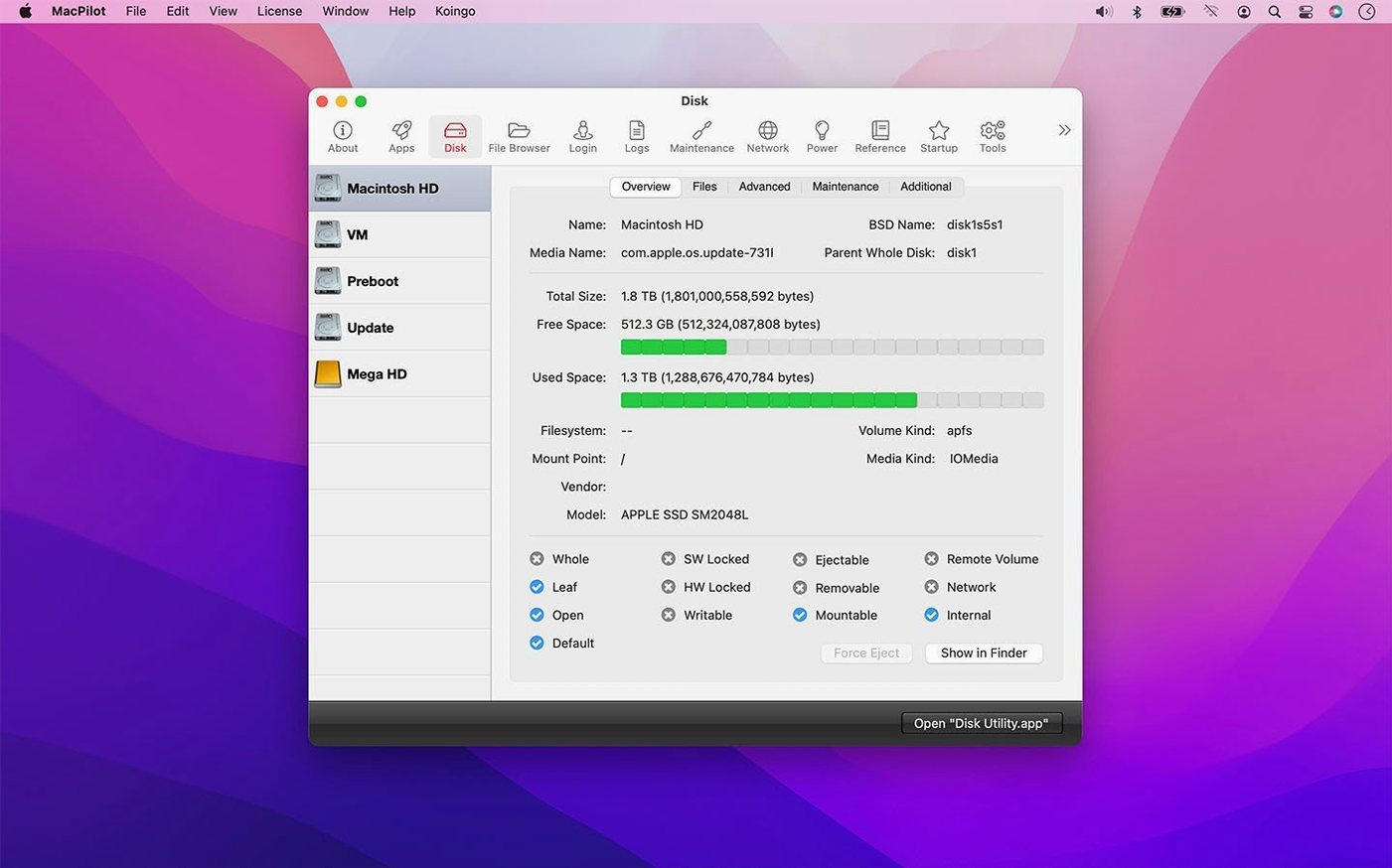
Does it handle maintenance, or just tweaks? It bundles a set of maintenance tools you can run directly: rebuilding caches, forcing the Trash to empty, and accessing disk statistics that the standard Disk Utility skips. The I/O Benchmark and extended disk information panels give you hardware-level insight without a separate diagnostics app.
A system administrator's afternoon
Imagine a small IT person managing a handful of Macs for a design studio. One machine keeps saving screenshots as TIFF files because someone changed the format months ago and forgot. Another has a Dock so cluttered that the designer can't find their main apps. A third Mac refuses to empty its Trash, holding onto a locked temp file from an old project.
Instead of writing three separate Terminal scripts or remoting into each machine, they sit down with MacPilot. They change the screenshot format back to PNG, add logical spacers between app groups on the Dock, and force-empty the stubborn Trash, all from the same interface. Then they pull up the system profile view to check disk statistics on the machine that was acting slow, spotting an aging drive before the creative team loses a morning to hardware failure. It is not flashy work, but it is the kind of practical, no-redundancy fix that keeps a small studio running.
Version 18.0.1 tightens up several core tools and makes some previously risky edits safer:
- File date handling for creation, access, and backup dates got more precise.
- Command progress, failure, and cancellation reporting now gives clearer feedback.
- Extra safety guards when editing protected preferences, property lists, logs, Trash contents, NVRAM settings, and login pictures.
- The Features Database, property list editor, Hex editor, File Browser, Manuals viewer, and I/O Benchmark are more reliable across the board.
- macOS 13 Ventura or later
- Apple Silicon and Intel Macs supported
Questions from the stall
What system helpers can MacPilot open?
It brings together Bluetooth assistants, certificate and directory tools, RAID setup, and printing system helpers so you can reach them from one place.
Does MacPilot let me edit file permissions?
Yes, you can edit advanced file attributes, POSIX permissions, and ACLs through the built-in property list and hex editors.
Can I see hidden files with MacPilot?
Its file browser shows invisible and system files directly, without needing to change the Finder's hidden-file preference first.
Notes from other shops 0
Sign in or open a shop account to leave a note.
No notes yet. If you've used this on a shop Mac, tell me how it went.