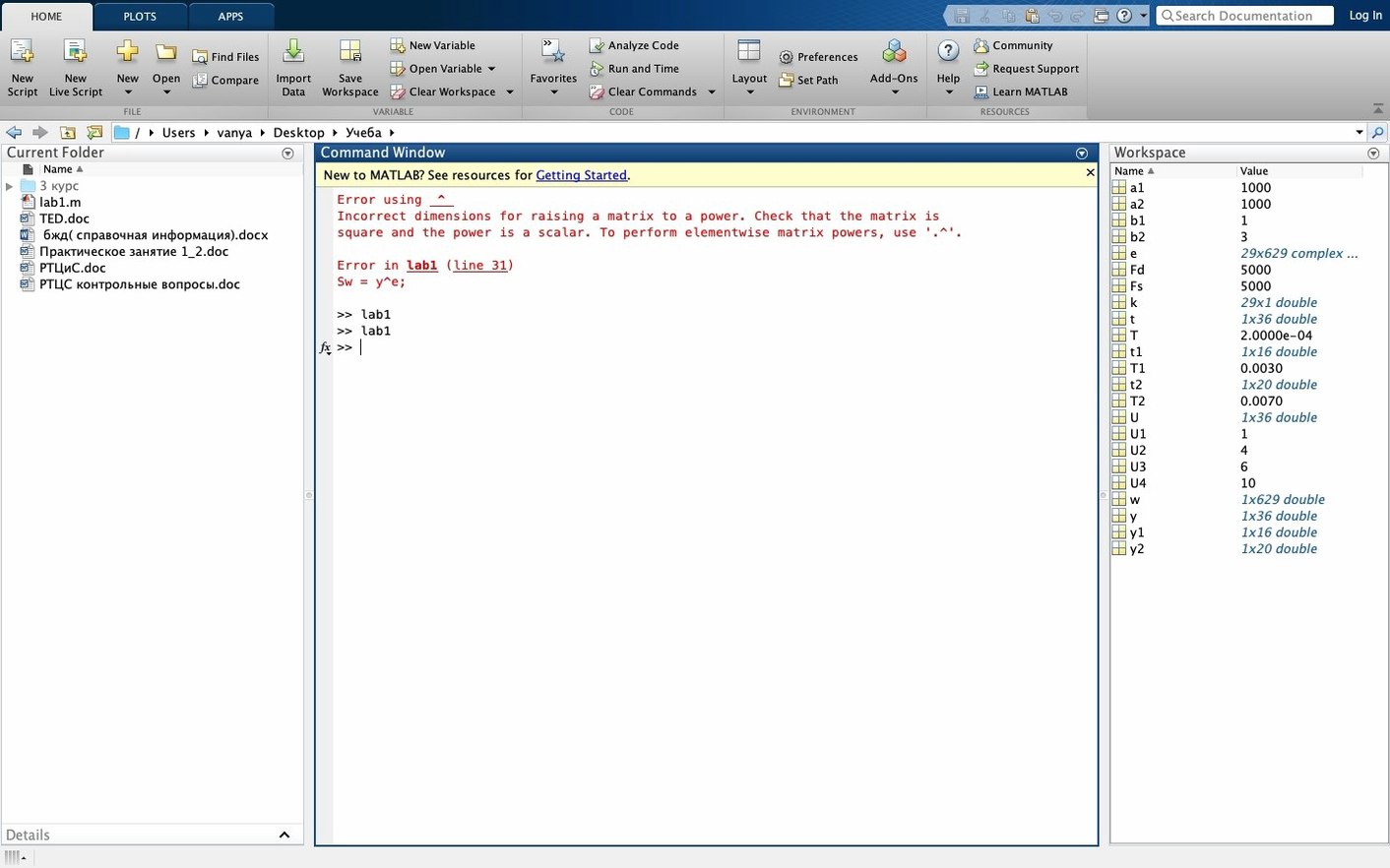
If you work with Excel models that have grown teeth, MATLAB is the natural next step. It is a high-level language and interactive environment built for numerical computing and visualization, handling real, complex, and symbolic matrices as its core data type. Engineers and analysts reach for it in financial engineering, control systems design, and image or video processing workflows.
From spreadsheet math to a full matrix language
- Quantitative analysts building and testing financial models
- Control systems engineers designing feedback loops
- Researchers processing image and video data sets
- Anyone who has outgrown spreadsheet math and needs a proper matrix language
What the new version brings
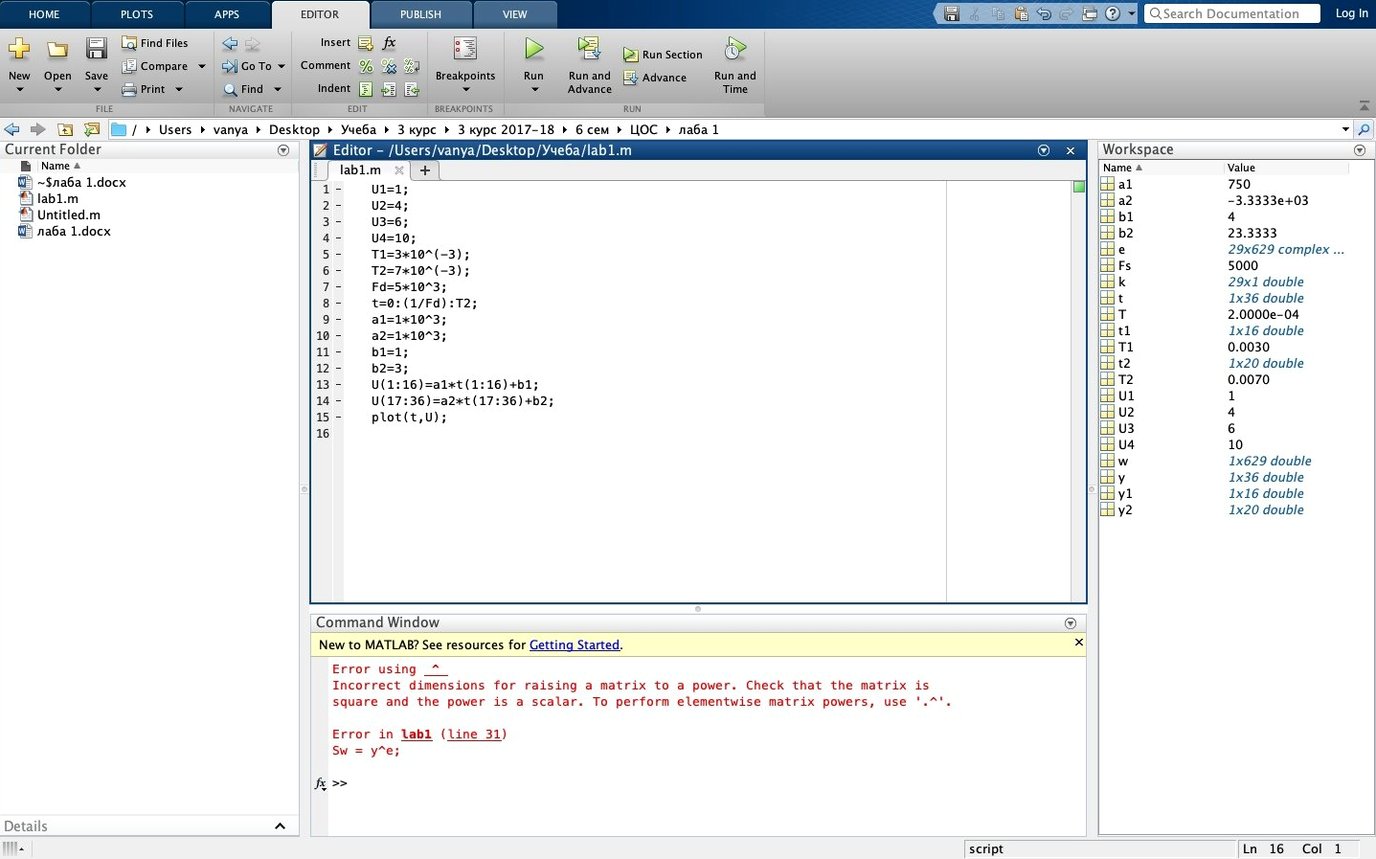
R2025b focuses on stability and quality improvements across the board. The desktop now includes sidebars and task panels for quicker access to tools like the Debugger, Source Control, Test Browser, and Code Outline. Light and dark themes apply consistently across the desktop, figures, and apps, giving you a more comfortable workspace for long sessions.
Runs native on Apple Silicon, no Rosetta needed
Does it run native on Apple Silicon? Yes — R2025b ships as a universal binary, so it runs natively on both Apple Silicon and Intel Macs without Rosetta translation overhead. On an M1 or later machine, the installer picks the ARM slice automatically.
How much disk space should I plan for? The core environment fits comfortably, but the real space comes from toolboxes. A lean setup with just MATLAB and two or three add-ons sits under 10 GB. If your work touches signal processing, controls, and image toolboxes, budget 20–30 GB. You can always add components later without reinstalling everything — just rerun the installer and pick what you need.
Will it break my existing scripts? MathWorks is careful about backward compatibility, and R2025b continues that pattern. Code written in the last several releases almost always runs without changes. If you have .m files and .mat data files from an older version, they open and execute normally. The installer also leaves your settings and preferences untouched if you install over a previous copy.
A desktop environment that feels like one tool
Next to GNU Octave, MATLAB offers a desktop environment that feels integrated rather than assembled. Octave handles much of the core language syntax and many linear algebra routines, but the editor, debugger panels, variable explorer, and figure management in R2025b are a single coherent workspace — not separate windows you stitch together yourself. The new sidebars and dark theme alone make long debugging sessions less tiring, and Octave simply does not have that layer yet.
Measured against Mathematica, the difference comes down to how you think about problems. Mathematica excels at symbolic manipulation and its notebook paradigm suits exploratory math beautifully. MATLAB’s strength sits at the other end of the pipeline: iterative numerical work, matrix-heavy simulations, and real-time data flows. If your day involves FFT analysis, control loop tuning, or pulling live sensor data, MATLAB feels more direct. Mathematica can do those things, but it often feels like driving a symbolic engine through a numerical workflow, where MATLAB was built for that from the start.
Some users weigh it against Python with NumPy and SciPy. Python’s ecosystem is vast and free, but it asks you to assemble your own toolchain — pick an editor, manage environments, debug across packages. MATLAB wraps the numerical core, the IDE, the profiler, and the documentation into one install. For a small business or a solo analyst who needs to get from data to visual result without configuring a stack, that packaging saves real hours.
Matrix ops saturate performance cores, figures stay responsive
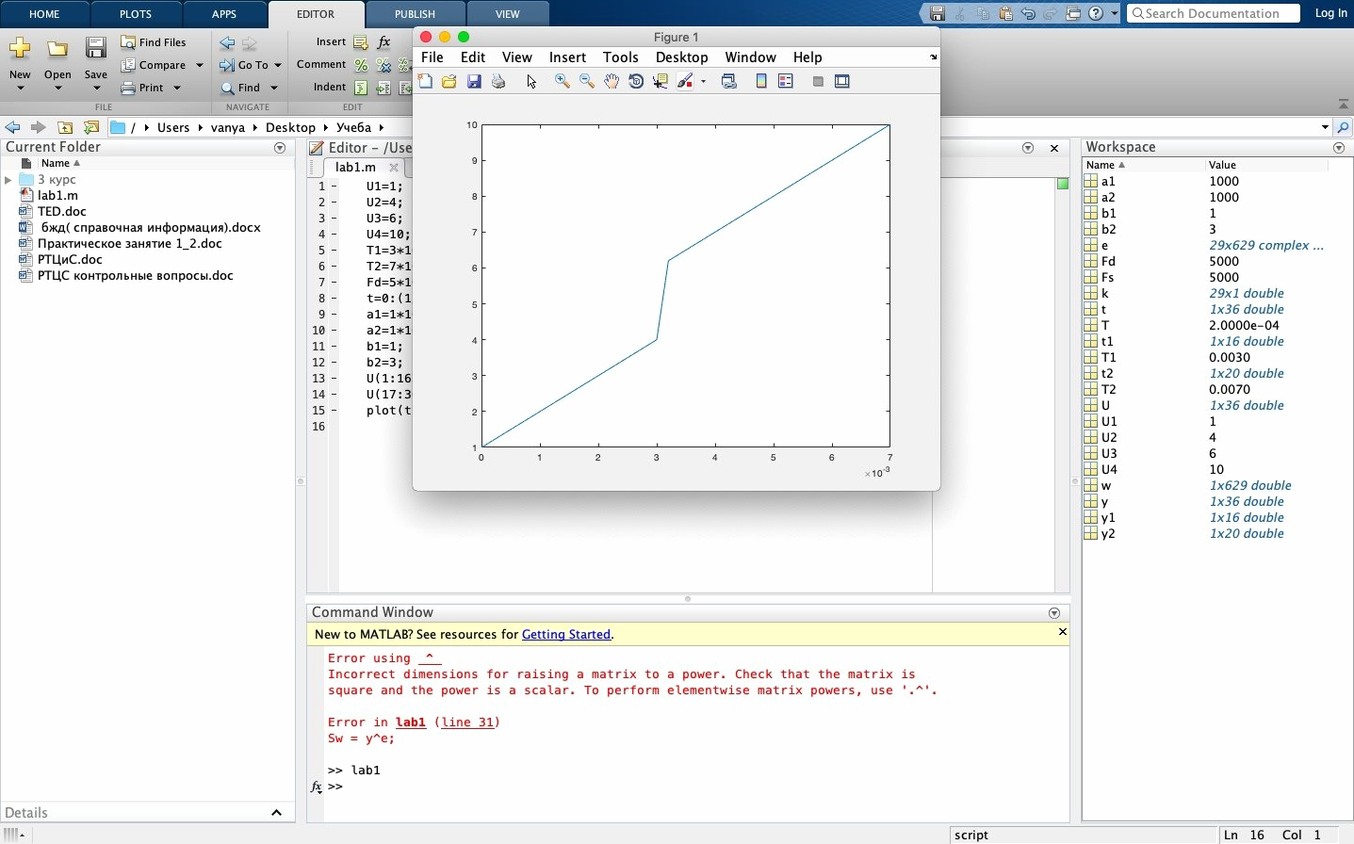
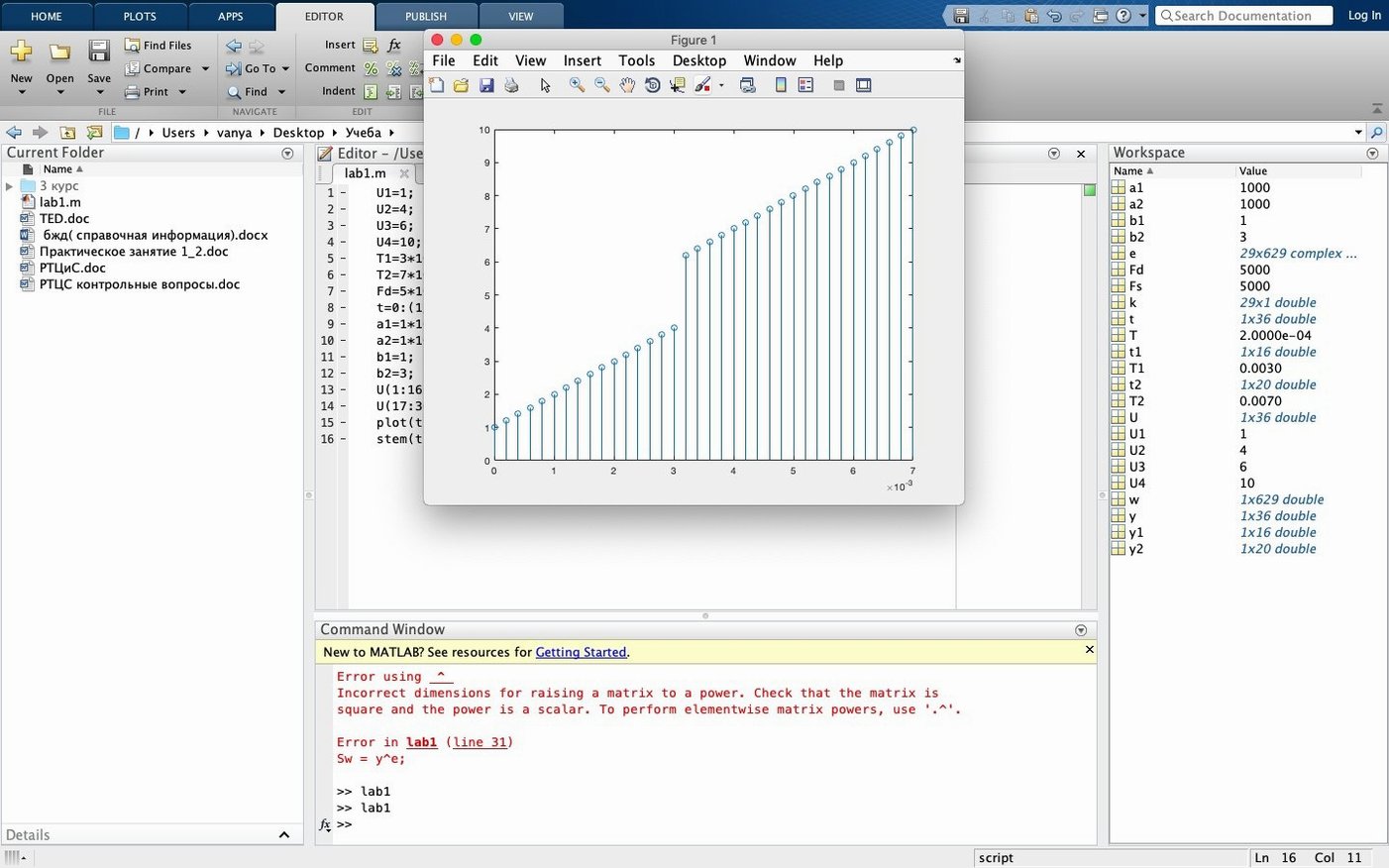
R2025b on Apple Silicon feels crisp. Matrix operations that rely on the built-in BLAS and LAPACK libraries saturate the performance cores quickly, and figure-heavy tasks like rendering surf plots or updating live data scopes stay responsive. The new figure container helps here — multiple plots stay inside one window, so window management overhead drops noticeably when you have six or seven figures open during a debugging run.
Memory use scales with what you ask it to hold: a few large arrays eat RAM as expected, but the environment itself idles modestly. I see around 400 MB for a fresh session with no toolboxes loaded, which leaves room on 8 GB machines as long as your data sets are not enormous. Stability in this release feels like a point-release polish — fewer unexpected desktop freezes than early R2024 builds, and the dark theme applies cleanly without redraw glitches in figure windows.
For someone downloading Matlab R2025b torrent macOS and wondering whether it holds up in a production workflow, the short answer is yes: the ARM-native build removes the emulation penalty that annoyed early Apple Silicon adopters, and the desktop improvements make everyday navigation faster. It is not a lightweight app, but it does not waste the resources it claims.
R2025b is a fit-and-finish release with a few welcome changes:
- Quality and stability improvements throughout the environment
- New desktop sidebars and task panels for tools like Debugger, Source Control, and Code Outline
- Light and dark themes that cover the desktop, figures, and apps
- macOS 12.6 or later
- Apple Silicon (native) or Intel Mac
- English interface
Notes from other shops 0
Sign in or open a shop account to leave a note.
No notes yet. If you've used this on a shop Mac, tell me how it went.