
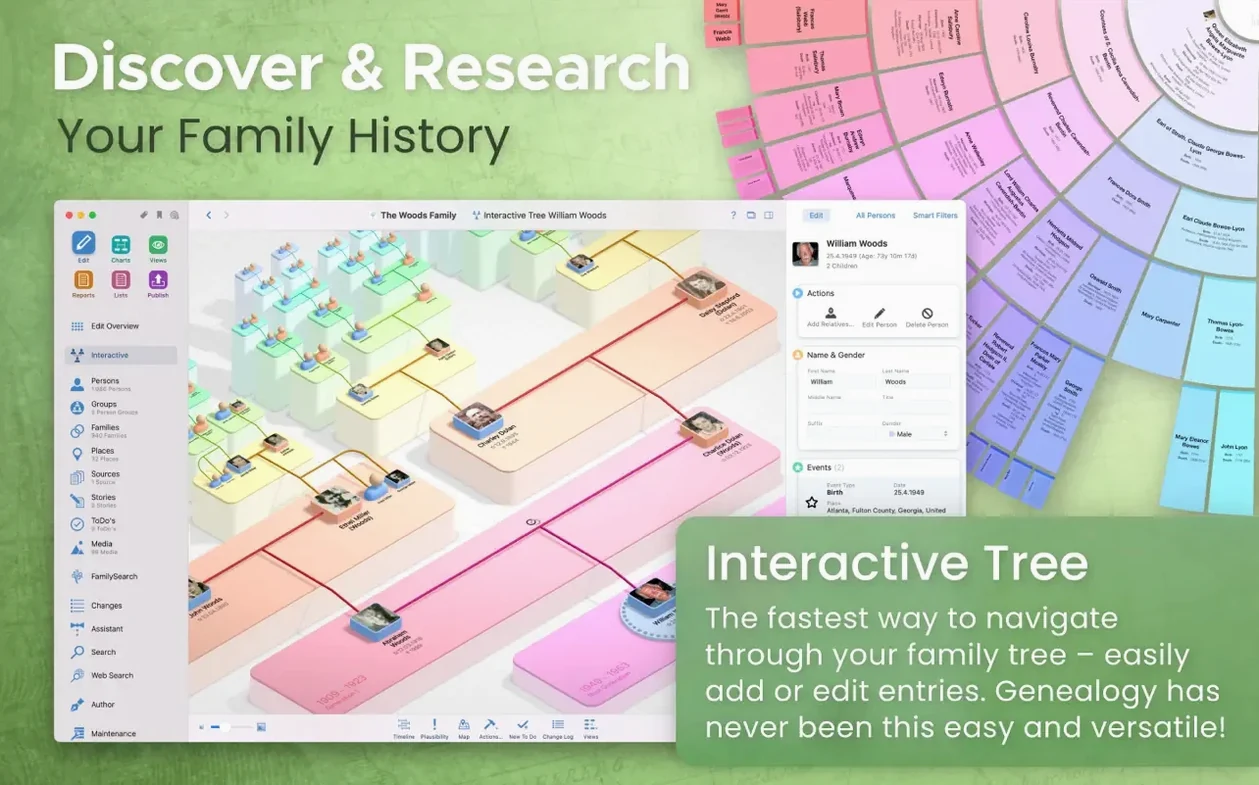
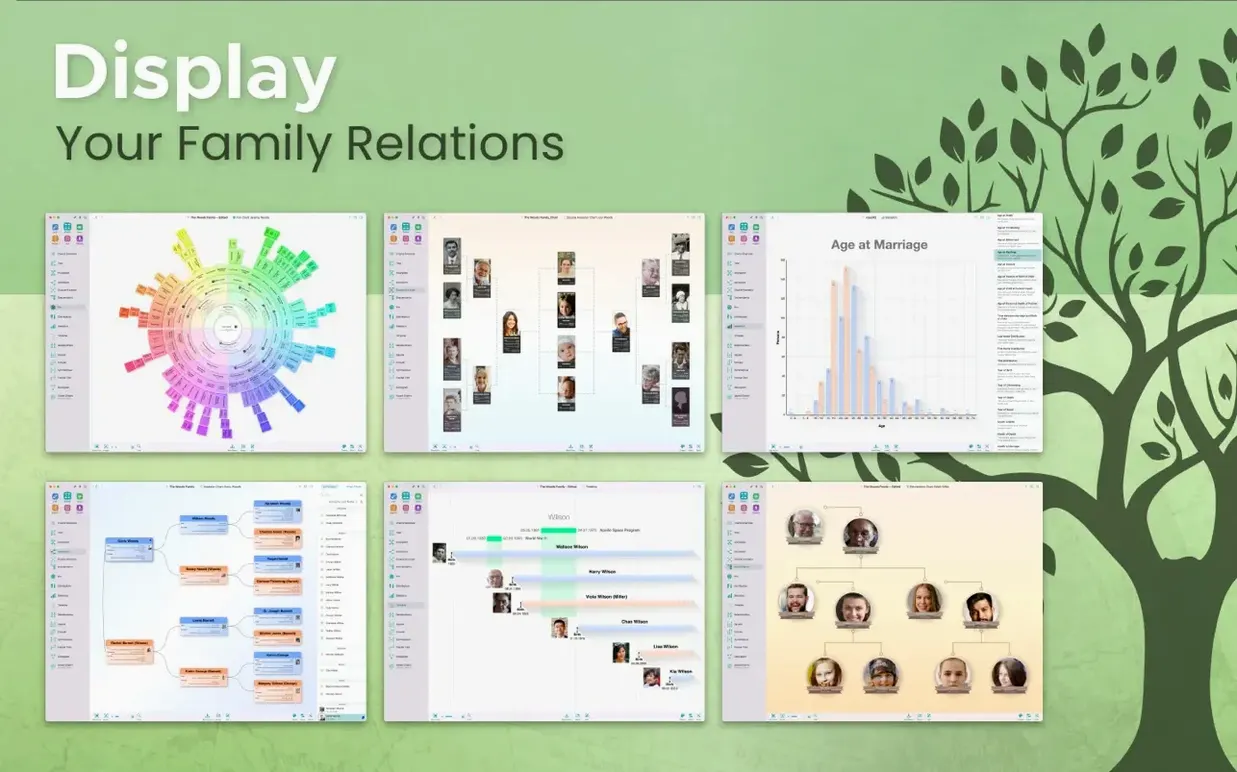
The app ships with over a dozen chart types, but the hourglass chart is the one I'd start with. It places one person at the center and fans out to show both ancestors and descendants, which gives you an immediate sense of where the gaps are. For a beginner, that visual cue makes the first few hours of research feel directed instead of random.
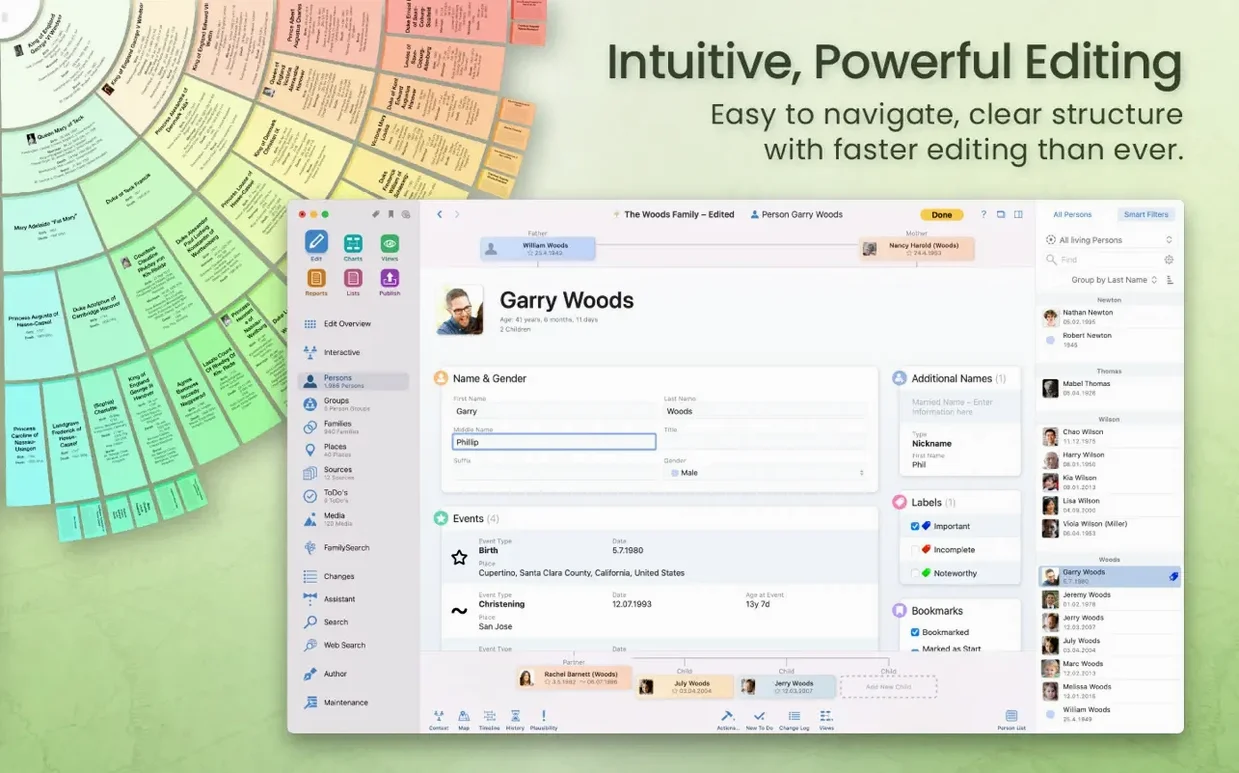
Adding a person opens a clean edit panel where you type names, dates, and locations. What makes this practical for a small project is the built-in search of genealogy portals. You can highlight a relative, trigger a search, and pull over matching records without leaving the app. That direct connection cuts out the usual back-and-forth of copying data between a browser and your tree.
Once you have a few generations in place, switching to the virtual 3D view changes the experience entirely. You rotate a globe and see pins sprouting where your relatives lived, which is surprisingly helpful for spotting migration patterns you might miss on a flat chart. Syncing with MobileFamilyTree on an iPhone or iPad happens through iCloud, so you can add a photo or a note while visiting a relative and find it on your Mac later.
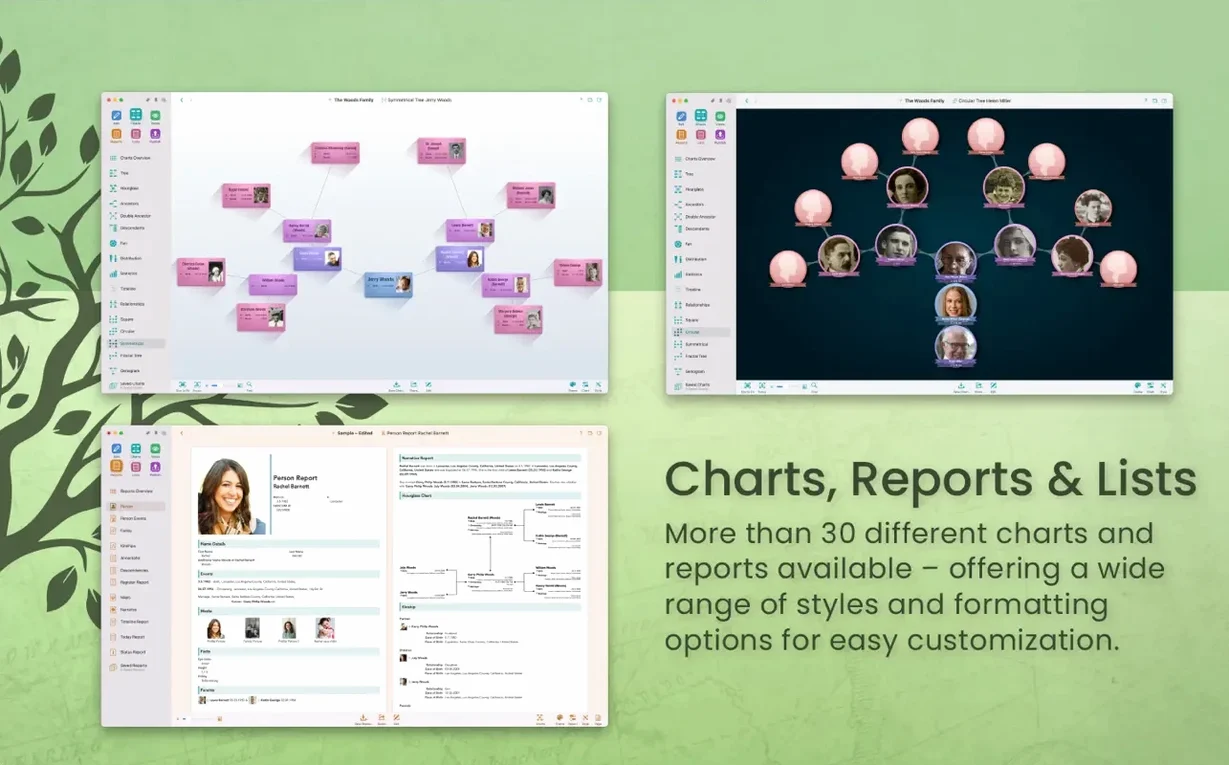
When you're ready to share, the narrative report turns dry facts into readable paragraphs. It's the kind of output you can print for a family gathering without embarrassing anyone with software-speak. The app runs on Apple Silicon and Intel Macs with macOS 12 or later, and the interface speaks sixteen languages, which matters if your tree crosses borders.
Import a tiny GEDCOM first and watch how it parses
Don't open the app and start typing names right away. Spend ten minutes importing something, even if it's a tiny GEDCOM file from a cousin, because watching how MacFamilyTree parses dates and relationships teaches you more than the help menu. After that, set CloudTree Sync to use iCloud — the toggle is right in the preferences — and resist the urge to skip it. Knowing your tree is encrypted and current on your other devices means you'll actually keep it up to date, and you won't lose three hours of linking work because you forgot to save.
The map reports won't show anything useful until you attach at least one location to a person. Pick your maternal grandfather, add his birthplace, and immediately open the statistical map. Seeing that one dot appear makes the whole coordinate system click. Once you understand it, entering places for the rest of the family feels less like data entry and more like filling in a picture you already want to see finished.
Tip: The fan chart prints beautifully at a copy shop, but only if you hide living relatives from export first. You'll find that checkbox in the export dialog, and you want it habitually checked before you share anything.
No subscription or online account required
Does this tie me to a subscription or some online account I don't want? No. The local database lives on your Mac, and while iCloud sync is available, it's not required. You can build an entire tree without ever connecting to the internet, and the FamilySearch integration is something you choose to use, not a gate you have to pass through. If you've seen a MacFamilyTree 11 torrent floating around and wondered whether the real thing phones home, it doesn't — the sync is optional and the search features ask before they reach out.
Will it choke on a tree with thousands of people? Not on any Mac running Monterey or later. The rendering engine handles large databases by loading what's visible, and the 3D globe view is smart about clustering pins when you zoom out. People coming from older versions sometimes look for a MacFamilyTree 10 crack because they remember the earlier engine being slower, but the current architecture on Apple Silicon makes that a non-issue. A tree with eight thousand individuals scrolls smoothly on an M1 MacBook Air, and Intel machines handle it fine as long as you have enough RAM to keep the OS comfortable.
Can I get my data out later? Yes. GEDCOM export is standard, and the app also exports charts as PDFs and PNGs, reports as rich text, and books as printable documents. The format is open and your research isn't locked to one piece of software. If you ever want to move to another genealogy app, you take your data with you. That's also why people hunting for a MacFamilyTree torrent often end up using the real thing — the export paths are generous enough that you're never trapped.
What if my family speaks three different languages? The interface switches among sixteen languages, and that only affects menus and labels — your data stays in whatever language you typed it. A tree with German birth records, English notes, and Polish place names works without translation conflicts. The narrative report even attempts to construct sentences that respect the grammar of the interface language you're using at the moment you generate it.
Pick up exactly where you left off on the right branch
You open MacFamilyTree around nine in the morning with a note from your aunt about a great-grandmother's maiden name. The tree loads to the person you last viewed, so you're already looking at the right branch. You double-click your great-grandmother's entry, type in the surname your aunt gave you, and then click the small search icon next to the name field. The app opens a panel that queries genealogy portals — you pick a result from FamilySearch, confirm the match, and the record's birth date and location fill themselves in. That took ninety seconds.
Now you want to see where this fits. You switch to the hourglass chart with your grandfather as the center person, and the new great-grandmother appears on his side of the fan. The chart shows she had a sister you didn't know about, so you add a sibling, give her a placeholder name, and plan to research her later. You drag the chart sideways to check the descendant side and notice a cousin line that's thin — only one child listed. You make a mental note to ask your mother about that at dinner.
Before closing, you open the virtual globe. Pins for your paternal line cluster around Bavaria, but the new great-grandmother's pin sits alone near what's now the Czech border. You spin the globe once, just to look at it, and then you close the lid. The tree syncs to iCloud while your Mac sleeps, and tonight on the couch you'll open MobileFamilyTree on your iPad and scroll through the same branch, maybe adding the photo your aunt promised to send.
This update brings full compatibility with macOS Sonoma, so the tree runs smoothly on the latest version of the Mac operating system.
- macOS 12 (Monterey) or later
- Works on Apple Silicon and Intel Macs
Questions from the stall
Can I keep my family tree private when sharing it online?
Yes, the website feature includes password protection so you can control who sees your family data.
Notes from other shops 0
Sign in or open a shop account to leave a note.
No notes yet. If you've used this on a shop Mac, tell me how it went.