
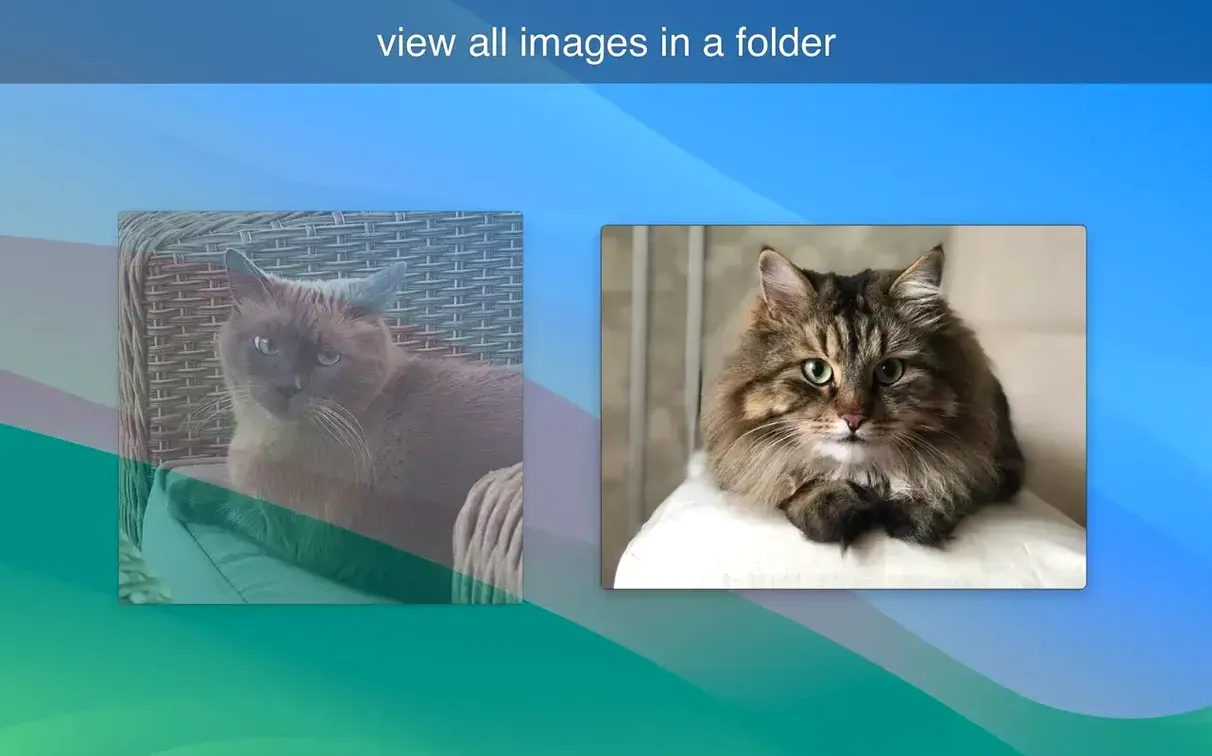

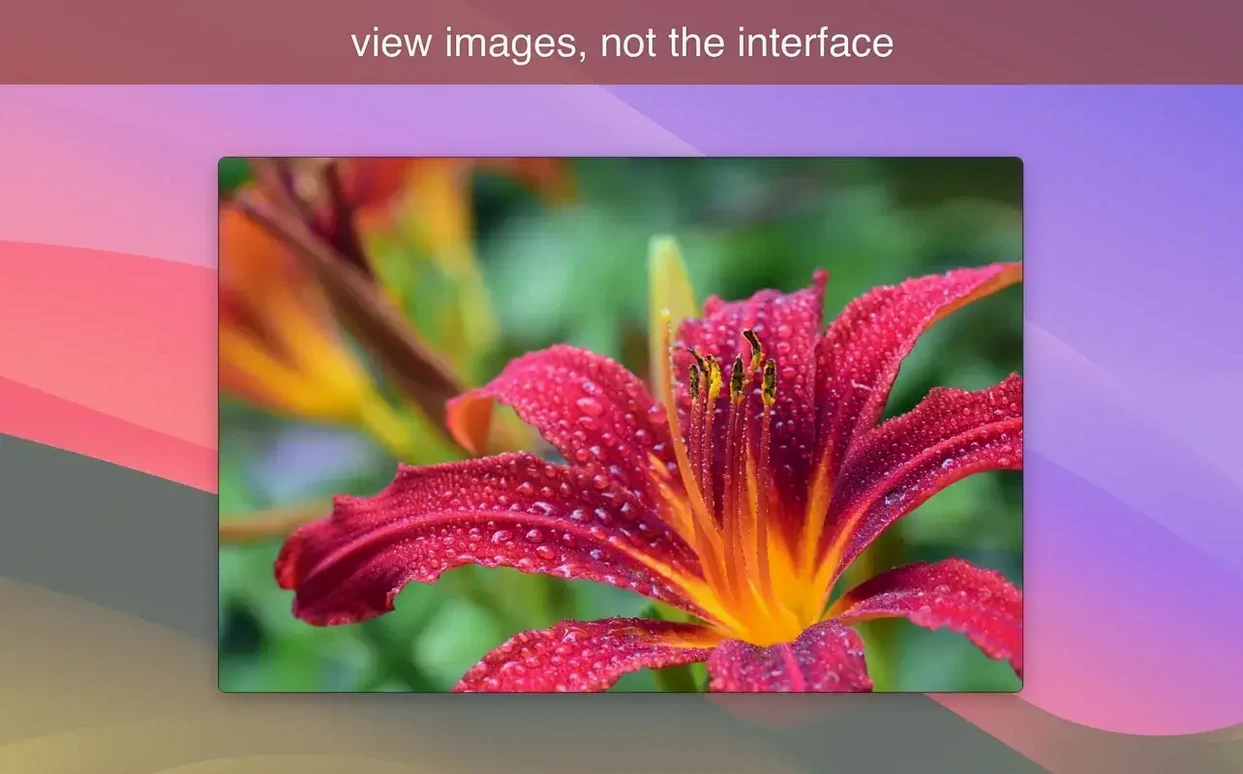
For anyone who just wants to flip through a folder of photos without importing, cataloging, or waiting for a library to load, LilyView is the kind of Mac image viewer that feels refreshingly simple. It's built for browsing — open an image, scroll through the rest, and the interface stays out of sight until you need it.
A window that shows only the picture
What sets LilyView apart is how clean its default view is. Open a JPEG, PNG, or TIFF, and you see the image floating in a borderless window with no toolbars, sidebars, or thumbnails crowding the frame. The controls appear when you move your cursor and fade away when you stop — ideal for flipping through product photos, reviewing exported designs, or just enjoying personal snapshots without distraction. Double-tap an image and you switch straight to full-screen mode, which is especially handy on a trackpad.
Zoom, size, and GIFs handled sensibly
LilyView gives you three useful zoom behaviors: fit the image to the window, fit to width in full screen, or view at actual size when you need to check sharpness and detail. It also handles animated GIFs smoothly, making it a practical pick for previewing motion work or short animations frame by frame. Lightweight by design, the app runs natively on both Apple Silicon and Intel Macs and asks for nothing beyond macOS 10.13.
Hold Option with arrow keys to jump to the ends of a folder
A handful of conveniences in LilyView are easy to overlook because the app isn't busy advertising them. Hold the Option key while tapping the arrow keys and you skip to the first or last image in the folder — a genuine time-saver when you're digging through a product shoot with hundreds of frames. The attribute panel is another quiet helper: slide your pointer to the right edge of the screen and it reveals the photo's dimensions, file size, and format without covering the image itself. It's the sort of detail you stumble into and then rely on.
For anyone searching lilyview mac after hearing about a viewer that stays out of the way, the trackpad gestures are worth learning early. A two-finger swipe moves between images, a pinch adjusts zoom, and a rotate gesture spins the photo. These feel natural within minutes and cut down on keyboard hunting when you're leaned back with a laptop. The app also remembers the last zoom mode you used per session, so if you're comparing shots at actual size, you don't keep resetting the view.
Deleting a photo in Finder while it is open in LilyView
The most common stumble is treating LilyView like a file organizer. It doesn't manage folders or rename anything — it only reads images from whatever directory you opened. New users sometimes delete a photo in Finder while LilyView has it on screen and expect the app to skip it gracefully; instead, you'll see a blank frame. The fix is simple: move to the next image with a swipe or arrow key, and the viewer picks up where it left off.
Another small trap is assuming the window needs to be the default size. LilyView opens with a compact frame, which can make detailed shots feel cramped. A quick double-tap jumps to full-screen and solves that instantly, but people who miss that gesture sometimes drag the window edge manually session after session. If you found this app through a LilyView torrent for Mac search, you might also overlook that GIF playback speed follows the original frame timing — it doesn't offer a scrubber or pause, so for frame-by-frame inspection, you'll still want a dedicated animation tool alongside it.
This update brings a handy new viewing option and a small name change. Here's what shifted:
- New "Fit to Screen" option — smaller images now stretch to fill your available screen space. Great for browsing sketches or small product photos without zooming in manually.
- "Actual Size Limited by Screen" renamed — the old non-stretching view now carries a clearer label so you can tell the two apart at a glance.
- macOS 12 (Monterey) or later
- Works on Intel Macs and Apple Silicon Macs
Questions from the stall
Which image formats does LilyView support?
LilyView opens JPEG, PNG, TIFF, and animated GIF files, covering the most common formats you find in everyday folders.
Can I view photos at their original size?
Yes, you can switch to original-size view whenever you need to check fine details or confirm an image's full resolution.
Does LilyView work on Apple Silicon Macs?
It runs natively on both ARM-based Apple Silicon Macs and 64-bit Intel Macs, with macOS 10.13 or later required.
Notes from other shops 0
Sign in or open a shop account to leave a note.
No notes yet. If you've used this on a shop Mac, tell me how it went.