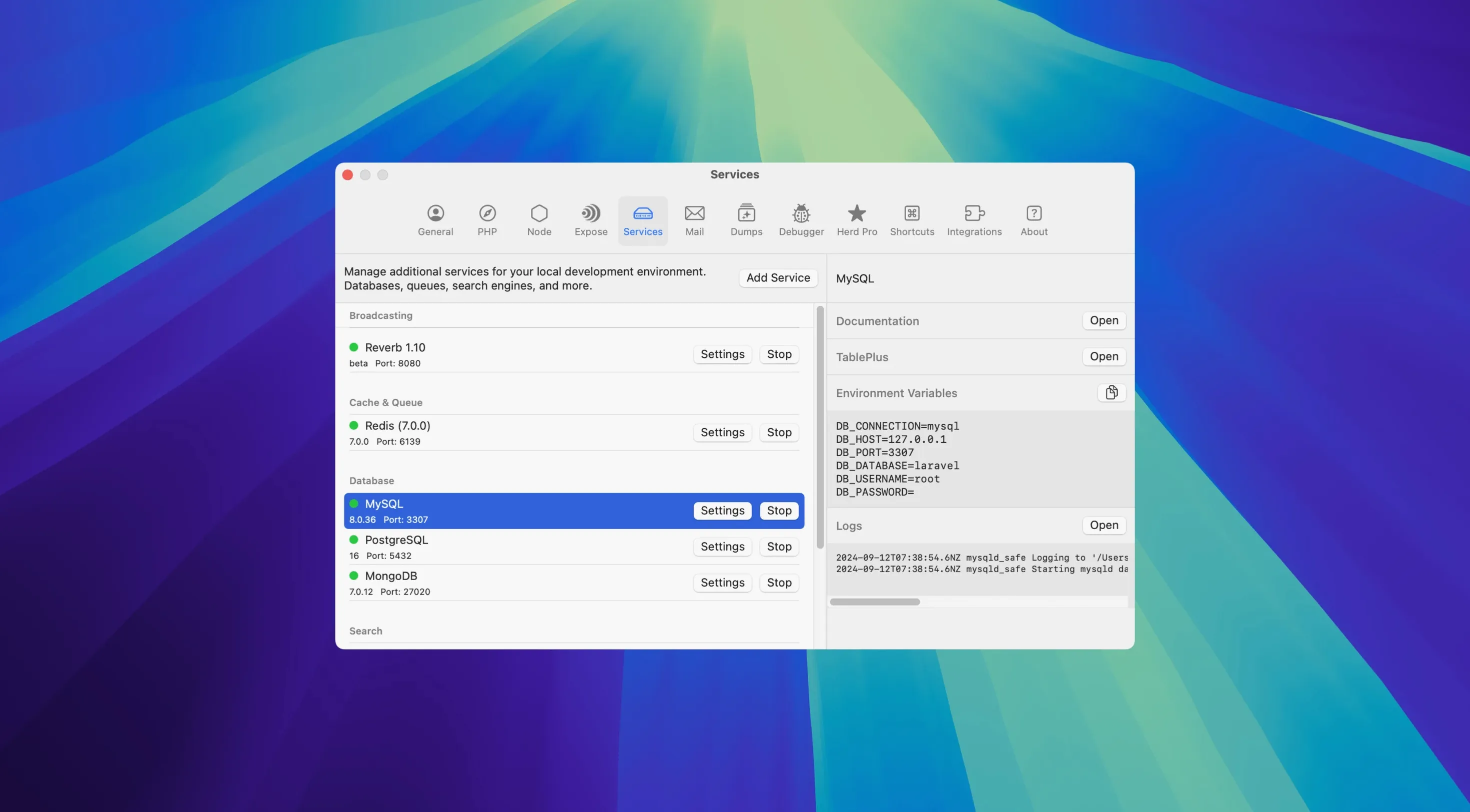
If you already use the free Laravel Herd to spin up *.test sites without fiddly config, Herd Pro sits on top like the assistant you wish you’d hired sooner. It keeps everything Herd is good at — native PHP, nginx, dnsmasq, one-click PHP version switching — and then hands you the monitoring and debugging chops that usually only live inside a full IDE.
- Dump interception. When your code hits a
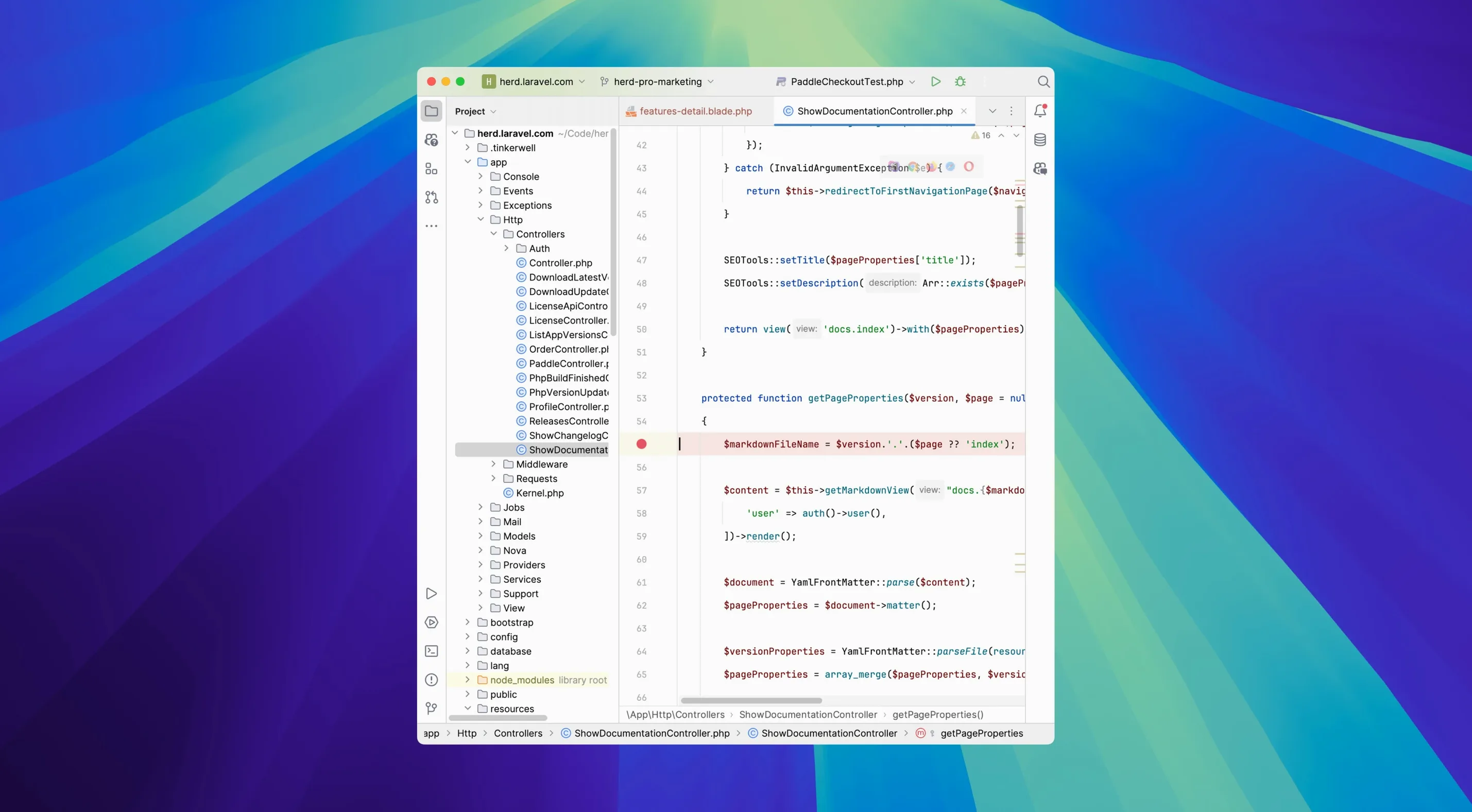
dump()ordd(), the output opens in a separate syntax-highlighted window instead of cluttering the browser. - Log jumping. Click any log entry and the editor you work in daily jumps straight to that exact line. No more scrolling and guessing.
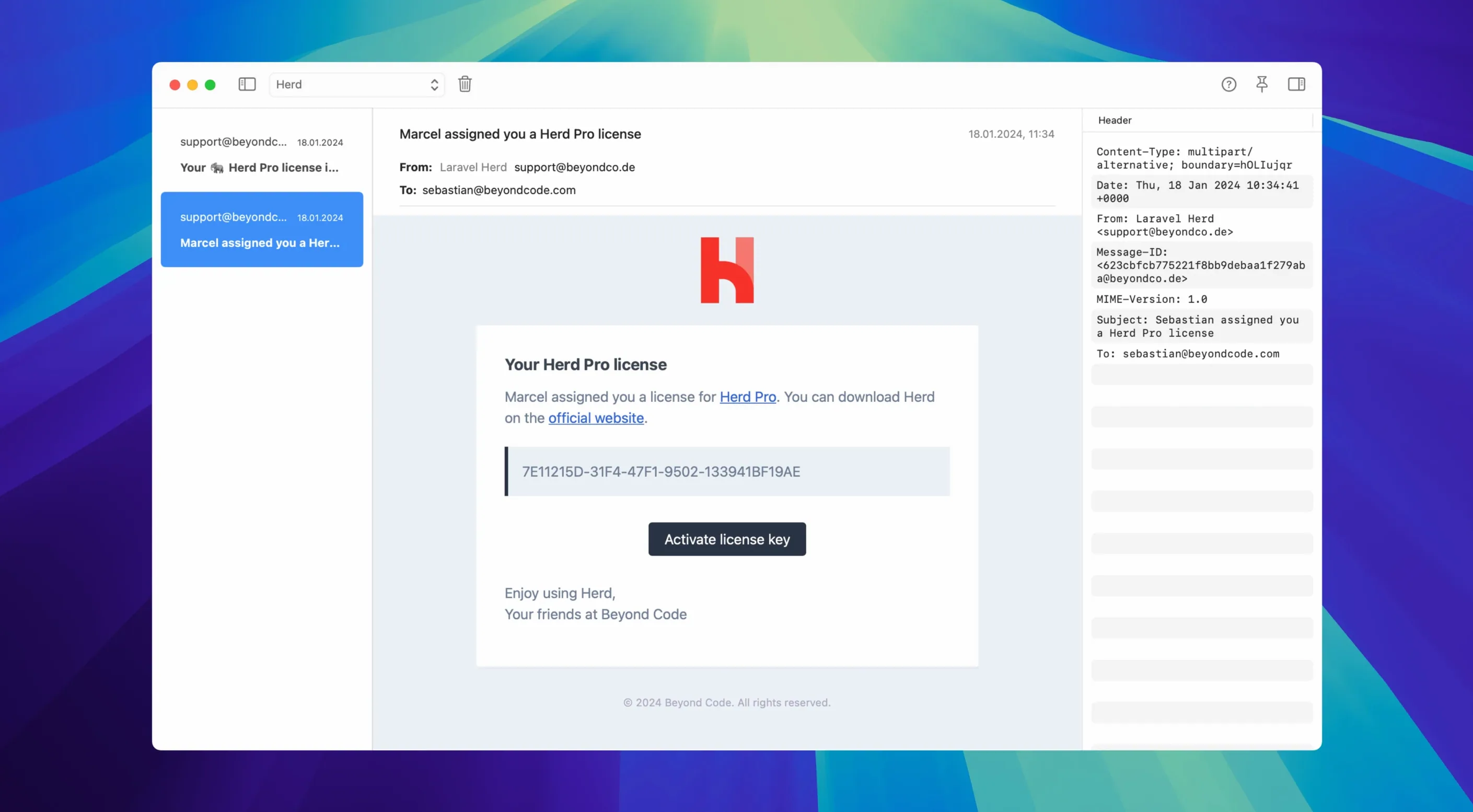
- Mail capture that actually helps. The bundled SMTP server on port 2525 grabs every outgoing message and shows you HTML previews, plain-text versions, headers, and attachments — the stuff you need when a transactional email acts up.
- Database at a glance. Table browsing, quick queries, and a clean view of what your local app is storing, without opening a separate client.
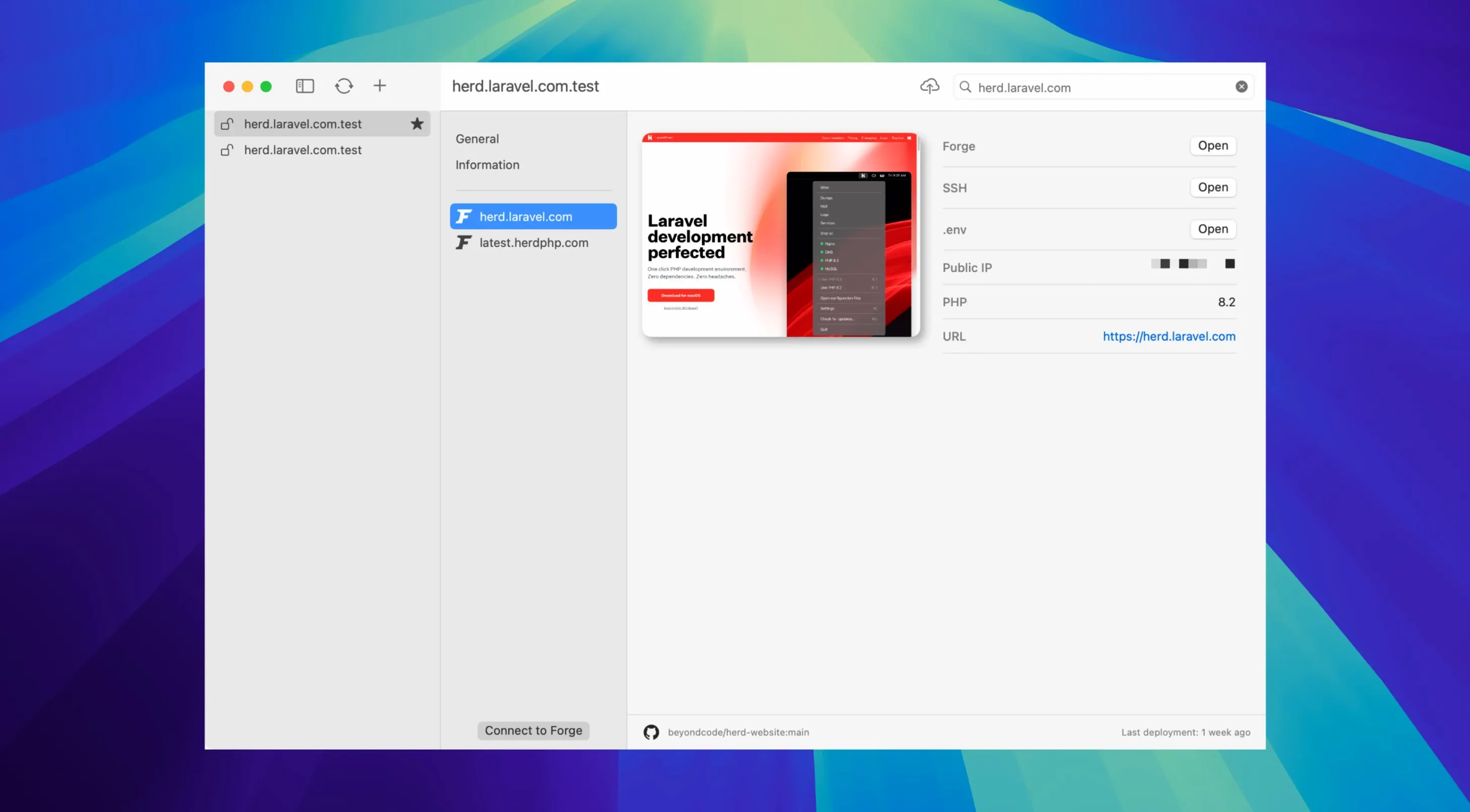
- Forge tie‑in. Deploy straight to your Laravel Forge servers once you’re happy with a build.
- Team‑friendly settings file. Site configuration for PHP version, services, and Forge lives in a file you can commit, so nobody on the team has to remember which PHP release you agreed on.
The current 1.28 release hasn’t changed any marquee features, and that is actually good news. The dump inspector, log navigation, and mail capture have settled into a pattern that feels familiar every time you open them. If you’re coming from Valet, the migration tool for sites, certificates and settings is still in place too.
Small conveniences worth clicking
A few Herd Pro touches sit quietly in the menu bar and system tray until you need them. Right‑click the tray icon to jump straight to a project directory in Terminal — no cd typing required. You can also start or stop individual services from that same menu, which beats opening the full panel when all you want is to pause Redis for a minute.
Tip: The Node version switcher lives in the main Herd window, not buried in a config file. If a project still expects Node 18 while everything else runs 22, you can flip it per site and forget about it.
Xdebug is enabled only when a debugging request arrives, so it won’t drag down performance during ordinary browsing — a quiet decision you don’t notice until you work on a Mac that doesn’t do that.
Lighter footprint and Laravel‑aware next to MAMP Pro
Compared with MAMP Pro, Herd Pro feels lighter on system resources and far more Laravel‑aware. MAMP Pro gives you a broader Apache/MySQL toolkit with a traditional control panel, but it won’t intercept dump() calls or tie into Forge deployments. Valet (especially with the old driver‑based setup) shares Herd’s *.test approach, yet it lacks the built‑in mail viewer, log search, and service toggles that Herd Pro adds without extra packages.
Against Docker‑based setups, Herd Pro trades container isolation for raw speed and zero configuration overhead — no YAML files, no image pulls, no RAM set‑aside. If your workflow already leans on a Laravel Herd Pro torrent for Mac for quick provisioning, the Pro features slot into the same native‑app footprint instead of adding another layer.
- macOS 12 or newer
- Apple Silicon or Intel Mac
Questions from the stall
Can Laravel Herd Pro import my existing Valet sites?
Yes, it includes a migration tool that brings over your sites, certificates, and other settings from Valet so you can switch without rebuilding everything.
Notes from other shops 0
Sign in or open a shop account to leave a note.
No notes yet. If you've used this on a shop Mac, tell me how it went.