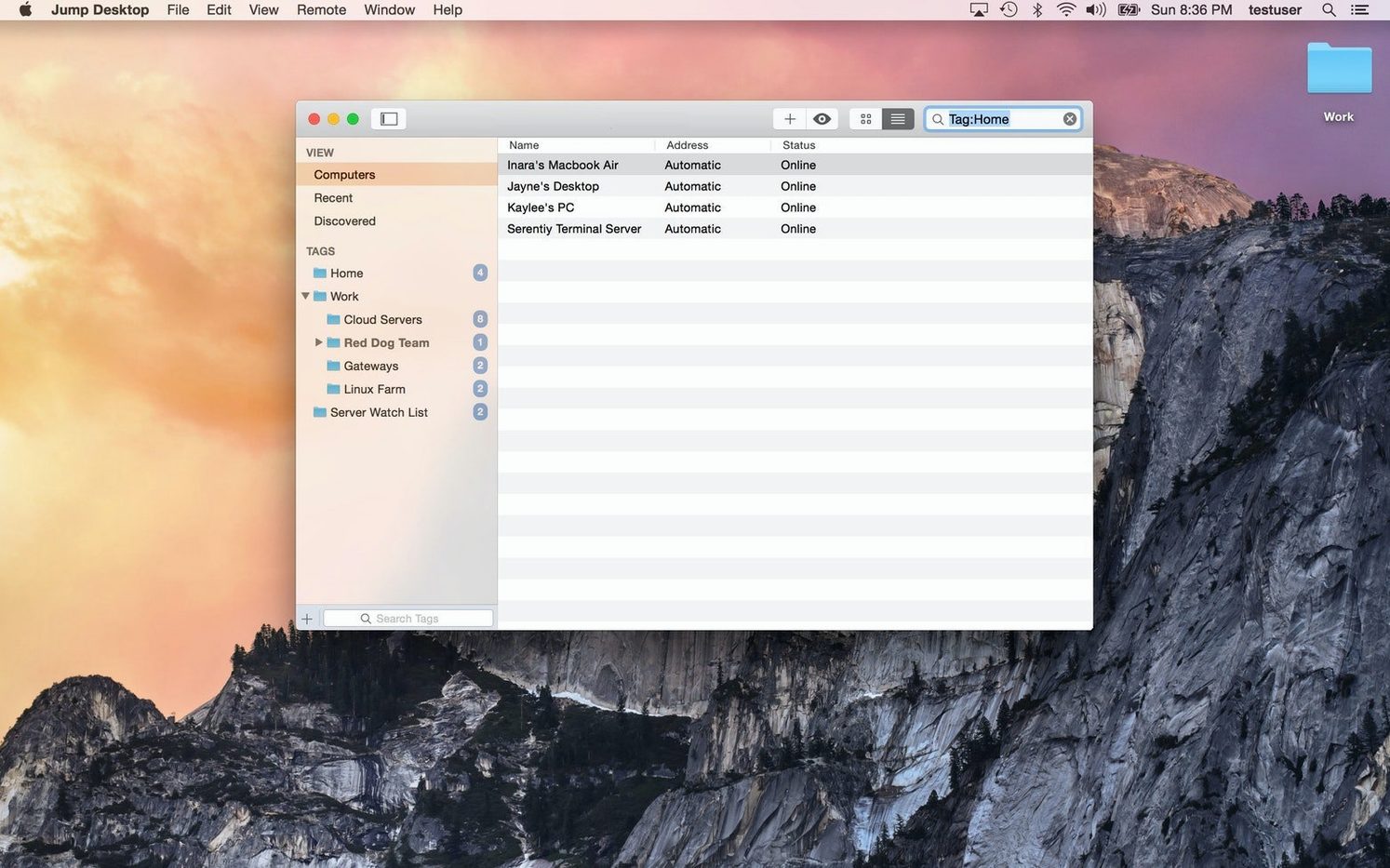
Fluid Remote Desktop is what shows up first when you launch Jump Desktop, and that name tells you a lot about how it works. The app keeps the remote screen responsive while you work with files stored on another computer, not just when you glance at it.
| Detail | What it is |
|---|---|
| Kind | Remote desktop client |
| Connects to | Mac, PC, RDP and VNC servers |
| Setup | Sign in with Google or any email |
| File access | Works with files on the remote computer |
The current release keeps the basics steady: real-time viewing and interaction with remote desktops, VNC client duties when you need them, and a companion host component for the computer you are reaching into. No flashy changes this round, just the same practical tool for checking a shop machine from the couch or pulling a file off the office Mac.
Slots in next to my tools without taking over
Jump Desktop does not try to be everything — it handles the remote connection, and then gets out of the way. That means it slots in next to the tools I already use rather than replacing them. If I keep my shop inventory in a Numbers spreadsheet on the office Mac, I open Jump Desktop, grab the file, and drop it onto my laptop. From there I edit it locally or send a copy to my bookkeeper over email. The remote machine just becomes another place my files live.
macOS Handoff and Universal Clipboard do not bridge the gap between two separate Apple IDs on different networks, but Jump Desktop does. I can copy a tracking number from a shipping confirmation on my MacBook and paste it straight into the remote Mac's desktop app using the shared clipboard. The app also respects standard macOS keyboard shortcuts on the local side, so ⌘-Tab still switches my local apps while I am inside a remote session. That sounds small, but when you are bouncing between a local browser and a remote point-of-sale window, it keeps your fingers from getting tangled.
If you use a password manager like the one built into Safari or a third-party tool, Jump Desktop leaves credential handling to you — it does not fight autofill or block pasting into its connection fields. That makes setting up new hosts faster on a fresh install.
Bypassing the unidentified developer warning on first launch
The Gatekeeper bypass step catches people off guard. The disk image mounts fine, but double-clicking the app triggers a warning that it cannot be opened because it is from an unidentified developer. The fix is to open Terminal, type the command shown in the install notes, and press Enter. That one-time step tells macOS to trust the app, and it opens normally after that. Dragging it to Applications before running the command saves you from doing it twice.
Another common hitch is a remote machine that refuses connections after a router reboot. Jump Desktop Connect — the companion app on the host computer — sometimes needs a quick restart to re-establish its link to your account. Quitting and reopening it from the remote Mac's menu bar usually sorts things out within a minute. You will know it worked because the machine shows as available again in the main app.
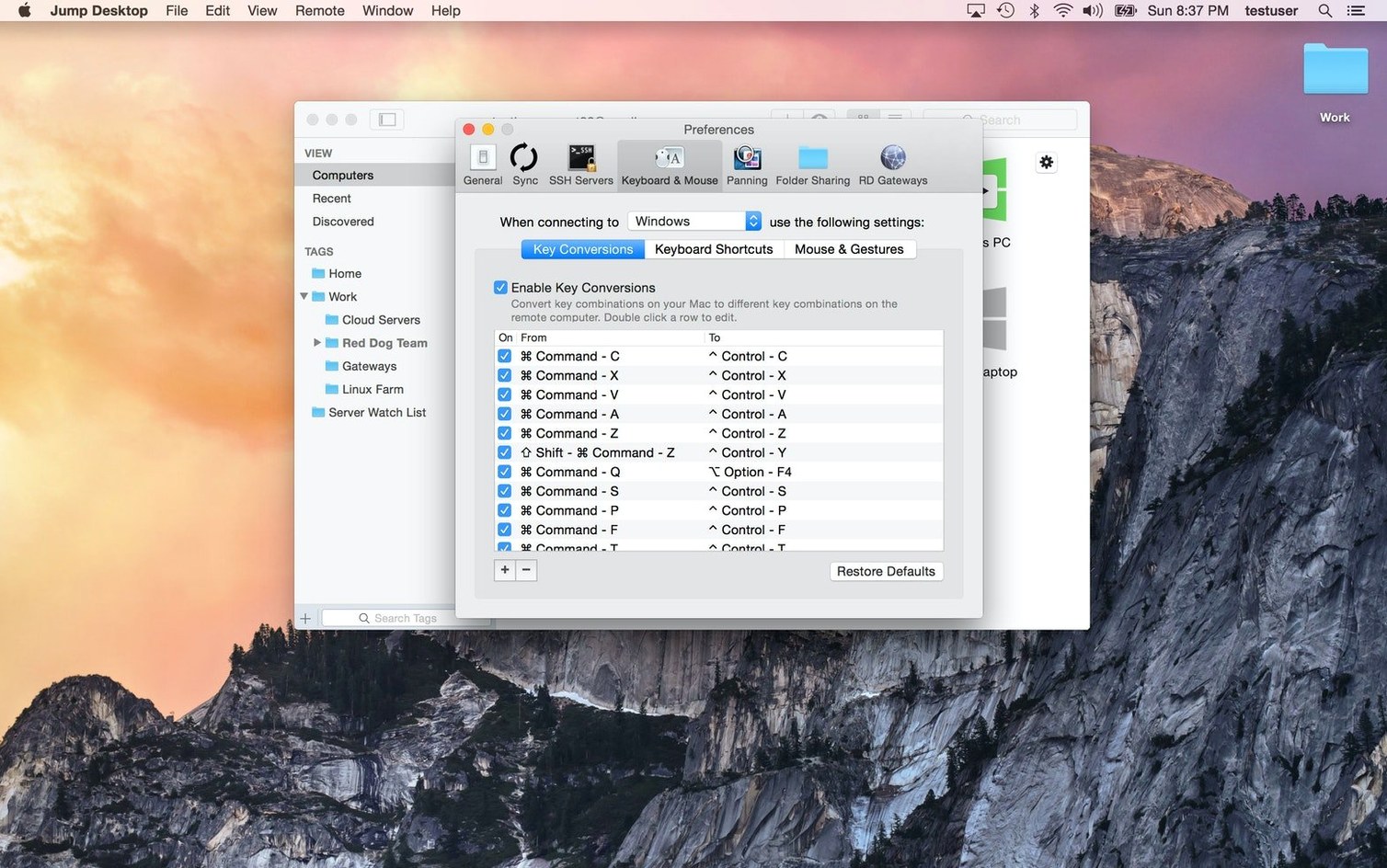
Keyboard mapping trips up people switching between Mac and Windows hosts. The local Mac's ⌘ key maps to the Windows key on a remote PC by default, but cut-copy-paste shortcuts can behave oddly until you flip the remapping toggle in the session settings. Setting the remote layout to match the host OS, not the local one, prevents most confusion. You only need to set it once per connection.
Some users looking for a jump desktop mac download end up with an older standalone version that predates the Fluid branding. Those builds still work on older macOS releases, but the current 10.15.28 release is what you want on macOS 11 or later — especially on Apple Silicon, where the older Intel-only builds run under Rosetta and feel slightly less snappy.
Waking a sleeping Mac more reliably now
No version-specific release notes were published for 10.15.28, and the developer keeps its changelog light. What I notice in everyday use is a quiet improvement in how the app handles waking a sleeping Mac. In earlier releases, a host Mac that had gone into system sleep sometimes needed a physical nudge to respond. With the current build, the Connect agent seems to hold its registration better, so a sleeping Mac wakes on a connection attempt more reliably, assuming your network supports Wake on Demand.
The Fluid rendering engine — already the default for a few versions now — feels tighter on cursor tracking, especially when moving a mouse over small UI elements on a high-resolution remote display. If you use a Wacom tablet or anything beyond a basic mouse, the pointer stays locked to your stylus position without the micro-stutters that older VNC viewers sometimes introduced.
You need Jump Desktop Connect on the remote computer
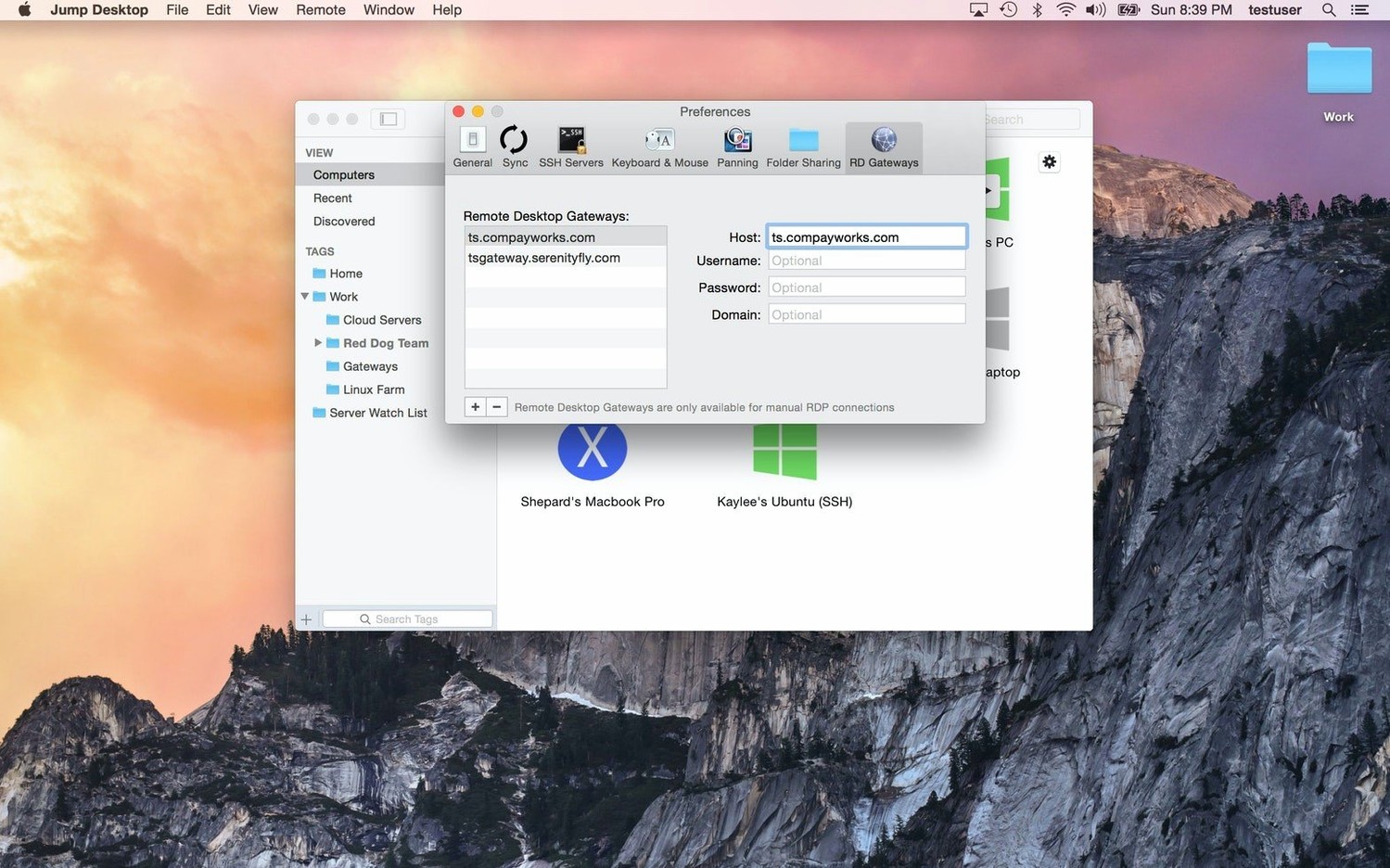
Does it need a separate app on the remote computer? Yes, if you want the easiest path. Jump Desktop Connect is a free companion that you install on the Mac or PC you are connecting to. It handles the handshake with your account so you skip port forwarding and IP address wrangling. You can also connect manually to any standard RDP or VNC server without it — useful for reaching a machine that already has those services running.
Can I use it to reach a PC from a Mac? Absolutely. RDP is the default protocol for Windows connections, and keyboard remapping bridges the layout differences. I have used it to help a friend sort out a Windows print queue while sitting in front of my Mac, and the experience is as immediate as a local login.
What if I only need a one-time connection? You do not have to install Connect on the remote host for a quick VNC session. Enter the IP address or hostname, pick VNC, and connect. For anything you will revisit, Connect saves enough setup time to be worth the install.
Some people searching for a jump desktop dmg assume the disk image includes both the client and the Connect agent. It does not — the host component is a separate download you grab from inside the app or from the developer's site once the client is running. That trips up first-timers who mount the DMG, install the client, and then wonder where the "install on remote Mac" option lives.
Version 10 is a big one — here's what I spotted that actually matters day to day.
Speed and picture quality
- Up to 480 frames per second. Games, scrolling, and fast motion on high-refresh-rate screens don't turn into a slideshow anymore. Keep Framerate on Auto and it follows your display without fiddling.
- Hardware encoding. Sharper detail at the same bandwidth, less CPU load on the host, and longer battery life on your Mac. Switch to Codec > Hardware to turn it on.
Displays and devices
- High-performance virtual displays. Save and switch display presets, set an exact resolution, scale, and refresh rate. "Keep After Disconnect" leaves your displays alive on the host between visits — useful when you're popping in and out of the same machine all day.
- USB device support. Redirect the USB gear on your desk to a Windows or Mac host.
- Game controller support. Play your games right from your Mac with the controller in your hands.
Creative and everyday work
- Input Trail shows stylus and mouse strokes right away on high-latency connections, and Color Passthrough sends the host's colors unprocessed for calibrated displays.
- Back and forward mouse buttons, pinch-to-zoom on a trackpad, and more reliable text composition for Chinese, Japanese, and Korean.
Fixes I'd appreciate
- Fluid sessions: the macOS shortcut for switching input sources (like Control+Space) now switches the input source on your Mac instead of being sent to the host. Turn the shortcut off in macOS and the keys go to the host as before.
- Wake-on-LAN sends fewer wake packets when you connect.
- Automatic reconnects no longer wake a host you deliberately put to sleep or shut down.
- Fixed crashes when quitting Jump Desktop.
- Fixed a crash on every launch when a saved computer had no name.
- Fixed one notch of the mouse wheel scrolling or zooming too far on Mac hosts — Option-scroll in a video editing timeline won't jump all the way in anymore.
- Applying a saved preset again, or switching to another preset with the same number of virtual displays, now puts session windows in the saved arrangement instead of leaving them scattered.
- USB redirection now works for certain devices that were failing, like color grading control panels.
- RDP sessions no longer ignore a custom resolution and use the window size instead.
- RDP sessions in full screen on all displays no longer swap displays arranged one above the other on the host — the Windows taskbar lands on the correct display.
- The Eisu and Kana keys on Japanese keyboards now work in Fluid sessions.
- Security updates.
- Fixed in 10.15.42: RDP connections to older Windows versions work again.
- macOS 11 or later
- Apple Silicon or Intel 64-bit Mac
Questions from the stall
Can Jump Desktop connect to both RDP and VNC servers?
Yes, it supports connections to RDP and VNC servers, plus Mac and PC hosts.
Do I need an account to set up Jump Desktop?
You can complete setup by signing in with a Google account or any email address.
Notes from other shops 0
Sign in or open a shop account to leave a note.
No notes yet. If you've used this on a shop Mac, tell me how it went.