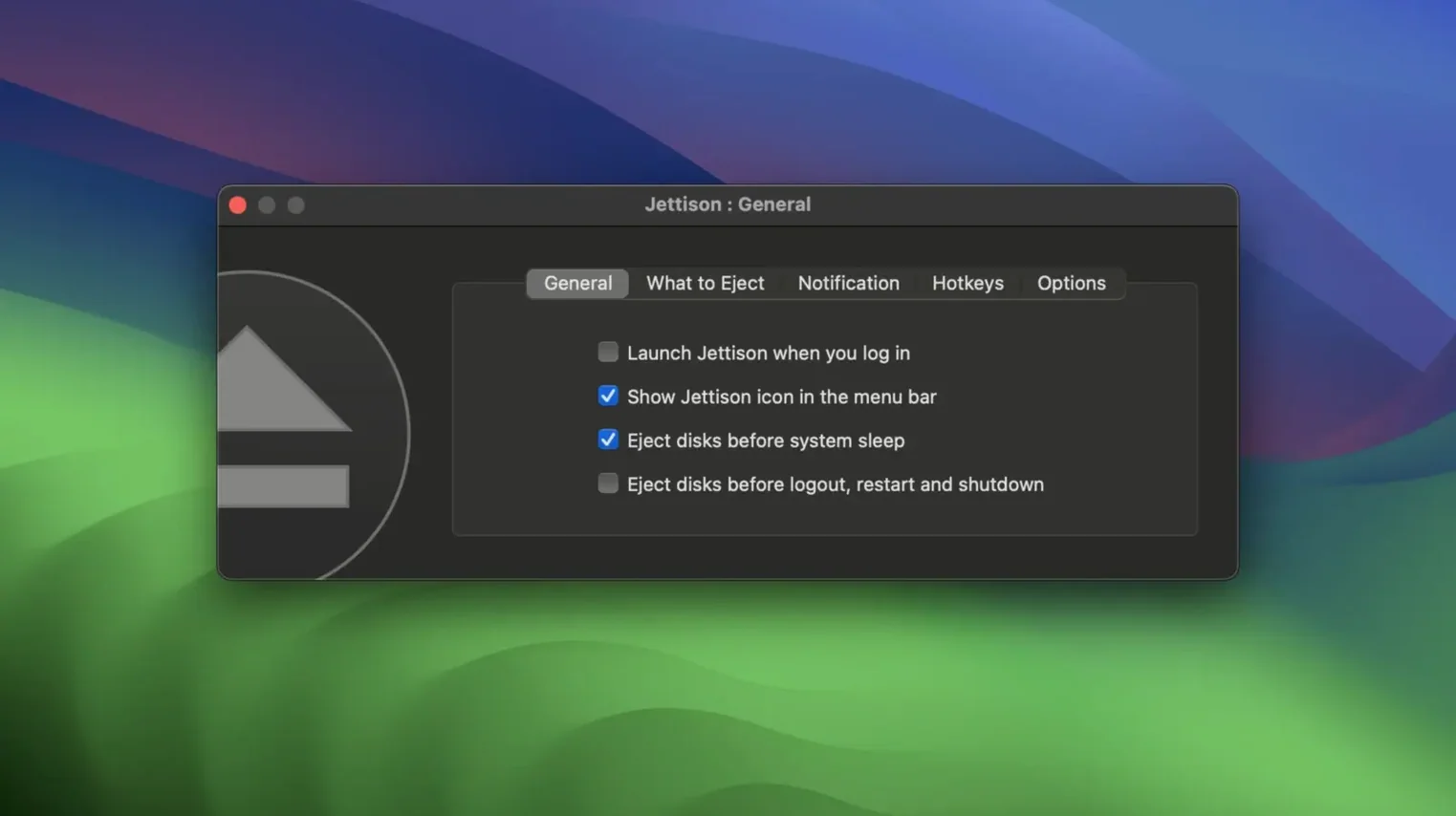
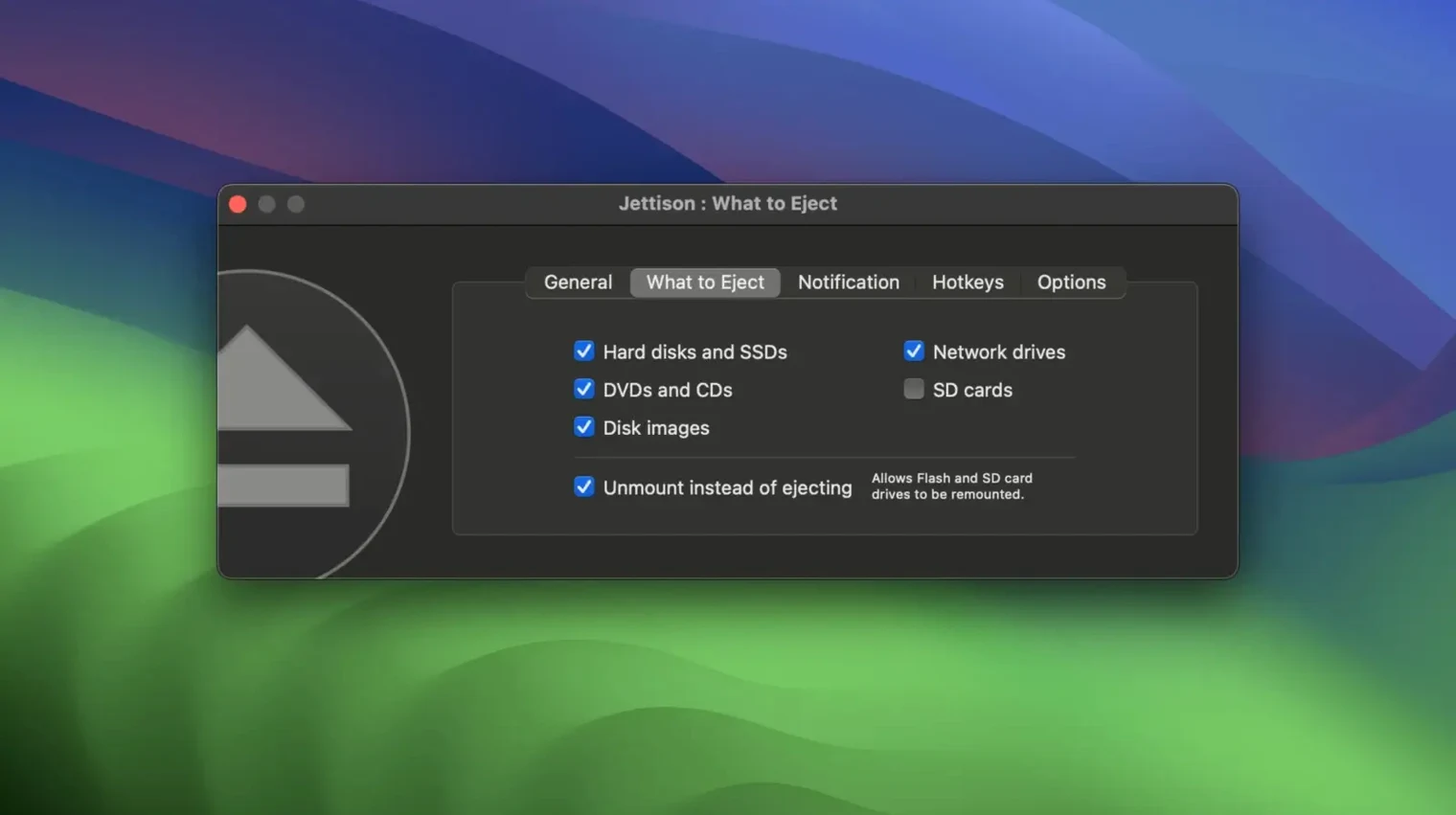
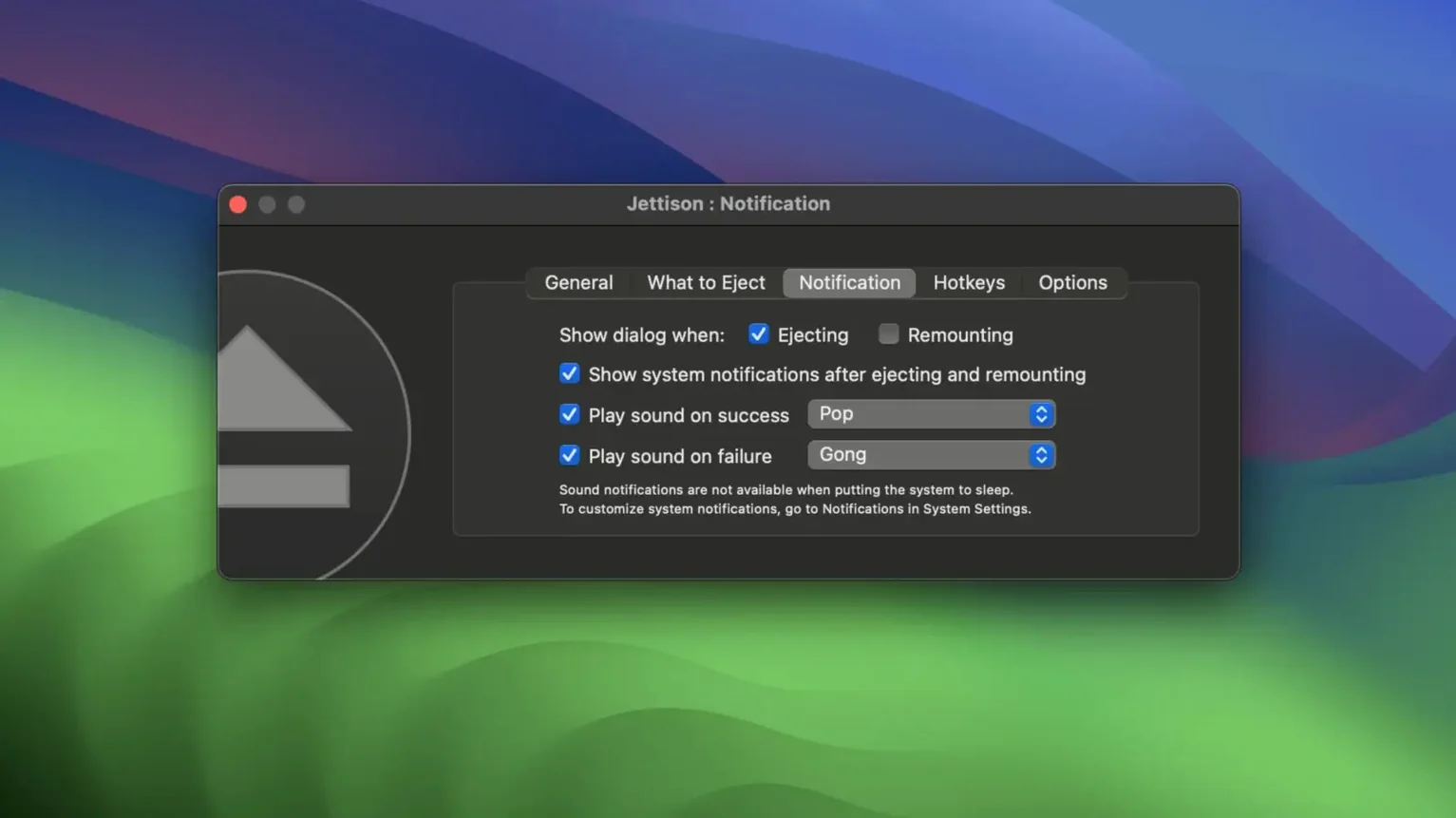
Hot Corners and sleep triggers — those are where Jettison really starts to earn its keep. You just set it up once and it quietly handles the part of portable life where you grab your laptop and go, without a second thought about dangling drives. The app lives in your menu bar, and its whole job is to eject every external disk you've told it to care about right before your Mac goes to sleep, then remount them as soon as the machine wakes and they're still plugged in.
The first thing to try is the drive list. Open the menu bar icon and hover — you'll see every connected disk and its current status. From there, you can tell Jettison which drives to handle and which to leave alone. That per-drive control matters a lot when you've got a working RAID or a time-machine partition you never want touched.
Next, pay a visit to the Exemptions tab in preferences. If there's a drive that misbehaves on remount, you can exempt it completely. It's also where you tell Jettison which disk types to work with — hard drives, SSDs, memory cards, or all of the above. Most people just leave it on "all" and then exempt the one or two oddballs.
Last thing worth doing early on: let it show you what's blocking an eject. When a document won't close in time, Jettison names the app holding things up and now includes a Quit button right there if the app is being stubborn. Between that and the remount progress window that got polished in the latest update, the whole sleep-to-wake cycle finally feels like a solved problem.
What the recent fixes changed in daily use comes down to speed and fewer interruptions. The menu bar drive count now updates the moment you eject or mount something, so you're not left staring at a stale number while you're packing up. The fix for back-to-back eject and remount cycles means you can close the lid, change your mind and open it again without the app locking up and leaving drives half-mounted. And the progress window no longer gets stuck onscreen or refuses to appear — that's the kind of polish you notice when a wake-from-sleep just works instead of making you reach for Disk Utility.
The other quiet improvement is that Jettison no longer quits mds_stores before sleep, which keeps Spotlight's indexing routines from getting annoyed. For people who search external drives often, that's a small thing that stops a big rebuild later.
Who benefits most from Jettison
Laptop users who dock and undock throughout the day are the obvious fit. If you've got a desktop setup with two external drives and a Time Machine volume, but you regularly grab your MacBook for meetings, Jettison turns that disconnect into a single step — close the lid and walk away.
Photographers and video editors working off portable SSDs get a lot out of it too. Those drives travel between machines, and an unclean eject before sleep can leave directory damage that only fsck catches later. The app removes that worry entirely.
Tip: if you use a jettison mac setup with a hub that stays powered when the laptop sleeps, exempt any bus-powered drives that flicker on wake — they'll remount more reliably if you let macOS handle them.
This update tidies up a few rough edges and makes the menu bar drive count more responsive. Here's what's changed in version 1.9.7:
- Fixed a bug that could stop the eject or mount progress window from appearing — or leave it stuck on screen.
- Fixed a rapid eject-remount stuck state that could loop under certain sleep conditions.
- When Jettison identifies a blocking app, it now shows a Quit button so you can resolve it right there.
- macOS 10.13 or later
- Intel Mac (64-bit)
Notes from other shops 0
Sign in or open a shop account to leave a note.
No notes yet. If you've used this on a shop Mac, tell me how it went.