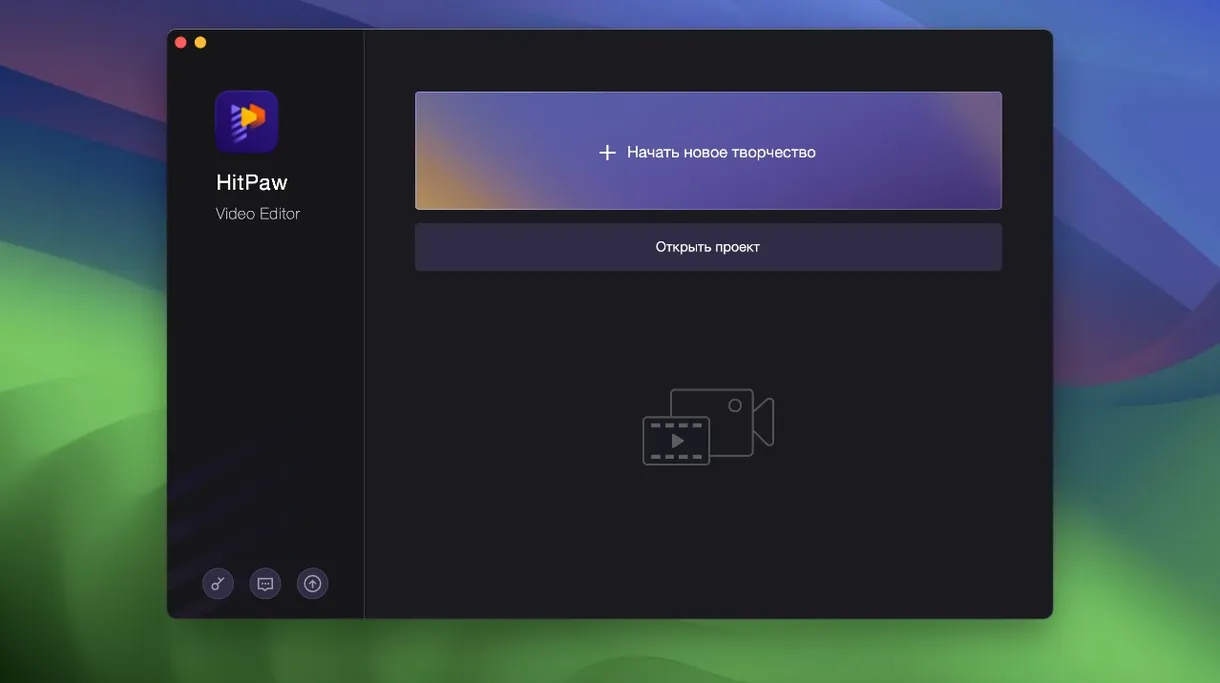
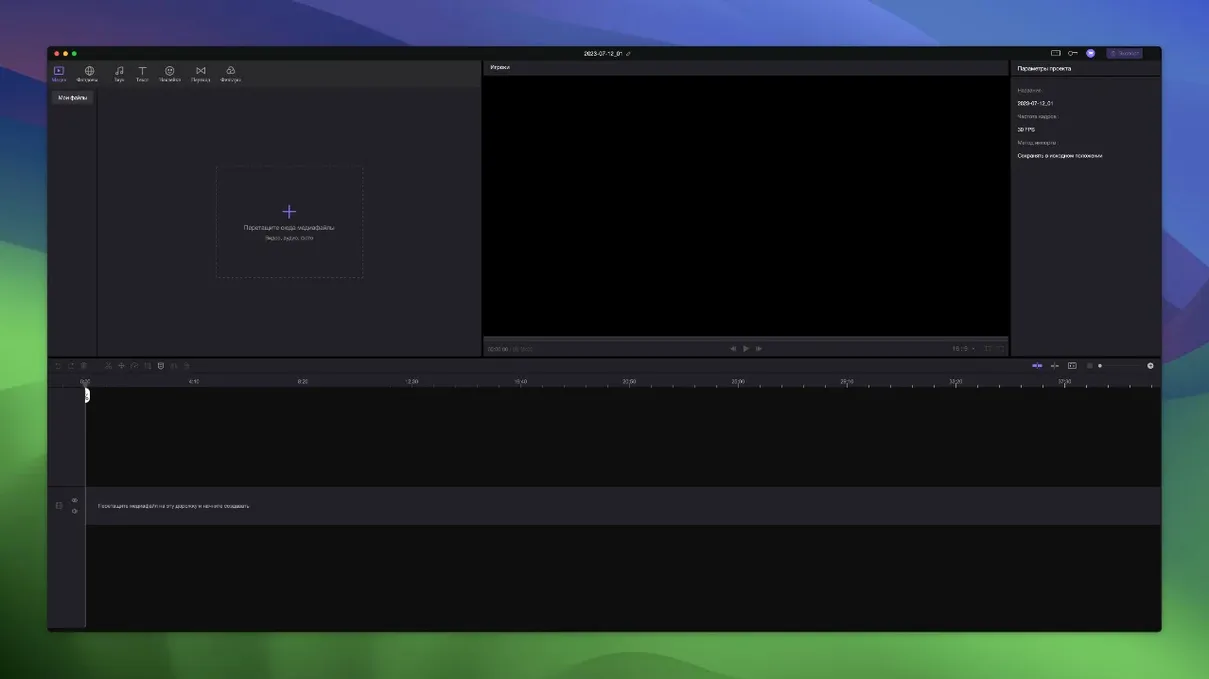
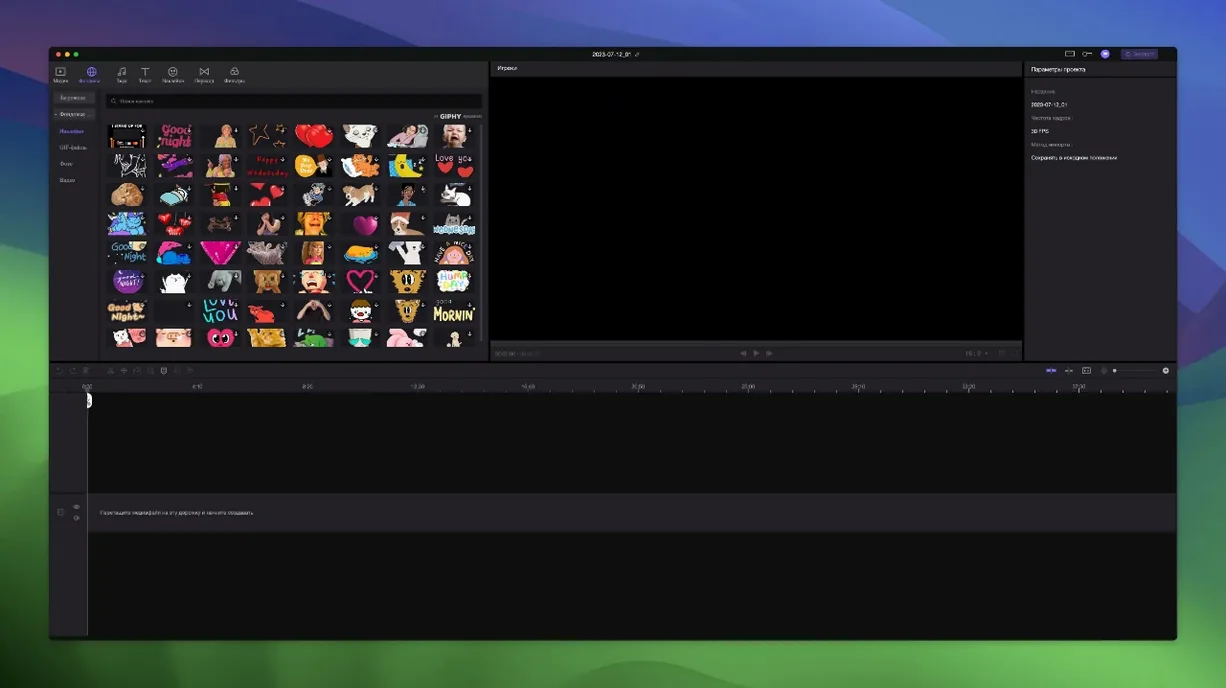
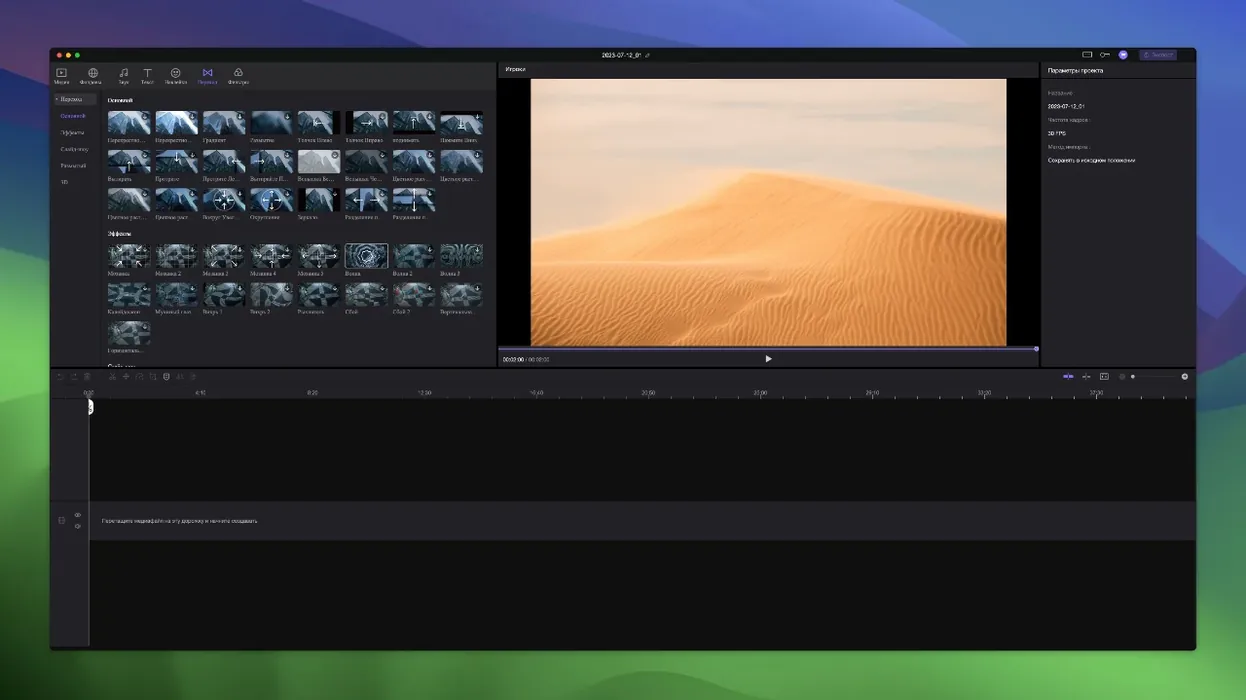
Edimakor is a Mac video editing application from HitPaw that mixes traditional timeline tools with AI-powered assists. Here's how a typical project flows in the current version.
- Set up your workspace. The timeline supports unlimited tracks, so you can stack video, audio, and titles without bumping into artificial limits. When you drag the main video clip, any linked materials move with it — handy for keeping synced elements together during rough cuts.
- Trim and arrange. Basic splitting and merging tools sit right on the timeline. Precise timing controls let you nudge a clip to a specific frame, which is the kind of thing you appreciate when syncing B-roll or tightening a music edit.
- Apply AI features. The AI side handles tasks that would otherwise eat up an afternoon — smart cutouts, auto-generated subtitles, and voice adjustments fall into this bucket. It's not a full hands-off edit, but it shrinks the busywork.
- Final pass and export. With everything in place, you do your colour tweaks and audio levels, then render out. The interface stays responsive on Intel Macs back to Catalina.
What hasn't changed is the core premise: a single tool for creators who want AI help without handing over the whole edit. The app still speaks sixteen interface languages — from Arabic to Hindi to Russian — and the Mac build remains a straightforward drag-to-install affair.
Can this replace your usual video editor?
Does it replace my usual editor? For short-form creators and people who cut talking-head videos, it can. The AI subtitle and cutout tools handle the repetitive parts, while the timeline still gives you frame-level control when you need it. If your work is mostly long-form documentary or heavy multicam, you might keep your current tool for the rough assembly and use Edimakor for the polish pass.
Will it run on my Mac? The requirement is macOS 10.15 Catalina or later, on an Intel 64-bit machine. If you're on an older Intel Mac that still runs Catalina, you're covered — and the app stays usable there, which is not something every video editor can claim these days.
Is the timeline hard to learn? Not really. If you've used any editor with drag-and-drop clips, you'll recognize the layout. The linked-material behavior — where elements follow the main video when you drag it — actually saves you from the classic mistake of moving a clip and leaving its captions behind.
Does the AI need an internet connection? Some AI features benefit from it, but the core editing and rendering work locally. The interface keeps working in sixteen languages, so switching labels for a collaborator is quick.
A small-shop scenario
Imagine a ceramicist who sells pieces through short process videos on social media. She films three takes of trimming a bowl on her phone, drops the clips into Edimakor, and trims the dead air between steps. The AI subtitle tool turns her voiceover into on-screen captions in a couple of minutes — useful because most of her viewers watch muted. She adds a transition between the trimming and glazing sections, pulls a sticker onto the end card, and drags the main clip to fix a timing slip without worrying that the caption track will fall out of alignment. One export later, the video is ready to schedule. Nothing in that flow required a manual, and nothing forced her to leave the app.
Drag clips straight from Photos or iCloud
Edimakor plays well with the usual Mac ecosystem. Import clips straight from your Photos library or a folder synced through iCloud Drive, then drag the finished render back out. The app's file handling is conventional — no proprietary project format that locks you in. If you keep your media on an external SSD, the timeline reads from it without complaint.
If you've used other HitPaw tools, the keyboard logic and layout feel familiar. You can pull stills from a video and open them in Preview or your design app for thumbnails, or pass an exported clip to a compression tool before uploading. The Terminal-based Gatekeeper bypass during installation might feel like a throwback, but once the app is in your Applications folder, macOS treats it like any other program.
Tip: If you switch between languages on your Mac, Edimakor follows the system setting — handy for bilingual creators who switch interfaces depending on the project.
- macOS 10.15 Catalina or above
- Intel-based Mac
Questions from the stall
Is HitPaw Edimakor available on Mac?
Yes, a Mac version requires macOS 10.15 Catalina or above.
How many tracks can I use in Edimakor?
The timeline supports unlimited tracks, so you can add as many video, audio, and title layers as your project needs.
What languages does the interface support?
It includes Russian, English, German, Arabic, Indonesian, Spanish, Italian, Traditional Chinese, Simplified Chinese, Korean, Dutch, Portuguese, Turkish, French, Hindi, and Japanese.
Notes from other shops 0
Sign in or open a shop account to leave a note.
No notes yet. If you've used this on a shop Mac, tell me how it went.