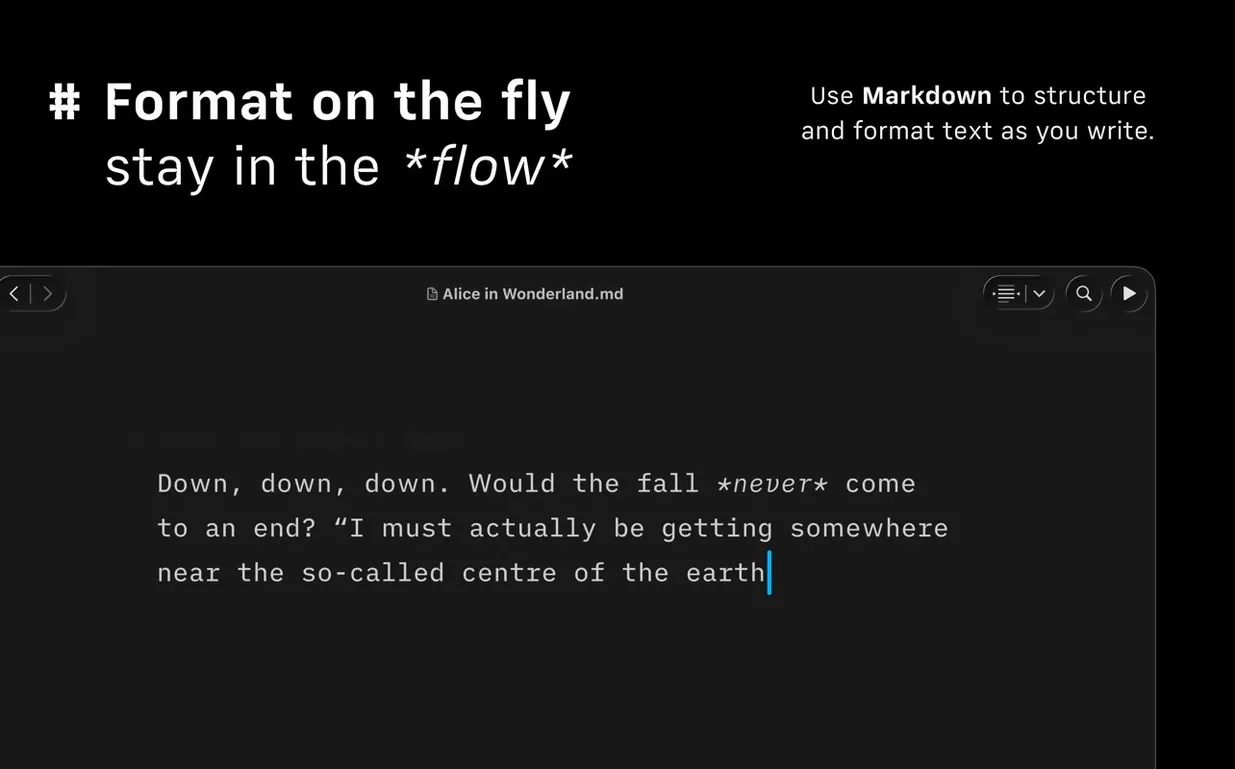
You're an hour into a long-form piece. The draft is solid but messy. You need to restructure three sections, check who wrote what in a shared file, and tighten the prose without touching the mouse. That's the moment iA Writer shifts from a clean text editor into something more.
Structural tools that speed up long documents
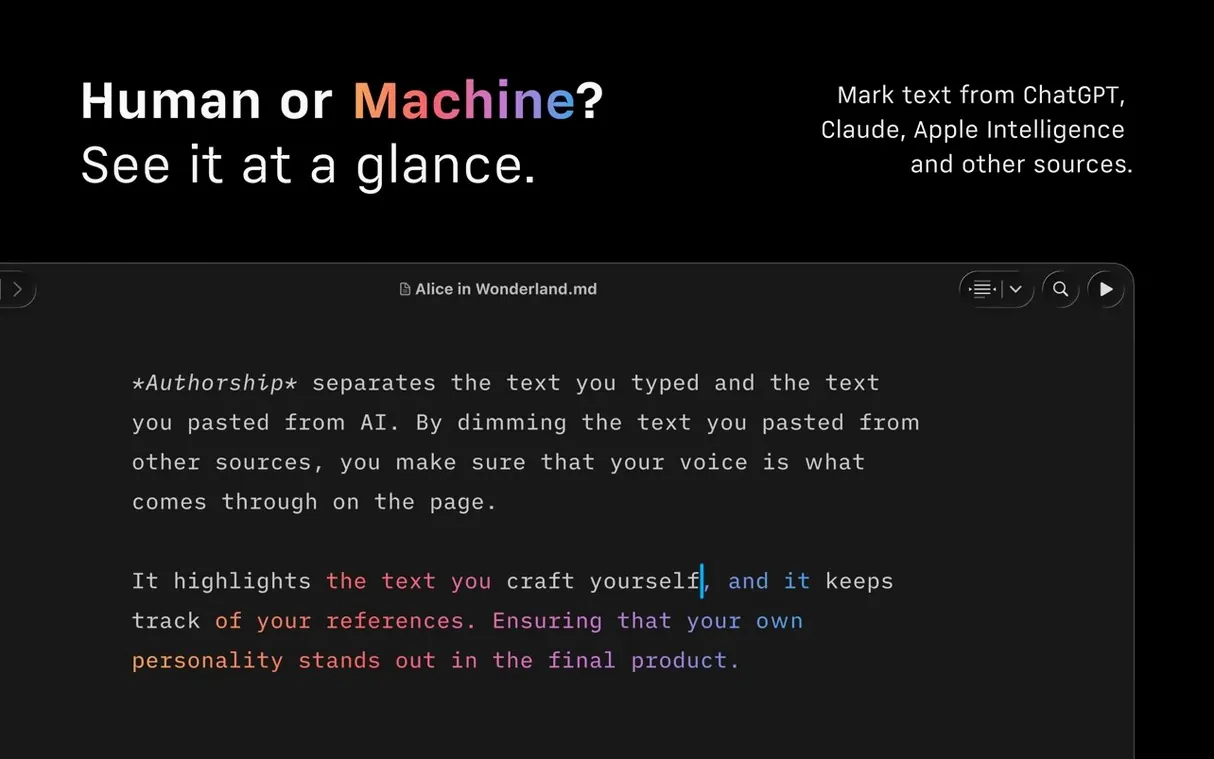
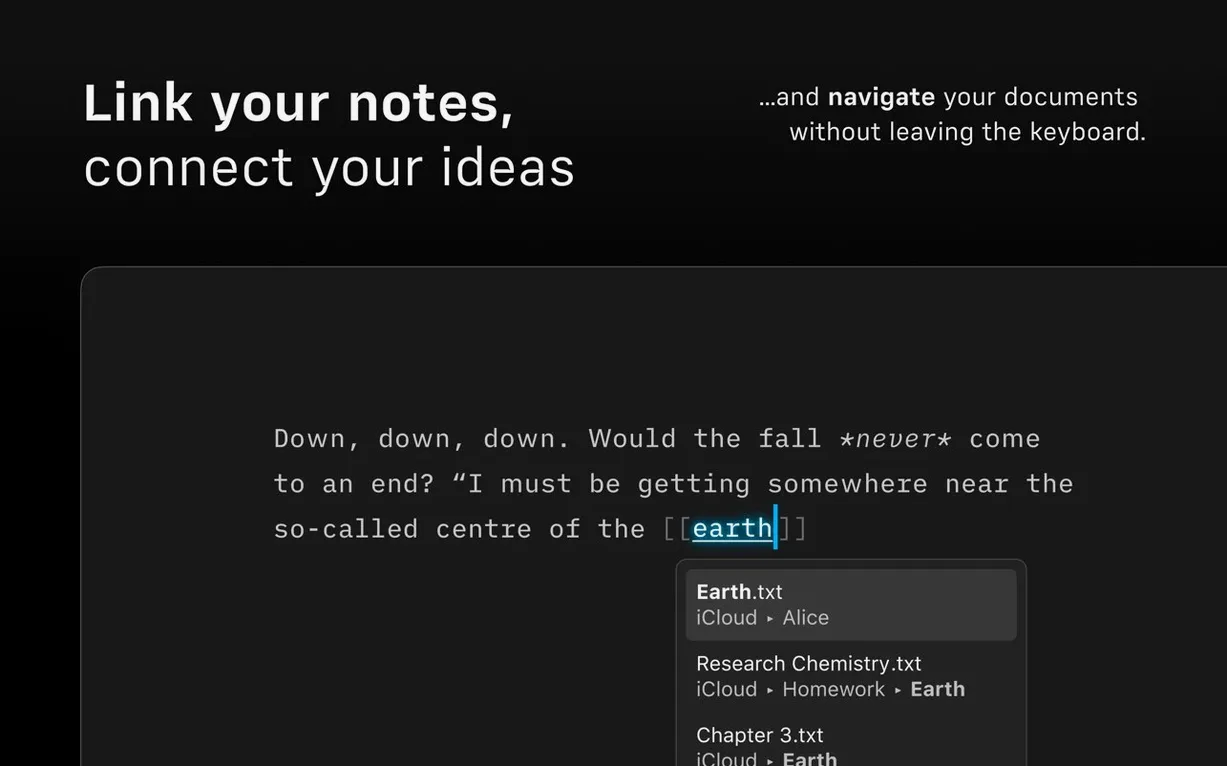
The Document Outline, added in version 8, gives you a navigable sidebar built from your headings. A Quick Search bar sits at the top, so jumping to "conclusion" or "budget notes" is nearly instant. Pair that with the Command Palette — hit a shortcut, type what you need, and you can export to DOCX, change formatting, or toggle authorship colors without lifting your hands. For collaborative drafts, the Authorship indicators show contributor colors right in the menus, which makes untangling edits much less of a headache.
Focus where the sentence lives
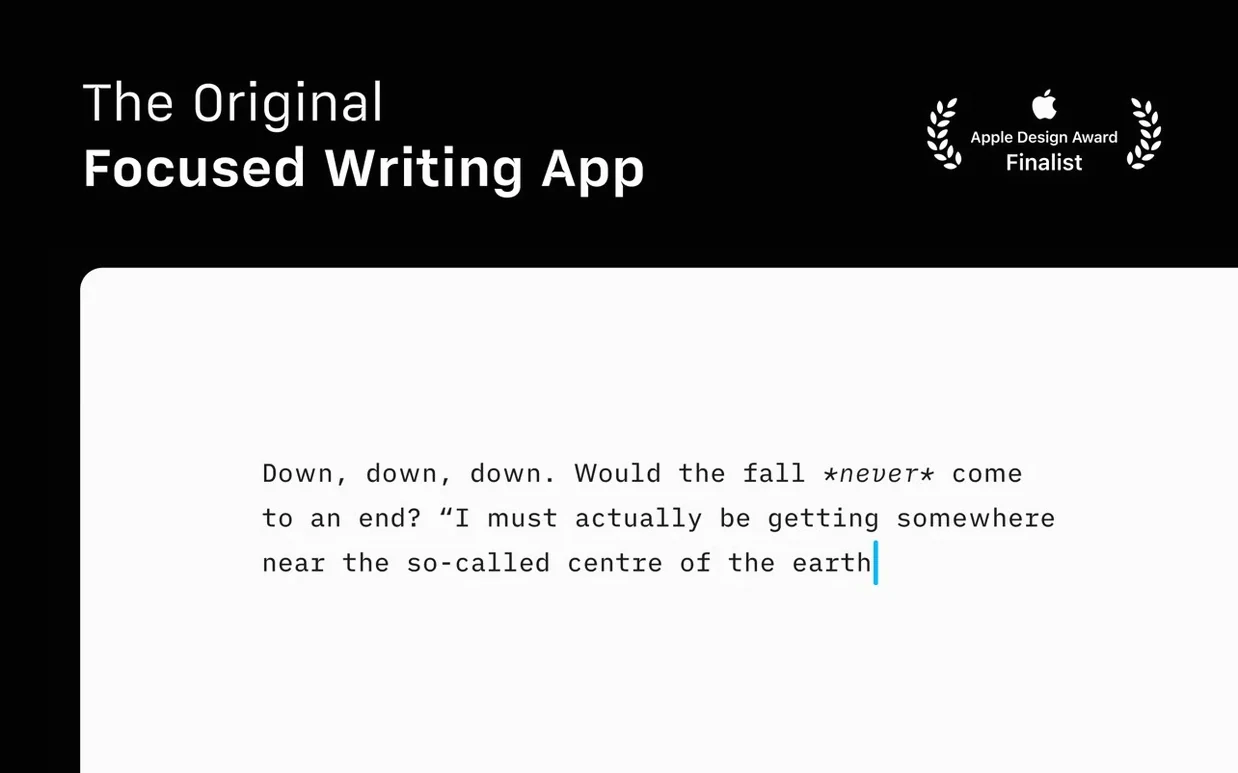
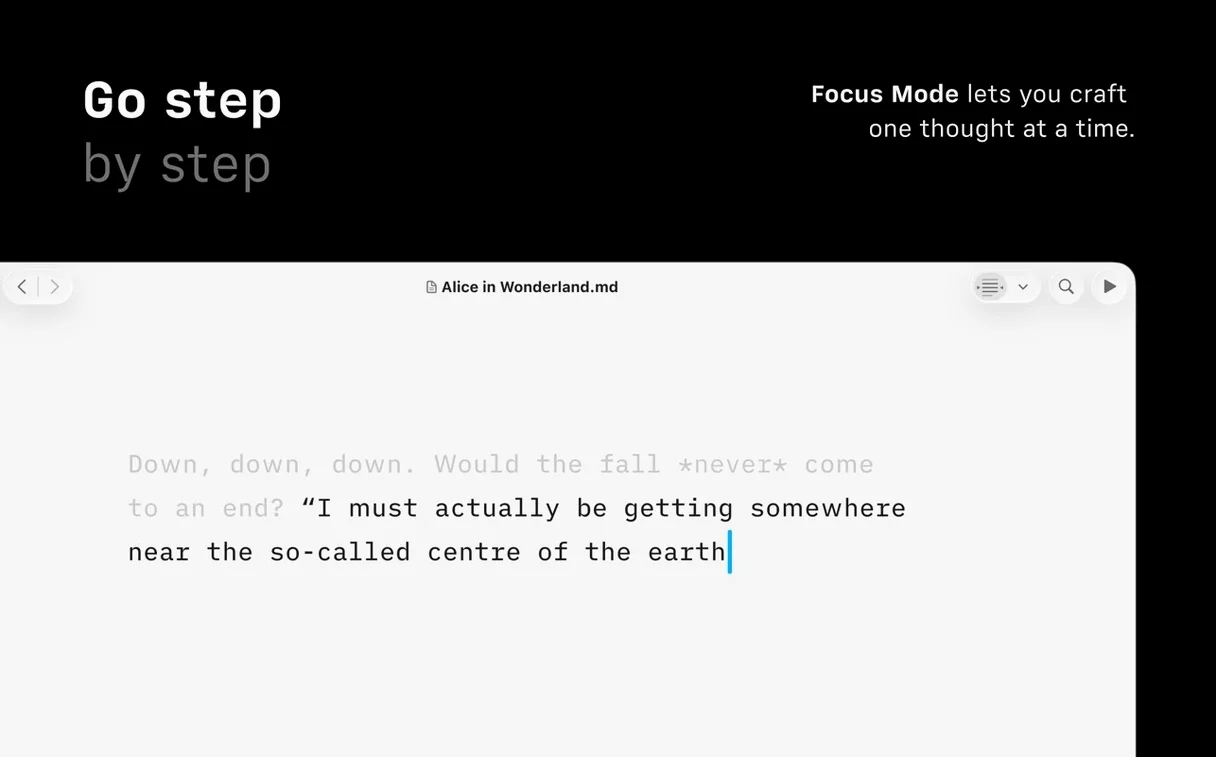
Focus mode isn't a gimmick. It dims everything except the current sentence or paragraph, and you can switch between the two depending on whether you're polishing a line or reworking a thought. Combined with Reduced Motion support, the interface stays quiet on the eyes. Dark and light modes adapt to your working hours, and Voice Control and VoiceOver support mean the environment works for how you need to write, not the other way around. For publishing, direct paths to WordPress and Medium keep the final step simple.
Drafting a newsletter from scratch, step by step
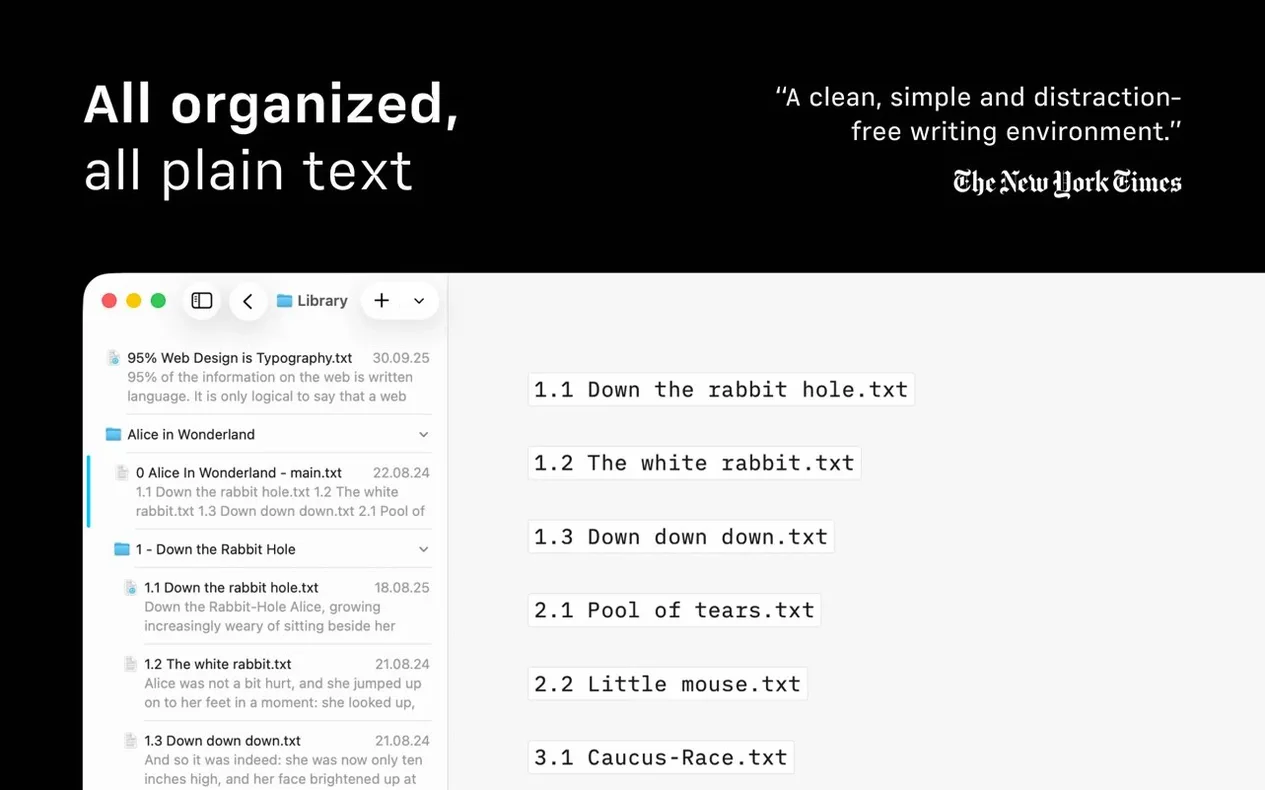
Let’s say Tuesday morning is for the shop newsletter. I keep product photos, rough notes, and a stockist update in three different iCloud folders. In the Library, I switch to the compact layout — version 8 made that an option — so I see only filenames, no dates or previews cluttering the list. I’ll create a new Markdown file, drop in a heading, and start writing the body copy straight through without stopping to format.
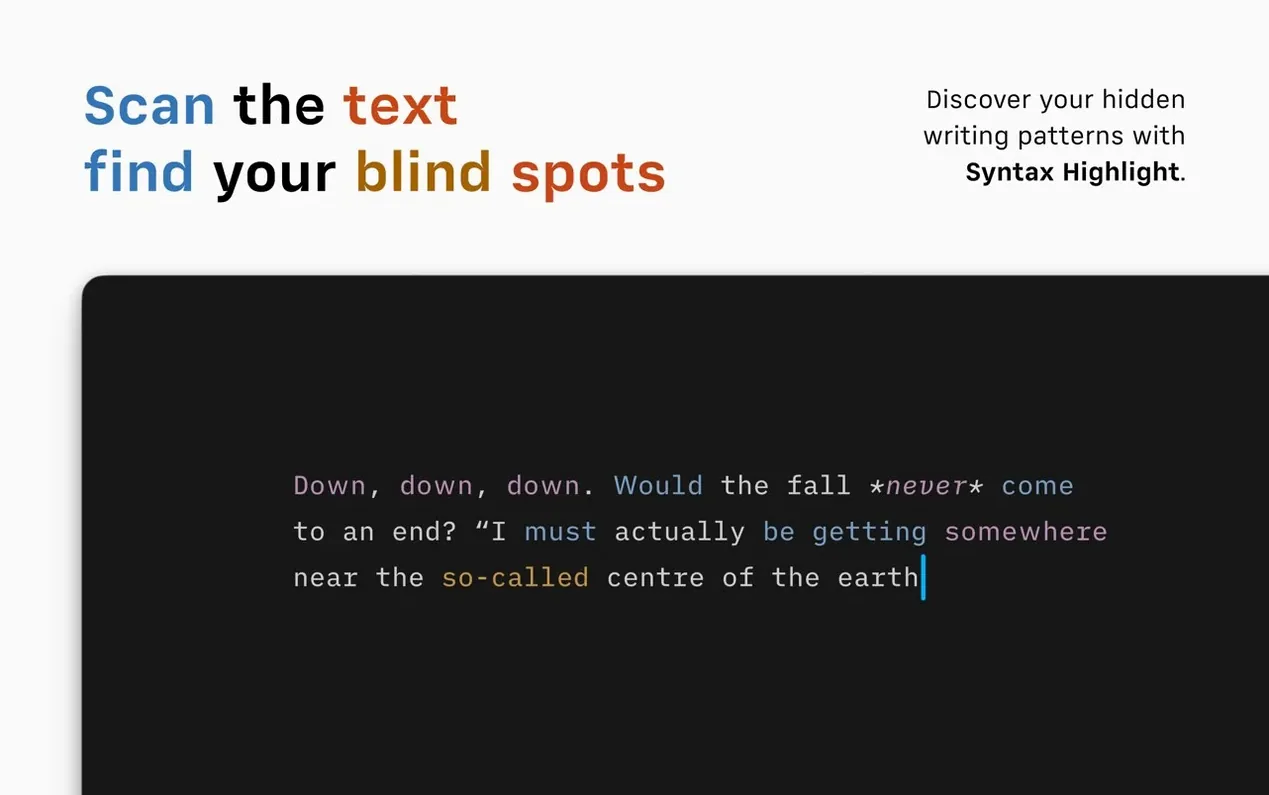
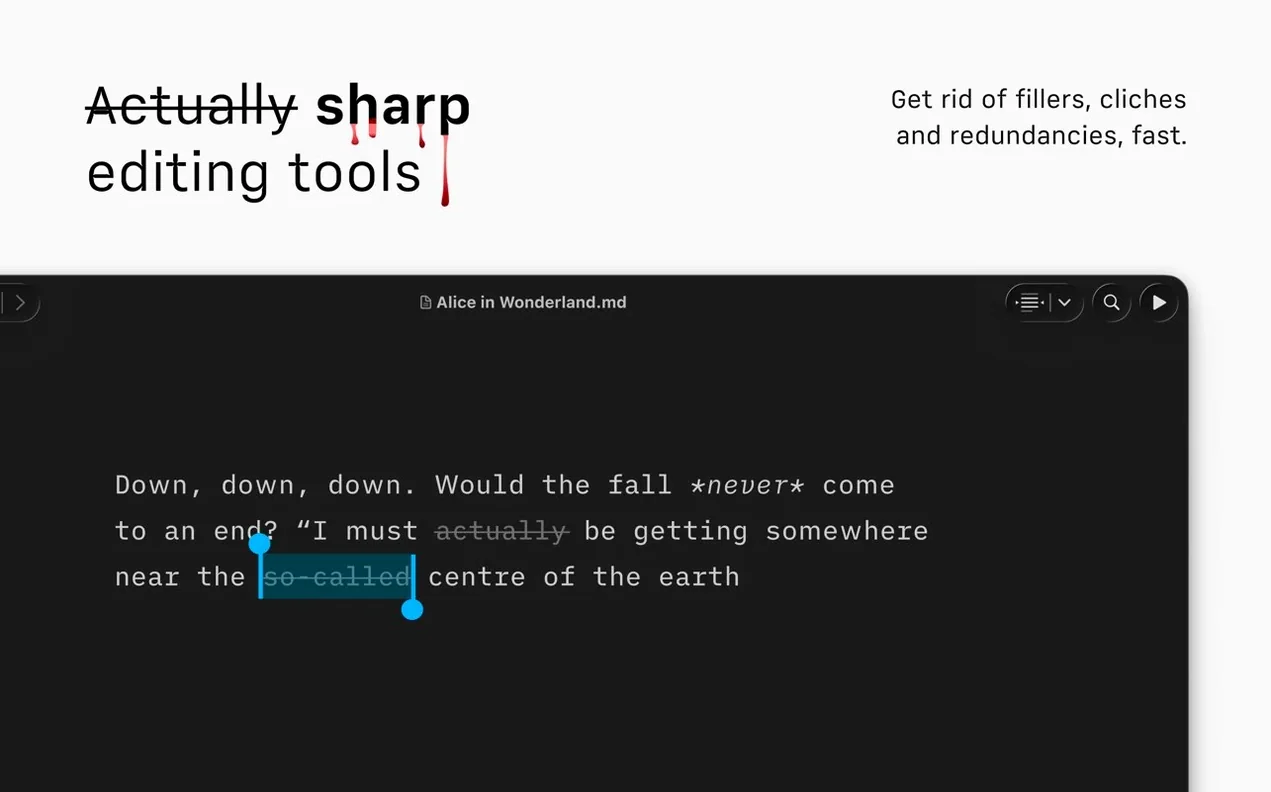
Once the draft is down, I hit the Command Palette and pick Export: HTML. iA Writer converts the whole thing, and the preview pane shows me exactly how images and text links will render before I open a browser. If I spot a repeated noun — last week it was “sale” three times in one paragraph — the syntax highlight flags it. I can then rewrite on the spot. When the copy reads right, I push it to WordPress directly from the app, no pasting into a web editor. It’s one continuous motion: search the source files, write, check the output, publish.
Little things tucked in the corners
A few conveniences took me embarrassingly long to notice. The Quick Search inside the Document Outline isn’t just for headings — you can type a few characters and land inside a long list of cloud documents without opening the finder. Another: if you switch to focus mode on a paragraph and then hit the export shortcut, the export still works without pulling you out of the dimmed view. That keeps a flow going when you’re down to the final edit and don’t want the toolbar back.
The compact Library layout pairs nicely with dragging files between cloud services right in the sidebar — iCloud to Dropbox, for example — without opening separate windows. And the Authorship colors aren’t limited to full documents; they also show in the Command Palette’s recent files list, so you know at a glance which colleague touched what. Small things, but they cut down on the tabs and clicks that break concentration.
What the version 8 shift actually changed
The refreshed interface for macOS 15 and later feels lighter — toolbar icons sit flatter and the spacing in the editor is a touch more generous, though the writing surface itself hasn’t changed size. Where I notice it day-to-day is the Command Palette replacing several trips to the menu bar. Formatting, export, and authorship toggles all live in one place now, and muscle memory builds fast.
The Document Outline changed how I approach long-form work. Before version 8, I relied on scrolling or a manual table of contents scribbled in a comment at the top of the file. Now I structure with headings early, because I know the outline gives me a map I can trust. Version 8.0.9 smoothed over a few small bugs — nothing that altered workflows, but the app stops less often for odd cursor jumps or momentary freezes in the Library. The update didn’t rewrite the tool. It just made the existing machine run cleaner.
- macOS 10.15 or later
- Works on Apple Silicon and Intel 64-bit Macs
Notes from other shops 0
Sign in or open a shop account to leave a note.
No notes yet. If you've used this on a shop Mac, tell me how it went.