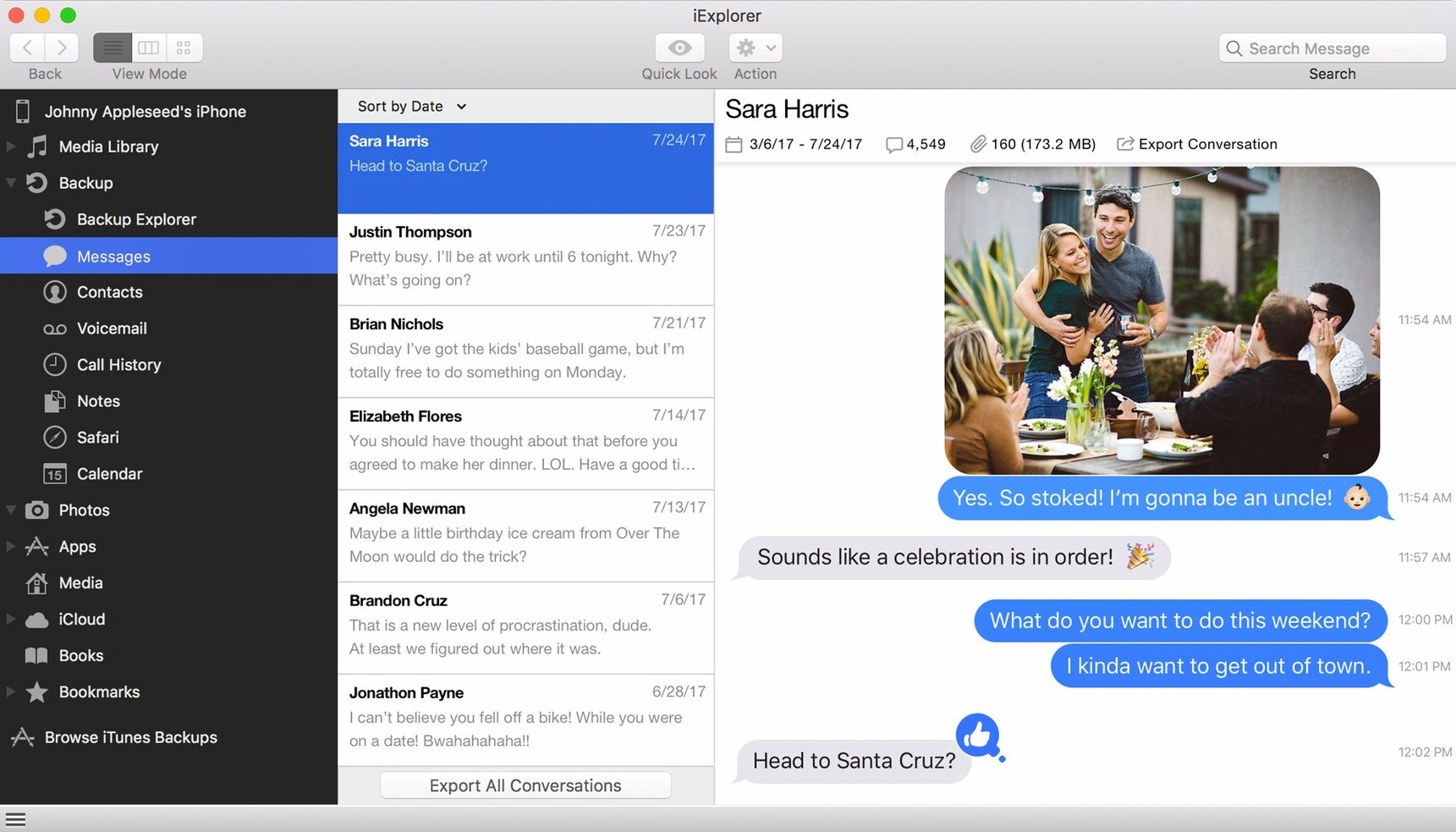
Version 4.6.0 brought better compatibility with iOS 16, keeping the utility's core promise intact: straightforward, drag-and-drop access to the stuff on your iPhone or iPad. It skips the syncing drama and lets you treat the device more like a USB drive you can actually see into.
Standout jobs iExplorer handles
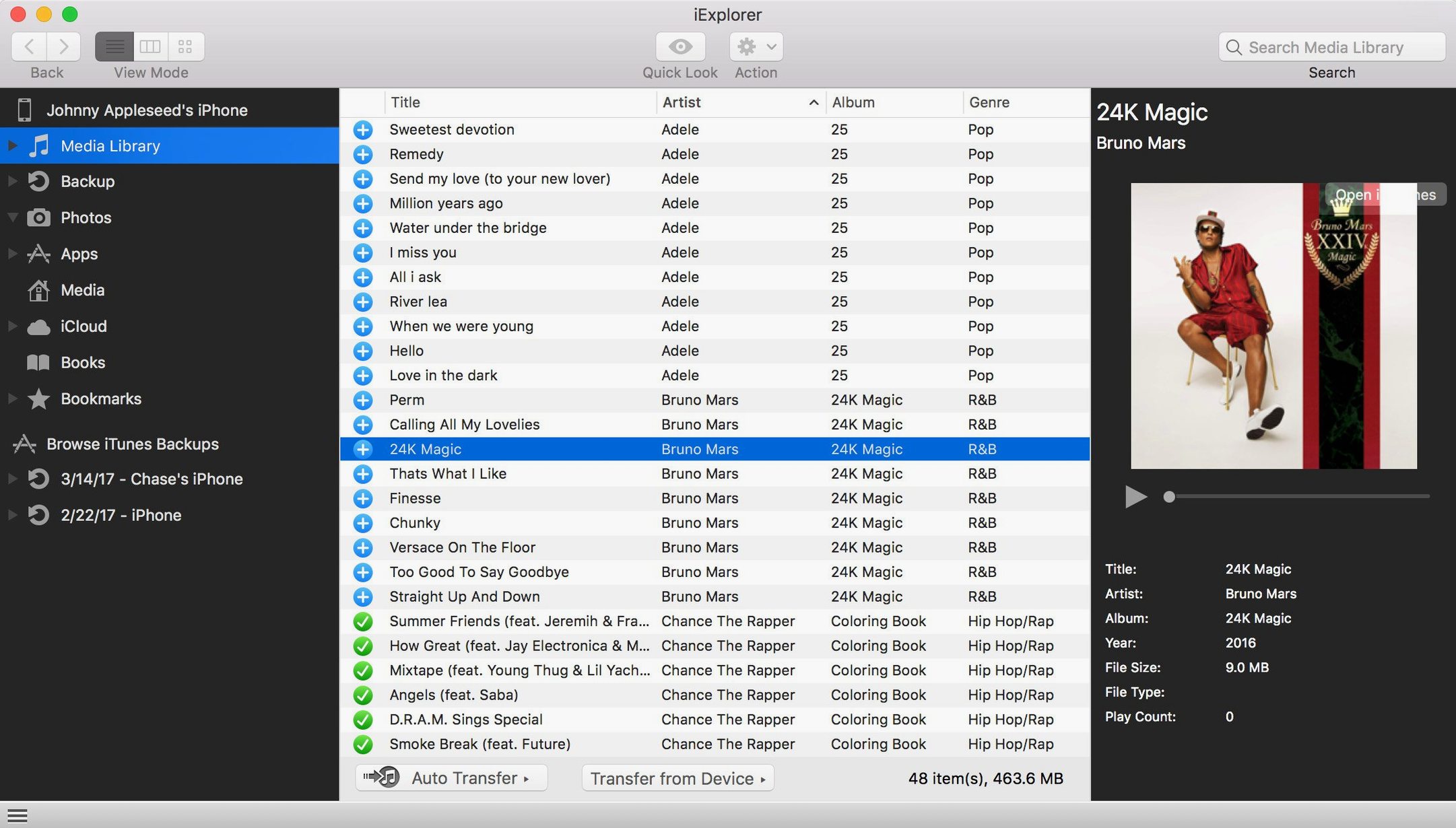
- Grabbing music and playlists. Pull tracks and playlists from an old iPod or iPhone straight into your Mac's iTunes library. It's the quickest way I know to recover a music collection from a device when the original computer is long gone.
- Adding files without iTunes. Drop documents, videos, or other files onto a connected device without launching iTunes at all. Handy when you just need a file on your iPad and don't want to wade through a sync.
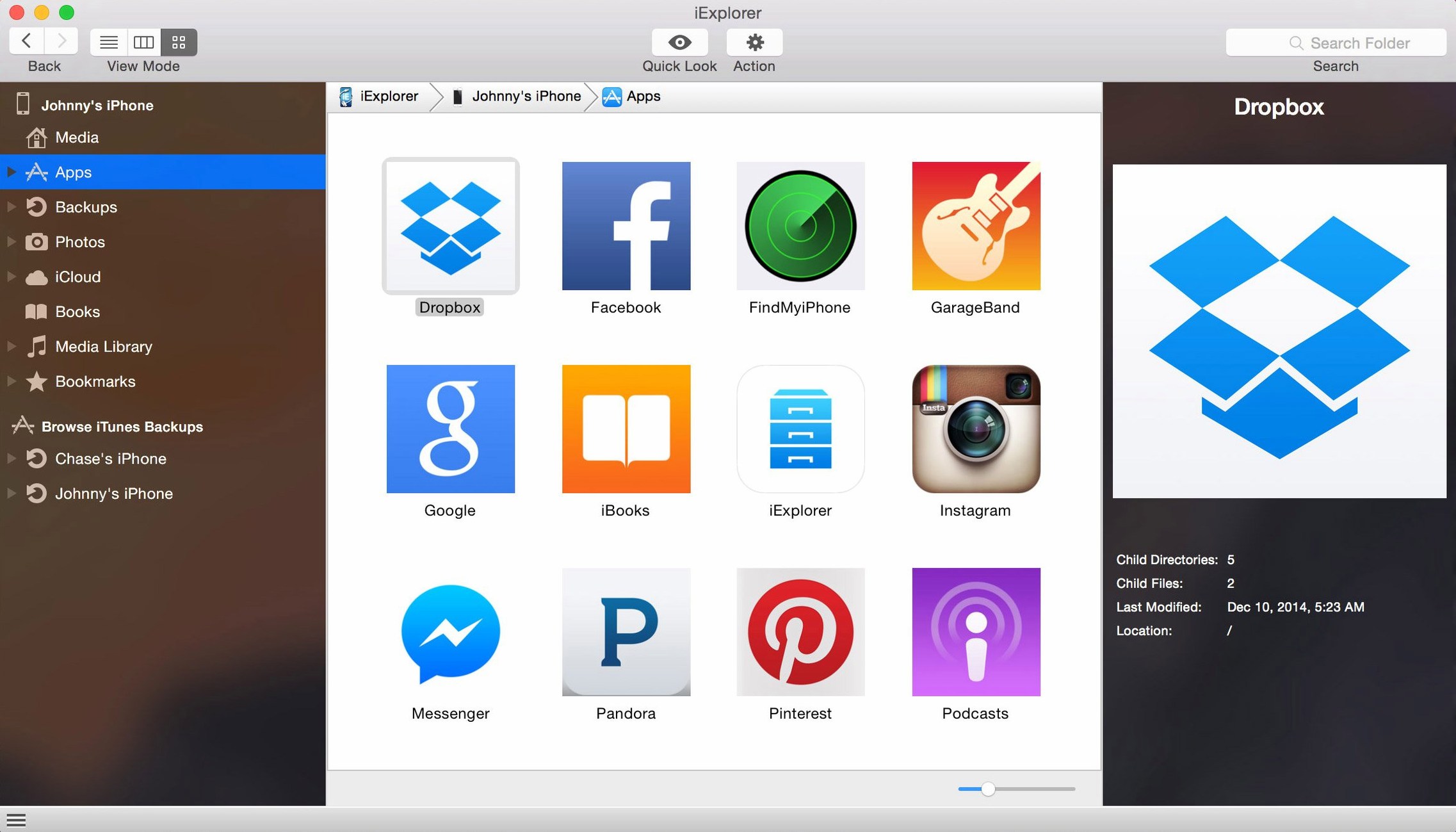
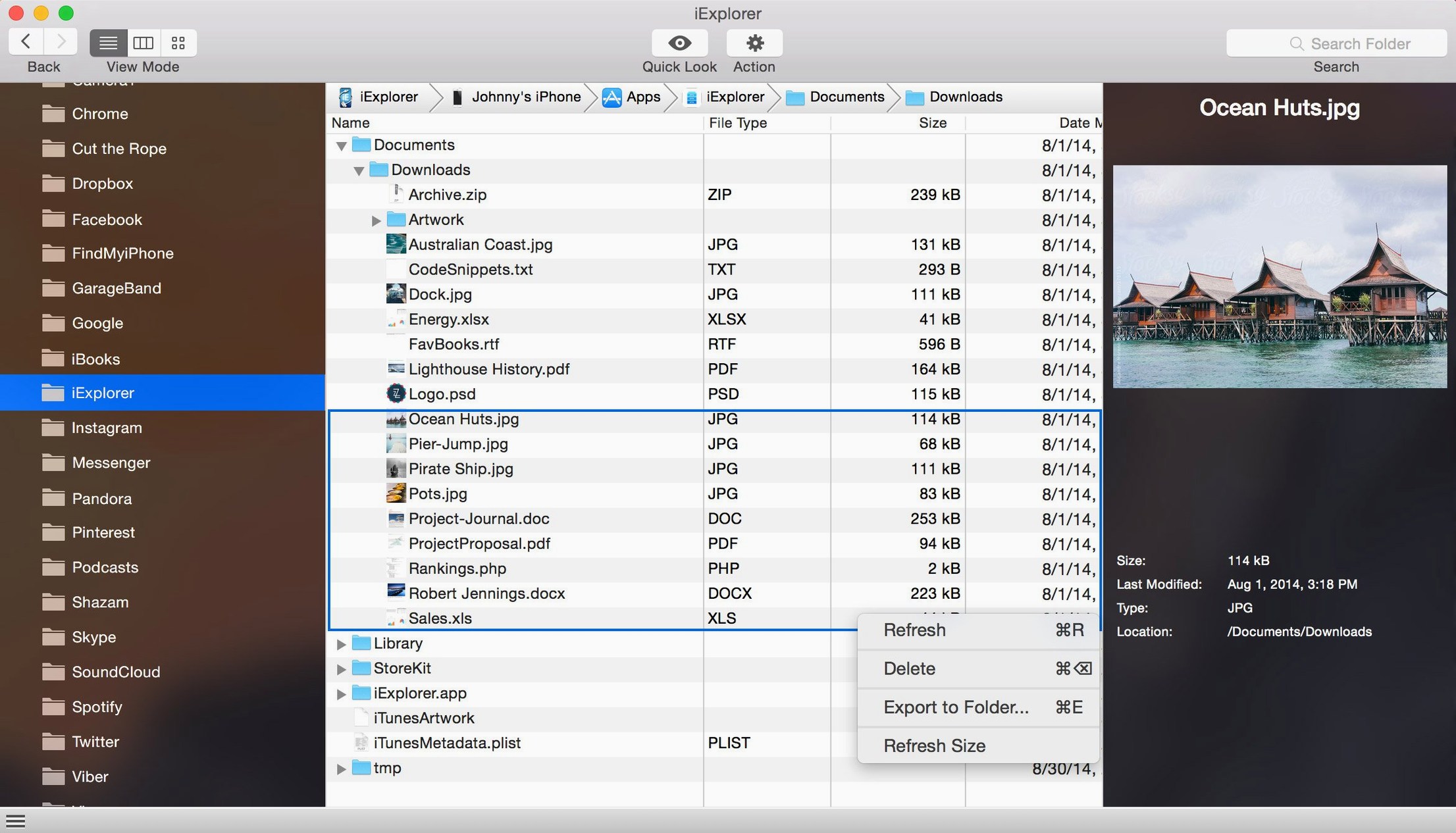
- Browsing app data. Peek inside an app's sandbox to see its files, icons, and documents. This is a real help for pulling out a project file from a drawing app or grabbing a recording another app made.
- Transferring photos and messages. Copy photos to a folder on your Mac or export text message conversations as a PDF. It treats them as files you can back up, not a library to sync.
- Mounting a device as a disk. Browse the media folder of a connected iPhone or iPad right in Finder. It turns a locked-down device into a readable disk for simple file copying.
No jailbreak is needed for any of this, and it works with standard iPhone, iPad, and iPod connections. For shop owners or anyone who just wants direct access to the data on a device, it's a practical alternative to the usual iTunes workflow.
Bridging the gaps Finder and Music leave behind
I use iExplorer as a bridge when the built-in Mac apps fall short on direct file access. It pairs well with Finder once you mount a device as a disk, but it also complements iTunes — or Music, on newer systems — by pulling playlists the other direction. Instead of syncing from the Mac outward, it grabs what's already on the phone and brings it back.
For photos, I point iExplorer toward a folder I keep for shop product shots, then open the results in Preview or Photoshop. Exported text conversations end up as PDFs that I can annotate in Skim or attach to a client email. Contact exports land as vCards, ready for the Contacts app. The utility doesn't try to replace those tools — it hands them files in formats they already understand.
If you keep a backup routine with Time Machine or a cloud sync folder, directing iExplorer exports into one of those watched locations means your device data ends up in your regular backup stream without an extra step.
A real task: pulling product photos off a shop iPad
I keep an older iPad at the counter for snapping quick product photos. The Camera app works fine, but getting those shots onto a Mac without AirDrop or Messages used to mean a full Photos sync. Here's how a transfer actually flows with iExplorer:
- Plug the iPad into the shop Mac with a Lightning cable and launch iExplorer. It shows up in the sidebar within a few seconds.
- Open the Photos section in the device browser. All the albums and Camera Roll folders are listed flat, no library abstraction.
- Select the most recent batch — I typically grab the last dozen shots by command-clicking each thumbnail. The preview panes give enough detail to skip the ones with bad focus.
- Click Export and point it at a folder on the desktop called "Shop Photos – This Week." iExplorer copies the full-resolution files straight across, no conversion.
- Open the folder in Preview for a quick rename, then upload the keepers to the shop's online store. The whole thing takes about two minutes.
This bypasses the Photos library entirely, so I'm not cluttering the Mac's system library with temporary product shots that I'll delete after a week. For anyone managing device photos alongside a work catalog, that separation saves real cleanup time.
Small things worth noticing
- Right-click anywhere. The context menus inside the device browser surface export, delete, and copy options that aren't always obvious from the toolbar. I missed them for the first few sessions.
- Disk mounting toggle. The mount-as-disk feature has a quick access button in the toolbar. Once mounted, the device shows up in Finder's sidebar like any external drive, and you can drag files in and out with the same keyboard shortcuts you use everywhere else on the Mac.
- Backup browsing without connecting. iExplorer can open iTunes backups already stored on your Mac. If a device isn't handy but you need a contact or note from an old backup, you can dig through previous snapshots without plugging anything in.
- App file view filters. When you poke into an app's sandbox, the file list shows document types and sizes. Sorting by size helps spot bloated cache folders or large media files you might want to pull off.
- Message export formats. When exporting text conversations, you get options for PDF or plain text. The PDF version preserves the chat bubble look, which is useful for records or sharing a thread with a team member.
- iCloud section reach. Inside the app, an iCloud section shows photos, app data, and backups tied to the same Apple ID. It's a single pane for things that normally live behind several settings screens.
Some folks hunt around for an iExplorer torrent when they first hear about the app, and the utility itself is a lightweight install that doesn't phone home or demand accounts. Similarly, searching for an iExplorer Mac crack can be a way to explore version options, while the full iExplorer package from the developer includes the iOS 16 compatibility improvements that keep transfers smooth with current devices.
What's new in 4.6.0:
- Improved compatibility with iOS 16.
- macOS 10.10 or newer
- Intel 64-bit processor
- iTunes installed
Notes from other shops 0
Sign in or open a shop account to leave a note.
No notes yet. If you've used this on a shop Mac, tell me how it went.