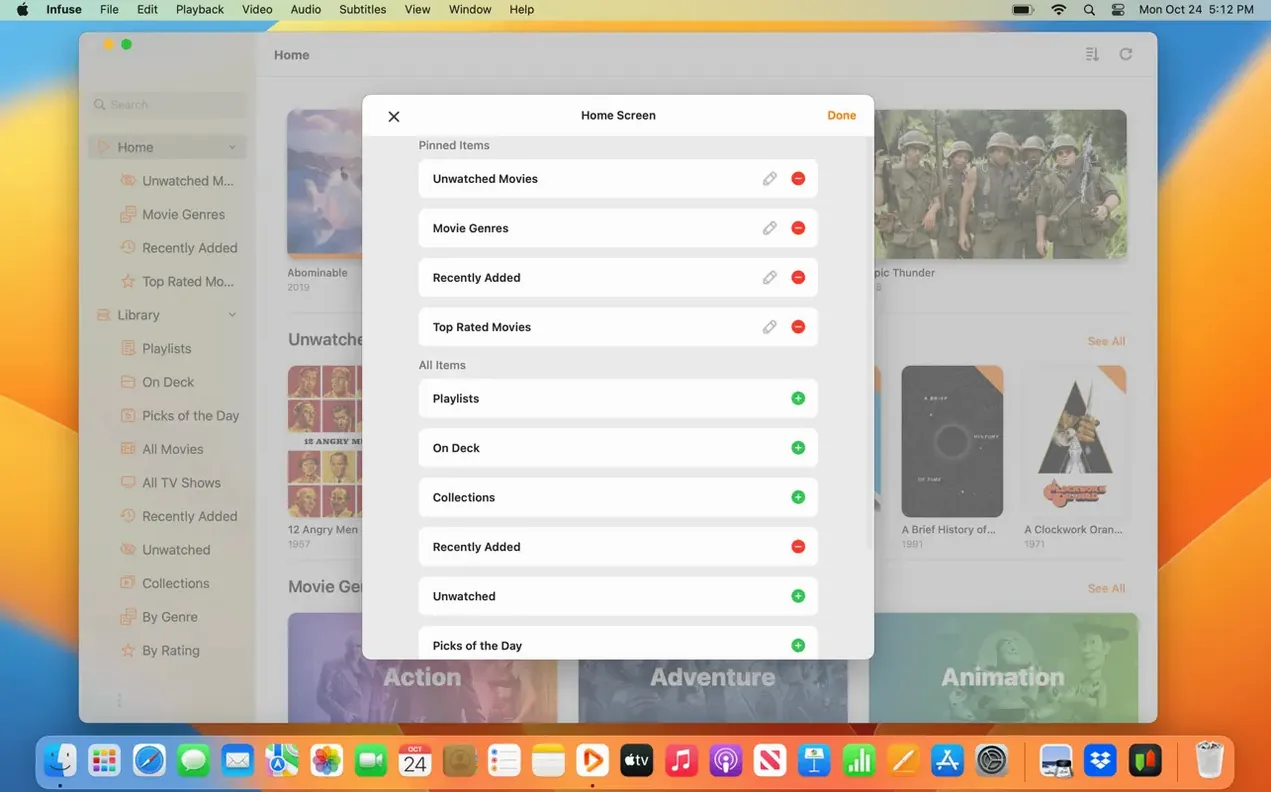
Dolby Digital Plus audio passthrough is one of those features that makes a video player feel like a proper home theater. Instead of fiddling with third-party codecs or remuxing files, you just open your movie and the DTS-HD track plays exactly as it should. That’s the headspace Infuse Pro works from — it handles the format chaos so you don’t have to.
Get your library connected right away
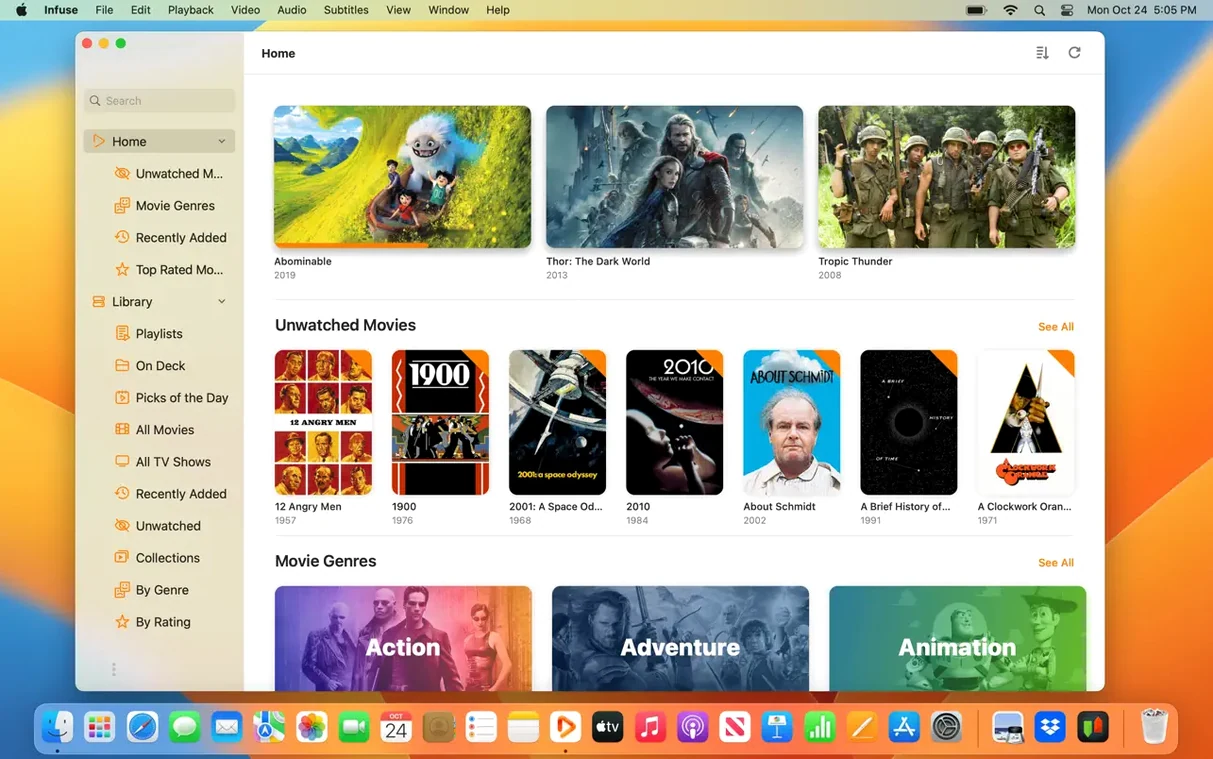
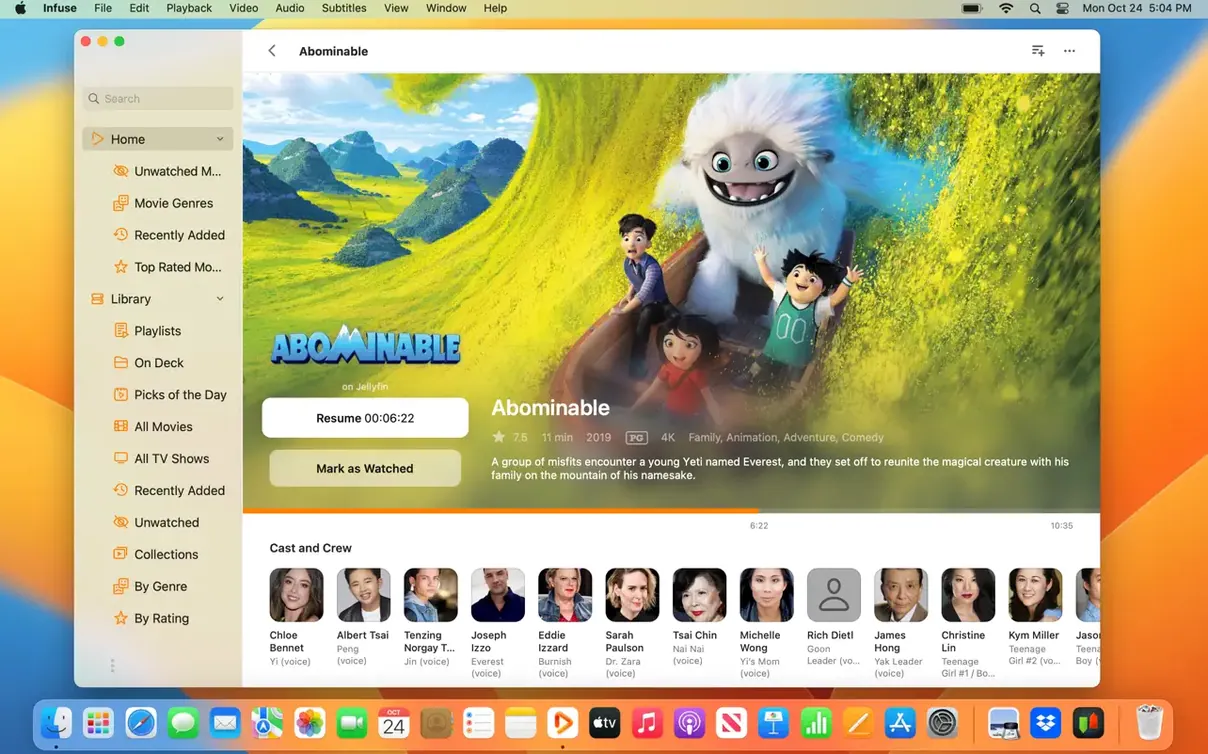
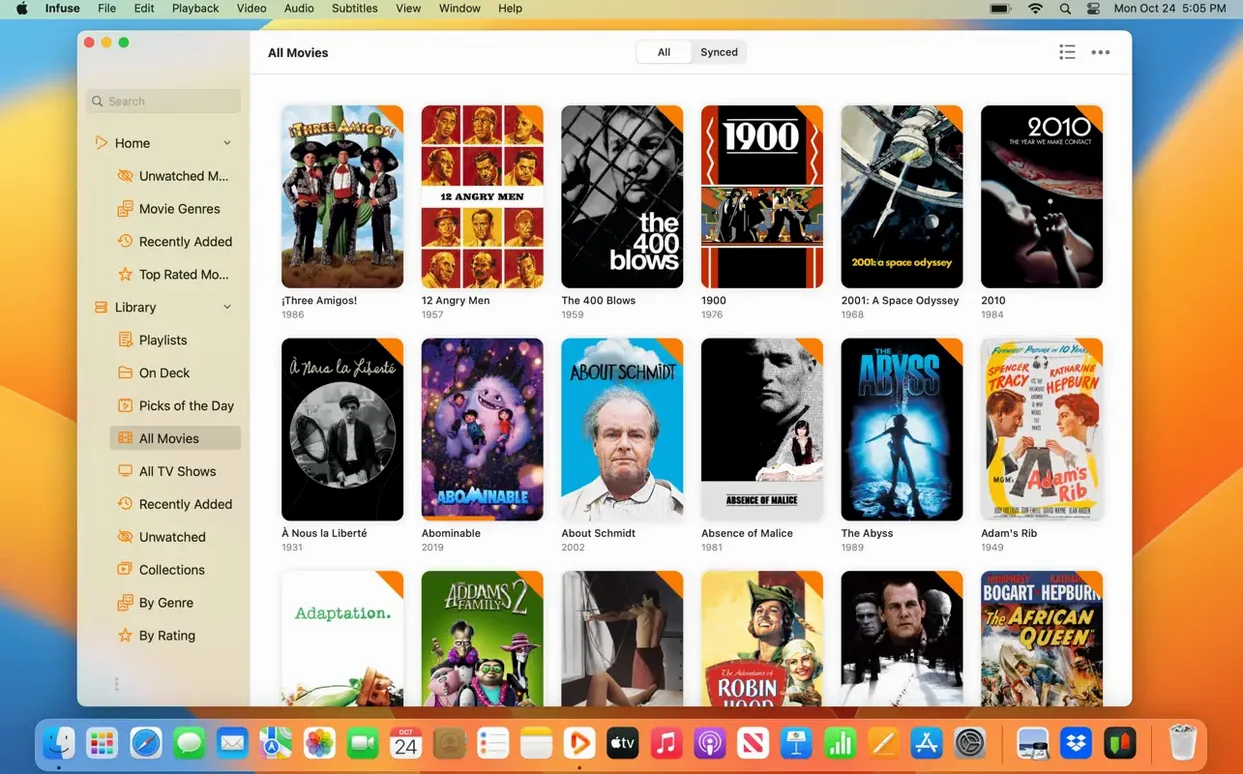
The first thing worth doing is pointing Infuse at your media. It pulls files from network shares on a Mac, PC, or NAS, plus cloud services like Google Drive, OneDrive, and Plex. Once you add a source, Infuse scrapes artwork and metadata automatically. Give it a moment to finish; the difference between a raw file list and a browsable library with posters and season groupings is what makes the app feel designed for daily use. Turn on iCloud sync if you also watch on an iPad or Apple TV — it syncs your watched history and in-progress queue across devices.
Lock in playback and tracking preferences
Head into settings and confirm the audio output matches your setup. Infuse Pro handles Dolby Digital Plus, DTS, and DTS-HD natively, but it needs the passthrough option enabled if you’re connected to a receiver. After that, sign into Trakt. It syncs watched history, ratings, and comments back to your Trakt account, which is useful if you ever switch front-end apps or share a library with Kodi on another device. Between the format support — MP4, MKV, ISO, AVI, WebM, and more — and the playback tracking, the setup takes about five minutes and covers 90% of what you’ll reach for day to day.
Quiet 8.x playback fixes that make evening watching smoother
Infuse doesn't sit still for long. The move through the 8.x releases brought a handful of quiet improvements that add up when you use the app every evening. The version 8.5.5 release tightened playback of high-bitrate MKV files on Apple Silicon Macs, so those 4K remuxes that used to stutter during panning shots now run without a hiccup. If you keep a mix of Intel and M-series Macs around the house, that fix alone makes the download worth grabbing.
Cloud streaming got noticeably snappier somewhere in the 8.4–8.5 cycle. Pulling a movie from Google Drive or OneDrive now buffers faster at the start, and seeking mid-playback doesn't leave you staring at a spinner. For anyone who keeps a media stash on pCloud or Mega.nz rather than a local NAS, that latency drop turns "usable" into "I'll actually watch this way." The subtitle loader also got smarter — OpenSubtitles results now prefer the correct language for your interface, which cuts down on the ritual of scrolling past ten mismatched tracks before finding the right one.
One under-the-radar change: Infuse no longer re-scrapes your entire library after a minor version update. Earlier builds sometimes treated a point release like a fresh install and rebuilt metadata from scratch, which was a headache on large collections. That behavior is gone, and library sync between a Mac and an Apple TV feels more predictable. If you've been sitting on an older build, version 8.5.5 bundles all of that together.
Adding a network share the right way so it stays connected
The most common slip is adding a network share the wrong way. Dragging a mounted volume from the Finder sidebar works, but it stores the connection path differently than typing the SMB address directly. When the share disconnects — and it will — the Finder-based link sometimes fails to reconnect, and you're left with an empty library until you re-add it. Use the Add Files button in Infuse, pick your protocol, and enter the server IP manually. It survives restarts better.
Another trap: assuming all cloud sources behave the same. Dropbox and OneDrive index quickly, but Mega.nz takes longer on first scan because of how encryption keys are handled. Beginners often cancel the scan halfway through, then wonder why half the season is missing. Let it run overnight on a large collection. Once indexed, incremental updates are fast.
People also overlook the subtitle timing offset. Infuse can pull subtitles on the fly, but if the file you grabbed was synced to a different cut of the film, the offset slider under playback settings is right there and easier than hunting for another subtitle track. Finally, skipping the Trakt login on day one is something I hear about often — adding it later means your early watches don't backfill, so the history stays incomplete.
Switch audio to Passthrough before you strip your surround sound
Right after you install Infuse Pro, open preferences and switch the audio output to Passthrough if you have a receiver or soundbar that handles Dolby Digital Plus and DTS-HD. The default decodes everything to PCM, which works everywhere but strips the spatial metadata your receiver wants for proper surround. Toggling this one setting turns a clean stereo downmix into the track the audio engineer actually mixed.
Next, set the subtitle download language to your preferred tongue and enable Auto-load from OpenSubtitles. Without that checkbox, you'll manually trigger every subtitle fetch, and foreign-language scenes in otherwise English films will play silent until you scramble for the remote.
If your library lives on a NAS, bump the buffer size up under advanced playback settings. The default is conservative; a larger buffer helps with Wi-Fi hiccups during high-bitrate scenes. And turn on Show filename instead of title as a global option only if your metadata is messy — otherwise, leave it off and let Infuse do its library thing. The artwork and season grouping are half the appeal.
For anyone who grabbed an infuse dmg and wants the full feature set, these tweaks apply to the Pro toolset regardless of how the app arrived. The passthrough, subtitle, and buffer settings don't care about your activation path — they just work once you flip them.
Infuse 8.5.5 arrived September 16, 2026 with the usual stability work. The release notes page focuses on the iOS and iPadOS versions.
- macOS 12 or later
- Apple Silicon or Intel Mac
Questions from the stall
Which video formats does Infuse Pro support?
It plays MP4, M4V, MOV, MKV, AVI, WMV, MTS, ISO, FLV, OGV, 3GP, WebM, and WTV files.
Can Infuse Pro stream from cloud services?
Yes — you can connect Dropbox, Google Drive, OneDrive, Box, pCloud, Yandex.Disk, and Mega.nz as media sources.
Does Infuse Pro sync between Apple devices?
Infuse Pro includes iCloud syncing for your library, watched status, and in-progress queue across iPhone, iPad, Apple TV, and Mac.
Notes from other shops 0
Sign in or open a shop account to leave a note.
No notes yet. If you've used this on a shop Mac, tell me how it went.