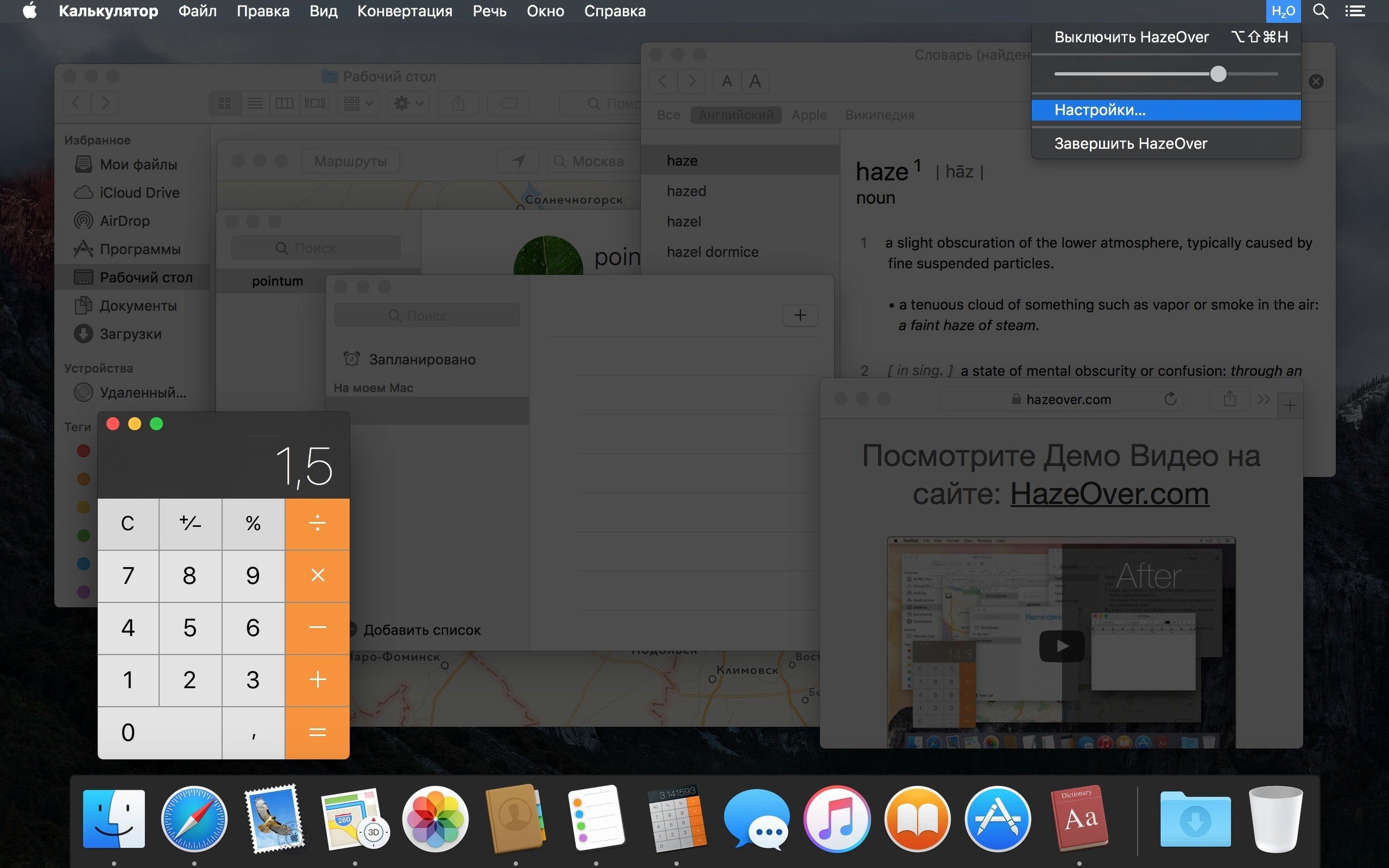
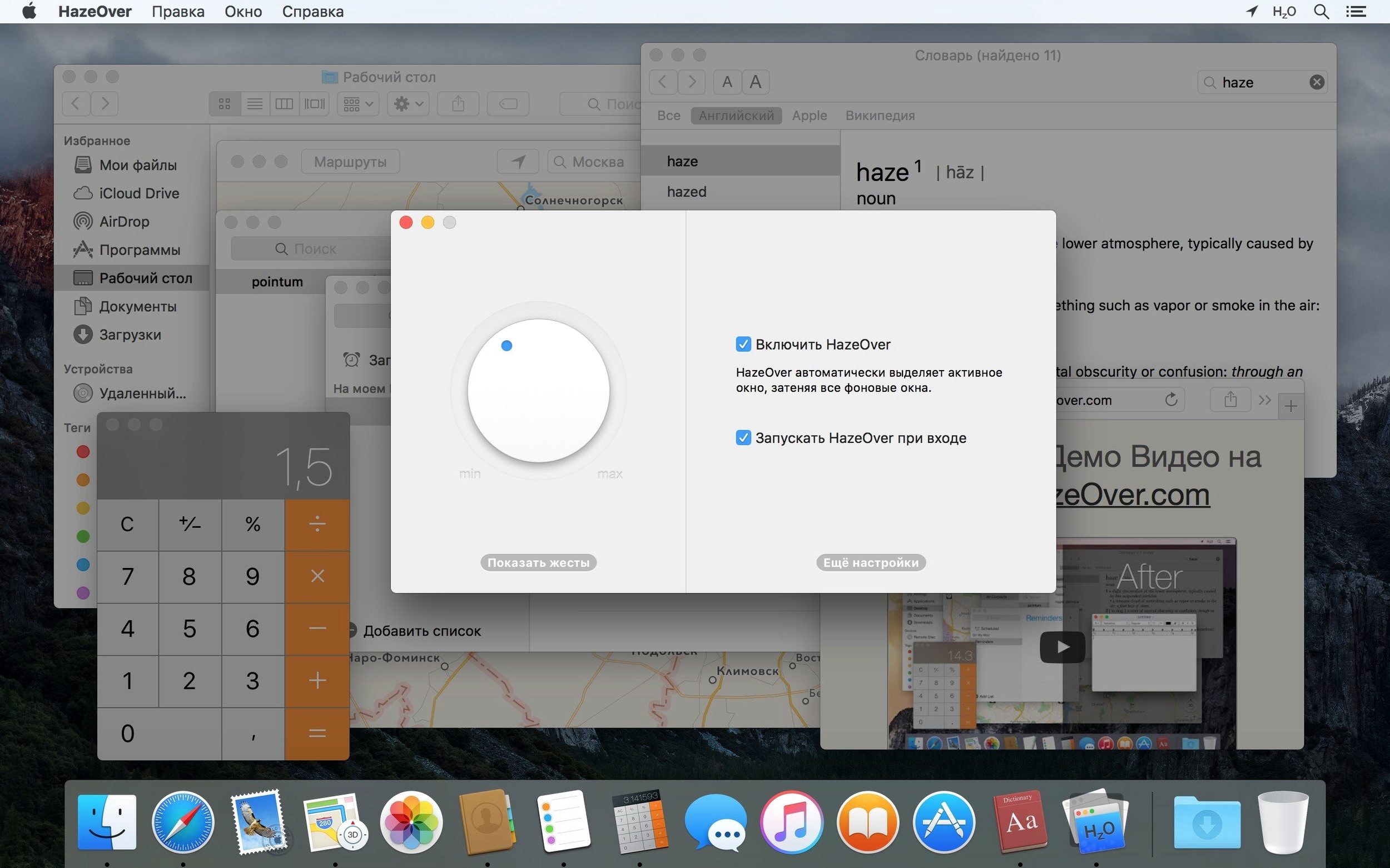
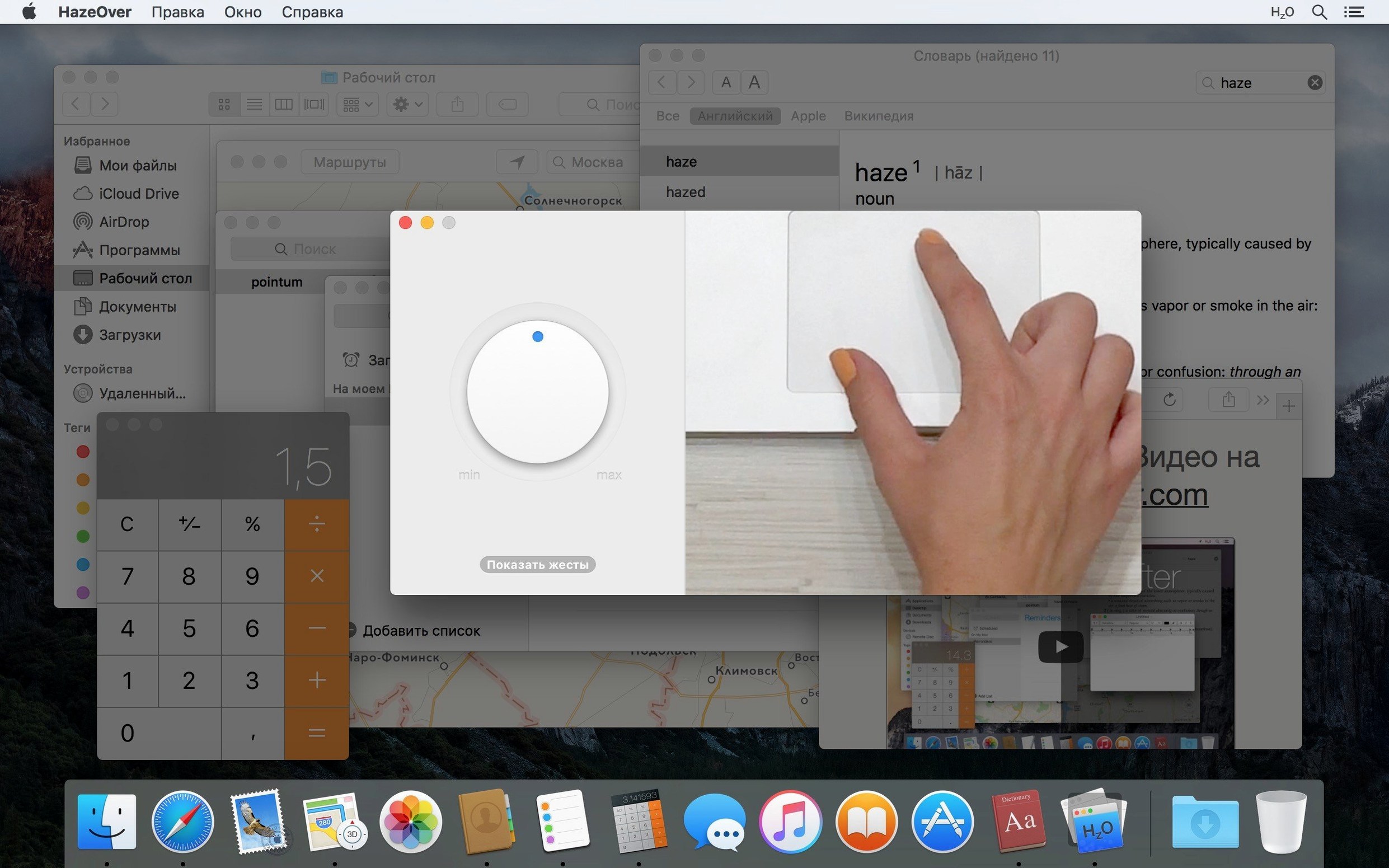
If you rely on keyboard focus tools like Shortcat to navigate without a mouse, you already appreciate clarity. HazeOver takes that instinct and applies it visually. It automatically dims every window except the one you're working in, so your eyes land exactly where you need them. It even highlights the desktop automatically when no app is active.
Settings a power user will tweak
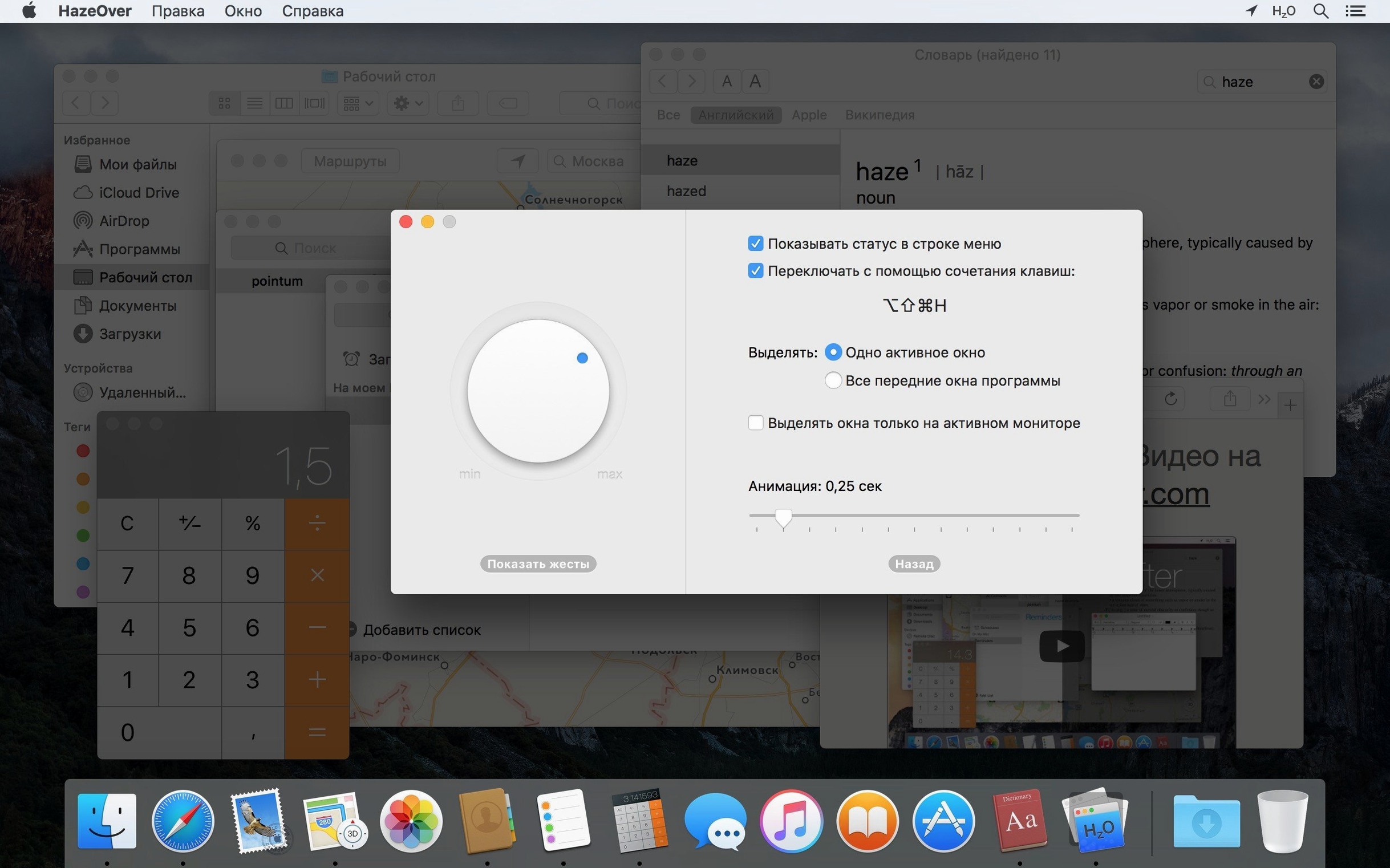
- Separate dimming for light and dark modes. A gentle 30% dim in Light Mode might need a heavier hand in Dark Mode. HazeOver lets you set different intensities for each.
- Per-monitor highlighting. On a multi-display rig, the active window on each screen can be highlighted independently, making it obvious which space you're in.
- Temporary disable with fn. Hold the fn key while dragging between apps to suspend dimming momentarily—handy when comparing two documents side-by-side.
- Shortcuts and AppleScript control. Automate dimming toggles or intensity changes as part of a larger workflow.
What the 1.9.8 update cleans up
This release is tuned for macOS 27 Golden Gate and fixes a couple of small but persistent annoyances. The menu bar icon no longer scrolls erratically, and a Dock icon bug that could leave multiple windows highlighted is resolved. You can also now change settings directly from Spotlight and assign quick keys to actions, while screen reader support and keyboard navigation got a meaningful polish.
A lightweight overlay, not a heavy compositing engine
Does it slow things down? Not in any way I can feel. HazeOver is a lightweight layer over the window server, not a heavy compositing engine. On Apple Silicon or Intel, it sits quietly in the menu bar and draws essentially zero CPU when nothing is changing. Even during fast window switching, the dimming is instant.
Will it mess with my dark mode setup? The opposite—it respects it. You get independent sliders for Light and Dark Mode, so your carefully tuned evening setup stays put. If you use apps like f.lux or Night Shift, HazeOver's dimming sits on top without interfering with color temperature.
Can I exclude certain apps? Not directly, but the fn-key override handles most situations where you need full brightness temporarily. If you're dragging a file from Finder to Mail, holding fn keeps both windows clear until you let go.
What about full-screen apps and Spaces? HazeOver works per-display and per-Space. A full-screen app on one monitor gets treated as the active window, while background monitors dim normally. It plays nicely with Mission Control and Split View too.
Click into your writing app and the clutter fades back
Say you've got Safari open with research, Notes pinned to the side, a Finder window with images, and Messages pinging in the corner. You need to write, and the clutter is real.
- Click into your writing app—Ulysses, Pages, whatever you use. HazeOver immediately dims everything else. The research is still there, but it's visually pushed back.
- Set your dimming intensity. In Light Mode during the day, try around 55%. In Dark Mode at night, 70% feels right without making background text illegible.
- When you need to grab a quote from Safari, switch to it. Safari brightens, your writing app dims. Copy, switch back. The focus follows your cursor without a single extra click.
- Hold fn while dragging an image from Finder into your document. Both windows stay fully visible just long enough to drop the file, then dimming returns.
- If you're on two monitors, HazeOver highlights the active window on each independently. Your reference material stays fully visible on the left display while you write on the right, and switching between them never leaves you wondering where your focus landed.
It's a small shift that adds up. After an afternoon of writing, I notice fewer accidental clicks into the wrong window and less visual noise overall. The desktop—often a dumping ground for screenshots—stays dimmed until I click it, which is exactly how it should be.
- macOS 10.15 or later
- Apple Silicon & Intel 64-bit
Questions from the stall
Does HazeOver work differently on multiple monitors?
Yes, it can highlight the active window on each monitor individually, and it also indicates which screen is currently in use.
Can I pause the dimming without opening the app's settings?
Absolutely—just hold the fn key while dragging between apps to temporarily disable the dimming effect.
Notes from other shops 0
Sign in or open a shop account to leave a note.
No notes yet. If you've used this on a shop Mac, tell me how it went.