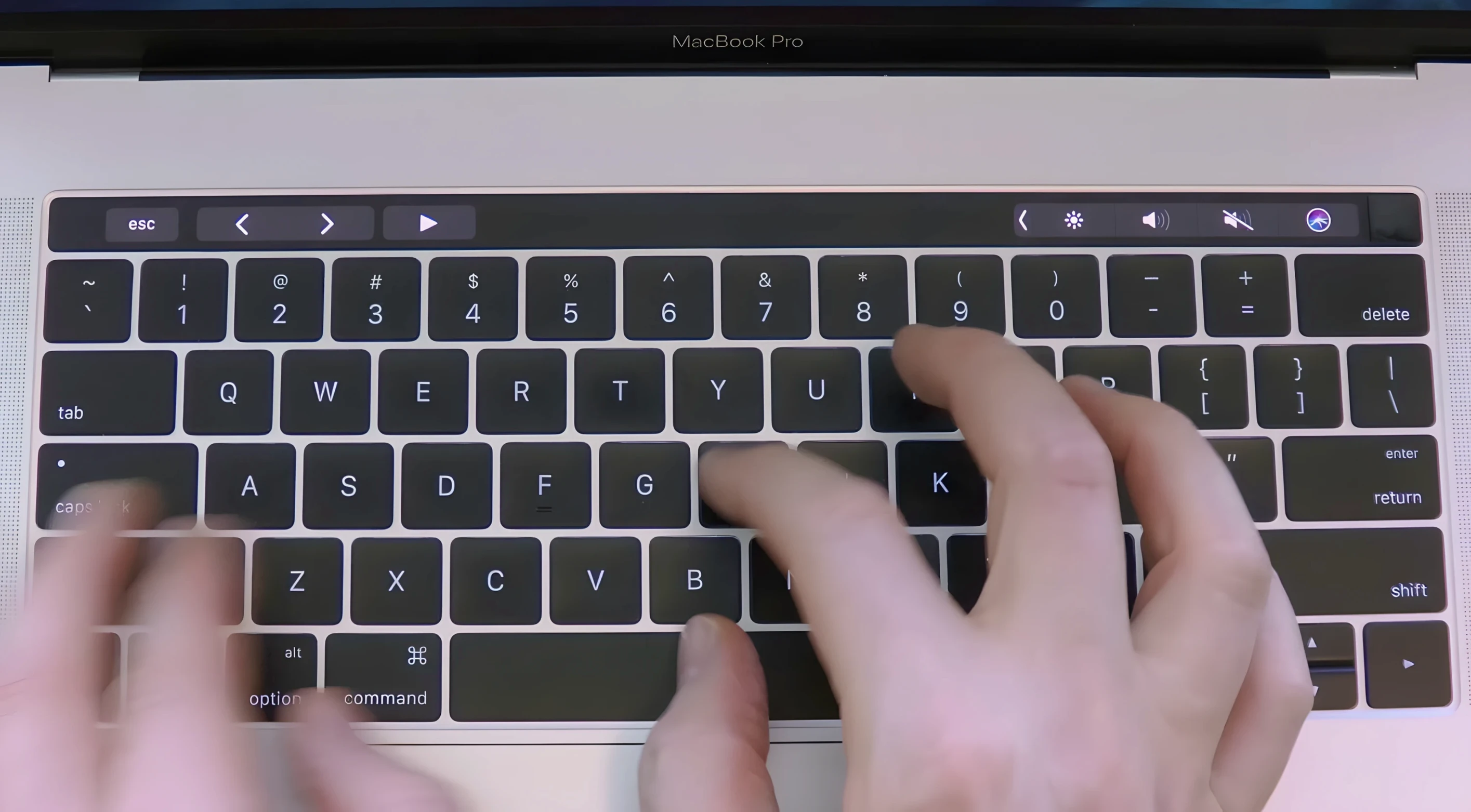
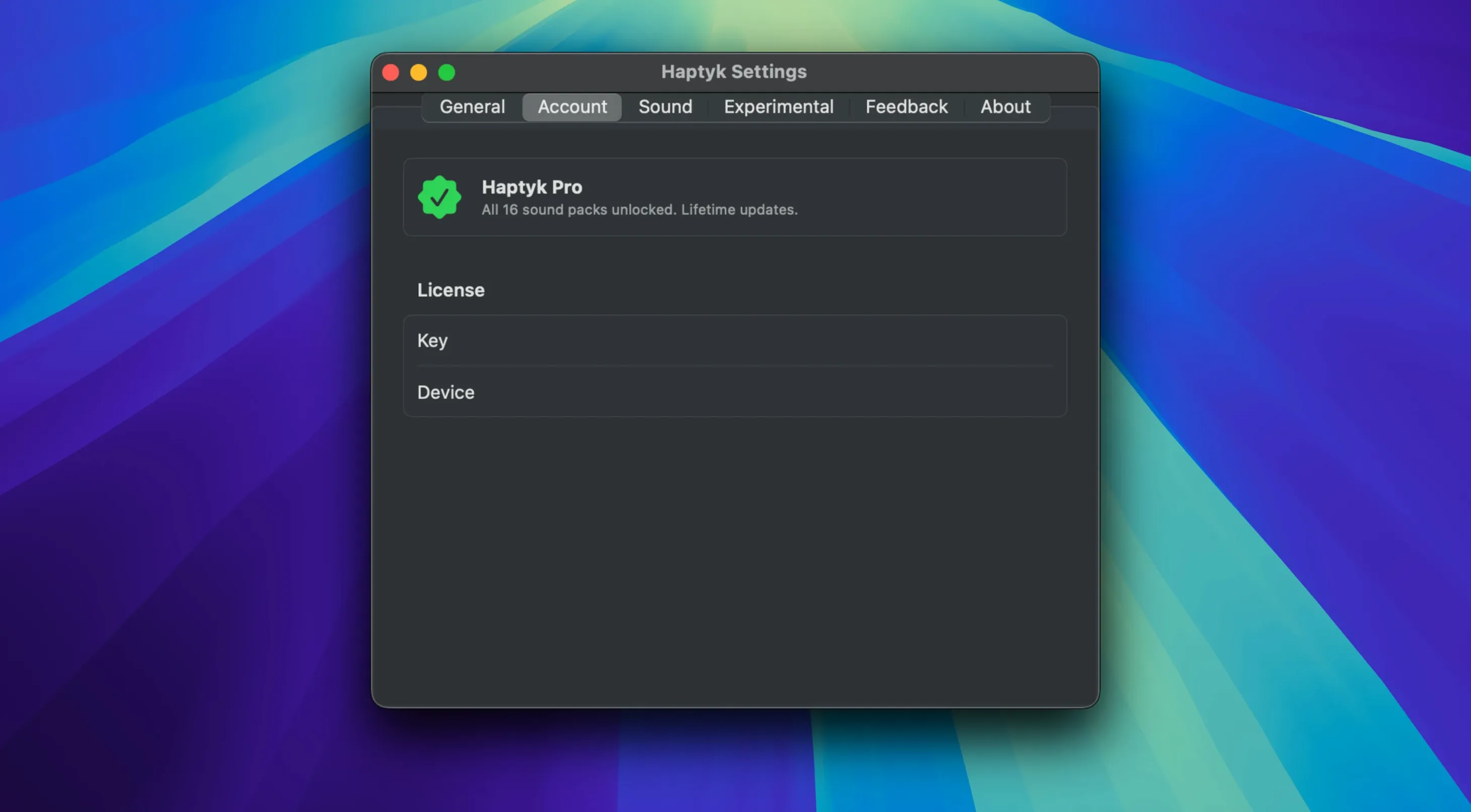
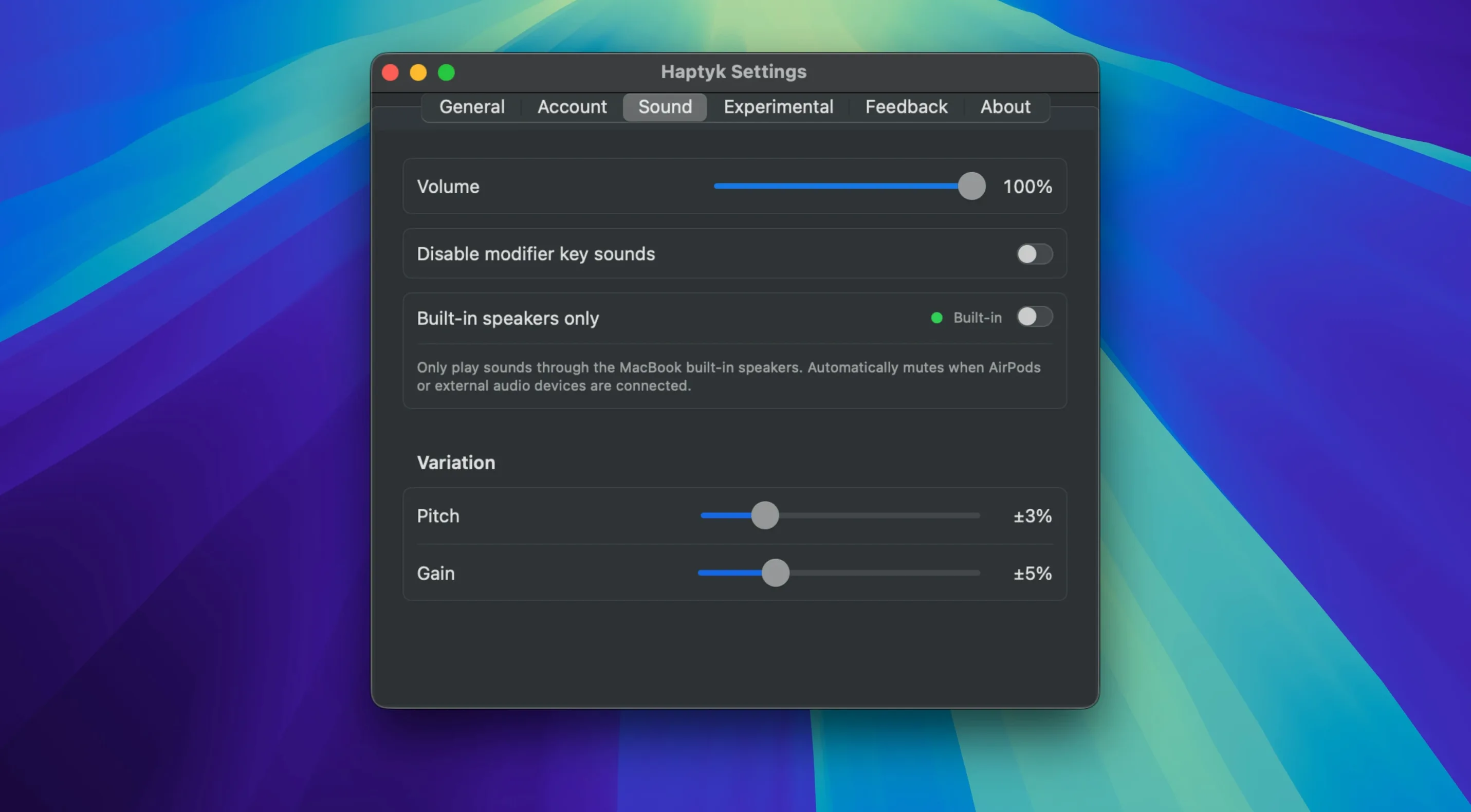
Haptyk is for writers, coders and anyone who spends their day on a MacBook keyboard and misses the audible feedback of a mechanical board. It listens to the force of your keypresses through hardware most apps ignore, then plays a subtle typing sound that matches how hard you hit the keys. It sits quietly in the background and doesn't change how you type—it just gives your fingers something to hear.
- Uses the built-in accelerometer in Apple Silicon MacBooks to sense keypress force, so sound intensity follows your typing pressure naturally.
- Runs as a lightweight background process—no complex preferences, no dock clutter, just launch it and type.
- Works alongside whatever writing app you already use: Ulysses, Pages, Notes, VSCode, anything that takes text.
- Needs zero configuration. There's no library to manage, no sound packs to browse, no mixing console.
- Stays out of your way. You'll forget it's running until someone asks why your keyboard sounds so satisfying.
It won't turn a silent membrane keyboard into a buckling-spring classic, but it bridges the gap. If you've ever felt that typing on a flat MacBook lacks a little soul, Haptyk fills that space without adding bulk or cables. It's one of those tiny utilities that makes the machine feel more like a tool and less like a screen.
Small touches make the difference between an app you try once and one you keep running all day. Haptyk leans on a few shortcuts that aren’t shouted about, but they save little moments of friction once you know they exist.
Pause sound with a keystroke
- Pause with a quick keystroke. Tap
Control-Option-Command-Hto toggle sound on and off without opening a menu. Handy when you take a call or move to a quiet room and don’t want to quit the app entirely. - Launch at login, but silently. Add Haptyk to your Login Items in System Settings and it starts with your Mac, already listening. No splash screen, no chime—just ready when you begin typing.
- Menu bar presence. A tiny icon sits in the menu bar showing whether sounds are active. Click it for a one-line status and the toggle. Right-click to quit. That’s the whole interface.
- Zero permissions to manage. Because it reads the accelerometer rather than intercepting keystrokes, Haptyk never asks for Accessibility or Input Monitoring access. That’s one less trip to System Settings.
None of these are flashy. Together they keep the app feeling light and respectful of your attention. You set it, maybe toggle it occasionally, and mostly just type.
Long-form writers and journal keepers stick around
The app isn’t for every MacBook owner, and the hardware requirement narrows the list. But three groups tend to stick with it longer than the rest.
Long-form writers and journal keepers benefit from the rhythm Haptyk adds. When you’re drafting a few thousand words in Ulysses or Bear, the varying sound under your fingers turns typing into a more grounded, physical act. The force sensitivity matters here: gentle edits sound lighter than impassioned paragraphs, and that subtle shift helps some writers stay in flow.
Developers working away from an external keyboard often miss the audio punch of a mechanical board. Haptyk doesn’t replicate Cherry MX blues, but it brings enough presence to make a coding session on a MacBook Air feel less hollow. The haptyk mac download picks up even fast, overlapping keystrokes without lag, so it keeps up with a busy terminal and editor workflow.
People who simply enjoy tactile and auditory layers in their tools. Some of us click pens, fidget with volume knobs, or prefer a heavier key switch. Haptyk scratches that sensory itch without adding hardware. If you’ve searched for haptyk free or haptyk for mac out of curiosity rather than need, you’re probably in this camp.
It only works on Apple Silicon MacBooks
A few patterns show up when people first run Haptyk, and they’re easy to avoid.
- Expecting it to work on any Mac. The accelerometer Haptyk depends on is only in Apple Silicon MacBooks, and not all of them. An M1 MacBook Air or a 13-inch M1 MacBook Pro won’t produce sound because they lack the necessary sensor. Check the supported list before you download; an Intel machine won’t get you anywhere.
- Quitting instead of toggling. New users sometimes close the app entirely when they want silence, then relaunch it later. The menu bar toggle or the keyboard shortcut is faster and keeps the app in its ready state.
- Hunting for a preferences window. There isn’t one. Every time you open the app looking for volume sliders or sound profiles, you’re losing a moment you could have spent typing. Haptyk makes its choices for you, and for most people those choices land well out of the box.
- Worrying about battery drain. The accelerometer polling is extremely lightweight. If you notice your battery dipping faster, the culprit is almost certainly something else—a browser tab, a Spotlight reindex, a misbehaving background process. Haptyk is rarely the offender.
Give it a few hours of actual typing before you decide. The sensation builds quietly, and the real value doesn’t announce itself in a demo video. It lives in the feeling of your words meeting a sound that fits.
This one's a quiet update — no new features or bullet points listed, just under-the-hood improvements and the usual compatibility polish. If you're already on version 2.0, it's a smooth, low-key refresh.
- macOS 13 (Ventura) or later
- Runs natively on both Apple Silicon and Intel 64-bit Macs
Questions from the stall
Which MacBooks work with Haptyk?
Haptyk requires a MacBook with an Apple Silicon M2 Pro chip or later—the M1 MacBook Air and 13-inch M1 MacBook Pro lack the sensor the app relies on.
Does it work on Intel Macs or desktop Macs?
No. It uses a hidden accelerometer present only in Apple Silicon MacBook models with M2 Pro or newer chips, so Intel Macs, Mac minis, iMacs and Mac Studios aren't supported.
Do I need to configure anything after launching it?
No configuration needed. Just launch it from Launchpad after dragging it to Applications, and it starts responding to your keypress force right away.
Notes from other shops 0
Sign in or open a shop account to leave a note.
No notes yet. If you've used this on a shop Mac, tell me how it went.