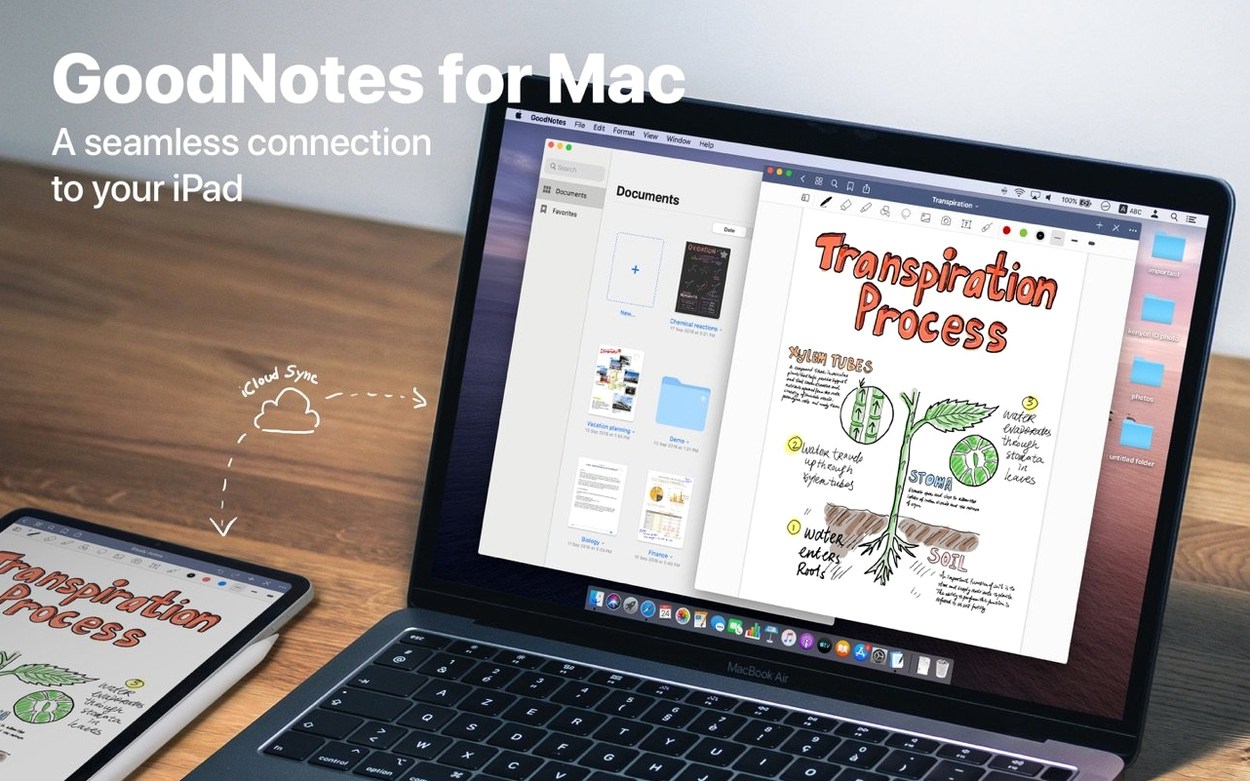
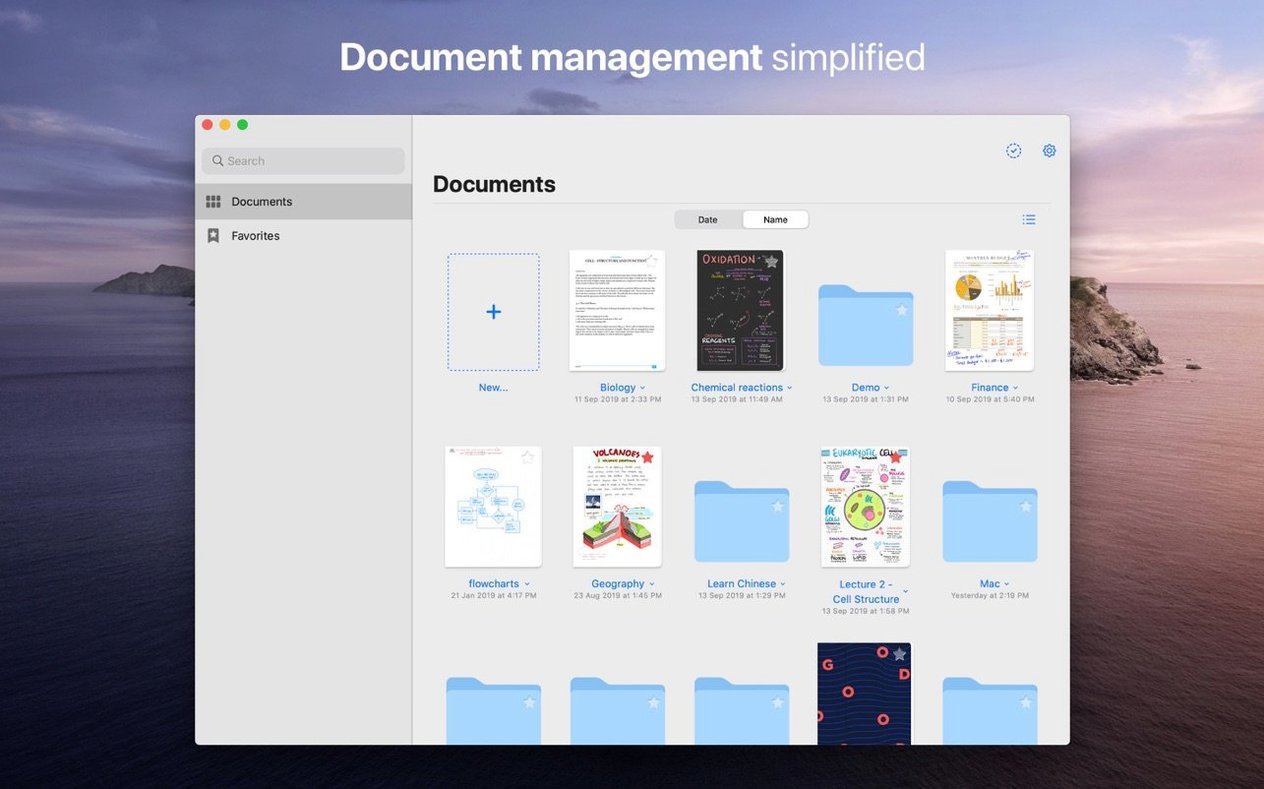
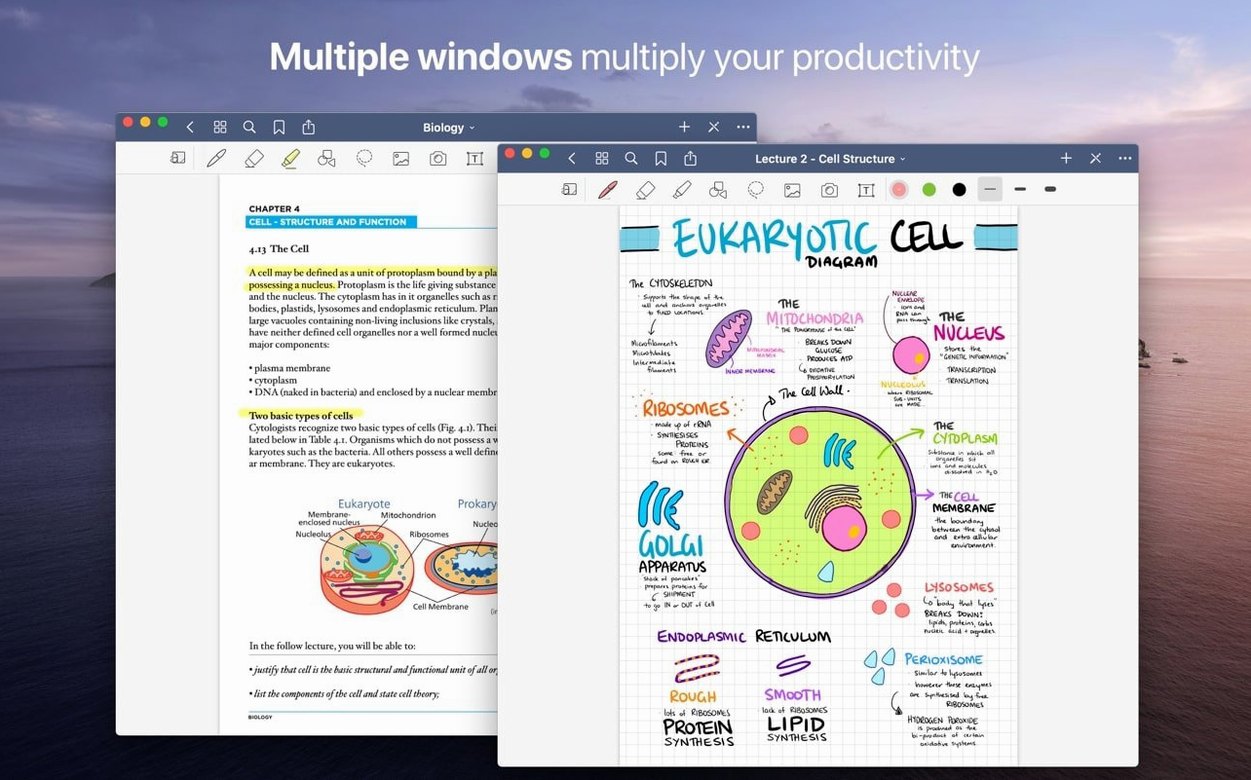
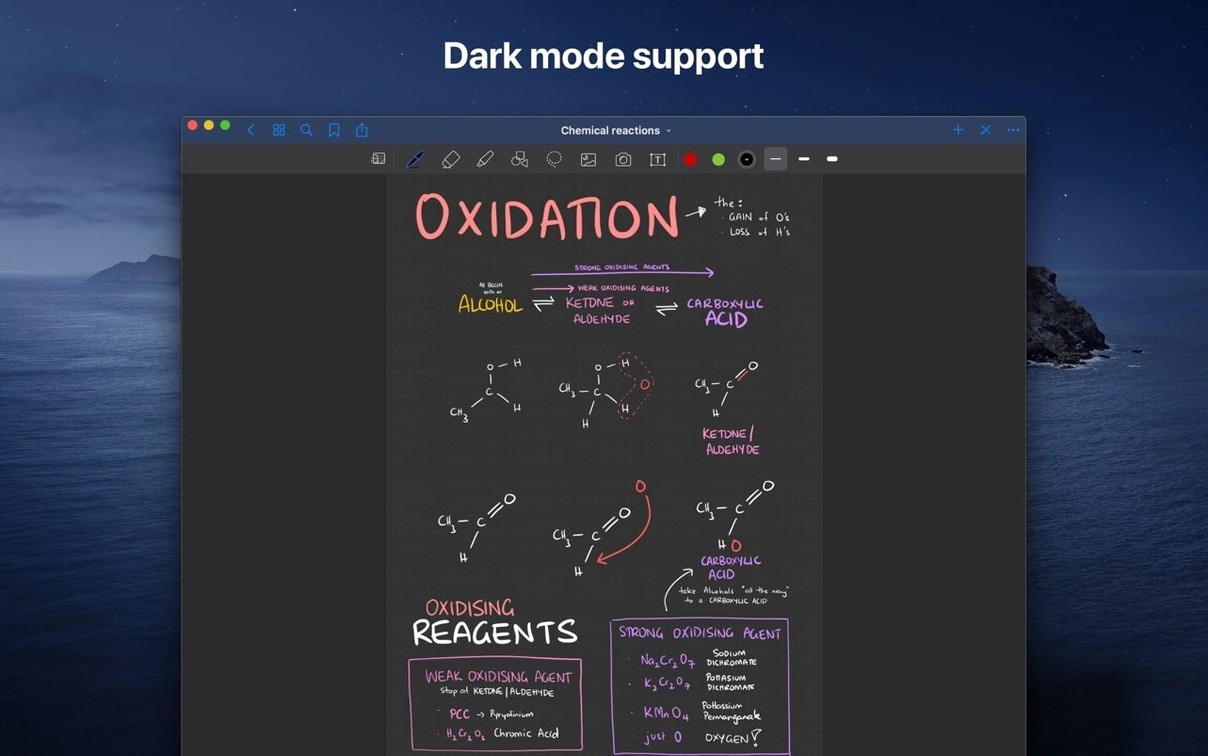
GoodNotes 5.9.8 keeps the Mac app stable and ready for day-to-day work. There aren't flashy new tools this time — just a reliable space where handwriting, typed text, and imported documents sit comfortably together. Everything syncs through iCloud, so a sketch started on the iPad shows up on the Mac before you even reach for it.
What GoodNotes handles across your Apple devices
| What it does | Where it works |
|---|---|
| Handwritten notes, typed text, drawings | Mac, iPad, iPhone (iCloud sync) |
| PDF & image import with live hyperlinks | macOS 10.15 or later |
| Shapes tool, Favorites, marker-only erase | Apple Silicon & Intel |
Marking up a contract draft on the Mac
Picture a freelance designer who receives a client contract as a PDF. She opens it in GoodNotes on her Mac, taps the Shapes tool to draw a clean arrow pointing to a clause that needs rewording, then scribbles a question in the margin with her graphics tablet. The live hyperlinks inside the PDF still work, so jumping to a referenced section is instant. She stars the document as a Favorite so it stays pinned at the top of her library. Later, on her iPad, every annotation is already there — no export step, no emailing files to herself. The "Erase Marker Only" option lets her clean up a stray highlighter stroke without affecting the typed notes beneath. It's a quiet, paper-like workflow that respects how contracts actually get reviewed.
Tweak pen feel so strokes keep up with your hand
GoodNotes works fine out of the box, but a few adjustments make it feel less like a generic app and more like your own desk. Open the preferences and start with the handwriting sensitivity. If your strokes feel laggy on an older Mac, lowering the palm rejection threshold helps — or raising it if the app keeps mistaking your wrist for a pen. On Apple Silicon machines it usually feels right immediately; on Intel Macs, disabling the automatic backup previews can keep scrolling snappy.
Next, set your default paper template. The stock grid is fine, but if you journal, sketch floor plans, or keep a reading log, a dot grid or narrow ruled page saves you from changing it every time you start a notebook. While you're there, pick a default pen color and thickness. You probably have one you reach for anyway — make the app reach for it first.
Finally, turn on iCloud sync deliberately. It's on by default, but check which notebooks are marked for offline access. If you travel without a connection, you'll want your most-used folders downloaded locally, not just in the cloud. This is one of the easiest things to miss until you're on a plane with an empty notebook.
Accidentally duplicating the same PDF in your library
- Importing instead of opening. Dragging a PDF onto the library adds a copy to GoodNotes, which is what you want for annotation. But beginners often duplicate the file by importing it twice, leaving two versions floating around. Keep an eye on the sidebar.
- Forgetting the lasso tool. Handwritten text can be moved, resized, and recolored after the fact. New users rewrite entire paragraphs because they don't know the lasso exists. Select, drag, done.
- Erasing too much at once. The default eraser setting can remove an entire stroke with one tap. If you're cleaning up a sketch, switch to partial erase or marker-only erase so you don't lose the pencil lines under the highlighter.
- Ignoring the custom table of contents. Long notebooks get unwieldy fast. Adding a table of contents takes a minute and pays off every time you open a 60-page project file.
Tip: If you share a Mac with someone else, disable iCloud sync for your account before they borrow it — personal notebooks don't need an audience.
How a grad student actually uses it
Consider a history grad student with a pile of scanned primary sources. She downloads a goodnotes mac download from the catalog, installs it, and starts dragging in PDFs of old newspaper clippings, marginalia from library books, and her own lecture notes. Each course gets a folder with subfolders for readings, drafts, and feedback from her advisor. She highlights passages in imported PDFs, then uses the Shapes tool to bracket quotes she plans to cite. When her advisor returns a draft with comments, she exports just the annotated pages as a PDF and sends them back without exporting the whole notebook. At the end of the semester, everything lives in one place — no loose files on the desktop, no half-empty folders in Finder. The iCloud sync means she can review her notes on the bus with her iPhone, where a quick skim is all she needs before a seminar.
- macOS 10.15 or later
- Apple Silicon or Intel 64-bit Mac
Questions from the stall
Does GoodNotes keep hyperlinks active when I import a PDF?
Yes, live hyperlinks inside imported PDFs remain clickable, so you can navigate references without leaving the document.
Notes from other shops 0
Sign in or open a shop account to leave a note.
No notes yet. If you've used this on a shop Mac, tell me how it went.