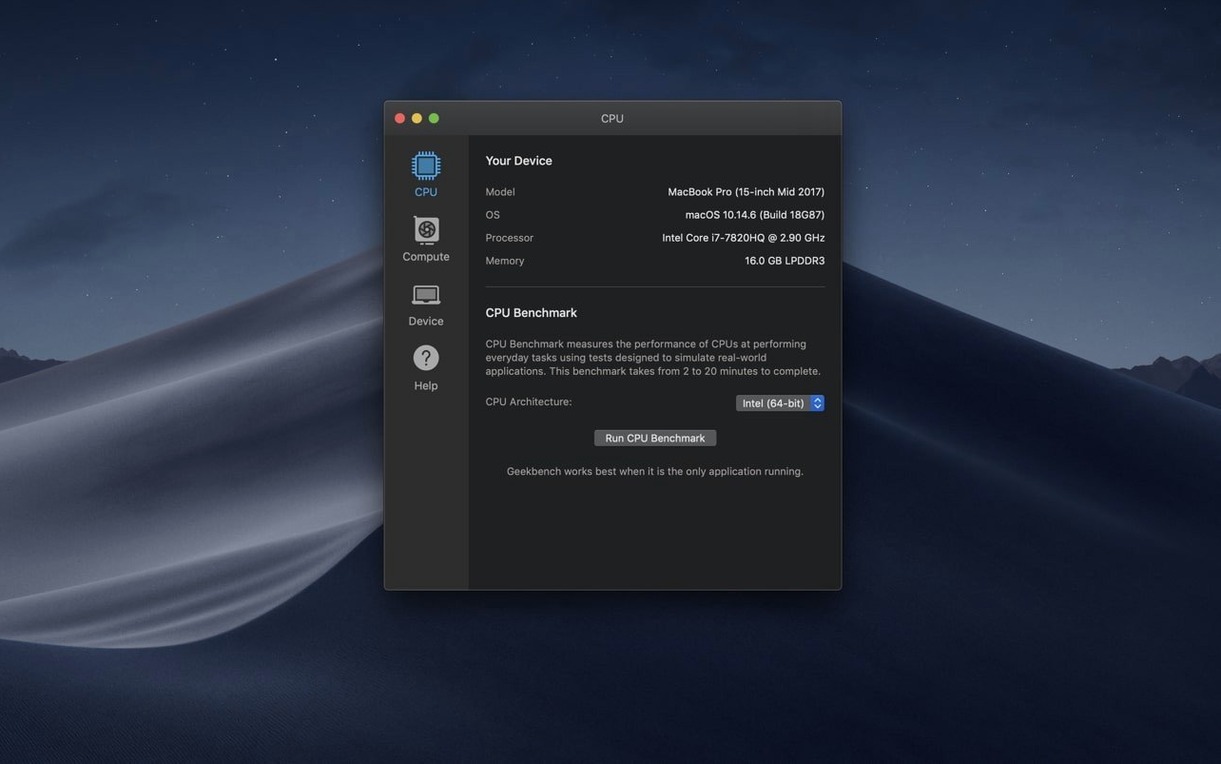
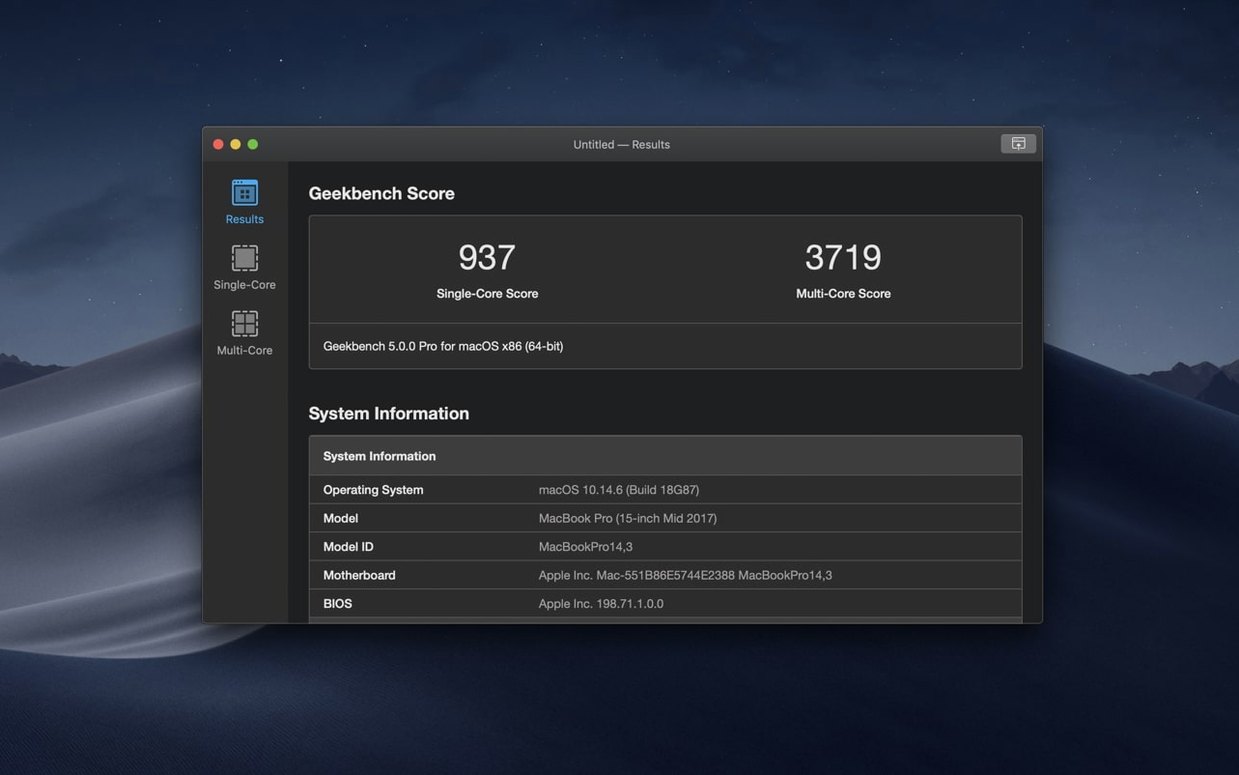
Run Compute and you'll see the GPU workload kick in right after the CPU tests finish. That's the new dual-purpose benchmark flow in Geekbench 7, and it's the best place to start if you've just installed it.
One-click CPU snapshot for pre-purchase checks
- Getting a single-threaded and multi-threaded score in one clean pass without touching settings
- Comparing your Mac's processor and memory performance against the public Geekbench Browser results
- Checking that a new machine or upgrade performs as expected before you load it with work apps
- Quickly verifying that thermal throttling isn't eating into your render times on long tasks
Why raw scores mislead without controlled conditions
- Scores are only useful when compared — a single number without context won't tell you much
- Background apps, low battery mode, and high ambient temperature all pull scores down
- The built-in GPU benchmark is OpenCL-based; if your work relies on Metal, the numbers are directional, not a direct match
Two quick toggles for consistent benchmark runs
The default setup works fine, but I'd make two small adjustments before running anything serious. First, turn off automatic updates check if you benchmark on a schedule — nothing throws off a comparison like a background download starting mid-test. Second, set the test interval to a longer pause between CPU and GPU runs if your machine tends to heat up quickly.
- Close every app that can wake up during a run — mail clients, chat tools, cloud sync
- Plug in the power adapter so low-power mode never kicks in unexpectedly
- Run once with the default settings, then again after the machine cools to room temperature
One tip: if you plan to keep a personal score history, save each result with a short note about room temperature or fan noise. It sounds fussy, but it makes older scores far more useful when you look back six months later.
Misidentified hardware fix for newer Macs
Version 7.1.0 is a small fix rather than a feature release. It corrects hardware identification issues on newer Macs, which matters more than it sounds — a misidentified processor or memory configuration could skew the result labels even when the numbers themselves were fine. For everyday use, that means results now show the machine you actually have, not something close to it.
No changes to the test workloads themselves, so scores from 7.1.0 stay comparable with earlier Geekbench 7 runs on the same hardware.
Minutes to a full score, no guesswork
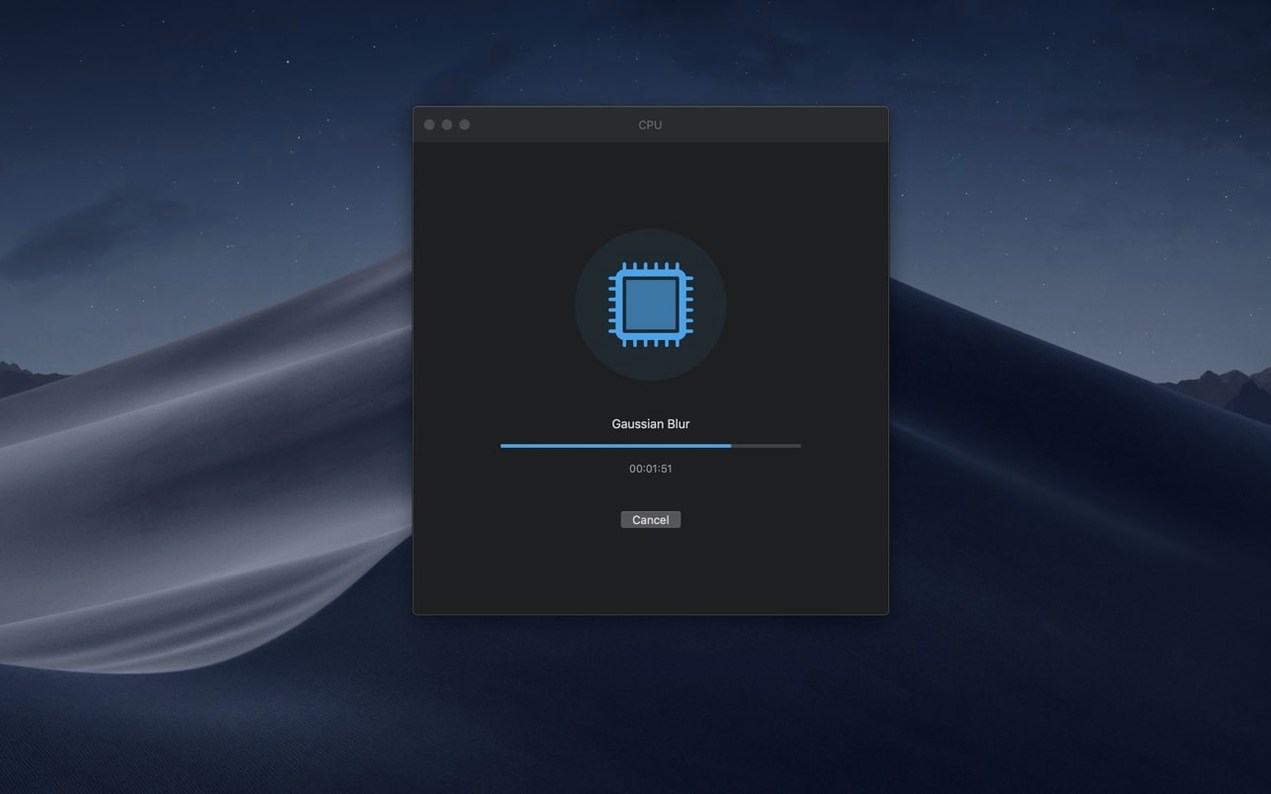
Speed is the first thing you notice. A full CPU run on my shop's Intel iMac takes a few minutes, and the progress display keeps you from wondering whether the app has stalled. The Compute pass adds a little more time, but it's predictable.
Stability has been uneventful in the best way — no crashes, no dropped results, no mysterious restarts. Memory use stays modest while tests run, and idle resource use is low enough that I forget the app is open between runs.
If you're looking for Geekbench 7 torrent Mac, benchmark results are most trustworthy when the app behaves exactly as the developer intended—so check that SIP is enabled and no background tweaks are interfering. A clean install gives you repeatable numbers you can actually compare.
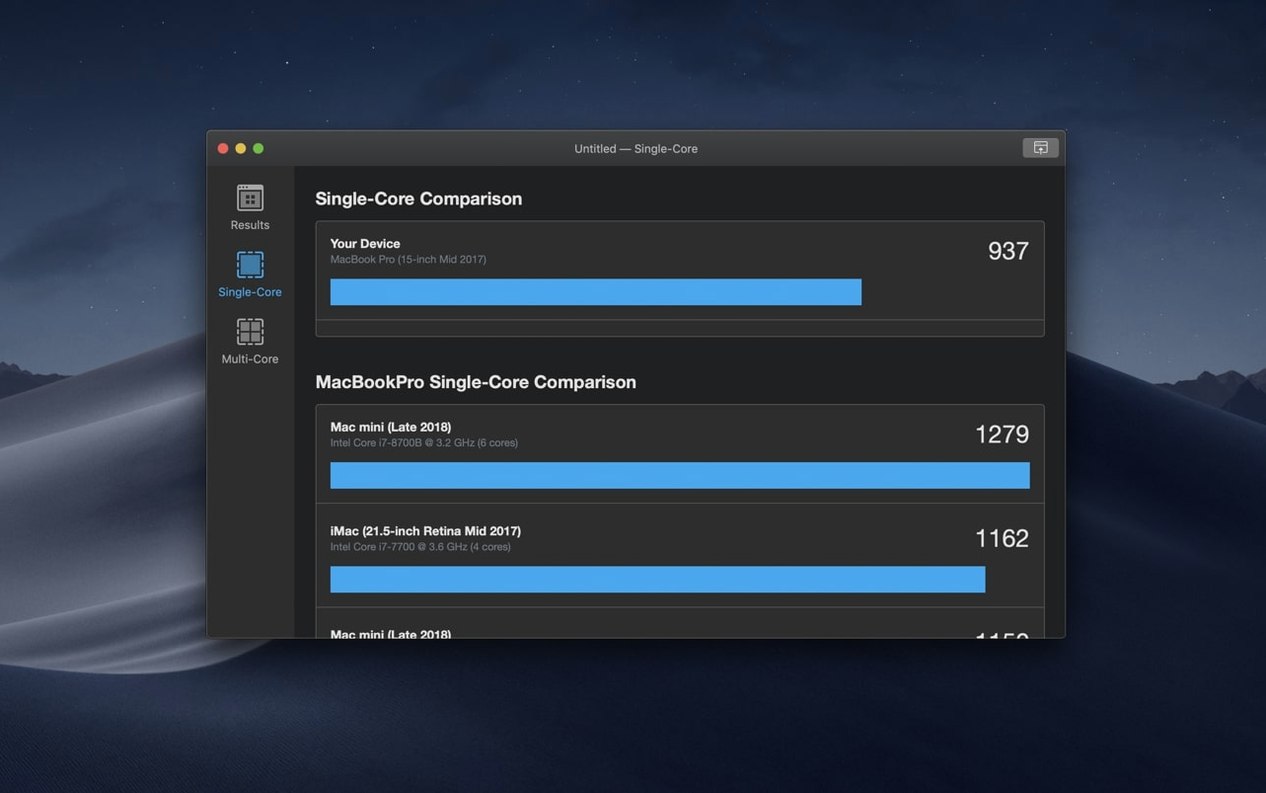
For a shop owner checking whether an older Mac still handles daily design work, the single-threaded score is the one I watch most. It reflects the snappy, everyday feel better than any spec sheet number.
A small but important update if you're on recent hardware:
- Fixes hardware identification issues on newer hardware
- macOS 11 or later
- Intel-based Mac
- Interface language: English
Questions from the stall
Does Geekbench 7 replace Geekbench 6?
Yes, Geekbench 7 is the successor with updated workloads and a combined CPU and GPU benchmark flow, but scores are not directly comparable to version 6.
What does the 7.1.0 fix actually address?
It resolves incorrect hardware identification on newer Mac models, so your system specs show up properly in results and the online browser.
Notes from other shops 0
Sign in or open a shop account to leave a note.
No notes yet. If you've used this on a shop Mac, tell me how it went.