
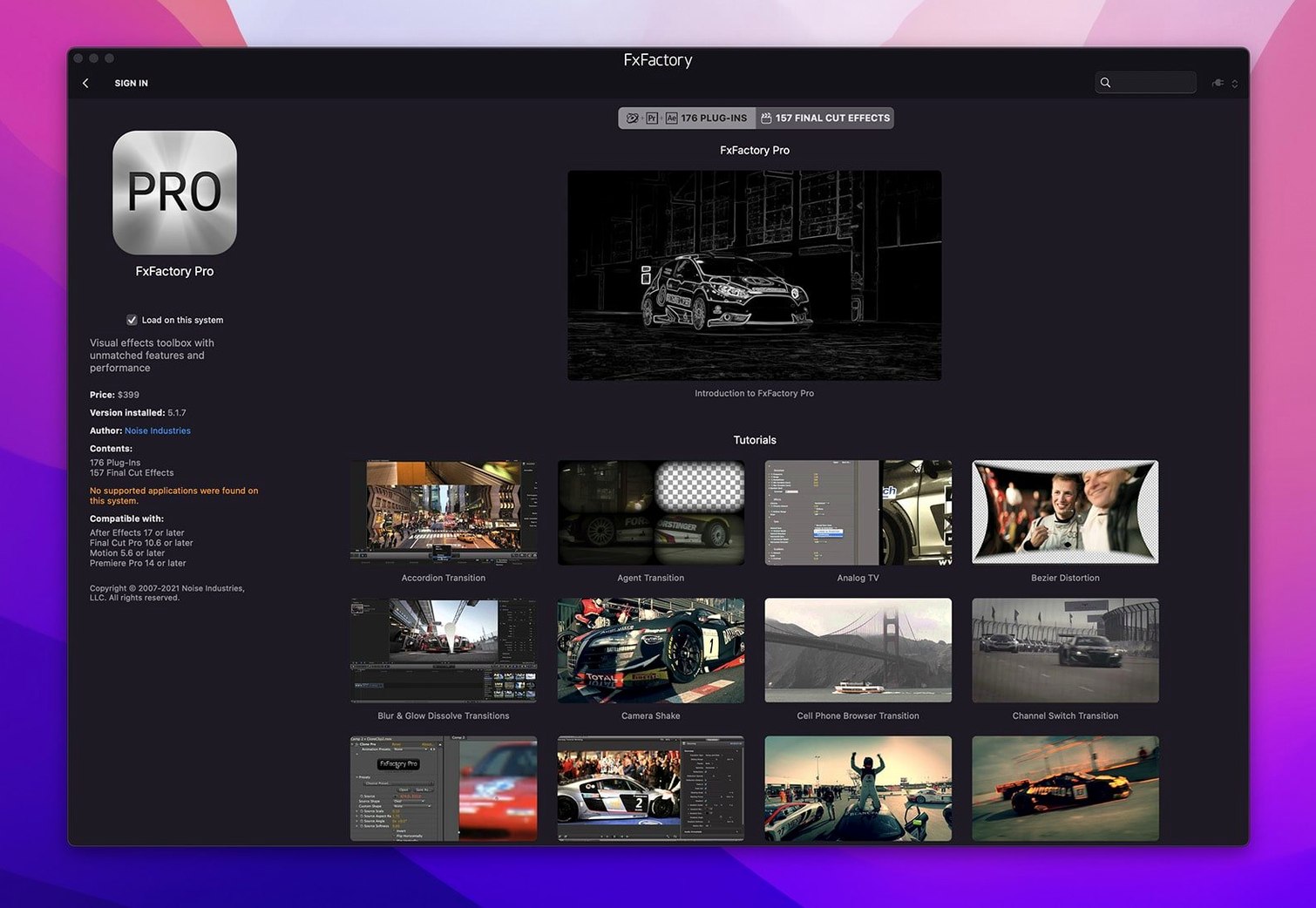
Whenever I set up something new on my shop Mac, I want the compatibility details first — so here they are. FxFactory Pro runs on macOS 12.6 or later and works on both Intel and Apple Silicon machines.
A few terms to know right away
FxPlug — the technology that lets effects appear inside Final Cut Pro, Motion, and After Effects without extra export steps.
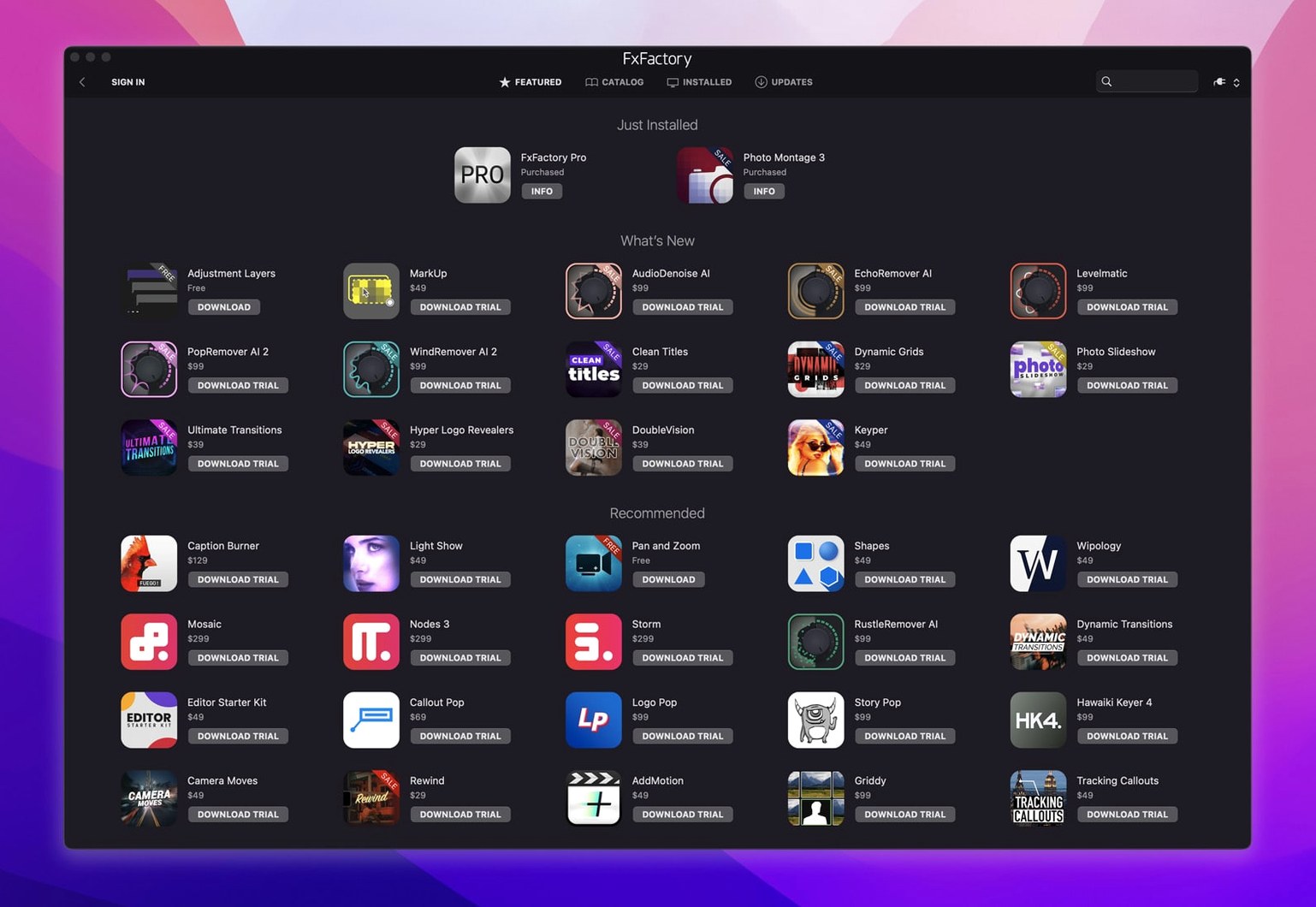
Plugin manager — the built-in browser where you see every effect you've installed, organized so you can find what you need while editing.
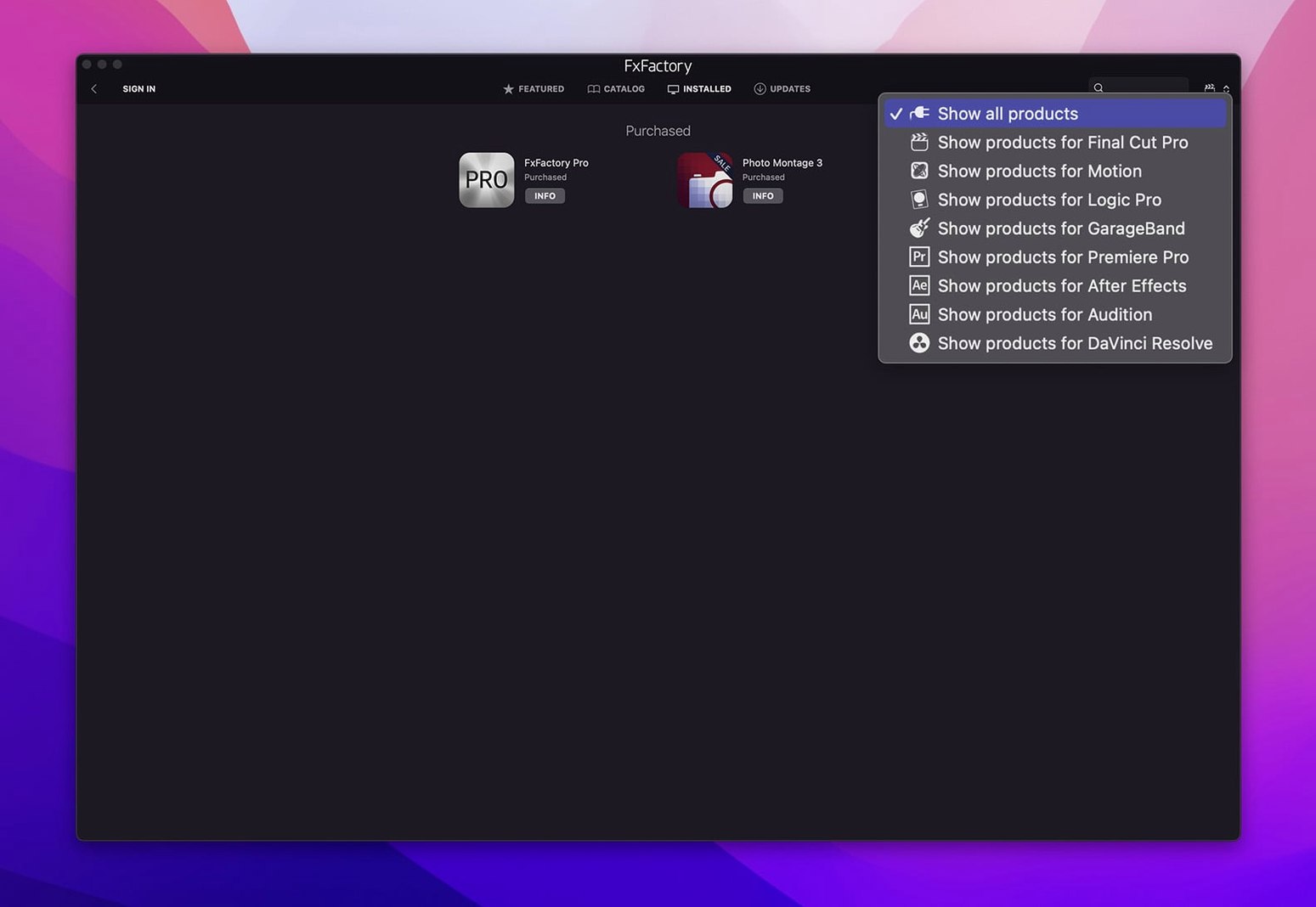
Host application — any video app that uses the effects, including Premiere Pro and DaVinci Resolve alongside the Apple and Adobe apps.
What I'd use it for: opening that manager and just dragging a few glow, blur, or stylized-look effects onto a short clip. It's the fastest way to understand how the package talks to your editor of choice.
How it fits together with other apps and macOS features
FxFactory Pro doesn't sit off by itself — it weaves into the apps you already use and a handful of macOS features that make editing feel less like a wrestling match. The installer puts the plugin manager in your Applications folder, but the real work happens when you open Final Cut Pro, Premiere, After Effects, Motion, or DaVinci Resolve and see the effects right there in the effects browser.
On the macOS side, a couple of things are worth knowing. The package respects ColorSync, so previews you see while picking a filter match what you'll get in your timeline — no surprises about gamma or saturation when you export. It also taps into Metal for rendering, which matters more on Apple Silicon machines where the GPU and CPU share memory. That means less fan noise and shorter preview bakes, even with a few stacked effects.
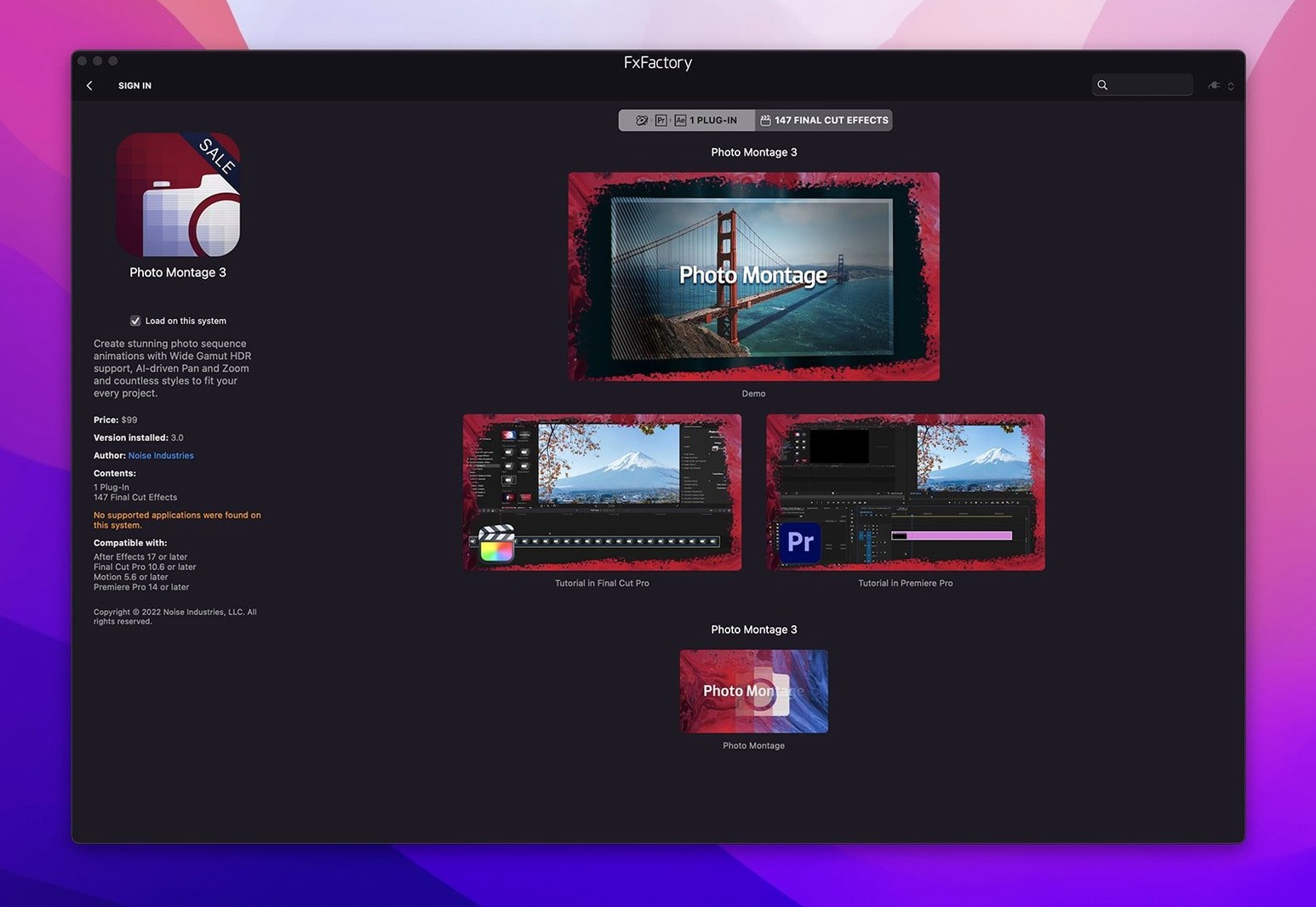
If you use Motion to build templates for Final Cut Pro, you'll notice FxFactory effects show up inside Motion's library just like the built-in ones. You can drop them onto a generator, publish parameters, and save the whole thing as a Final Cut title or transition — all without leaving the project. For Premiere and After Effects users, the effects appear in the standard effects panel, and they respect the host's adjustment-layer and masking workflows. DaVinci Resolve support means you can use the same plugin collection across the free and Studio versions, which is handy if you move between color grading and timeline work on the same machine.
One integration I appreciate: Quick Look. Select an effect preset file in the Finder, tap the spacebar, and you get an instant preview — no need to launch the manager just to check which version of "glow" you saved last week.
What the latest versions changed in everyday use
The 9.0.5-8654 build brought a few things that shift how the package feels day to day. The biggest one is Apple Silicon-native support across the whole plugin library. If you moved to an M1 or M2 Mac a while ago and kept FxFactory around through Rosetta, this version removes the translation layer entirely. Rendering times for 16‑bit and 32‑bit effects dropped noticeably — not by magic, just by running instructions the chip was designed to handle directly.
Another change that affects everyday editing: the installer no longer asks you to disable System Integrity Protection. Earlier builds sometimes required a SIP workaround for certain Pro Pack plugins to register correctly. That's gone now. You install, follow the included activation steps, and the plugins appear in your host apps. It's a quieter setup process, and it means one less security trade-off to think about.
The plugin manager itself got a few refinements. Sorting by recently used actually sticks between launches now, and the search field handles partial names better — type "chr" and chromatic aberration variants show up instead of nothing. The manager also loads faster when you have a large collection of free and registered products installed, which matters if you've been accumulating Noise Industries releases for years.
Under the hood, the Pro Pack plugins gained better handling of floating-point color in DaVinci Resolve's color management pipeline. That's technical, but what it translates to is fewer banding artifacts when you push a stylized look hard against a log-encoded clip. The fix isn't flashy — it's the kind of thing you notice when a gradient sky stays smooth instead of stepping into visible stripes.
Which kinds of Mac users get the most out of it and why
The obvious group is freelance editors who switch between Final Cut Pro and Premiere depending on the client. Instead of buying two separate plugin bundles and hoping they render identically, you install FxFactory once and the same glow, film grain, or lens flare behaves consistently across both hosts. That consistency saves a surprising amount of time when a client asks for "the same treatment you used on the last project" — and the last project was cut in different software.
Motion graphics designers who build templates get a lot out of the Pro Pack specifically. The 16‑bit and 32‑bit processing means you can stack effects without posterization, and because FxFactory parameters are publishable inside Motion, you can build a complex title with a dozen adjustable sliders and hand it to an editor who never needs to open the plugin manager. That workflow — design once, publish clean parameters, let the editor tweak — keeps the two roles from stepping on each other's toes.
Small-shop owners like me — people who film, edit, and post on the same Mac — benefit from the free product support baked into the manager. You can install FxFactory, download the free effects from Noise Industries, and use them in client work without ever entering payment details. It's a genuine way to try the package in real projects, not just in a watermarked demo. Later, if you need a specific look that a commercial product handles, the manager shows you what's available without nag screens.
Educators and students who jump between Mac labs and personal laptops also fit well here. The license activation ties to the machine, not to a cloud account, so a lab Mac with FxFactory installed just works when a student sits down to edit. No sign-in prompts, no extra steps — open Final Cut Pro or Premiere and the effects are in the browser.
Common snags people hit and how to sort them out
After installation, the most frequent hiccup is effects not showing up in a host application. Usually this means the host was open during installation. Close Final Cut Pro, Premiere, After Effects, Motion, and DaVinci Resolve completely — check the Dock, because sometimes an app hides rather than quits — then relaunch. The effects browser rescans plugins on launch, and they'll appear.
Another snag: the plugin manager says a product is installed, but the host app lists it as missing. This happens most often with DaVinci Resolve, which keeps its own plugin cache. The fix is quick: open Resolve's Preferences, go to the System tab, and click "Rescan Plugins." Wait a few seconds, restart Resolve, and the effects populate correctly.
Sometimes an effect previews fine in the manager but renders black in a timeline. Check the clip's color space — if you're working in a wide-gamut or HDR project and the effect expects Rec. 709, you'll get a blank frame. Apply a color space transform before the effect, or switch the project to a standard SDR timeline while you work and convert on export. The Pro Pack plugins handle wide gamut better than the free ones, so this snag tends to show up with older, free effects applied in newer project formats.
Activation hiccups are rare with the current build, but if the manager doesn't recognize a registered product after a macOS update, re-run the activation instructions included with the download. MacOS major version upgrades sometimes reset plugin permissions, and re‑applying activation puts things back in order without reinstalling everything.
Small conveniences and shortcuts that are easy to miss
The plugin manager has a right-click menu that most people never discover. Right-click any installed effect and you can reveal its location in the Finder, duplicate it, or create an alias. Duplicating is useful for saving a preset with specific slider values — rename the copy "Glow – warm 15%" and it appears as a separate effect in your host app.
When you're previewing an effect in the manager, the spacebar plays and pauses the preview clip, just like QuickTime. Arrow keys step forward and backward a frame at a time. It sounds obvious, but plenty of users click the tiny play button repeatedly instead of using the keyboard shortcut they already know from their editing timeline.
If you hold the Option key while dragging an effect from the manager onto a clip in Final Cut Pro, it adds the effect without replacing any existing ones. Without Option, the default behavior is to swap the current effect. That one modifier saves you from rebuilding an effect stack because you dragged something new onto the wrong clip.
For Premiere users: FxFactory effects support the host's built-in comparison view. With an effect selected, tick the "Comparison View" box in the Effect Controls panel and you can split the Program Monitor horizontally or vertically to see before and after. No need to toggle the effect on and off repeatedly to judge a grade or stylization.
The search field in the manager accepts a few shorthand tricks. Typing "free" filters to only the free products you've installed. Typing a host name like "resolve" or "premiere" filters to effects compatible with that app. Neither is documented prominently, but both work and save scrolling through a long list when you know what you need.
This version installs through the FxFactory environment and carries a build label that notes it runs without SIP disabling. It's a native package for both Apple Silicon and Intel processors.
- macOS 12.6 or later
- Apple Silicon or Intel 64-bit processor
- English interface
Questions from the stall
Which video apps work with FxFactory Pro?
It connects to Final Cut Pro, Motion, Premiere Pro, After Effects, and DaVinci Resolve through its built-in plugin manager and FxPlug integration.
Notes from other shops 0
Sign in or open a shop account to leave a note.
No notes yet. If you've used this on a shop Mac, tell me how it went.