EdgeView 5.9.6 handles over half a dozen archive formats, including RAR and 7-Zip, treating them like regular folders. That alone changes how you browse downloaded design assets, comic book archives, or client file dumps — you can flip through images inside a ZIP without unpacking a thing.
ZIP and RAR previews right in Finder
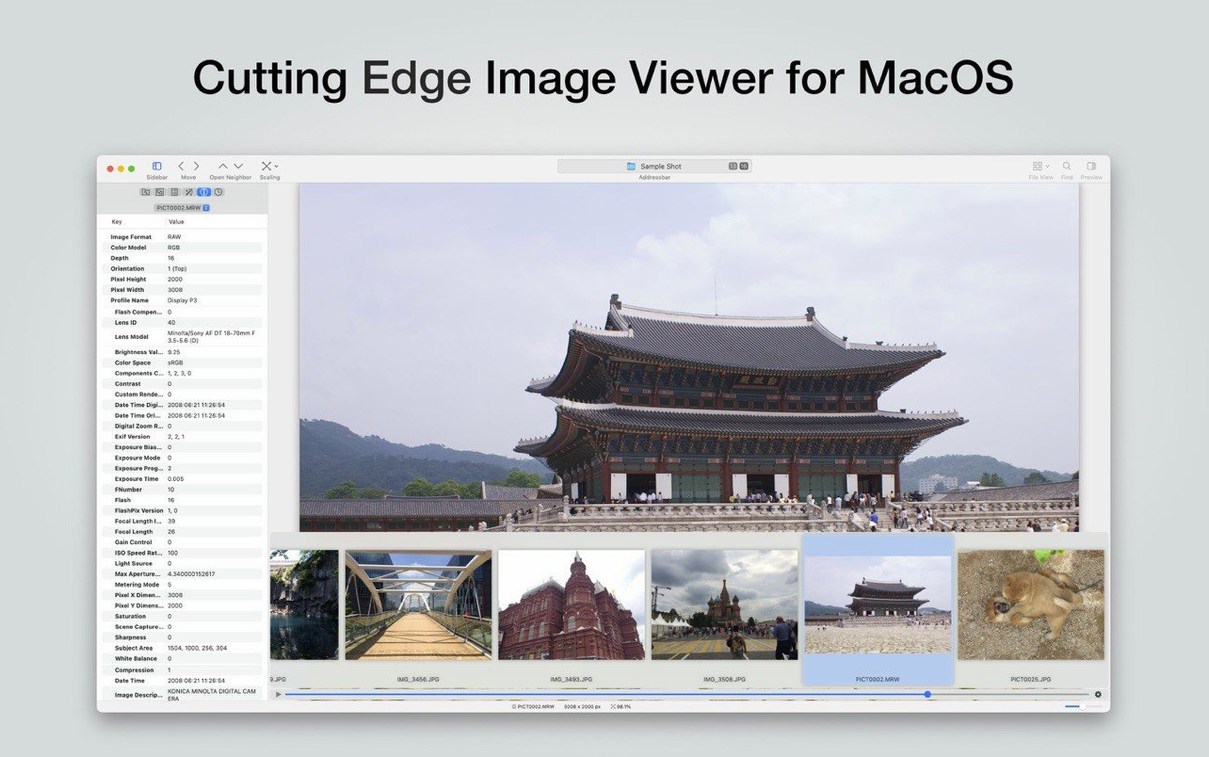
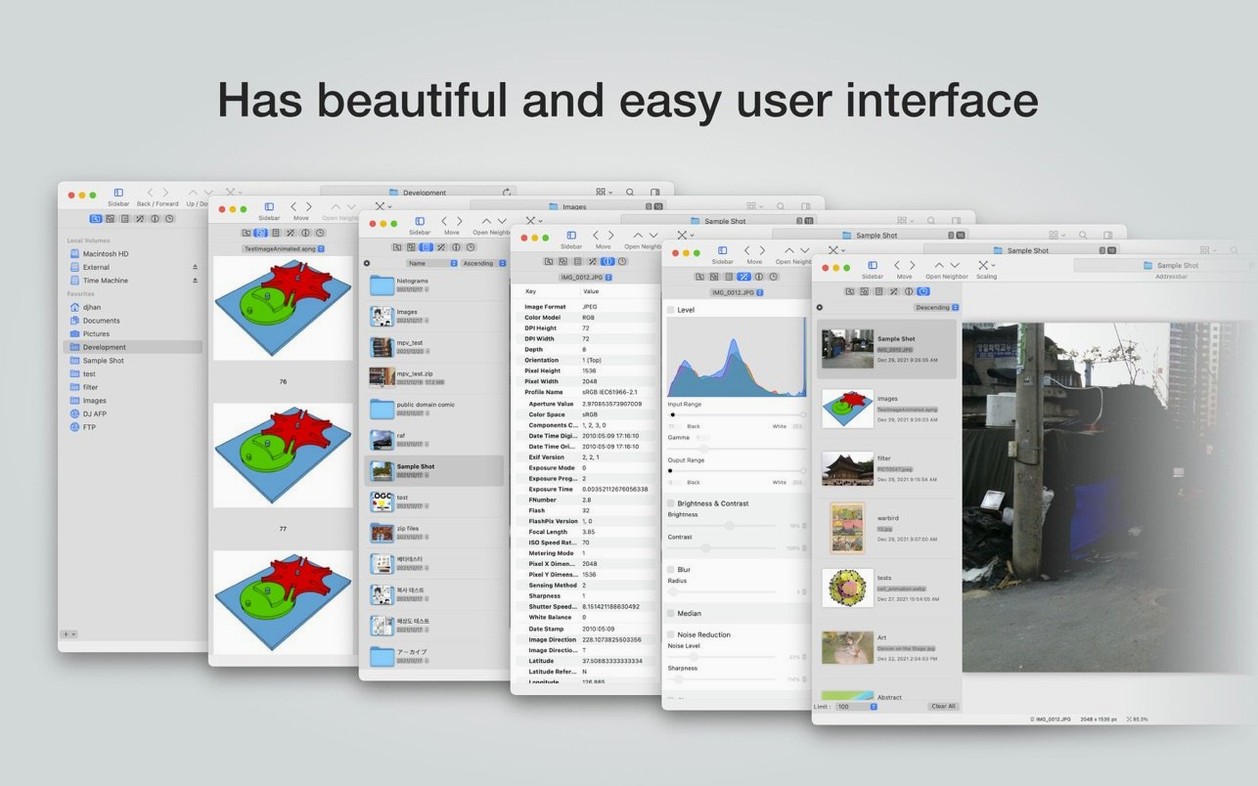
Finder’s Quick Look is good for a fast glance, but it doesn’t show thumbnails for archives. EdgeView installs a Quick Look extension that fixes that, so ZIP and RAR files show proper previews right in Finder. Its own file browser lists neighboring files automatically, letting you open the next image with a single keystroke or a trackpad swipe. You can rename, delete, or rate files from that same browser, which reduces trips back to Finder when you’re sorting a messy folder of exports.
Practical touches for close-up work
A built-in magnifier makes checking sharpness or spotting sensor dust less fiddly than zooming in and out repeatedly. The app also lets you select part of an image and copy or save just that section — handy for pulling a detail out of a mockup without opening a full editor. It reads encrypted archives and can recurse into archives inside archives, which is a lifesaver when a client sends nested folders zipped in layers. Keyboard shortcuts, mouse wheel navigation, and trackpad gestures all work the way you’d expect on a Mac, so the app doesn’t feel bolted on. It won’t replace your photo editor or your asset manager, but it fills the gap between Finder and a heavy creative suite quite neatly.
It’s a viewer, not a Finder replacement
Most of the friction with EdgeView comes from expecting it to behave like a Finder window. It doesn't — and that's actually the point.
- Forgetting the file browser is always there. New users open an image and start swiping through neighbors without realizing the browser panel shows sortable lists, icon grids, and archive previews. You can rename or delete files from that pane, which saves time once it becomes a habit.
- Not enabling the Quick Look extension. The archive thumbnail generator needs to be turned on in System Settings under Quick Look extensions. People skip this step, then wonder why ZIP previews don't show in Finder. Enable it once and it quietly works from then on.
- Treating archive browsing as read-only. You can rate files and the app remembers your position inside an archive when you close it. Beginners often assume they need to extract everything first, but EdgeView holds state across sessions for files inside archives too.
- Overlooking the magnifier shortcut. It's faster than pinch-zooming and snaps off cleanly. If you're checking fine details on product shots or pixel art, learn the key for it early.
Tip: If you grabbed the edgeview download and it won't open because of Gatekeeper, head to System Settings > Privacy & Security and click "Open Anyway" — the usual Mac dance for apps from outside the store.
Built for archives, comics, and network drives
EdgeView makes the most sense for people who regularly touch large batches of images stored in archives or on network drives.
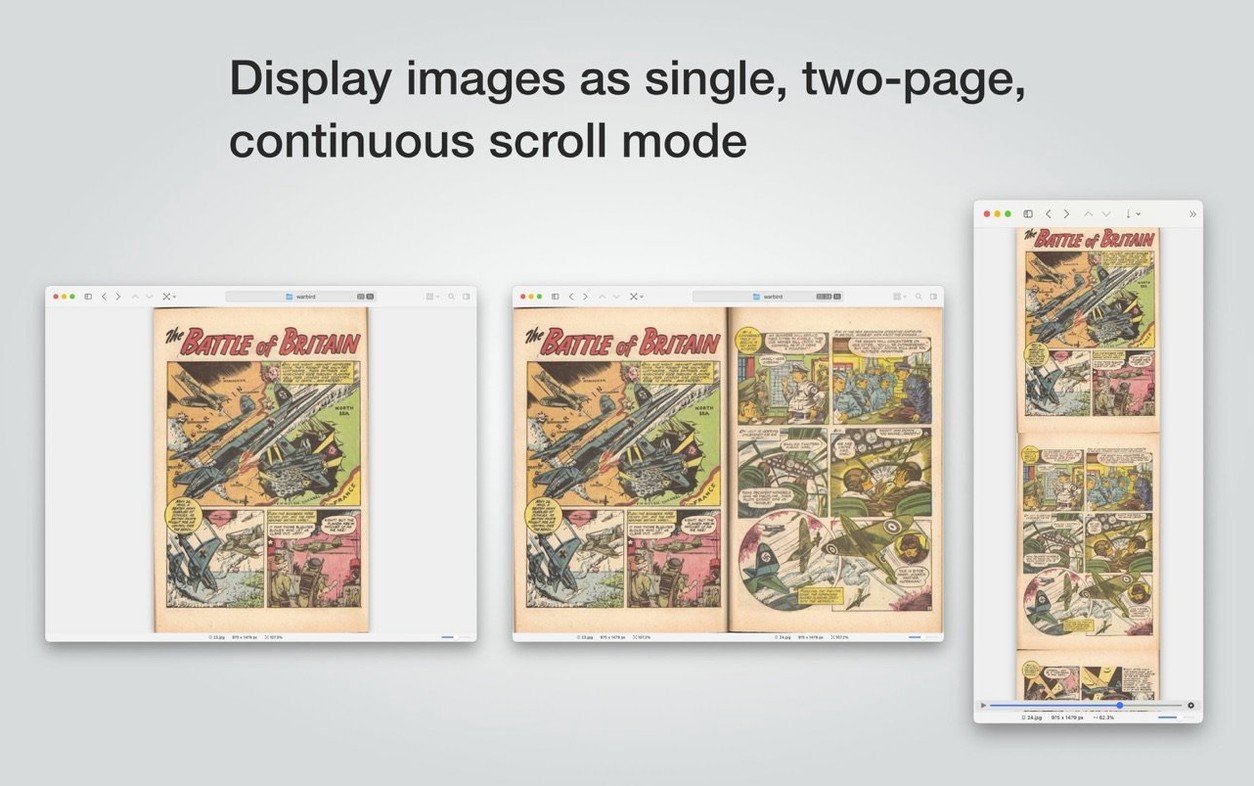
- Comic and manga readers with CBZ and CBR collections. The app reads these natively and navigates page-by-page with gestures, which feels closer to a dedicated reader than Preview ever does.
- Designers and illustrators who receive client assets in layered ZIPs or RARs. Peeking inside without unpacking — especially encrypted archives — avoids cluttering a working folder with temporary extractions.
- Photographers sorting through RAW and TIFF files on an SMB network volume. The file browser's sorting and rating features let you cull a shoot from a NAS without importing everything into a catalog first. EXIF data stays visible throughout.
- People with large USB drive libraries of reference images or texture packs. The recursive archive handling means you never hit a dead end when an archive contains another archive inside.
If you spend more time in Finder's column view than in Lightroom or Bridge, EdgeView sits at the right level — lighter than a DAM, heavier than Quick Look, and completely comfortable with archive formats that most Mac image tools ignore. A quick EdgeView torrent macOS search can turn up older builds, and the 5.9.6 universal binary runs natively on Apple silicon and stays current with macOS updates, which matters when you rely on the Quick Look extension daily.
A couple of small but welcome fixes landed in this update — the kind that make daily use smoother even if you don't see them right away.
- File Browser: Fixed a crash that could happen when connecting and disconnecting a network drive in quick succession. No more unexpected quits if you're jumping between shared folders.
- Extensions: Thumbnail generation now uses less CPU. Should keep things cooler and quieter when the app is building previews in the background.
- macOS 11.5 or newer
- Runs natively on both Apple Silicon and Intel 64-bit Macs
Questions from the stall
Can EdgeView open password-protected archives?
Yes, it supports opening encrypted archives, so you can view images inside protected ZIP or RAR files directly.
Notes from other shops 0
Sign in or open a shop account to leave a note.
No notes yet. If you've used this on a shop Mac, tell me how it went.