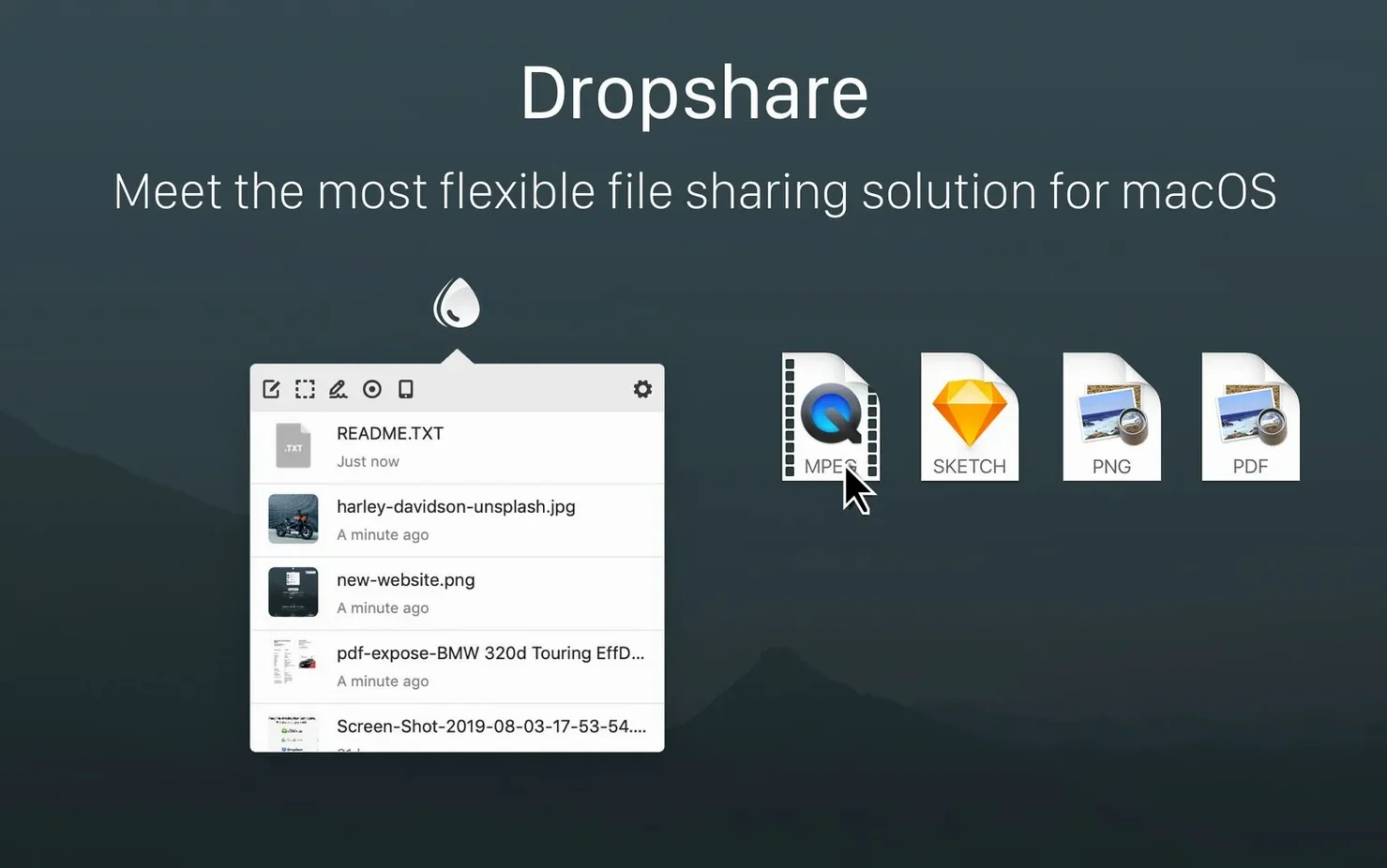
If you've ever used the Share menu to AirDrop a file, you already understand the basic workflow that Dropshare 6 builds on. Instead of sending a file directly to a nearby Mac, though, this app uploads it to your own storage and puts a tidy link on your clipboard. For a small shop like mine, that’s the difference between a quick handoff and a link I can email to a supplier.
One task: sharing a mockup with temporary access
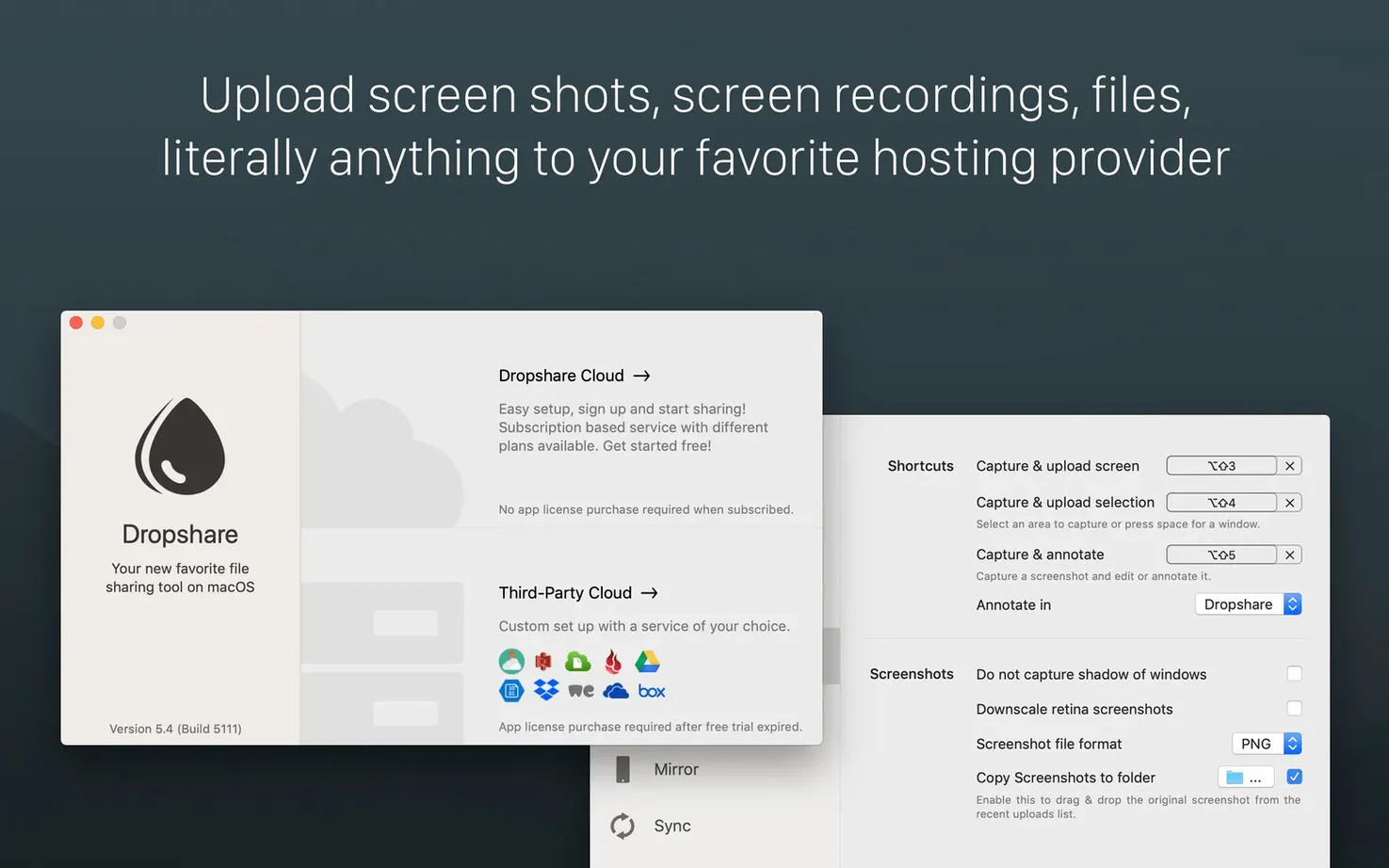
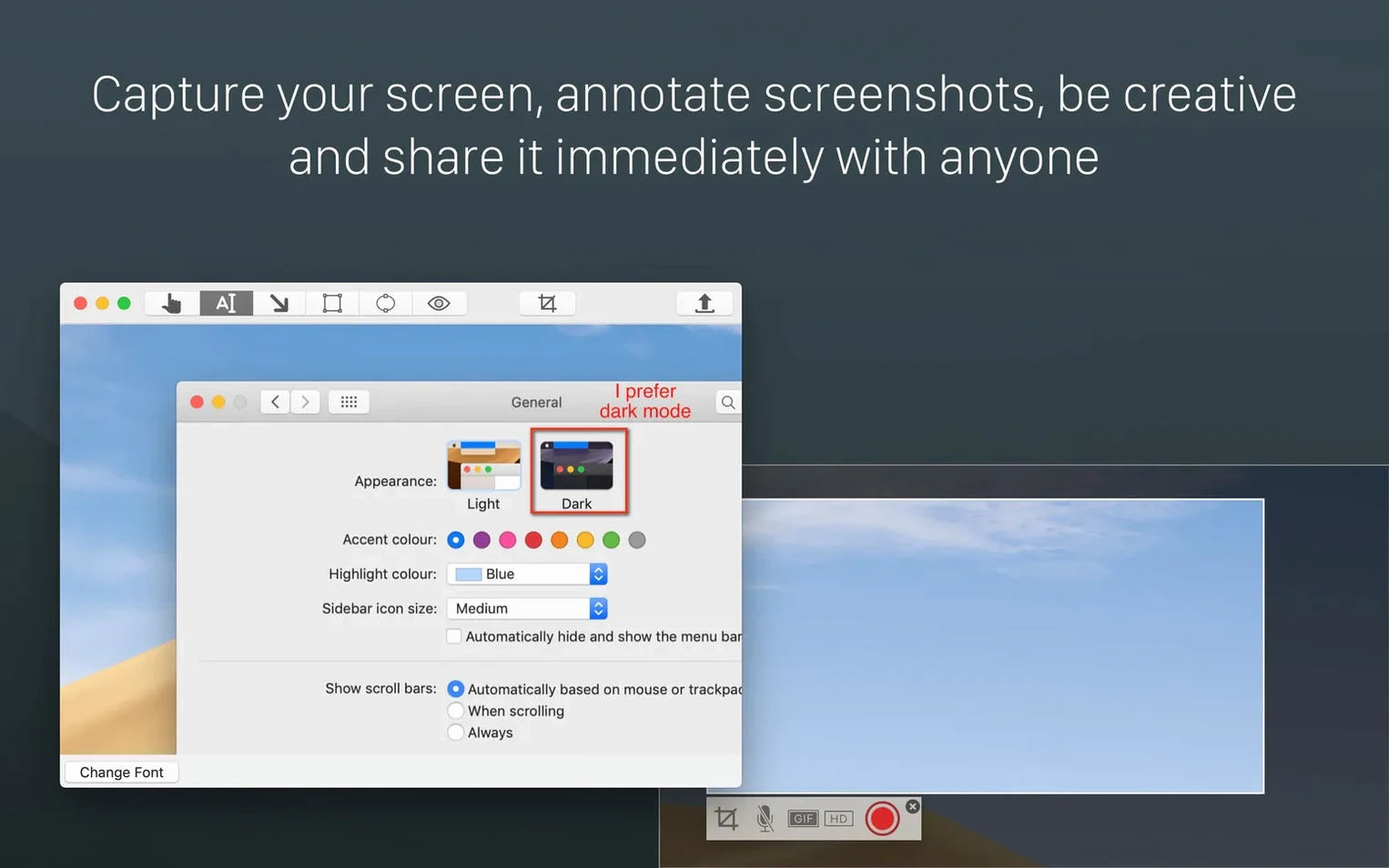
- Drag a design file onto the Dropshare menu bar icon, or use a custom keyboard shortcut to capture a screenshot.
- The annotation editor that arrived with version 6 lets me quickly circle a change and hit copy — no extra app needed.
- Before copying the link, I set a password and choose an expiration time from the popover. The file gets encrypted on my Mac before it ever leaves.
- The link lands on my clipboard, and the upload history syncs quietly via iCloud so I can grab the same file later from my laptop.
Why the temporary bits matter
Running a physical shop means I share a lot of visuals that are only relevant for a week. Automatic file deletion means I'm not manually cleaning up a server later. Between the password protection and the local encryption, a supplier sees only what I want them to see, and the link simply stops working when the job is done. It’s a practical, low-fuss way to keep my working files moving without leaving a trail of forgotten uploads behind me.
The menu bar icon that vanishes behind your notch
People sometimes tell me the menu bar icon doesn’t show after install — usually it’s hiding behind the notch or tucked into the menu bar overflow. Holding Command and dragging it into a visible spot sorts that out.
Another hiccup happens when encrypted uploads fail on older FTP(S) connections. The latest version fixed a specific issue there, so if you’re running a self-hosted setup, updating to 6.15 is worth doing before you start troubleshooting server certificates.
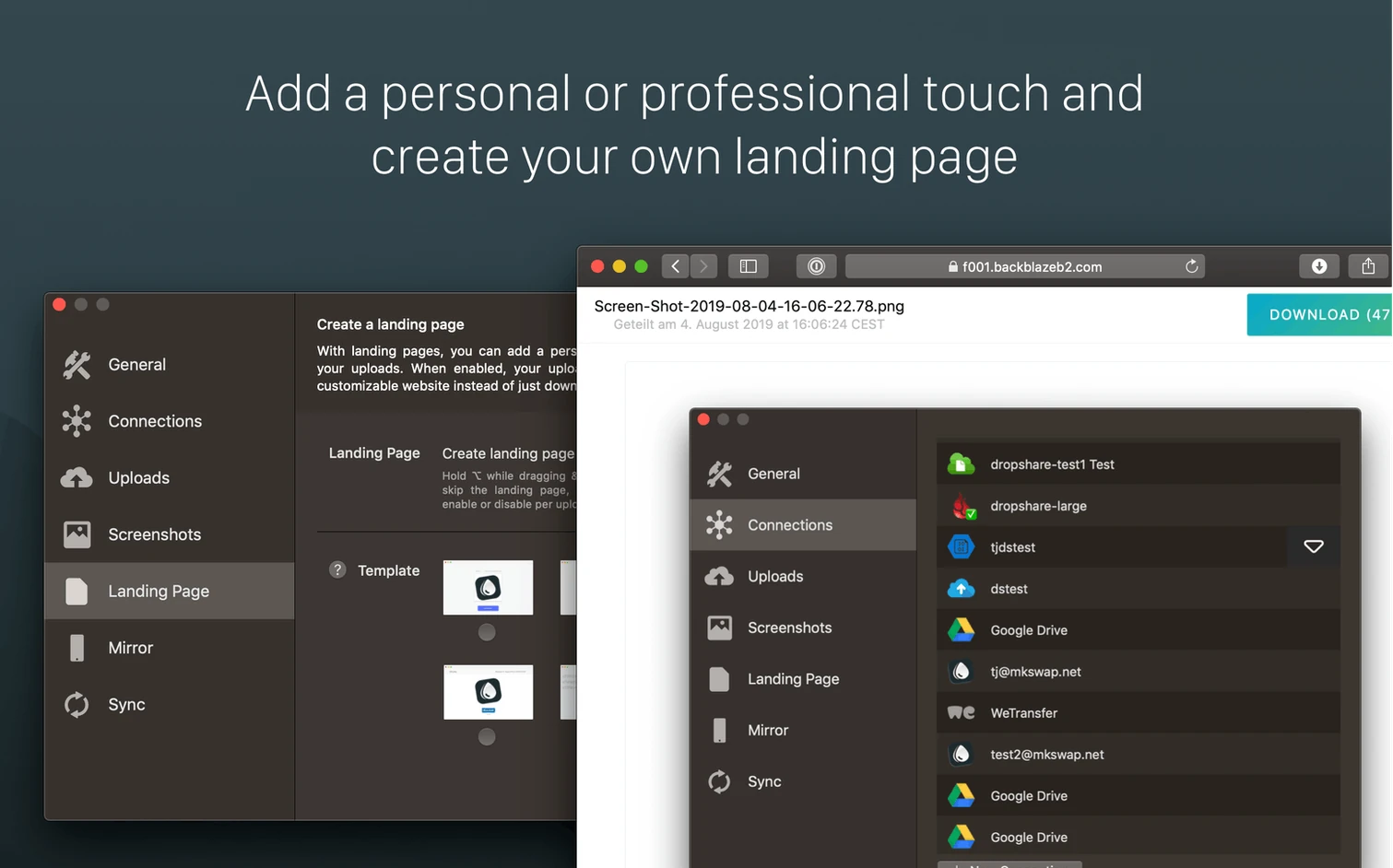
Custom templates can also trip folks up. If a Markdown note renders as plain text, check whether you’ve accidentally saved a blank template or left an unclosed HTML tag. I learned the hard way that a missing breaks the preview quietly but completely. Start with the built-in template, duplicate it, and tweak things slowly.
- Tip: If drag-and-drop feels sluggish, restarting the app usually clears whatever hung in the background queue.
- Tip: Keyboard shortcuts don’t fire if another app has grabbed the same combination — the Shortcuts tab in Preferences shows conflicts.
Set your own link-expiry rules for client files
People who send a handful of files every day and want links that expire on their terms tend to click with it fastest. That includes shop owners, freelance designers, and anyone juggling visuals between clients. If you already own cloud storage but hate logging into a web dashboard just to grab a share link, Dropshare slots neatly over what you have.
It also suits Mac users who live in the menu bar and prefer a tool that stays out of the way. The iCloud history sync makes more sense if you work across a desktop and a laptop regularly — I’ll snap something on the iMac during the day and find the same upload waiting on my MacBook at home. Teams that need password-protected downloads with automatic expiry get value here too, especially when the alternative is a shared folder with permissions nobody remembers to revoke.
If you only share a file once a month or prefer all-in-one cloud suites that bundle editing and collaboration, this might be more than you need. But for focused, quick sharing with a bit of control over who sees what and for how long, it fits a certain rhythm really well.
Plug into the cloud storage you already pay for
Does it work with my existing storage? Dropshare doesn’t force you into a new service. It connects to whatever you already use — S3 buckets, FTP, Backblaze B2, and a long list of other providers. You point it at your storage, and it handles the upload and link generation from there. Nothing sits on someone else’s server unless you choose that.
Is the encryption actually local? Yes. When you toggle encryption on, the file gets encrypted on your Mac before any bits travel over the network. The server never sees the unencrypted version. That matters if you’re sharing product specs or anything you’d rather keep between you and the recipient.
Will the iOS app sync with the Mac version? They’re separate products, but upload history syncs through iCloud across both. You won’t get the desktop annotation editor on your phone, but you’ll see what you uploaded and can share links from either device.
A small but important maintenance update:
- Fixed an issue that could prevent encrypted uploads from working properly with FTP(S) connections.
- macOS 12.3 or later
- Apple Silicon or Intel processor
Questions from the stall
Does Dropshare 6 encrypt my files during transfer?
Yes, the app encrypts files on your Mac before they are uploaded, and a recent fix ensures this works properly with FTP(S) connections.
Can I set my shared links to expire automatically?
Absolutely. You can choose an expiration time for temporary links, and Dropshare will automatically delete the upload when that time is up.
Notes from other shops 0
Sign in or open a shop account to leave a note.
No notes yet. If you've used this on a shop Mac, tell me how it went.