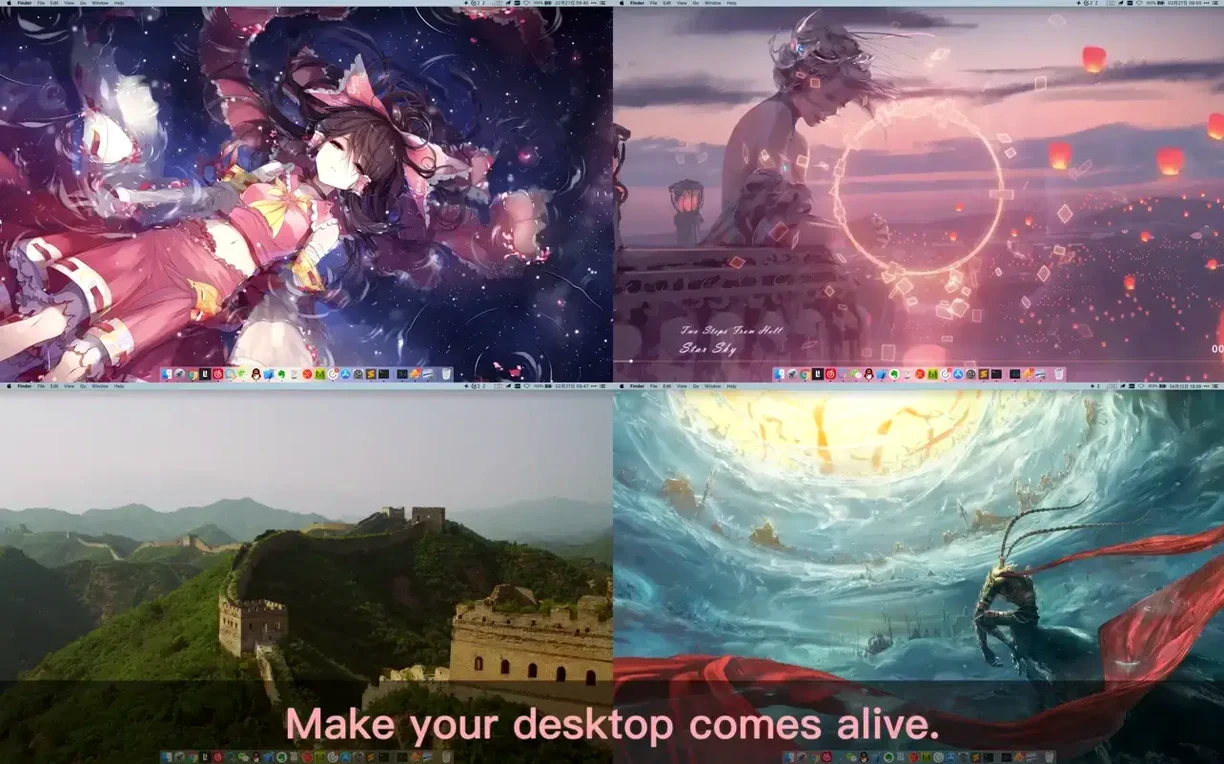
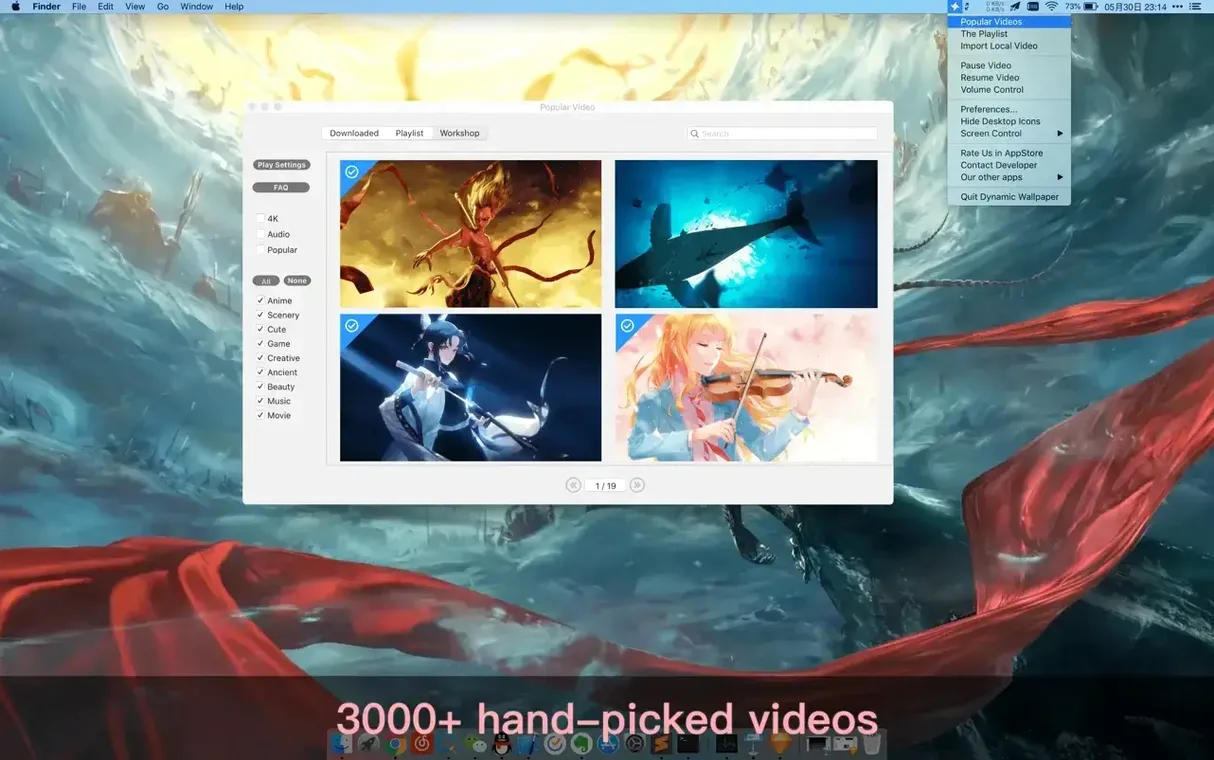
Think of it as the missing wallpaper engine for Mac. Where some tools focus on cataloging static images, Dynamic Wallpaper Engine is built entirely around motion — bringing live video and animated scenes to your desktop and screensaver.
Building a focus-friendly wallpaper playlist
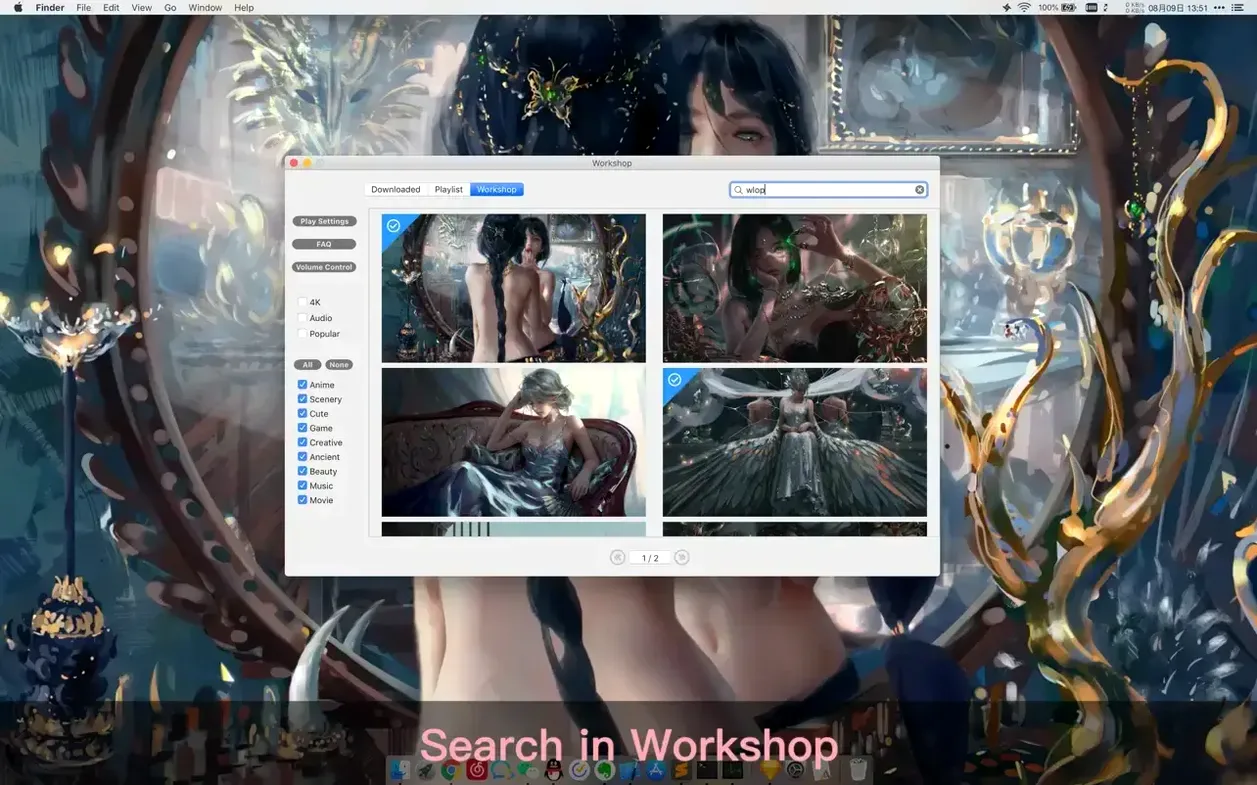
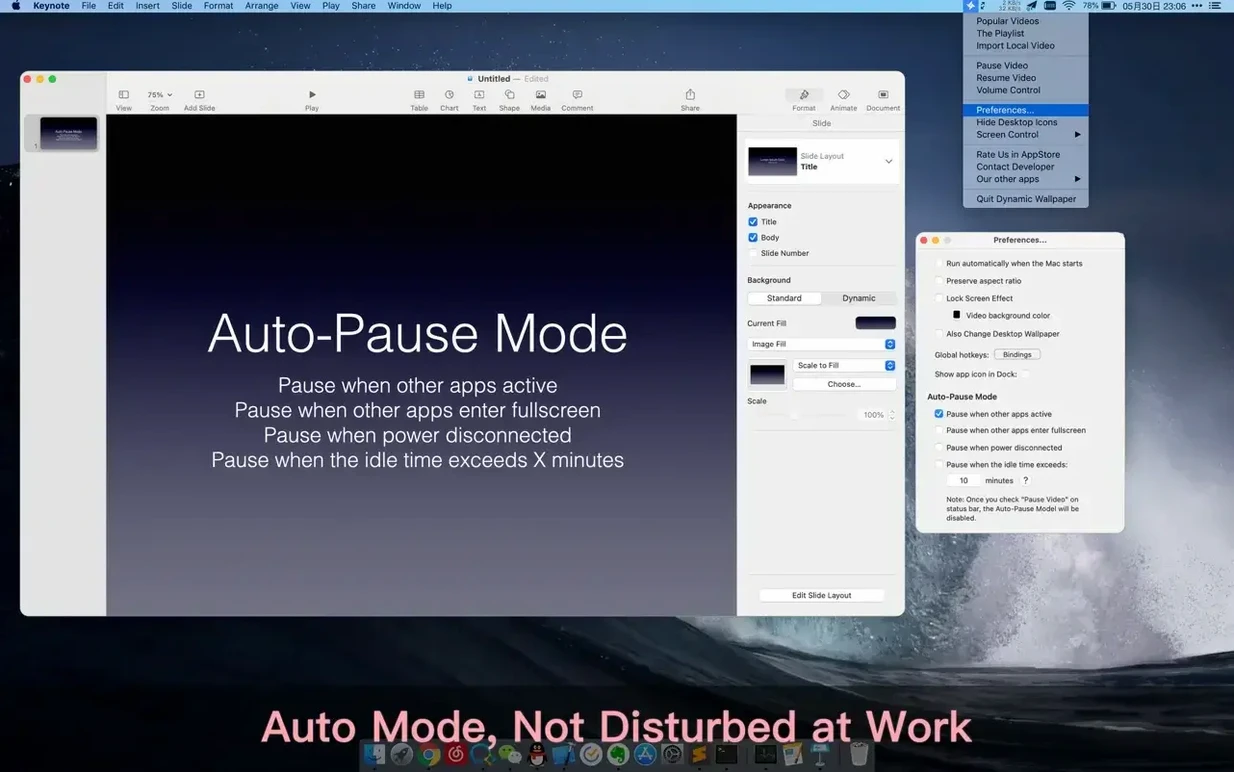
Say you want a rotating set of calm, nature-focused backgrounds that pause during work hours. I'd start in the workshop, using the keyword search to pull up relevant videos — searching for "forest stream" or "rain" surfaces dozens of options across different aspect ratios. From there, I'd add my picks to a new playlist. The app supports list looping and shuffle looping, so you can set it to cycle through in order or mix things up each day. One detail that makes a real difference for concentration: you can configure the engine to pause video playback whenever other applications are active. That means the wallpaper freezes silently in the background instead of drawing your eye away while you're typing or designing. It's a small setting that makes live wallpapers feel practical rather than distracting during a full workday.
Keeping the screen fresh without the effort
New content lands in the workshop every day, so the catalog never really goes stale. If you tend to forget to look up, the rest reminder feature can nudge you to step away from the screen at intervals you set. Global hotkeys also give you quick control — you can hide desktop icons for a clean look, jump to the screensaver, or cycle wallpapers without opening the main window. It runs on macOS 10.12 and later, on both Intel and Apple Silicon Macs, so it fits into older and newer setups alike.
Ultra HD clips land in the built-in catalog
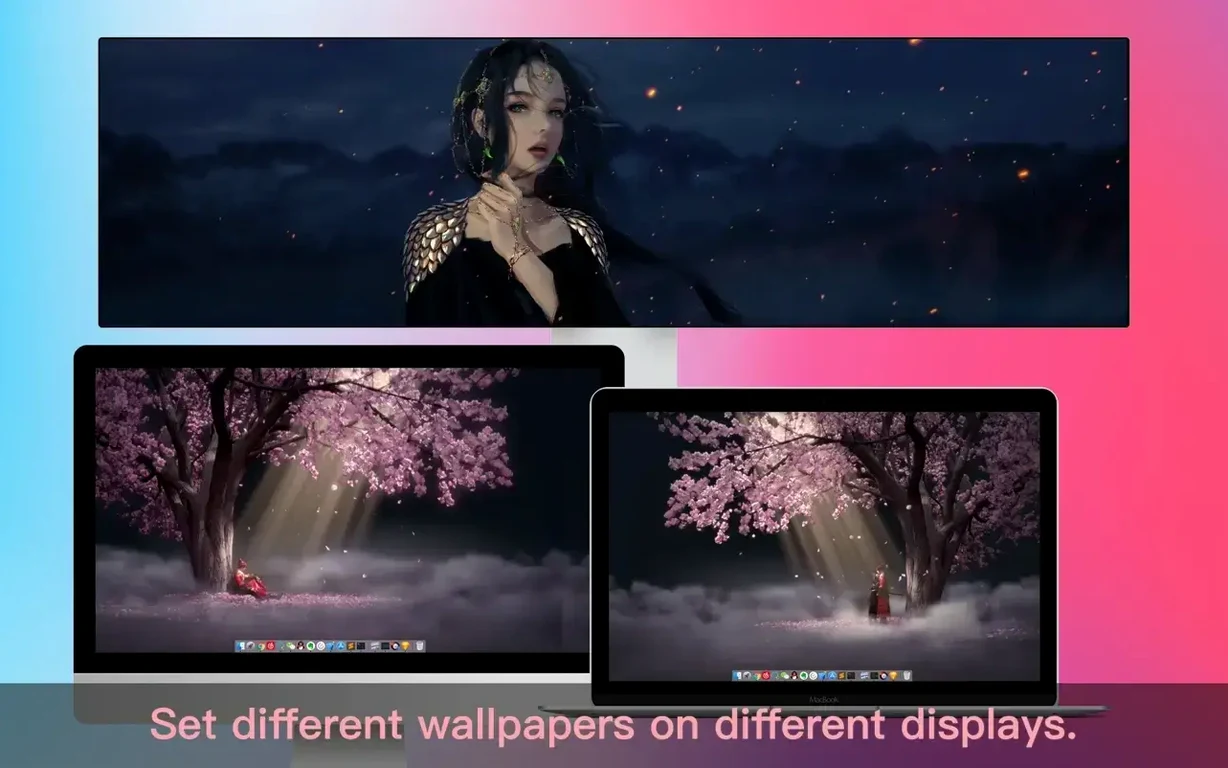
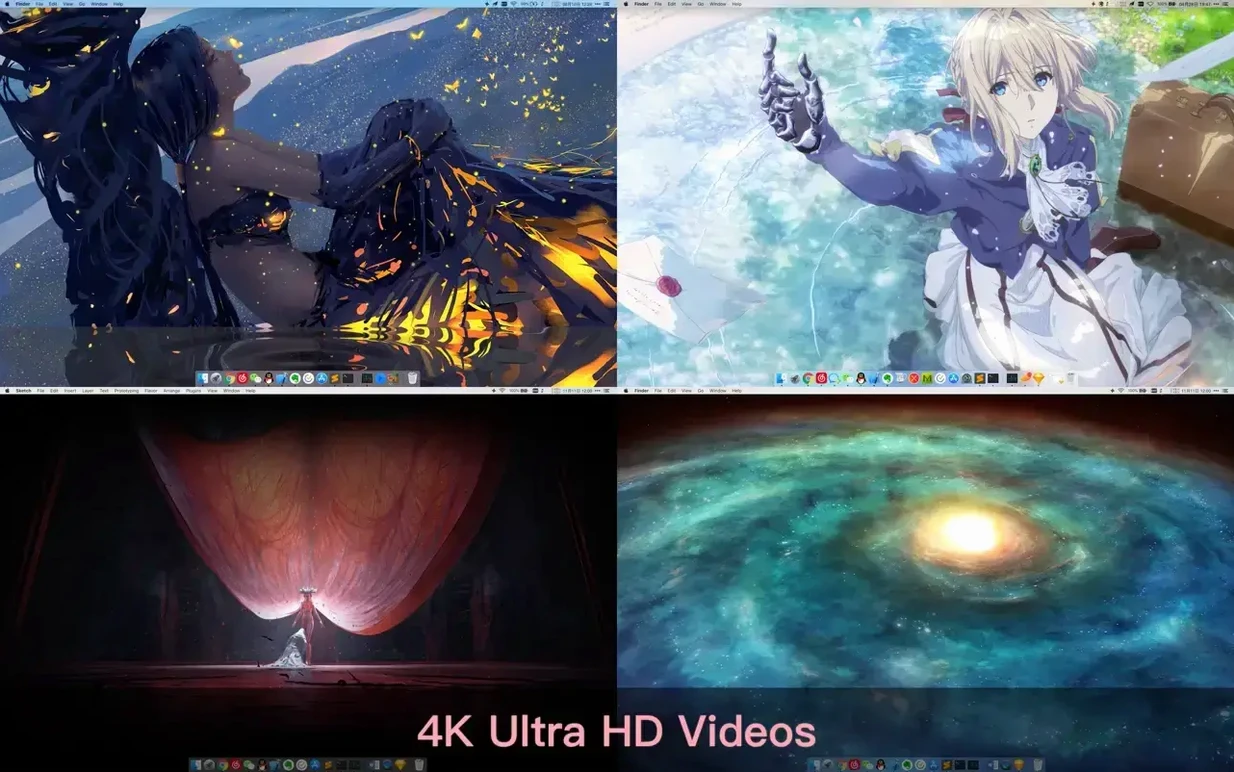
Version 25.4 added more 4K wallpapers to the built-in catalog. In practice, that means less hunting through the workshop when you just want something crisp to fill a high-resolution display — the handpicked collection already has fresh Ultra HD clips ready to go. If you run a multi-monitor setup where one screen is 4K and the other isn't, the expanded library makes it easier to find videos that look sharp on both without stretching or letterboxing.
Import your own videos before diving into the workshop
After you get past the Gatekeeper step and open the app, I'd do three things right away to make it feel like yours.
- Import a few local videos early. The workshop is deep, but you probably already have clips that mean something — a timelapse you shot, a favorite animation loop, a calming loop from an old project. Drag a handful into the app and put them in a playlist with shuffle looping turned on. It makes the tool feel personal from the start, and you'll notice pretty quickly which aspect ratios work and which ones need trimming.
- Set the power-disconnect pause immediately. In the settings, turn on the option to pause videos when power is disconnected. If you run your MacBook unplugged at a coffee shop, live wallpapers can eat battery without you realizing it. This one toggle prevents that, and you'll forget it's even there until you check your battery percentage at the end of the day.
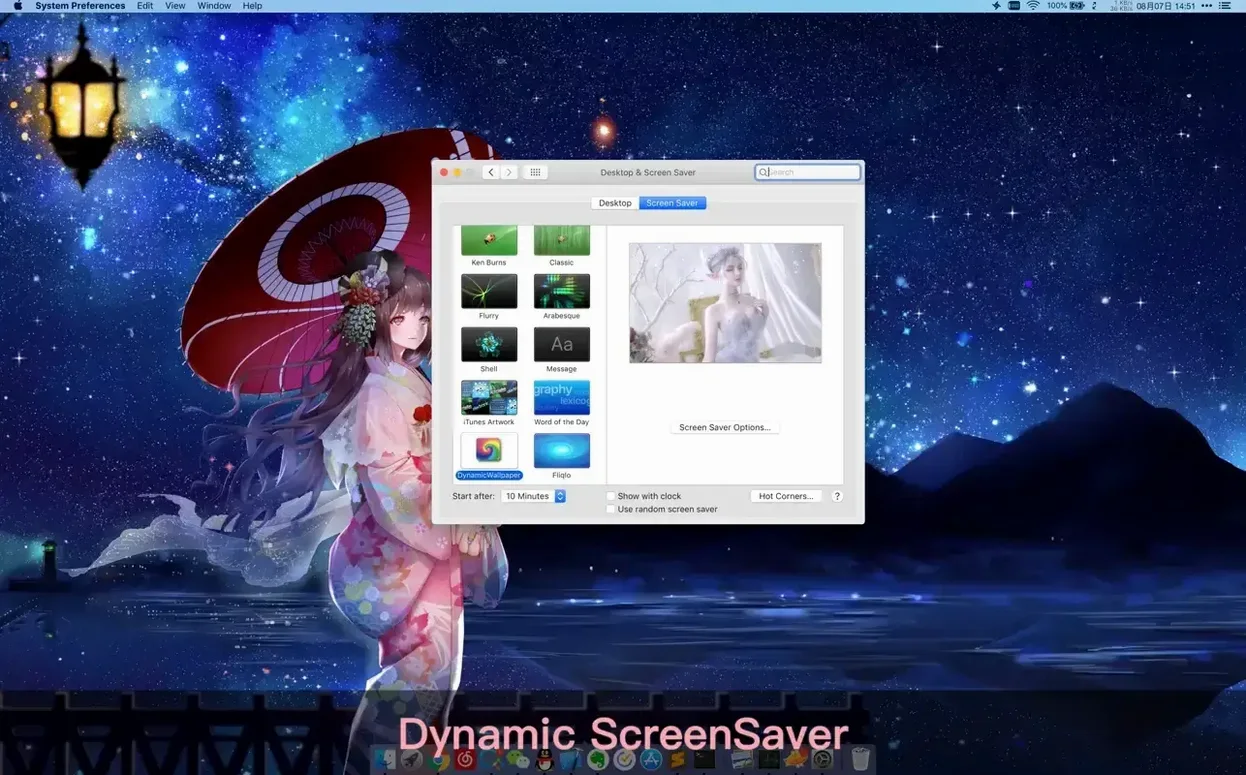
- Try the Dynamic-ScreenSaver before customizing everything else. A lot of people jump straight into desktop setup and never touch the screensaver side. Open it once — pick a category like "ancient" or "cinema" — and let it run full-screen for a minute. It's often the faster way to gauge whether a wallpaper's motion feels right before committing it to your desktop across multiple spaces.
If you're looking for a dynamic wallpaper engine mac download that slips into a daily routine without demanding constant tweaking, these first few steps keep it quiet and useful.
Version 25.4 adds a fresh batch of 4K wallpapers to the workshop, giving you more high-resolution options for larger displays.
- macOS 10.12 or later
- Works on Apple Silicon and Intel 64-bit Macs
Questions from the stall
Can I use Dynamic Wallpaper Engine on an older Mac?
Yes, it requires macOS 10.12 or later and works on both Intel and Apple Silicon Macs.
Does it use a lot of system resources while I'm working?
You can set videos to pause automatically when other apps are active, which helps reduce CPU and GPU usage during work.
Can I mix different video aspect ratios in one playlist?
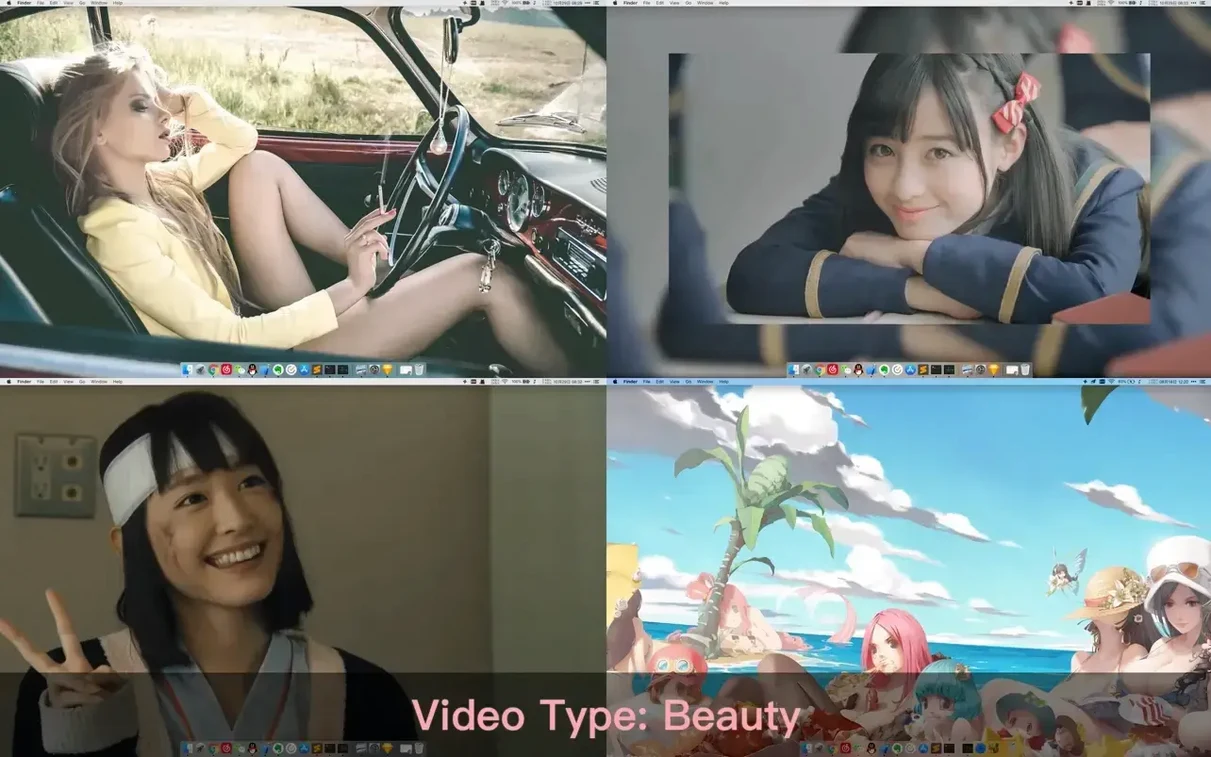
Absolutely. The app supports different aspect ratios and native video resolutions, so you can mix widescreen and vertical clips in the same playlist.
Notes from other shops 0
Sign in or open a shop account to leave a note.
No notes yet. If you've used this on a shop Mac, tell me how it went.