
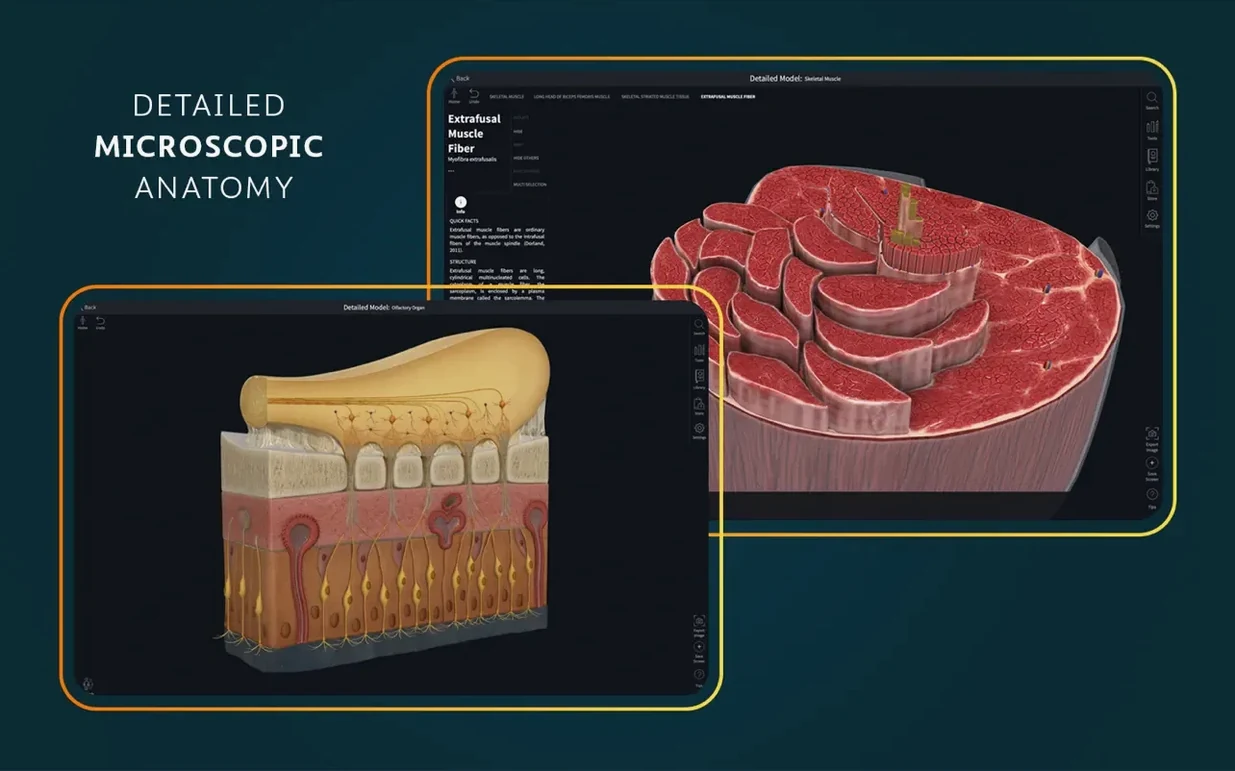
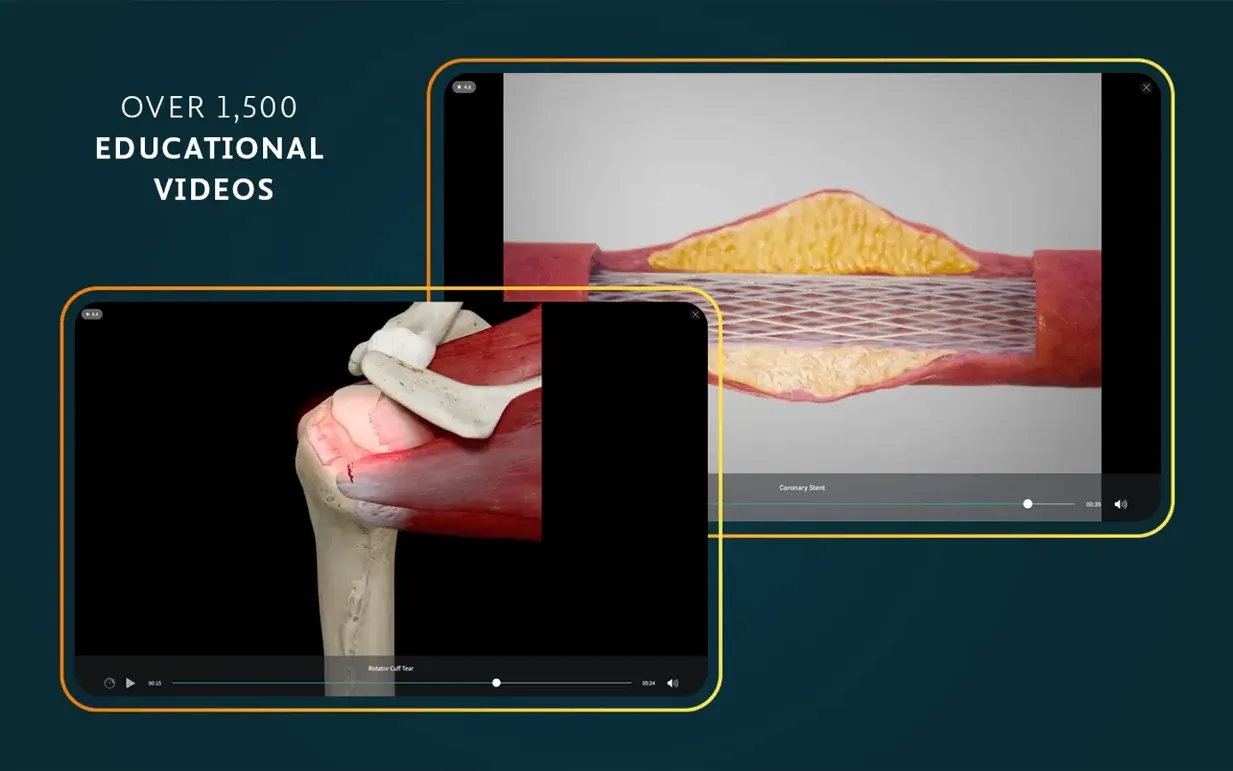
More than 1,500 clinical videos sit alongside 39 microscopic anatomy models in this release.
What it is — a macOS anatomy platform from 3D4Medical (Elsevier) that puts a full 3D human body on your screen, with tools for moving, dissecting, and studying every layer.
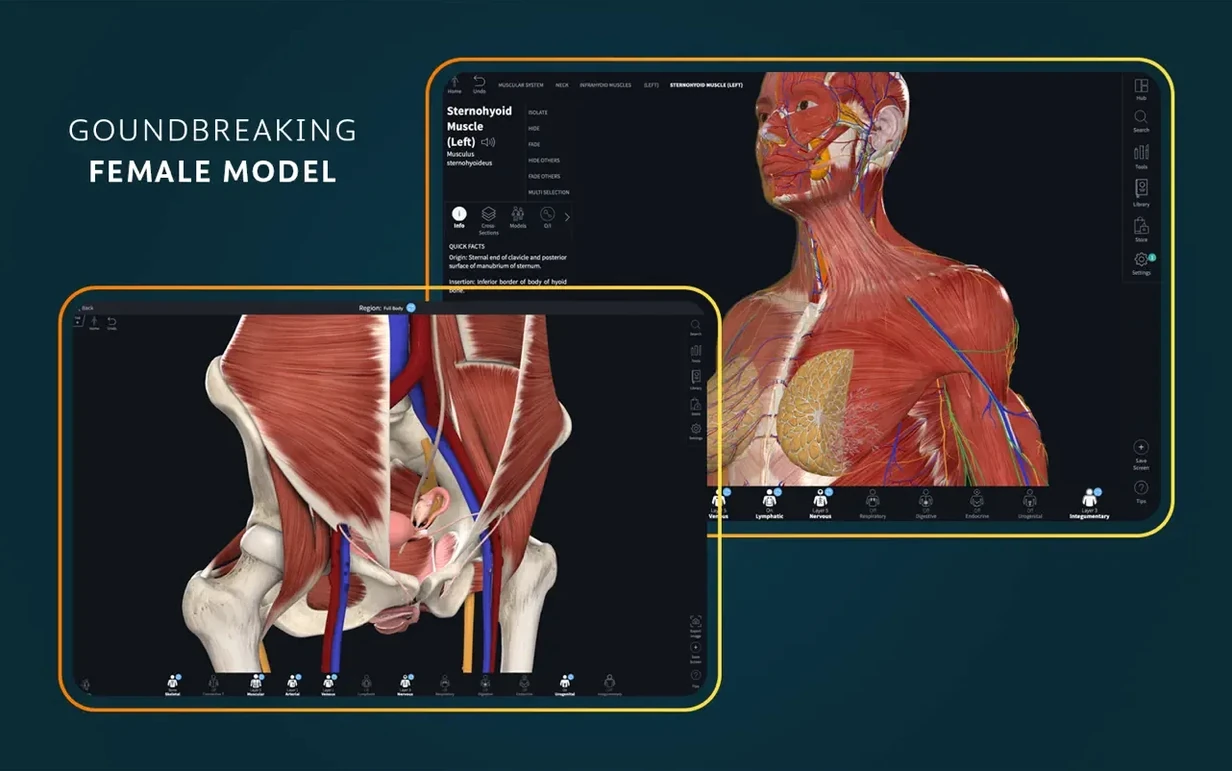
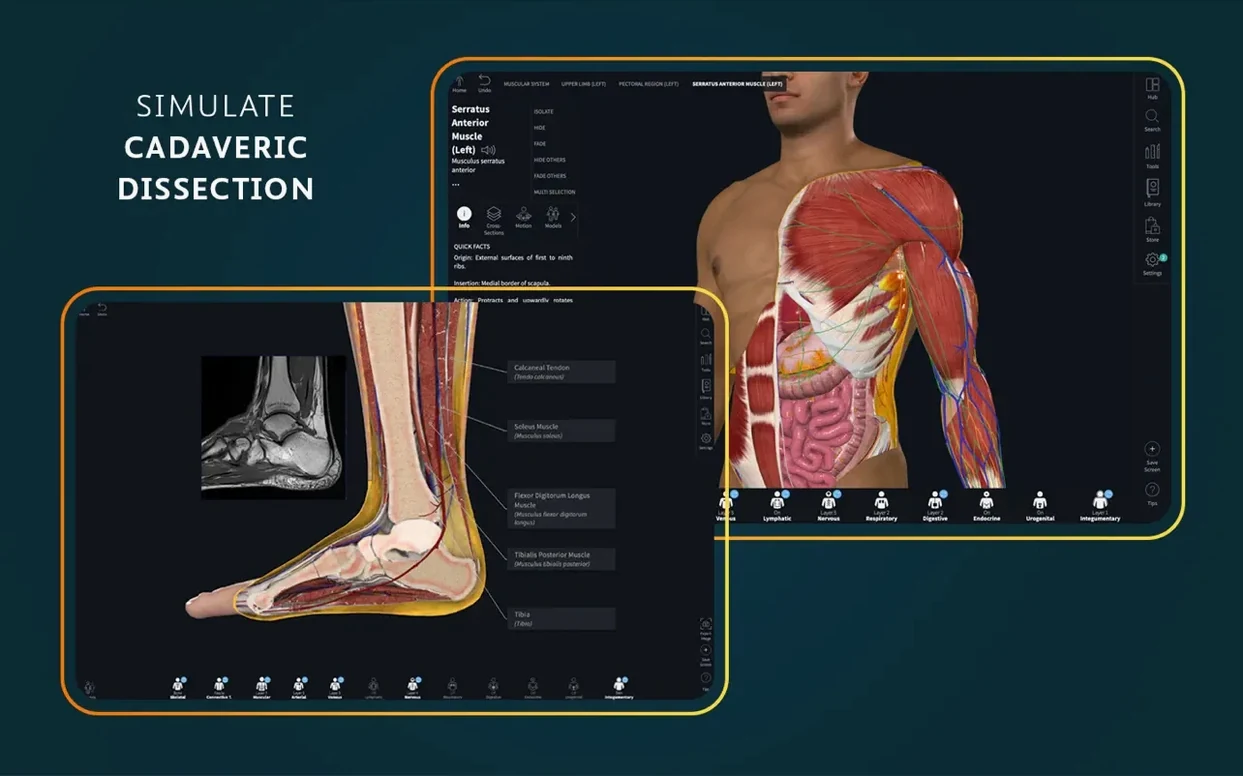
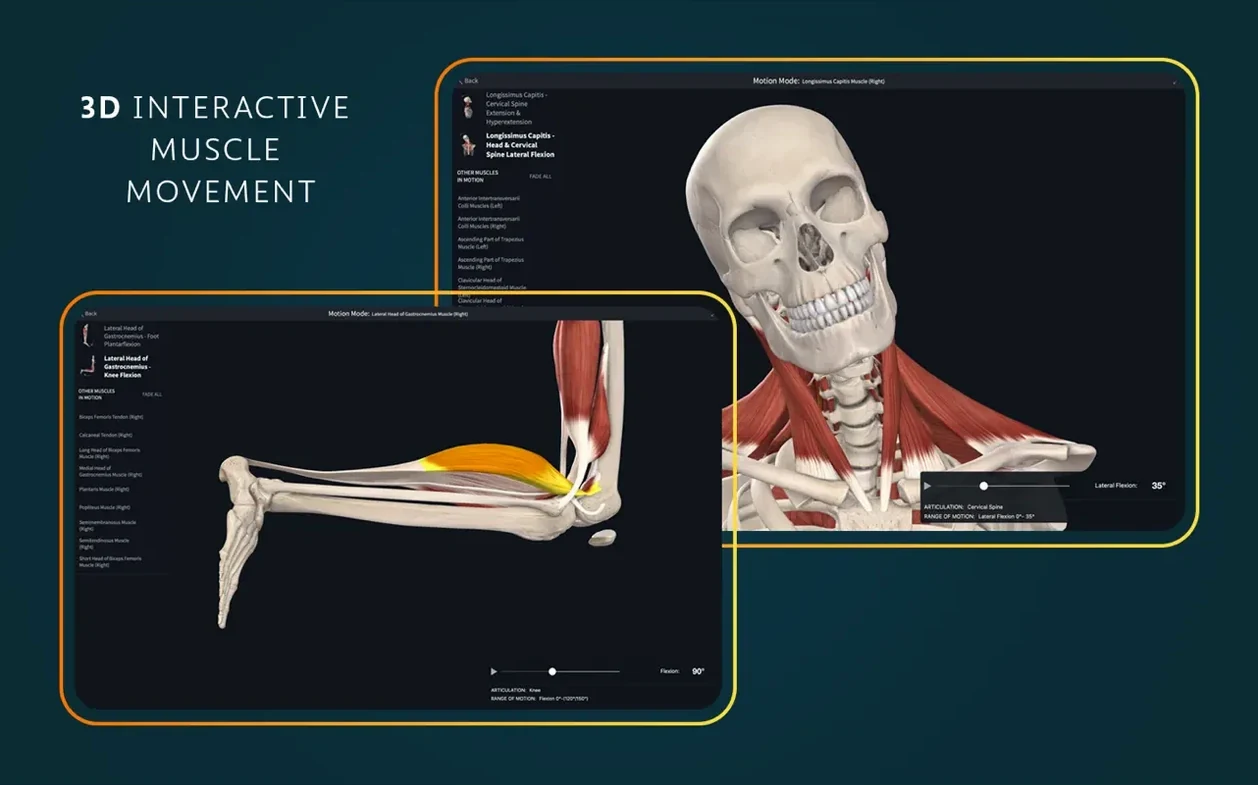
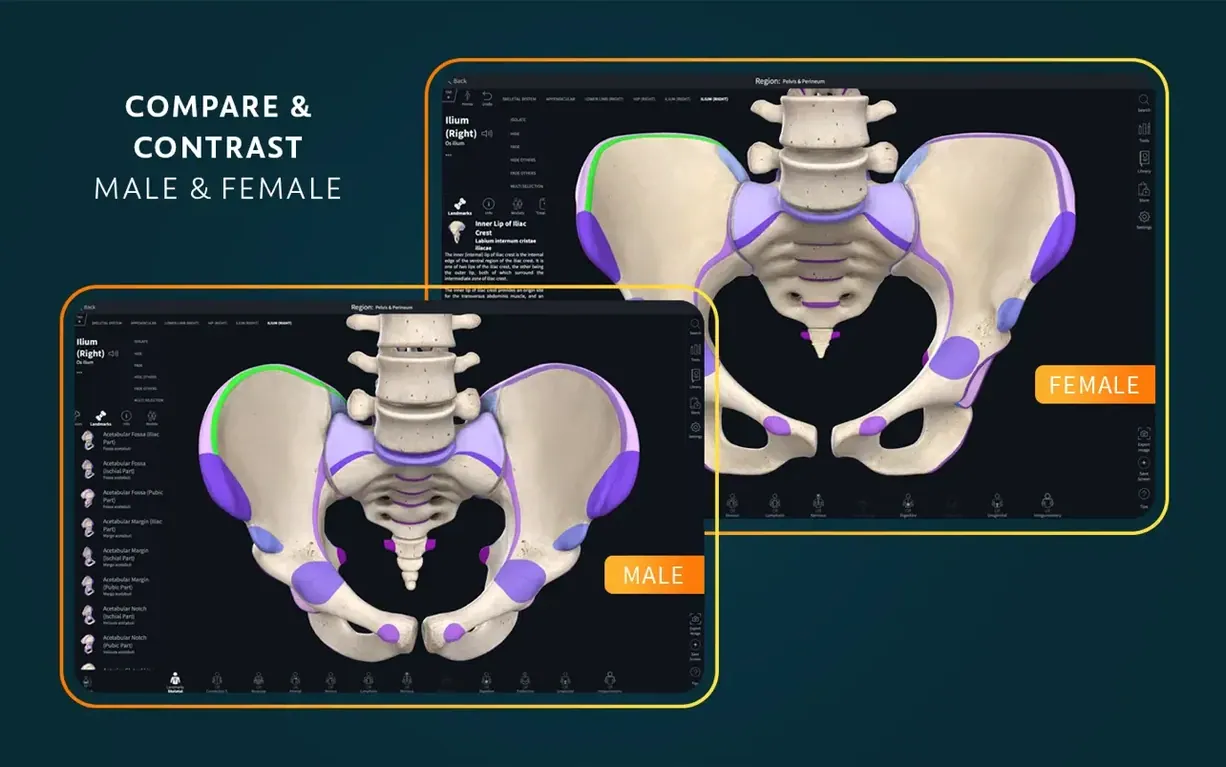
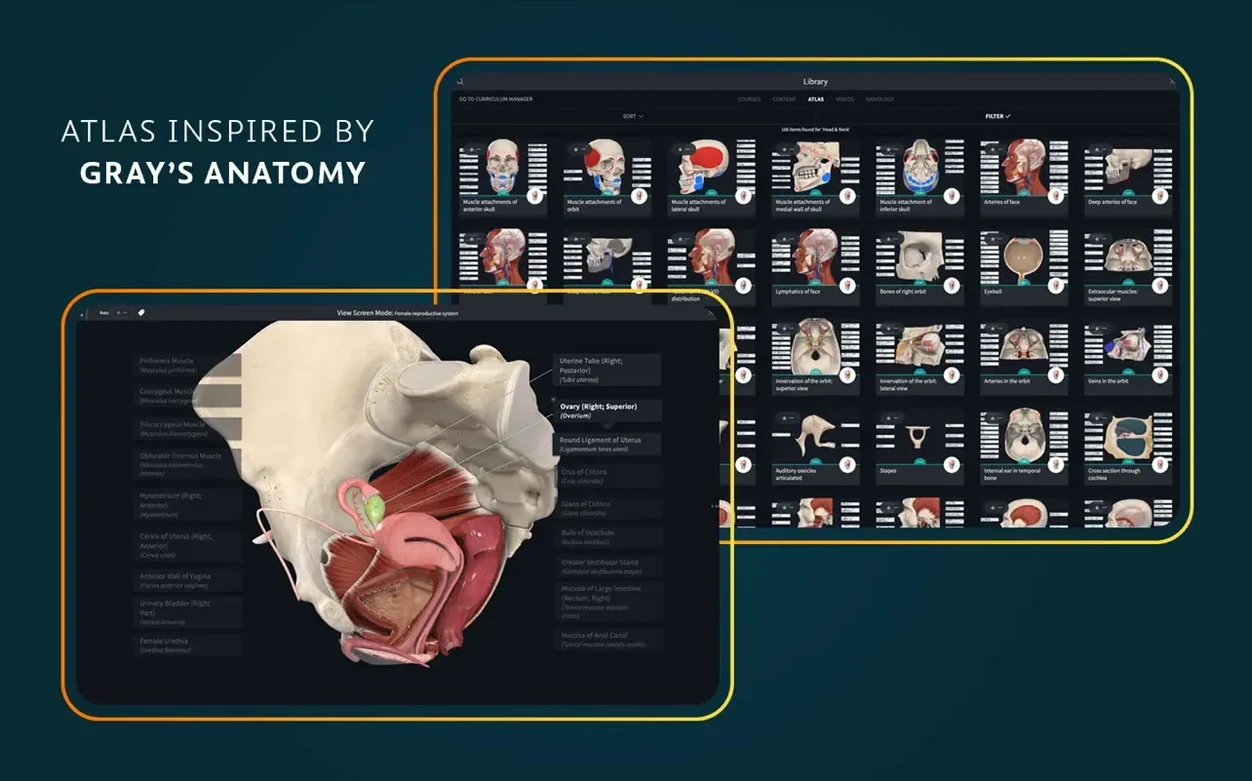
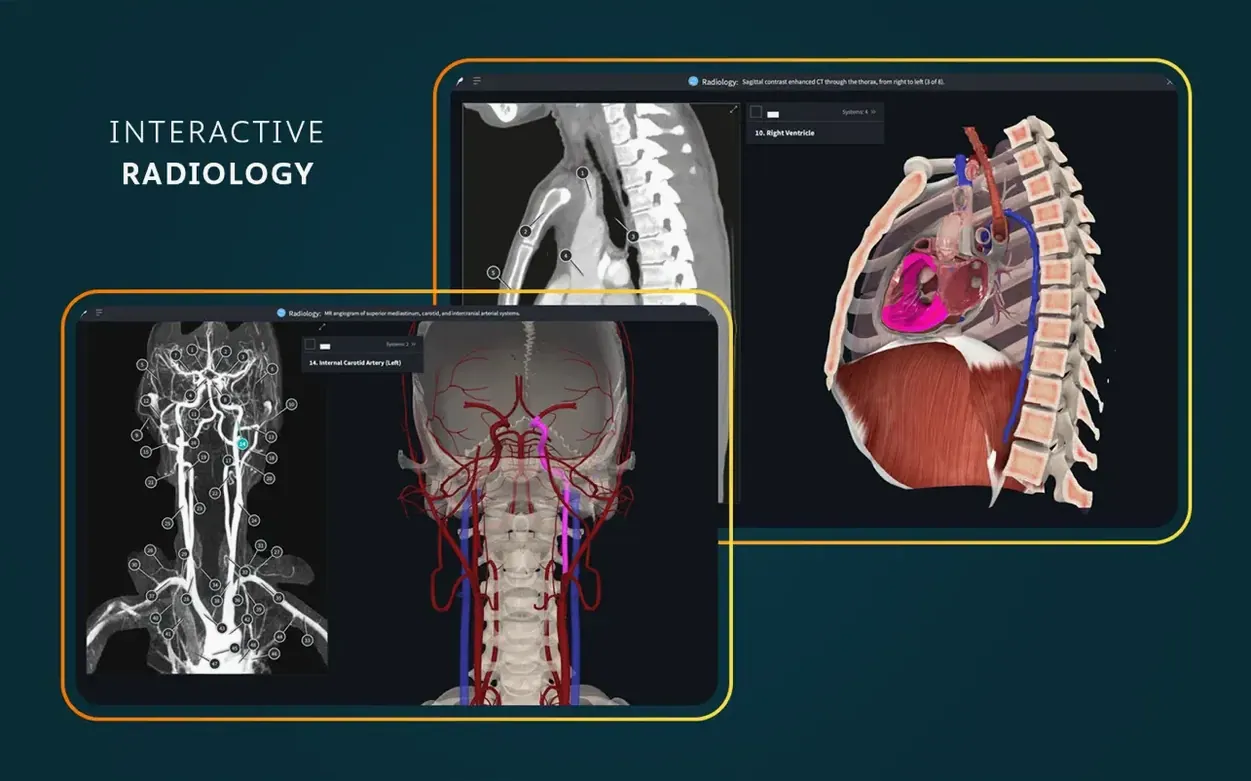
What stayed the same — the core content library. You still get the female anatomy set, dissection courses, point-of-care ultrasound, radiology views paired with interactive 3D models, and clinical correlations woven throughout. The live, beating 3D heart you can take apart layer by layer is still here. So are dynamic cross-sections, real-time muscle movement, and an atlas of more than 700 screens.
AR mode — project models into your real space. Works on the Mac if your setup supports it.
Interface languages — English, German, Spanish, Simplified Chinese, and French.
Account needed — a signed-in account unlocks the full feature set.
A physiotherapy student’s afternoon with the shoulder
A second-year physio student I know spent a Friday afternoon prepping for a practical on shoulder assessment. She pulled up Complete Anatomy on her Mac, isolated the rotator cuff, and hid the deltoid so she could follow supraspinatus from the fossa to the insertion — something a flat textbook plate never quite captures. She then turned on muscle movement, slowly abducting the arm while watching the subacromial space narrow in real time. Later, she cross-referenced a radiology view of the same region and ran one of the point-of-care ultrasound clips to see how the structures look on a live scan. That mix — 3D dissection, motion, imaging — in a single session is what makes the app earn its place on a Mac used for serious study.
Where it fits alongside your other tools
Complete Anatomy plays well with how macOS already handles study workflows. Here’s how a few pieces connect:
- Split View and Stage Manager — keep the 3D model open on one half of the screen while typing notes in Bear, Obsidian, or a plain TextEdit file on the other. The retina rendering stays crisp even when the window is squeezed to half width.
- Screenshot and markup — grab a view with Shift-Command-4, drop it into Preview or Freeform, circle a nerve branch, and add a label. Useful for building your own quick-reference cards.
- Continuity Camera — if your Mac doesn’t handle AR well, you can still benefit. Shoot a model through your iPhone camera with the iOS version, then AirDrop the shot straight to your Mac and drop it into lecture notes or a Keynote slide.
- Look Up and Dictionary — macOS’s built-in lookup works on most English medical terms while you’re reading the atlas screens. Highlight “foramen ovale,” tap it, and get a definition without leaving the app.
- Focus modes — a “Study” Focus that silences notifications keeps the app’s dissection tools front and center. No chirps from Messages while you’re tracing the brachial plexus.
First-days tips once you’ve launched it
After dragging the app into Applications and launching from Launchpad, a few small habits make the first week smoother:
- Download the content packs early. Some models and video sets are large. On a fast connection they pull in minutes, but on a coffee-shop Wi‑Fi they stall. Let them load overnight or while you’re in a lecture you don’t need the app for.
- Sign in right away. A signed-in account is required for full functionality. Without it, layers, courses, and cross-sections stay locked — so you’ll think the app is broken when it’s just waiting for credentials.
- Pin your most-used tools. The toolbar can be customized. If you spend most of your time in the heart model or the knee joint, pin those to the top so you’re not hunting through menus every session.
- Adjust camera sensitivity once. The default trackpad speed for rotating a model can feel flighty, especially on a MacBook. Drop it a notch in preferences before you start a long study block — your wrist will thank you.
- Save views as scenes. When you find a dissection angle that perfectly explains a relationship (say, the path of the ulnar nerve past the medial epicondyle), save it. Reopening a saved scene is faster than rebuilding it from scratch the night before an exam.
If you’re pulling down a fresh Complete Anatomy 11.5.0 build for your Mac, taking ten minutes with those setup steps turns the app from a heavy model viewer into something that actually fits how you study. Some students grab a Complete Anatomy torrent when storage or connectivity is tight — the disk image is straightforward and self-contained, and once the content downloads in the background, the app doesn’t need a constant connection. A clean Complete Anatomy Mac download placed correctly in Applications behaves like any other well-made Mac app: it stays out of your way until you need it.
Version 12.6.0 rolls in the latest round of general fixes and tweaks — nothing flashy, just the kind of under-the-hood care that keeps your anatomy studies running smoothly.
- macOS 15 or later
- Works on both Apple Silicon and Intel 64-bit Macs
Questions from the stall
Does the Mac version include the radiology tools?
Yes, you can view radiology imagery alongside the interactive 3D models, which helps when connecting scan interpretation to spatial anatomy.
Do I need an account to use Complete Anatomy?
A signed-in account is required for full functionality on macOS, same as on other platforms.
Is the female anatomy model included?
Yes, the content library includes detailed female anatomy, dissection courses, and clinical correlations alongside the standard human anatomy models.
Notes from other shops 0
Sign in or open a shop account to leave a note.
No notes yet. If you've used this on a shop Mac, tell me how it went.