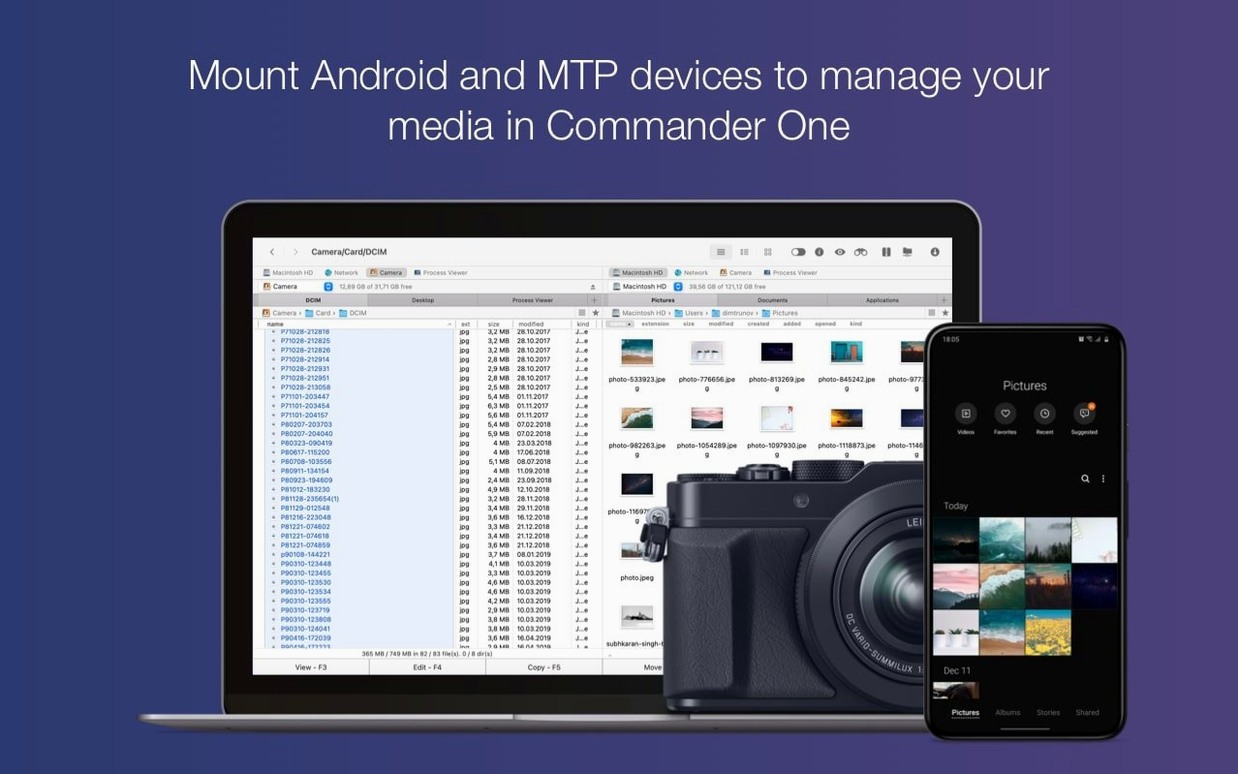
52.82 MB of free space and a Mac running macOS 10.13 or later is what it takes to run this dual-pane file manager. It runs natively on both Intel and Apple Silicon machines.
Connect cloud and network storage
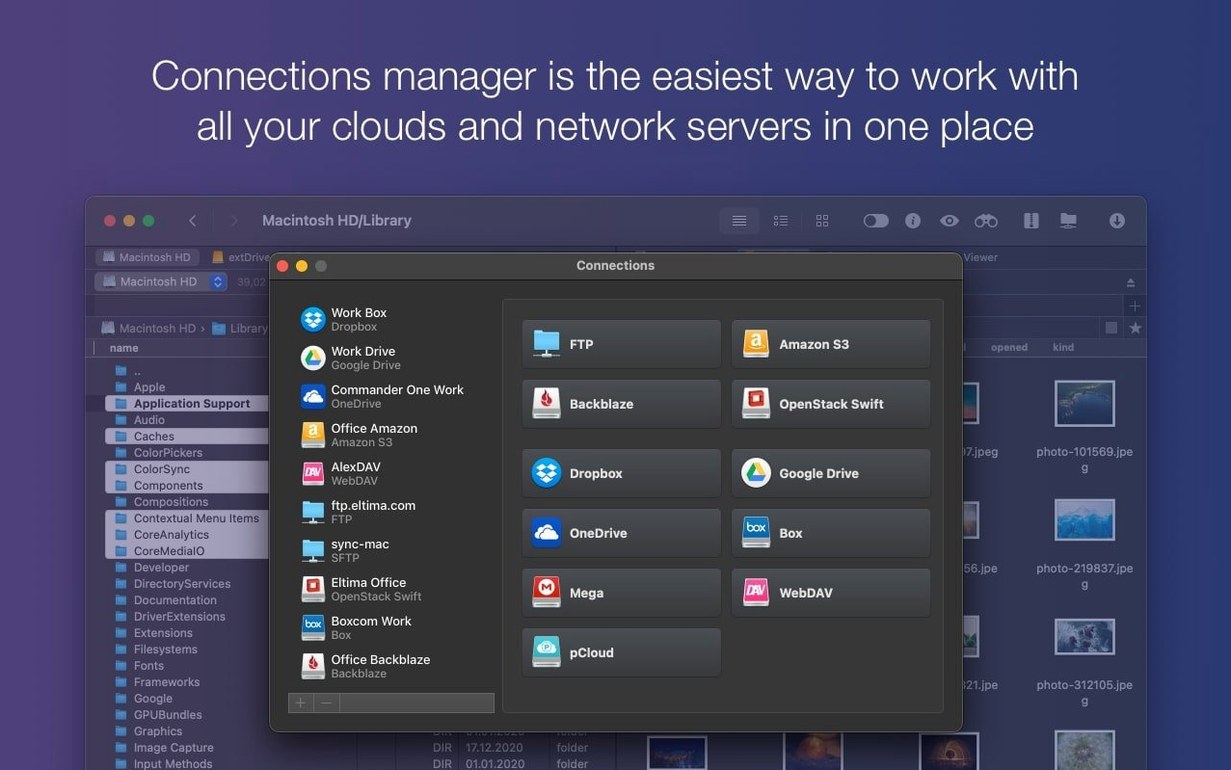
Hook up your FTP servers and cloud accounts directly in the second pane. The app also reaches iOS, MTP, and Android devices over a wired connection, so moving files off a phone is straightforward.
Work with two folders at once
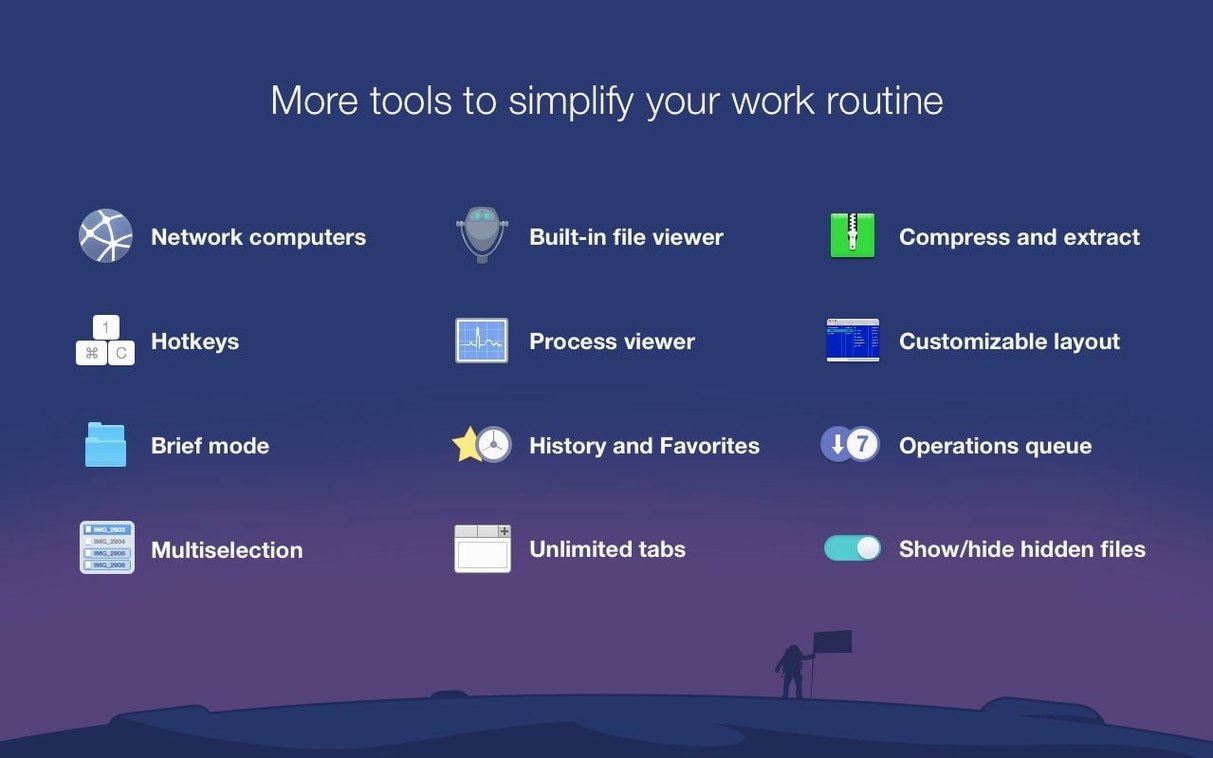
A proper dual-pane layout means you can drag files from one folder to another without opening a second Finder window. Brief Mode shrinks the view further when you need to scan or reorganize a long file list quickly.
Find anything, see everything
Let’s walk through a real task I’d use this for — pulling client photos off a microSD card, renaming them in bulk, and dropping them straight into a shared Google Drive folder. With a Finder window I’d be juggling tabs, but the dual-pane setup keeps it clean.
I plug the card into my Mac and the Android file tree shows up in the left pane — Commander One PRO picks up MTP devices without fuss. I set the right pane to my Google Drive account, already connected under Connections. Instead of importing everything, I filter by .jpg and .png in the left pane, select the batch, and hit the rename tool to add a date prefix. One drag across the panes and the upload starts. No staging folder on the desktop, no leftover duplicates.
Your daily server shuffle finds a home
If you spend half your day moving assets between servers, cloud buckets, and local folders, this kind of manager fits like a glove. Photographers shuffling RAW files to an FTP archive, web developers pushing builds to Amazon S3, and small-shop owners balancing bookkeeping exports between Dropbox and a network drive all find their rhythm quickly.
It also appeals to Mac users who came from a Linux or Windows file manager and miss the directness of a Midnight Commander or Total Commander layout. The Brief Mode and regex search are power-user touches that don’t get in the way when you don’t need them, but they’re there the moment a folder grows unwieldy.
Tip: If you regularly copy files from an Android phone or tablet, skip Android File Transfer entirely — wired device access here is faster and doesn’t fight you on folder visibility.
MTP and iOS access outrun ForkLift
Commander One PRO versus ForkLift
ForkLift shares the dual-pane DNA and connects to many of the same remote services. Where Commander One PRO pulls ahead is MTP and iOS device access — ForkLift doesn’t touch those. ForkLift does offer a slightly more polished sync feature, but if you need a commander one pro full mac experience that treats phones as first-class storage, the choice leans one way.
Commander One PRO versus Path Finder
Path Finder goes deep on Finder integration — tabs, shelves, and a Drop Stack for temporary file holding. It’s a Finder augmentation, not a separate paradigm. Commander One PRO feels more self-contained, especially when you’re working with archives, cloud accounts, and the built-in Process Viewer. For someone searching for a Commander One PRO crack or a more traditional orthodox file manager look, Path Finder can feel overstuffed and less direct.
Commander One PRO versus Transmit
Transmit is a specialist. It shines at FTP and cloud transfers, and its interface is beautiful for that single job. But it doesn’t dual-pane local folders or unpack RAR and 7z archives natively. Commander One PRO wraps FTP, cloud, archive handling, and local file operations into one window. If your workflow stops at uploads and downloads, Transmit is clean. If you find yourself switching between three apps to manage everything, the all-in-one route — something a commander one pro mac download gives you — saves more clicks.
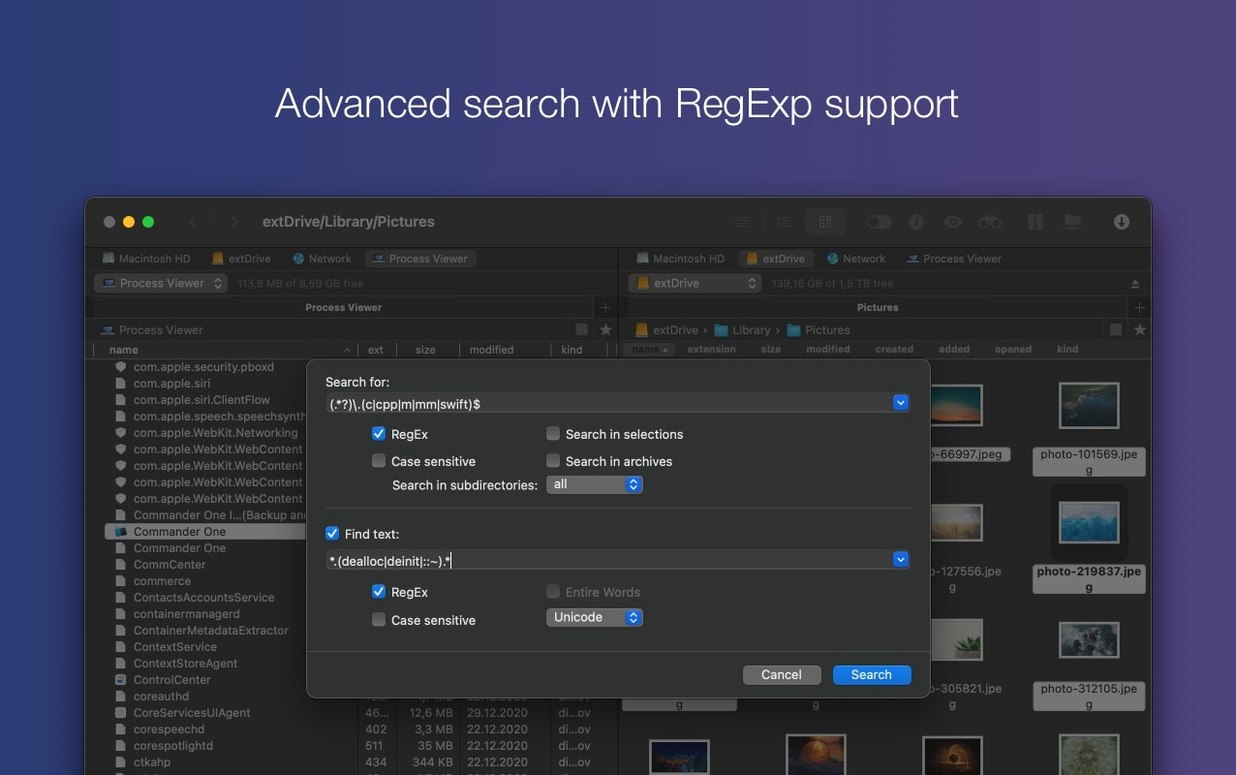
The built-in search understands regular expressions, and you can toggle hidden files on whenever you need to reach a buried config or cache folder.
Version 3.18.0 brings better macOS 27 compatibility, a fix for file drag-and-drop on that OS, and corrected hotkey behavior for non-English keyboard layouts.
- macOS 10.13 or later
- Apple Silicon and Intel 64-bit Macs
Questions from the stall
Does Commander One PRO run on Apple Silicon?
Yes, version 3.18.0 is a universal binary that runs natively on both Apple Silicon and Intel Macs.
Can I connect my Android phone to Commander One PRO?
Yes, the app can access Android and iOS devices over USB using MTP, so you can browse and transfer files directly.
How do I see hidden files in Commander One PRO?
You can toggle the display of hidden files from within the app, which is handy for editing dotfiles or clearing caches.
Notes from other shops 0
Sign in or open a shop account to leave a note.
No notes yet. If you've used this on a shop Mac, tell me how it went.