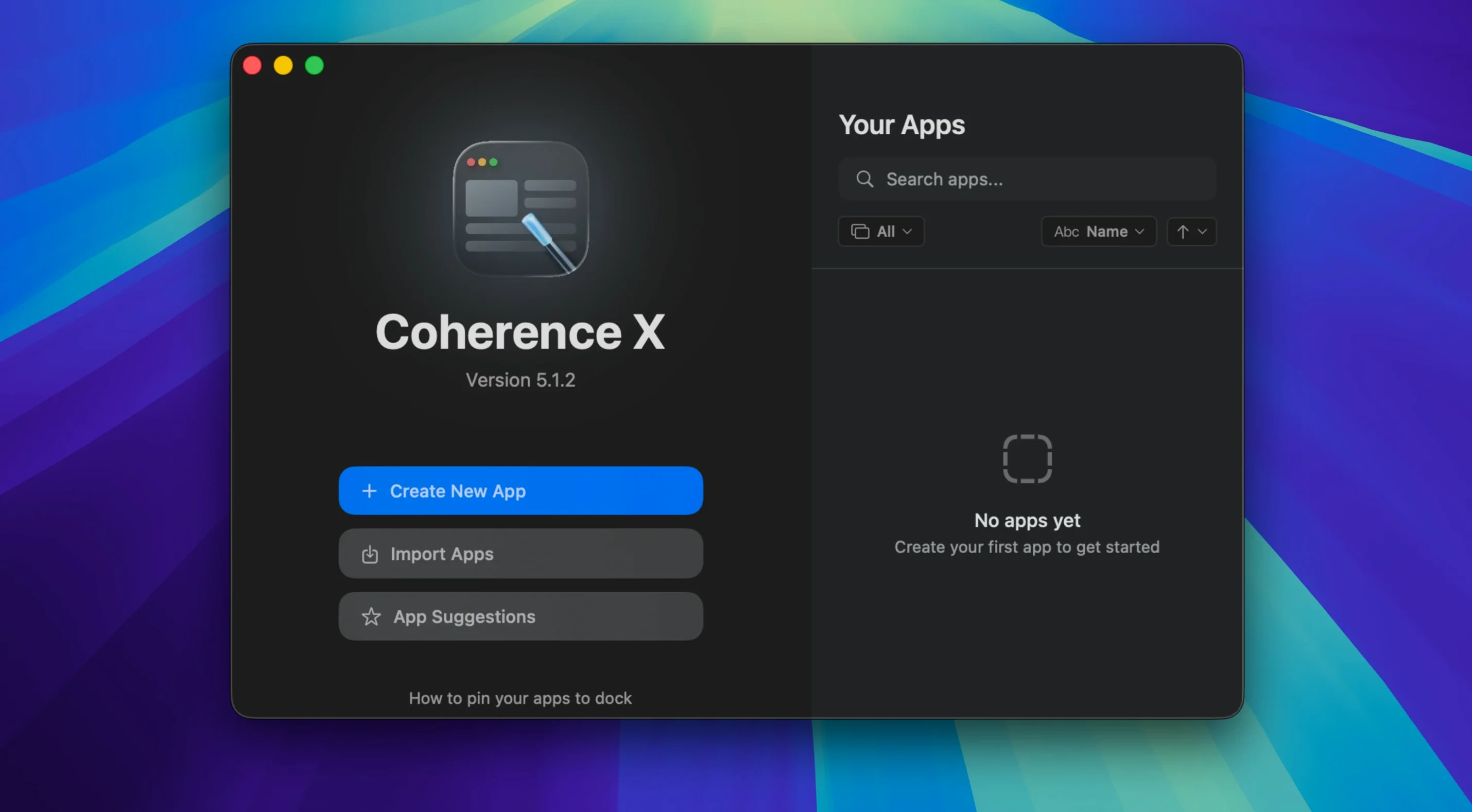
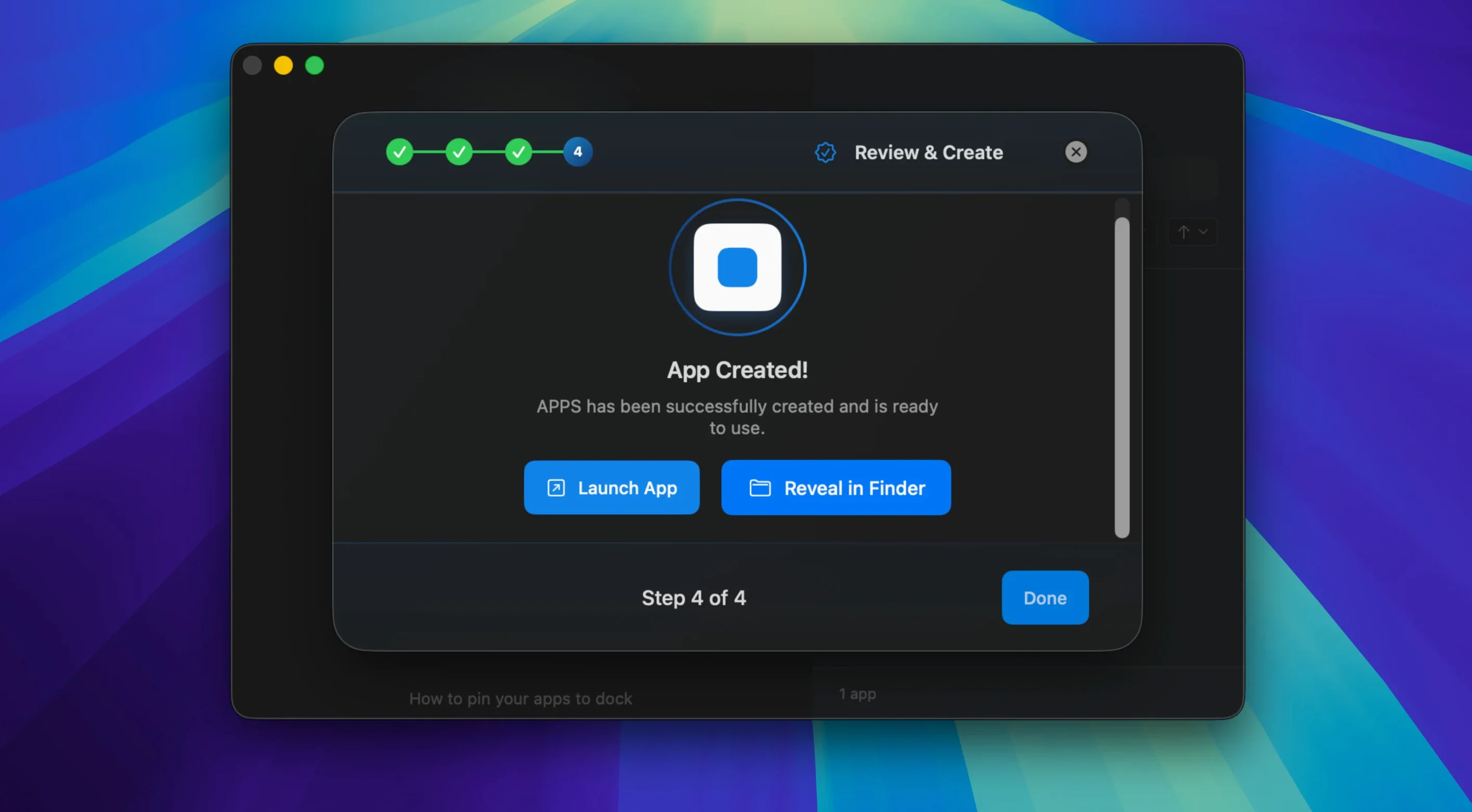
If you live in Safari but keep Chrome around for a few specific web tools, Coherence X gives those tools a proper home on your Mac. Instead of pinning yet another tab, it wraps any site into its own standalone app — complete with a Dock icon, separate settings, and its own browsing profile. Think of it as the next step after Chrome’s ‘Create Shortcut’ menu, but with far more control over how the app behaves.
Each app you create runs on the Chrome engine, which means extensions, profiles, and familiar DevTools all come along. You can edit the URL, swap the icon, or switch between a single-window app and a tabbed layout after the fact. Version 6.1 saves those changes without forcing a full rebuild, so tweaking link routing or appearance feels quick rather than tedious.
What I appreciate is how naturally this slots in next to the other utilities I already use. A project management web app can sit in my Dock beside Things. A web-based invoicing tool launches like a native Mac app, keeping its cookies and logins separate from whatever I am browsing recreationally. It is a small shift in workflow that reduces tab clutter without adding much mental overhead.
Link routing got smarter in this release too. You can now add multiple domains at once, and new routing rules suggest a sensible destination from the start. The app warns you clearly when an extension cannot connect, which saves a few puzzled minutes. If you routinely live inside a handful of web apps, Coherence X makes them feel less like websites you visit and more like tools you own.
Juggling multiple Google accounts without browser chaos
Not every Mac user needs to turn websites into apps. But a few groups keep coming back to Coherence X because it solves a real, daily friction.
People who juggle multiple Google accounts. A separate Workspace profile for work email, another for a side project, and a personal Gmail — each can live in its own app with its own icon and login session. No signing in and out, no accidental cross-posting from the wrong account.
Freelancers and small-shop owners. An invoicing web app, a project board, a time tracker, and a banking portal all get Dock icons. They launch independently, remember their own tabs, and stay out of your main browser where you might be researching or reading. It is the difference between “let me find that tab” and muscle memory.
Designers and front-end developers. You can install Chrome DevTools extensions inside a created app and inspect a production site without mixing it up with your development browser profile. Switching between Standard and Tabbed modes lets you test how a single-page app feels as a standalone window.
Anyone using web tools that feel cramped in a browser tab. A streaming dashboard, a CMS backend, a support queue — these are tools you use all day. Giving them their own space on the Dock and their own coherence download torrent of extensions and settings makes the work feel less like browsing and more like using software.
A Notion work session in its own dedicated Dock app
Here is how a morning might unfold with a handful of Coherence X apps already set up.
- You click the Notion icon in your Dock. The app opens in its own window, logged into your work profile, with the Grammarly extension active. Chrome is not running; this app is self-contained.
- You copy a link from a client email and paste it into a tab inside your tabbed research app — a Coherence X creation that keeps three or four reference sites together under one icon. The link opens instantly because the session is already warm.
- A teammate sends a Figma link in Slack. Your link routing rule catches it: Figma URLs open in your dedicated Figma app, not in the tabbed research app and not in Safari. You do not think about where it goes — it just lands in the right place.
- You realize the icon for your invoicing app is too similar to another Dock icon. You right-click the app, pick Edit, and swap in a clearer image. No rebuild needed — the change takes effect when you next launch it.
- Mid-morning, you need to check a site in incognito mode. You launch your banking app’s incognito variant from the Dock, log in, and close it when done. The session leaves no trace, and your main banking app stays untouched.
None of this required opening Chrome itself. Each app remembered its own tabs from yesterday. Link routing kept URLs from spilling into the wrong windows. It is a quiet, uneventful session — exactly what you want from tools that are supposed to stay out of your way.
Pasting several domains at once when creating a link rule
The headline improvements in 6.1 are subtle, but they remove small frustrations that used to interrupt a session.
Link routing no longer feels like a setup chore. You can now paste several domains at once when creating a rule, and the app suggests a likely destination right away. That means fewer trips back to the settings pane to add one more domain you forgot.
Appearance and routing tweaks save instantly. Before 6.1, changing an icon or adjusting link rules meant waiting through a rebuild. Now the app applies those edits on the fly. You notice this most when you are fine-tuning — swapping icons, testing whether a routed link lands correctly, then adjusting again without losing momentum.
The extension connection is less mysterious. The “Manage in Coherence” button inside the extension now finds the correct app more reliably, and when it cannot connect at all, the app shows a clear message instead of leaving you staring at an unresponsive button. That is the kind of fix that saves a support search or a frustrated restart.
For anyone who hesitated to build more than a couple of apps because maintenance felt clunky, 6.1 lowers that barrier. A coherence torrent of small quality-of-life fixes adds up to a noticeably smoother workflow — especially on days when you are creating and tweaking several apps at once.
Version 6.1 focuses on faster edits and smarter defaults:
- Add multiple domains at once when setting up link routing rules.
- New routing rules now suggest a destination app right from the start.
- Link routing and appearance tweaks save without rebuilding the app.
- A clear message appears when the extension cannot connect.
- macOS 13 or later
- Apple Silicon or Intel Mac
Questions from the stall
Can I edit an app after I create it?
Yes. You can change the URL, icon, window mode, extensions, and link routing rules at any time. As of version 6.1, appearance and routing changes save without needing a full rebuild.
Notes from other shops 0
Sign in or open a shop account to leave a note.
No notes yet. If you've used this on a shop Mac, tell me how it went.