

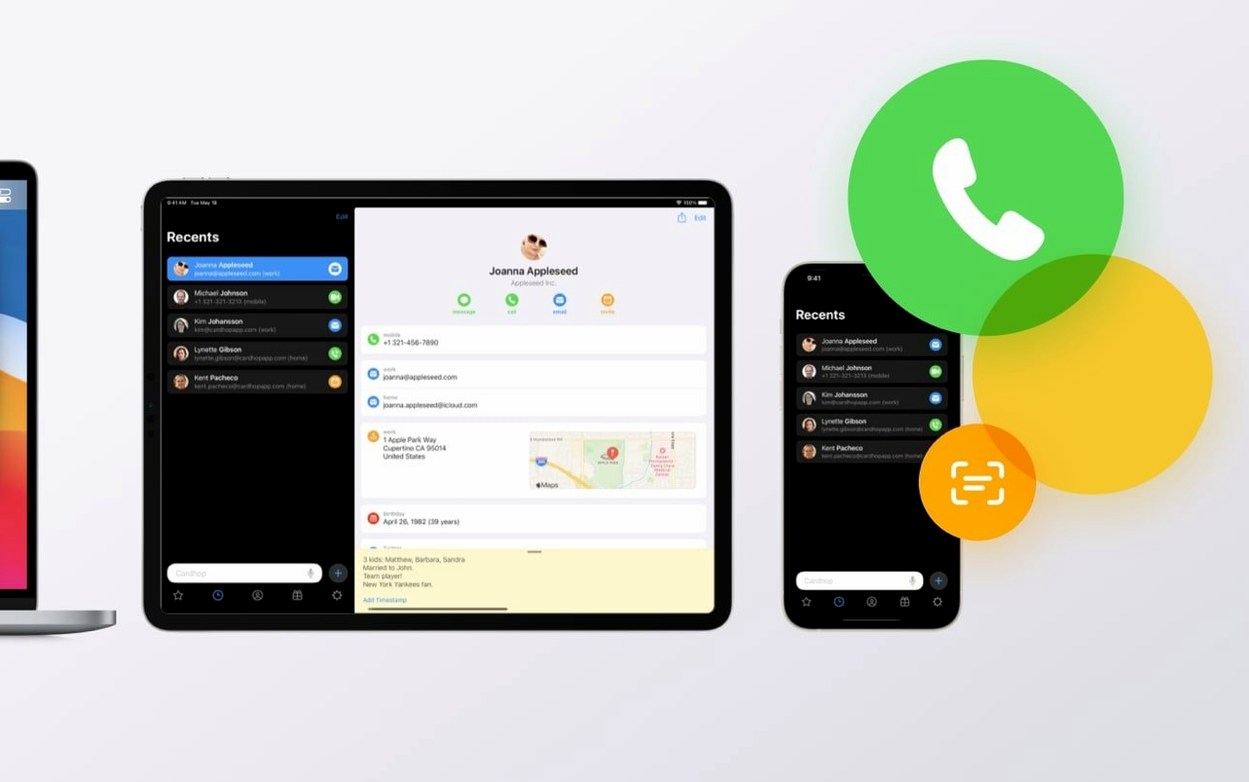


Twenty-two actions sit behind a single search field. That field is the heart of Cardhop—type a name, then tell it what you want to do, and the app parses your command.
- Get to the parser. Click the menu bar icon or hit a keyboard shortcut. The window drops down with a blinking cursor, ready for a name or an action word like “call” or “email.”
- Add or edit without a form. Type “John Smith 555-1212 work note designer” and Cardhop creates the contact, fills the fields, and saves it. Edits work the same way—just type over what’s there.
- Act with a verb. Once a contact is selected, actions like FaceTime, Messages, large type, Telegram, or VoIP are one typed word away. You can also print envelopes and labels straight from a contact.
- Build smart groups. Save a search criteria set as a smart group. It updates itself whenever a contact matches, which is handy for client lists or project rosters that change regularly.
What I’d use it for: keeping a tight client list in the menu bar where I can fire off a call or a quick message without digging through a full address book window. The action extension also lets you work with contacts from anywhere in macOS.
Assign a shortcut that doesn’t fight your other apps
Out of the box, Cardhop picks sensible defaults, but a couple of tweaks make it fit tighter into a workday. Open preferences and visit the General tab first.
- Keyboard shortcut. The default hotkey works, but if you already use it for something else—Spotlight, a launcher, whatever—swap it immediately. A combo you can hit without looking keeps the menu bar app feeling instant.
- Default action. Set what happens when you press Return on a contact. For most small-business use, “Call” or “Email” makes more sense than showing the contact card. Pick whichever you do most often.
- Theme. Light and dark are both here. If your Mac switches appearances on a schedule, Cardhop follows it automatically, but you can lock one if you prefer a consistent look in the menu bar drop-down.
- Birthday reminders. Turn these on and set how far ahead you want the nudge. Good for remembering client milestones or supplier relationships without a separate calendar entry.
- Recent contacts count. Adjust how many recent contacts show in the sidebar. Keep it short if you want speed; bump it up if you bounce between a dozen people all week.
Search now digs up project codes buried in notes
Version 2.4.8 tightened several things that were minor annoyances if you ran into them. The search improvements for text sequences in notes mean you can now find a contact by a phrase buried in the notes field—like a project code or a coffee order you scribbled months ago. Paste an email address into a contact field and the handling is cleaner now, with fewer formatting hiccups.
HEIC and TIFF images finally behave properly when you set a contact picture or attach a photo, so iPhone shots and scanned logos drop in without conversion steps. A fix for missing directory results matters if you search across Exchange or Google directory accounts—results that sometimes vanished now show up reliably. And if you use Shortcuts, property labels no longer appear wrong, which means your automations pull the right phone number or address field instead of guessing.
The import fix is one of those silent improvements you appreciate when merging a vCard into an existing contact and it just works instead of failing halfway through.
Talk to the parser like a person, not a database
Most stumbles with Cardhop come from overthinking the parser. It wants plain language, not structured queries. Type email Sarah about Wednesday lunch and it figures out the rest. Don't try to format it like a database command.
Another common one: ignoring the notes field as a search target. People stuff useful context in notes—project names, spouse names, parking instructions—and then search only by the contact's actual name. The parser digs through notes too, so lean on that.
Beginners also forget they can edit contacts without opening a separate window. Select someone, start typing the corrected info right over their name and details, and hit Return. It's faster than hunting for an edit button.
Finally, not pinning Cardhop to launch at login. As a menu bar app, it earns its keep by being always available. Set it to open on startup and you'll actually use the keyboard shortcut instead of forgetting the app exists.
A few fixes that make the search smarter and Shortcuts more reliable:
- Search results now handle specific text sequences in notes better.
- Pasted email addresses are parsed more reliably.
- HEIC and TIFF images work properly as contact pictures and attachments.
- Contact-card imports no longer fail in certain edge cases.
- Property labels show correctly in Shortcuts.
- Missing directory results are back where they belong in searches.
- macOS 11 or later
- Runs on both Intel and Apple Silicon Macs
Notes from other shops 0
Sign in or open a shop account to leave a note.
No notes yet. If you've used this on a shop Mac, tell me how it went.