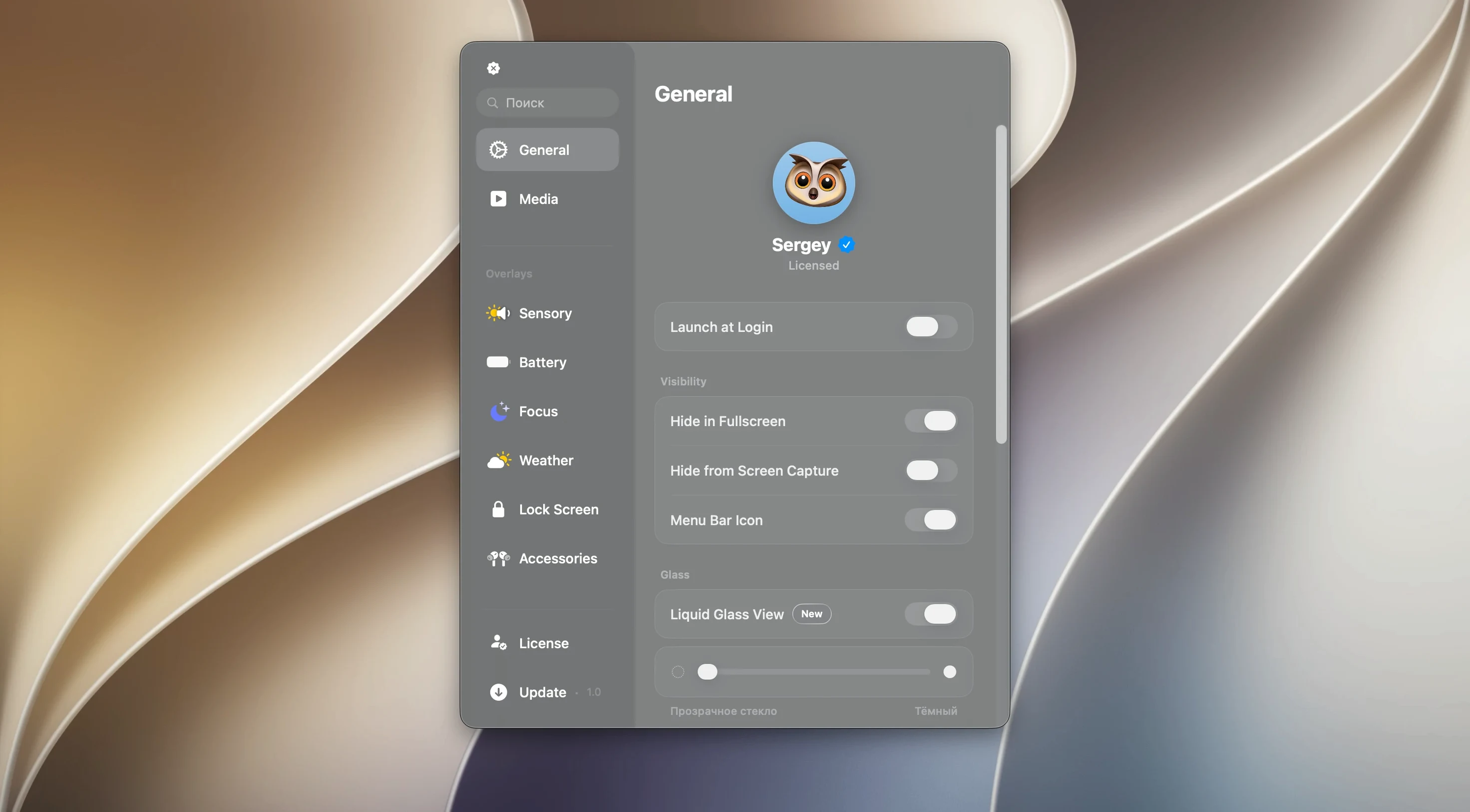
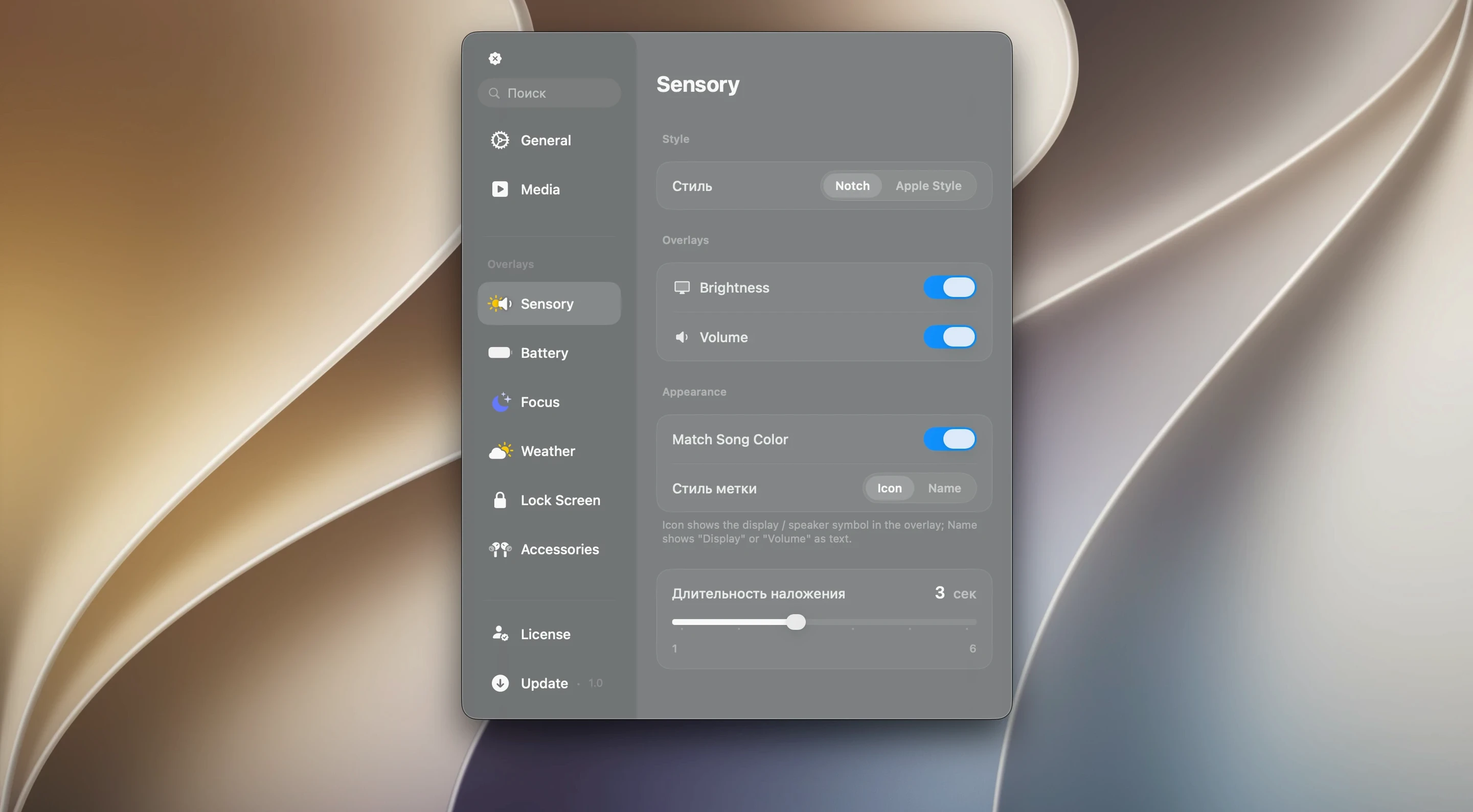
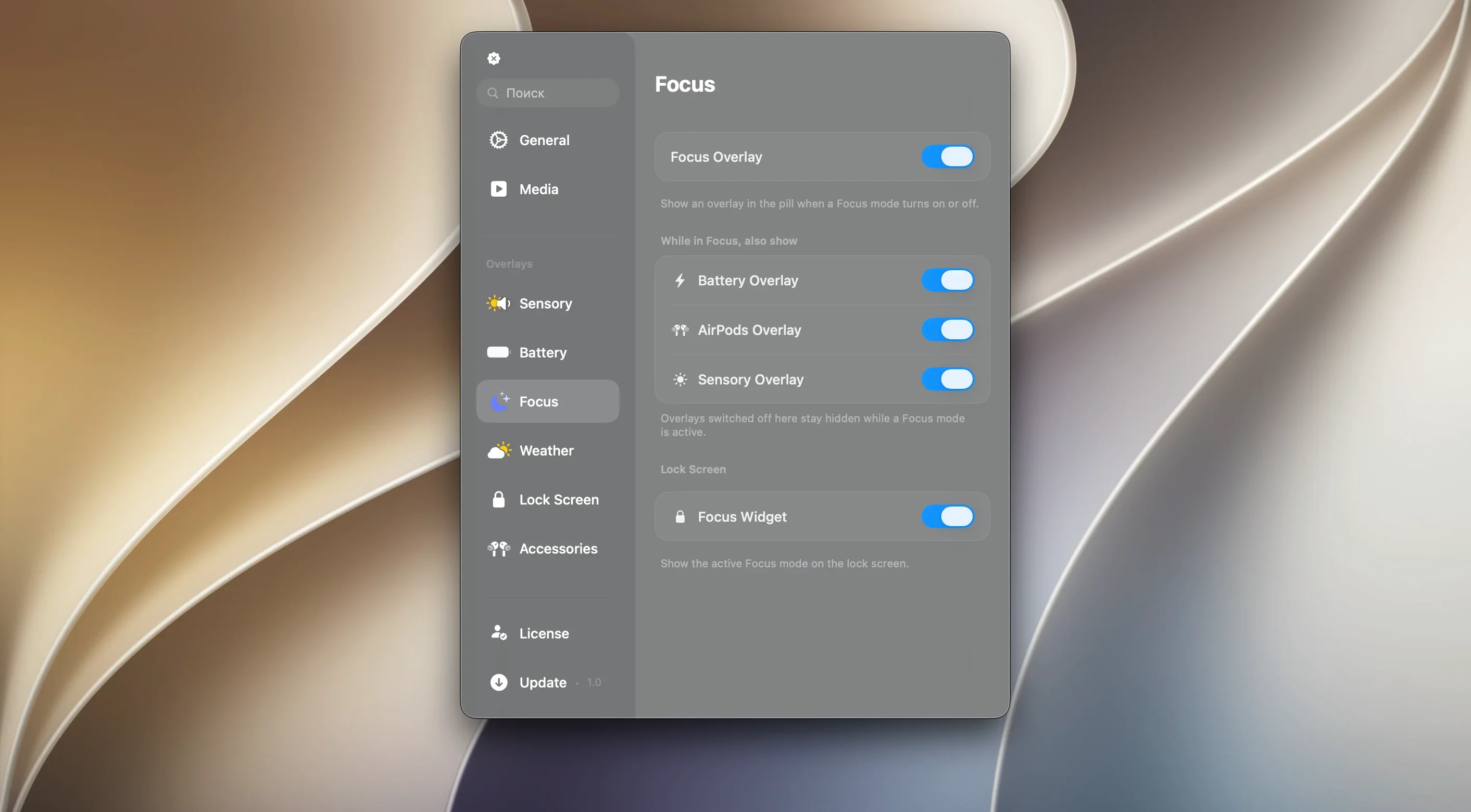
The Liquid Glass effects are what sold me. Canopy's panel doesn't just sit there — it catches the light with a translucent shimmer that feels properly at home on the desktop. It turns the notch or menu bar into something you actually glance at on purpose.
Check a calendar event
Tap the panel and your next event slides out. No digging through the Dock, no losing your train of thought.
Glance at playback
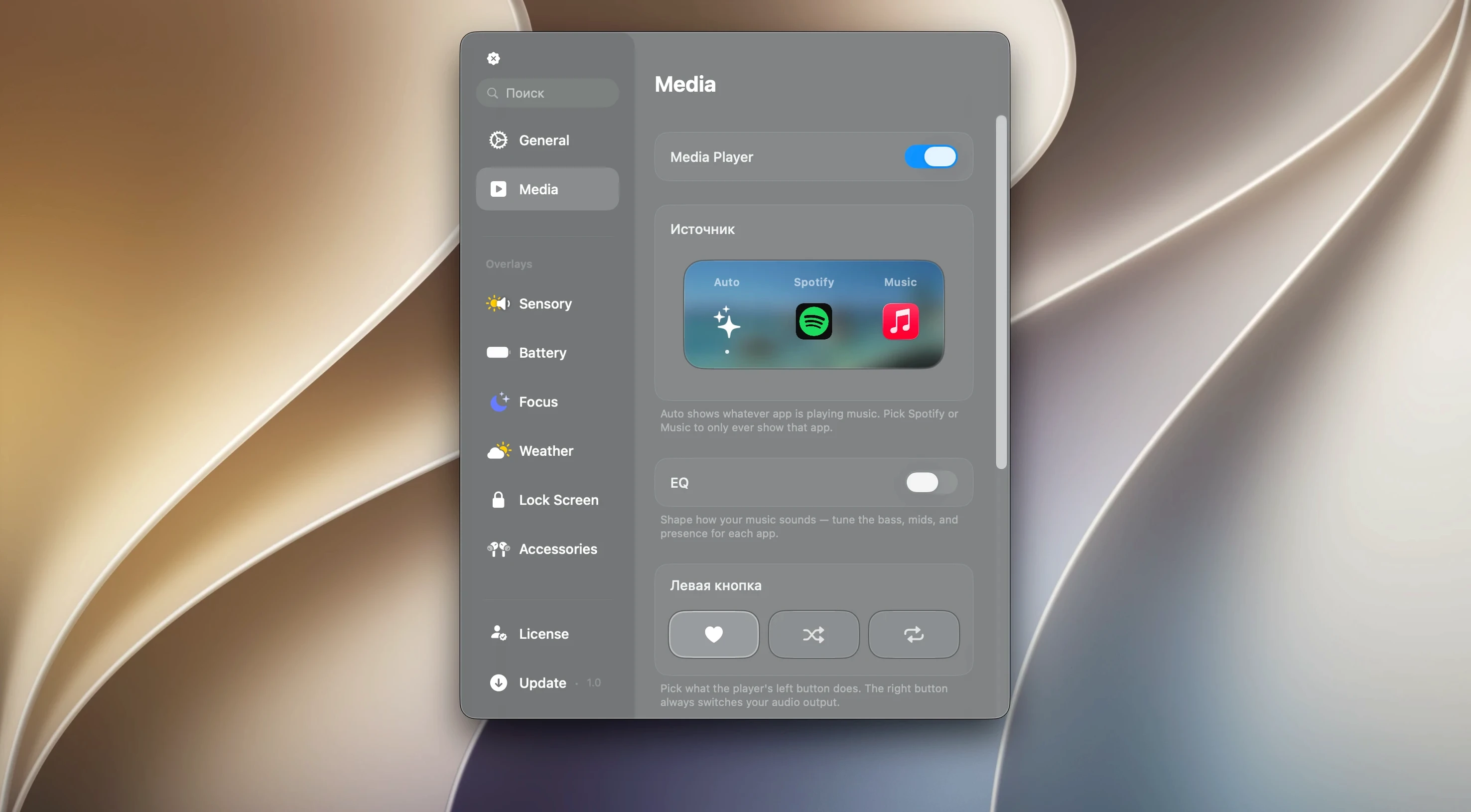
Music controls and track info live right in the interactive strip. Skip a song or pause without switching windows — the kind of small win that stacks up over a workday.
Keep the screen edge clean
On a Mac without a notch, Canopy creates a slim floating widget up top. It stays out of the way but keeps notifications and controls one click closer than the Notification Center.
Will Canopy slow down an older Mac?
Will this slow down an older Mac? People worry about that, and it's fair. Canopy runs light — it's a panel, not a full app with a heavyweight render pipeline. It sits quietly in the menu bar and draws only what it needs. On an Intel machine that's a few years old, you might notice a tiny blip the first time a Liquid Glass animation fires up, but after that it settles. On Apple Silicon it's barely a footnote in Activity Monitor.
Does it clash with other menu bar apps? It plays nicely with Bartender, Hidden Bar, and the usual suspects. The panel claims a spot in the notch area or floats above the screen edge — it doesn't shove icons around. If another app already occupies the notch zone, Canopy layers intelligently. Worst case, you drag the panel to a different position in the preferences, and that's it.
What if I don't have a notch? That's the clever bit. On a notch-less Mac — think iMac, Mac mini display, an older MacBook Air — Canopy builds its own floating widget at the top of the screen. Same controls, same Liquid Glass finish. It's not a second-rate version; it's the same panel, just anchored differently. Some people actually prefer the floating look on a clean bezel.
Does it need always-on screen recording permissions? No. Canopy reads system events for music and notifications, not pixels. The permissions it asks for are focused: notifications access so it can mirror alerts, and media controls so the playback buttons actually work. You'll see a standard macOS prompt on first launch. Grant what you want, skip what you don't — skipping notifications just means fewer alerts in the panel.
Starting the day with your first calendar event in the notch
You sit down at 8:45 with coffee. Canopy's already running — it launched at login because you toggled that in its settings. The panel glows faintly in the notch, showing your first calendar event at 9:00. You tap it out of habit. A small detail sheet slides down: the meeting title, the Zoom link, the time remaining until it starts. No need to open Calendar.
By 9:30 the meeting is running. You're sharing your screen, and a Slack notification would normally pop up awkwardly for everyone to see. Canopy catches it instead. A subtle banner unfurls inside the panel — preview text, sender name, a "Reply" button. You ignore it for now. It fades after a few seconds. Nobody on the call saw a thing.
At 11:00 you put on some background music. The panel shows a track thumbnail, artist, and a scrubber. You skip a song with a tap — the media controls are live and responsive. The animation is quick, a soft bounce on the button press. No switching to the Music app, no Control Center slide-out.
Lunchtime. You set a 25-minute timer from the panel's quick-action menu. The countdown sits in the notch, ticking down. When it hits zero, a gentle chime plays — Canopy uses its own sound, not the system alert, so it's less jarring. You glance up, acknowledge the timer, and it's done.
Afternoon brings a system alert: low battery. Canopy flashes a small amber indicator with the percentage. You plug in, the indicator turns green, and the panel returns to your calendar. That's the rhythm of it — interruptions handled in context, not in a separate pop-up layer.
Granting every permission without reading
Granting every permission without reading. Canopy asks for what it needs, and macOS is clear about each one. Some people hit "Allow" blindly and then wonder why their notifications appear in two places. The fix is easy: pick which apps feed into Canopy in the settings pane. You don't need everything mirrored. Some folks keep work Slack in Canopy and let personal iMessages stay in Notification Center.
Expecting the panel to replace the menu bar entirely. It doesn't. Canopy shows notifications, media, timers, and calendar — not Wi-Fi, not battery percentage on a Mac with a notch. You still need the menu bar for that stuff. New users sometimes close Bartender or hide the menu bar, then get confused. Leave the menu bar visible. Think of Canopy as a companion strip, not a replacement.
Tapping the panel too hard or too fast. The panel responds to clicks, not frantic double-taps. New users coming from iPhone sometimes jab at it. A single deliberate tap opens the detail view. A swipe dismisses it. If you're tapping and nothing happens, slow down — it's not a touchscreen, it's a mouse-target area, and macOS interprets rapid clicks differently.
Not pinning the floating widget on notch-less Macs. On a display without a notch, Canopy's widget floats and can be dragged. Beginners sometimes accidentally nudge it to a weird spot — halfway down the screen edge, or tucked behind another window. If it vanishes, check the "Reset panel position" button in preferences. It snaps right back.
Panel not showing up after install
The panel doesn't appear after install. First thing: check Launchpad. The app sometimes doesn't auto-open after dragging to Applications. Launch it once manually, and from then on it'll behave. If it's running but invisible, look for a tiny dot in the notch area — it may have collapsed. A click on the notch or menu bar strip expands it. On a Mac with a notch, the canopy notch area is small; make sure your cursor is right on it.
Music controls show nothing. This usually means Canopy hasn't been given media permissions, or the music app hasn't played anything since launch. Open Apple Music or Spotify, hit play, then click the panel. If it's still blank, quit Canopy and reopen it. The media hook sometimes needs a fresh start after granting permissions.
Notifications are doubled. You're seeing the same alert in Canopy and in Notification Center. Open Canopy's preferences, go to the Notifications tab, and uncheck the apps you don't want mirrored. It won't stop the original alert — macOS handles that — but it stops Canopy from showing a duplicate. Some people prefer the opposite: turn off Notification Center banners for certain apps and let Canopy handle everything. Either way works.
The Liquid Glass effect looks glitchy or lags. If you're on a Mac with an older GPU, the translucent shader can stutter. In Canopy's Appearance settings, there's an option to reduce the effect intensity or switch to a solid background. It still looks clean — just less glassy. This is also the fix if you're screen-sharing and the transparency confuses the recording software.
Canopy won't quit. It's designed to stay running, but if you need to close it, don't just right-click the panel — open the app's menu bar icon (the small Canopy icon on the right side of the menu bar) and choose Quit. If the icon is hidden by other menu bar apps, hold Command and drag to rearrange them until you see it
- macOS 26 or later
- Works on Apple Silicon and Intel 64-bit Macs
Questions from the stall
What does Canopy do on a Mac that doesn't have a notch?
It places a floating interactive widget at the top of the screen so you still get the same Dynamic Island-style controls and notifications.
Notes from other shops 0
Sign in or open a shop account to leave a note.
No notes yet. If you've used this on a shop Mac, tell me how it went.