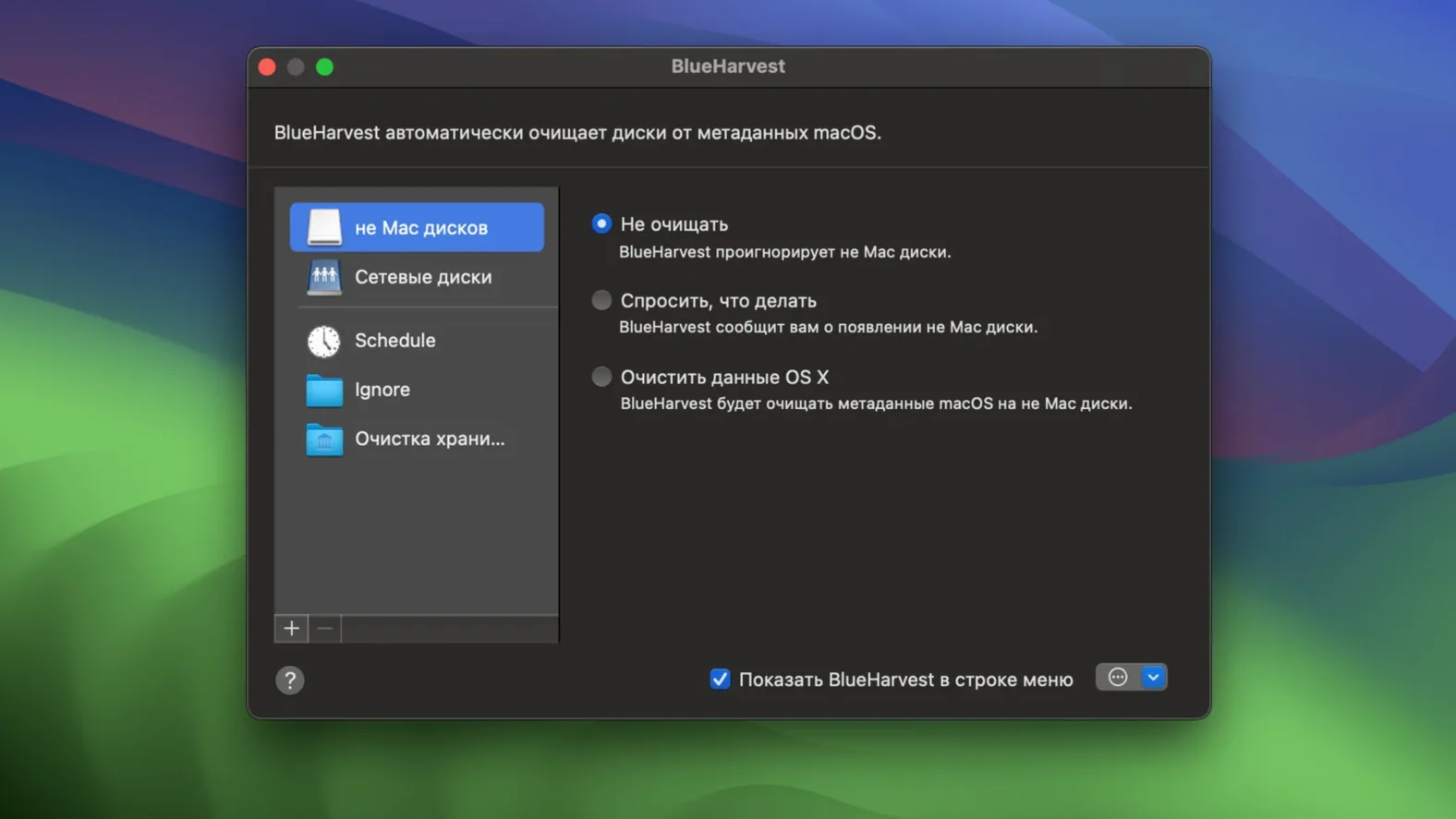
macOS likes to leave little housekeeping files on every drive it touches. Open a USB stick on a Mac, and you get .DS_Store files, ._ AppleDouble files, .Spotlight and .Trashes folders. They're invisible on the Mac, but they clutter network shares and confuse Windows and Linux machines. BlueHarvest fixes that by deleting these items as they are created or changed.
Shared drives stay free of macOS junk
- People who share drives or folders with Windows or Linux users
- Keeping network shares and removable drives free of macOS clutter
- Anyone who wants a background cleanup tool rather than manual tidying
- Small shops that move files between Macs and other systems
Full Disk Access unlocks hidden folder cleanup
- Deleting .Spotlight and .Trashes folders needs Full Disk Access
- Version 8.4 added __MACOSX folder deletion, off by default
- Runs on Intel 64-bit Macs, not Apple Silicon
When permissions block deletion
Most issues come down to permissions. If BlueHarvest can't delete certain items, the first stop is System Settings → Privacy & Security → Full Disk Access. Without it, .Spotlight and .Trashes folders will stick around because macOS blocks third-party apps from touching them. Version 8.4 improved error reporting here, so the app now tells you more clearly why a deletion failed — look for the details in its log when something won't budge.
Another hiccup: disks not ejecting cleanly. The "Clean and Eject" feature got a reliability bump in 8.4, but if a drive still refuses to let go, check that no other app has files open on it. Even a Finder window lingering on the disk can hold it hostage. Quit anything that might be peeking at the volume, then try again.
If you're sharing drives with Windows machines and still seeing __MACOSX folders, remember that deletion is off by default. You'll need to flip that switch in the preferences for each disk you want to protect. It's a one-time setting per volume, and it stays put once configured.
Not every disk gets cleaned automatically
A classic slip is assuming BlueHarvest has your whole Mac covered from the first launch. It doesn't — you point it at specific disks or folders. New users sometimes install it, forget to add their external drives, and wonder why the .DS_Store files keep appearing on their USB sticks. The preference pane lists every mounted volume; tick the ones you actually want cleaned.
Another one: hiding the menu bar icon on the non-App Store version, then losing track of whether the app is running. BlueHarvest is quiet by design, but it's still doing its job in the background. If you want to check what's being deleted, keep the icon visible for the first week or two while you get a feel for it.
Turning on __MACOSX deletion without understanding what those folders are can also cause head-scratching. Some archives and cross-platform projects legitimately use them. If you work with macOS-created zip files that you plan to share, test the setting on a single disk first before rolling it out everywhere. BlueHarvest won't warn you — it just cleans.
Background watcher sips system resources
In daily work, BlueHarvest is practically invisible. It sits in the background using a sliver of CPU, only waking up when a new metadata file pops onto a watched disk. On an Intel Mac running a small shop's worth of file transfers — photos to an external drive, invoices to a network share — you won't feel it. Memory usage stays low, typically under 30 MB on my machine, which is negligible even on older hardware.
The app's real strength is how it handles bursts of activity. Plug in a cluttered USB drive and it sweeps through the existing .DS_Store and ._ files in seconds, then shifts back to idle. I've never seen it beachball or stall Finder during a cleanup pass. The one thing to note: if you're working with very deep folder hierarchies on a slow FAT32 drive, the initial cleanup can take a moment. That's the disk speed, not BlueHarvest — the app's own processing is snappy.
Stability has been solid across months of use. Version 8.4's improvements to error handling mean it no longer silently fails on stubborn items; it logs the problem and moves on without hanging. For a utility that quietly deletes thousands of tiny files a week, that kind of reliability is what makes blueharvest macos a set-it-and-forget-it tool in a busy workshop.
8.5.1 rolls in the latest fixes and refinements so nothing extra hitches a ride on your external drives.
- macOS 10.15 (Catalina) or later, with 10.15.4 or newer recommended
- Intel 64-bit processor
Questions from the stall
What does BlueHarvest actually remove?
It removes macOS metadata files like .DS_Store and ._ AppleDouble files from internal, network, and removable drives, either as they appear or on demand.
Can BlueHarvest delete .Spotlight and .Trashes folders?
Yes, when you grant the app Full Disk Access in macOS, it can delete .Spotlight and .Trashes folders along with other metadata.
Does BlueHarvest work on Apple Silicon Macs?
The current version runs on Intel 64-bit Macs, so it is not a native Apple Silicon build.
Notes from other shops 0
Sign in or open a shop account to leave a note.
No notes yet. If you've used this on a shop Mac, tell me how it went.