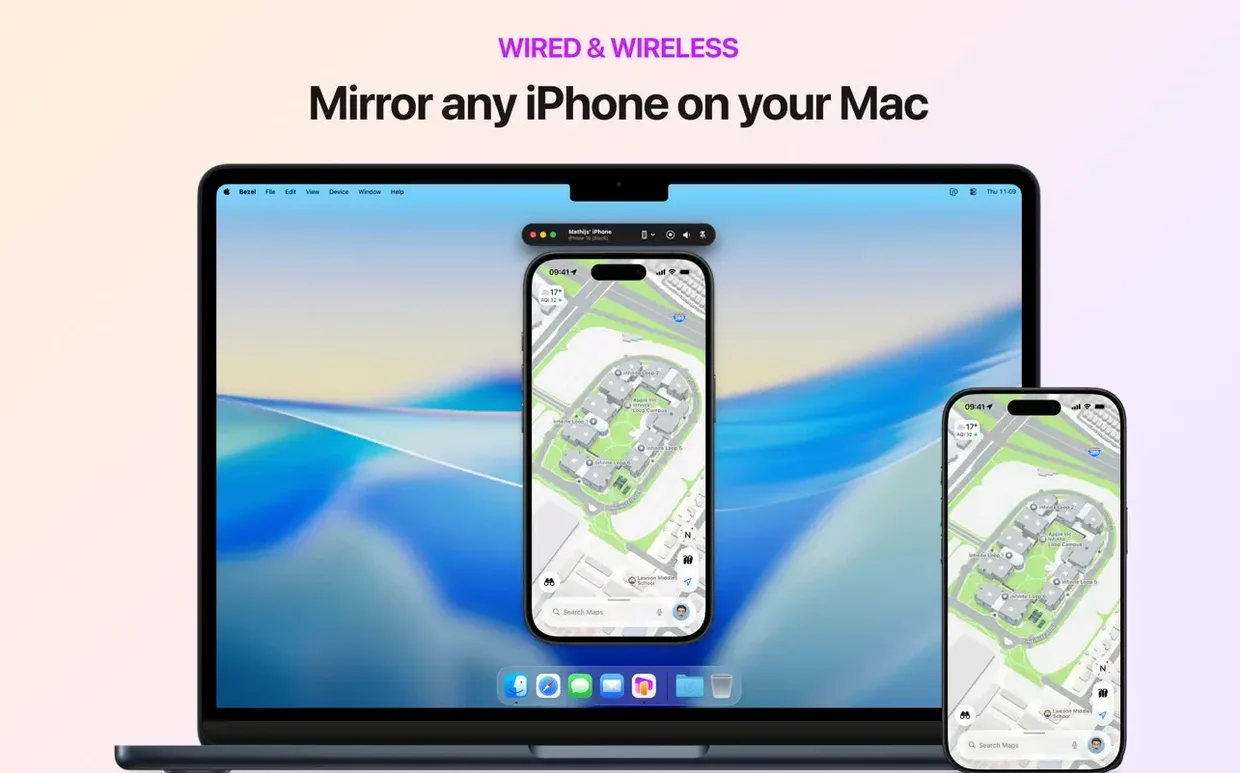
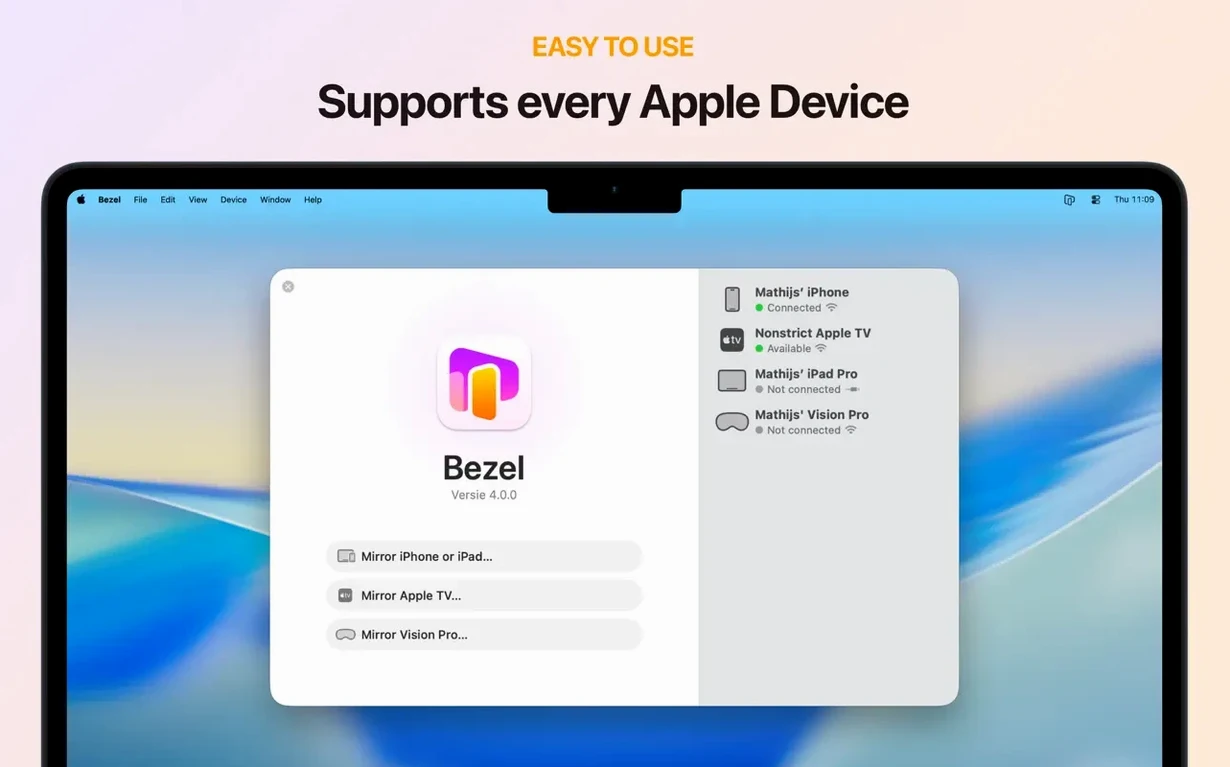
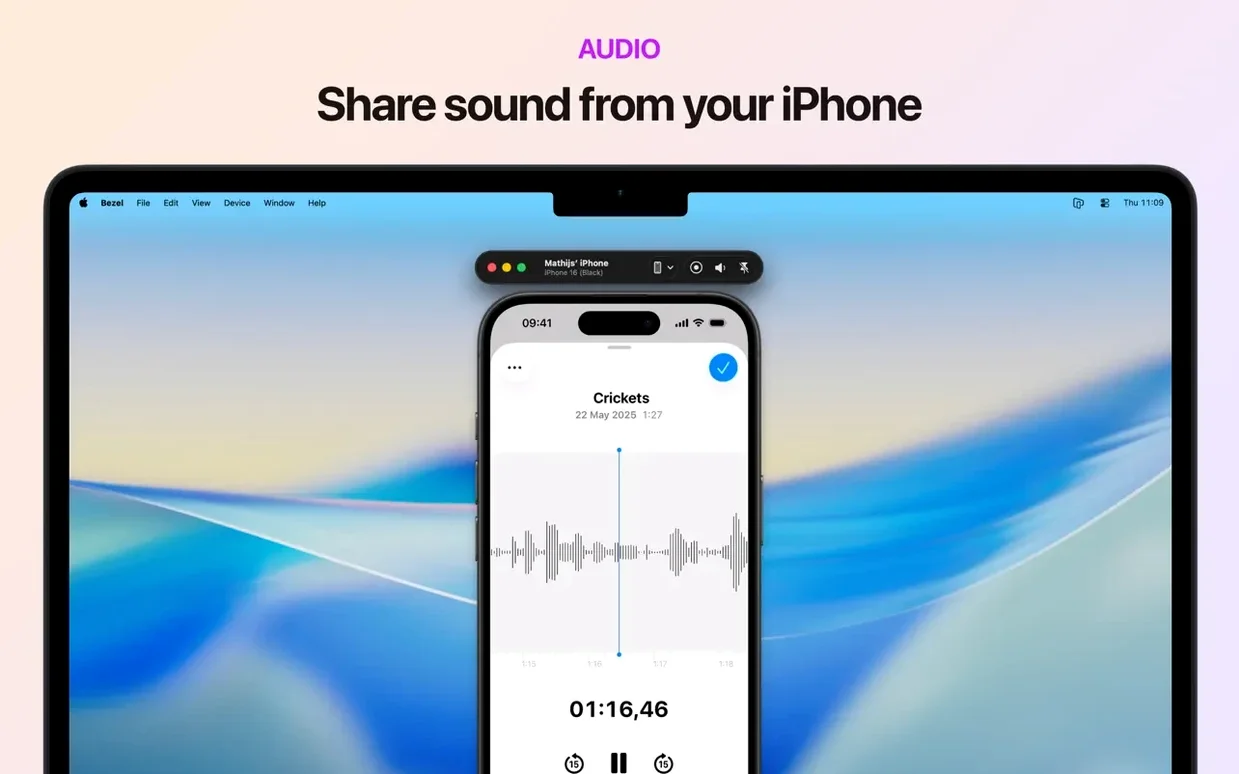
It mirrors up to one device at a time, over a cable or Wi-Fi, at full 60 fps. The questions below cover what most people want to know before they set it up.
Wired or wireless — how stable is the connection?
Plug in a USB cable for zero-latency mirroring that never drops during a presentation. Wireless mirroring is available too, handy when you need to move the phone around a room without a tether.
What can I record with it?
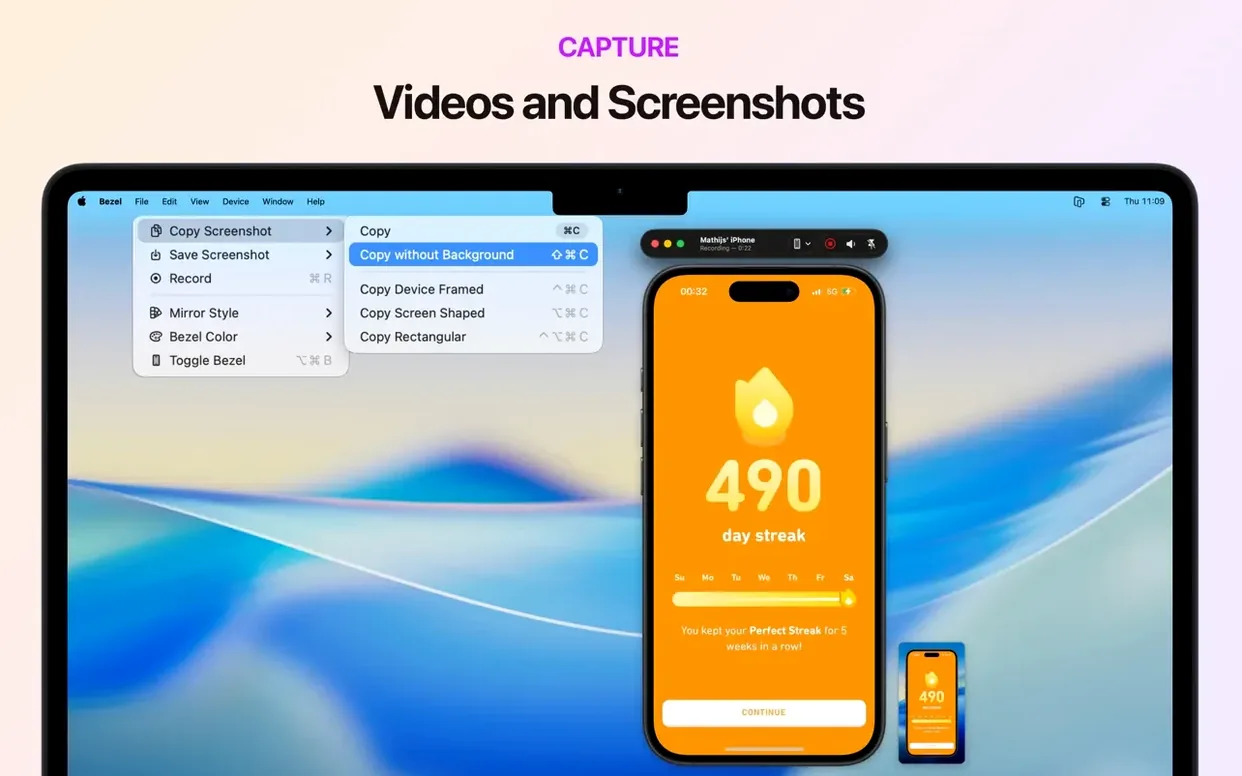
Any mirrored screen — iPhone, iPad, Apple TV, or Vision Pro — can be captured as a clean video file. Use it for app demos, bug reports, or quick tutorial clips without reaching for a separate capture card.
Does it work on older Macs?
It runs on Apple Silicon and 64-bit Intel Macs on macOS 14 or newer. Hotkeys are available for virtually every feature, so you can start or stop a recording without touching the mouse.
Day-to-day feel and resource use
Bezel doesn't try to be a do-everything media hub — it sits quietly in the menu bar and does its one job fast. On an M1 MacBook Air with 8 GB of RAM, mirroring an iPhone over USB barely nudges the CPU above single digits. The mirror view runs at a clean 60 fps, and clicks land exactly where you'd expect them, no mushy lag when you're demonstrating a gesture-driven app.
Wireless mirroring is more sensitive to your network. On a congested 2.4 GHz band you might see a frame hitch now and then, but switching to 5 GHz or dropping onto a wired Ethernet Mac smooths it right out. The app detects sleep and lock states and pauses the mirror automatically — one less thing to think about when you walk away from the desk between sessions.
Memory use stays modest. Even with a recording running, I rarely saw it climb past 150 MB. That leaves plenty of headroom for a screen recorder, a browser with twenty tabs, and whatever else your workday throws at it.
Tahoe-ready now, ahead of upgrade season
The jump to 5.1.0 brought a few practical shifts worth knowing about:
- macOS 26 Tahoe support. If you're testing early builds or planning an upgrade cycle, Bezel is already ready. No waiting for a compatibility patch the week a new OS drops.
- Liquid Glass design. The window chrome and toolbar got a visual refresh that matches the latest Mac aesthetic. It's a surface-level change, but it makes the app feel less like a utility and more like part of the system. Translucent panels and softer edges throughout.
- Wireless mirroring. This one's functional, not cosmetic. You can now mirror an iPhone or iPad without plugging in, which changes how people use it for walk-around demos or when the Lightning port is already occupied by a charging stand.
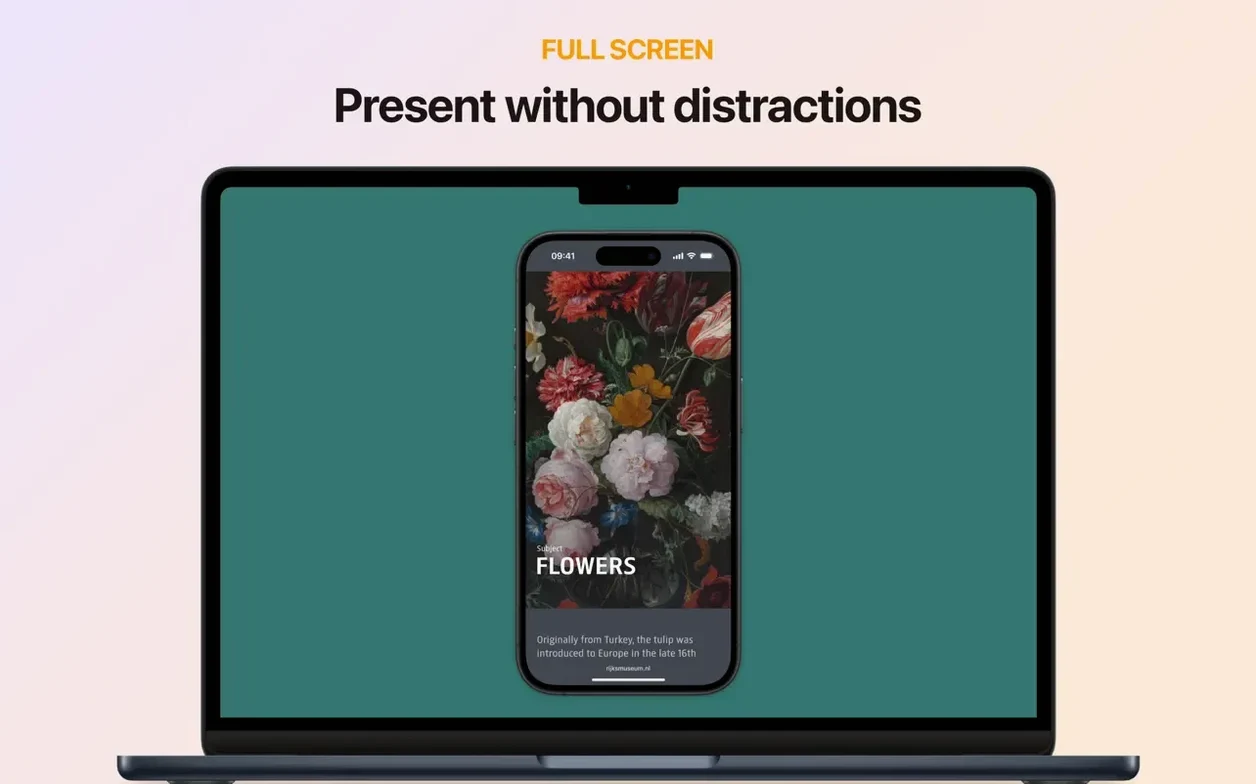
Tip: if you're projecting a device live and want the audience to see only the mirror — no toolbar, no window frame — pair the wireless mirroring with the full-screen toggle. It looks like the phone is floating on the projector.
A few things people ask before installing
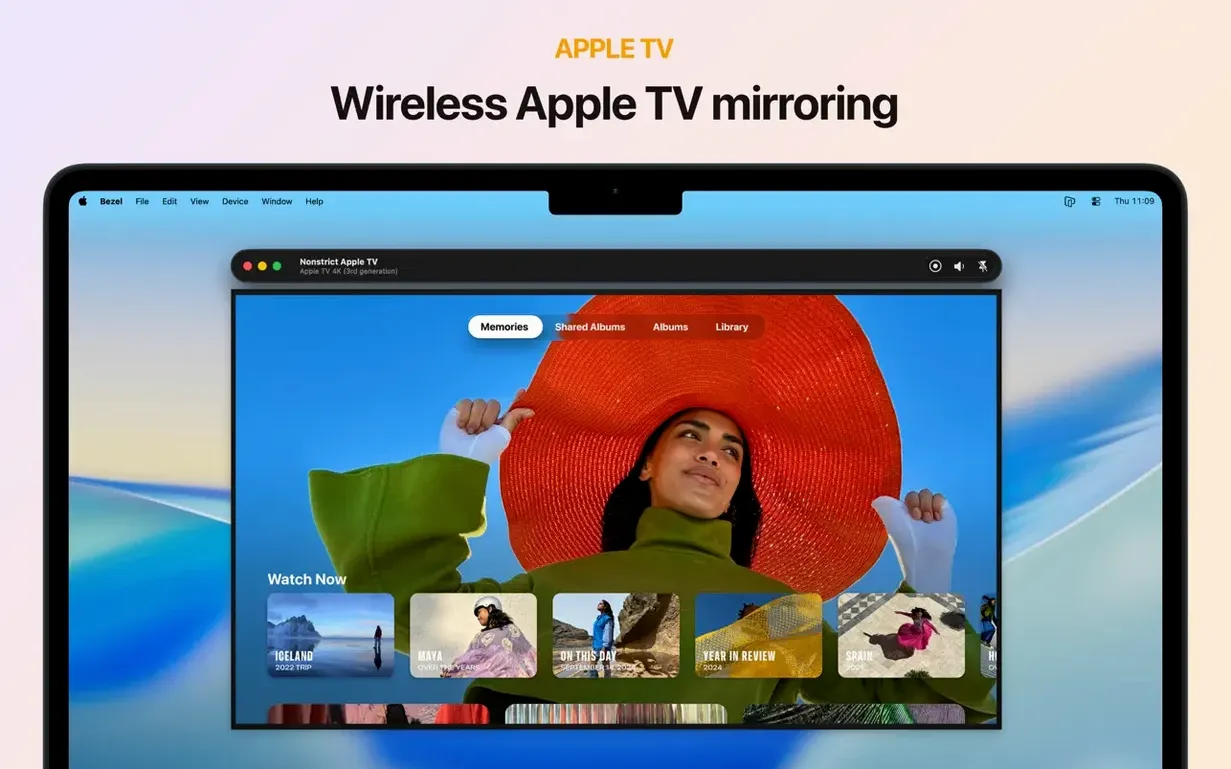
Will it mirror an Apple TV too?
Yes. Select it from the nearby-devices menu and the Mac becomes a display for the set-top box. Useful for capturing tvOS app behavior or recording a walkthrough without a dedicated capture card in the living room.
Does keyboard input pass through to the mirrored device?
The app mirrors what's on screen; it doesn't forward Mac keyboard input to the iPhone or iPad. For typing, you'll still tap on the device itself. For presentations, that's usually what you want — it keeps the interaction authentic.
What about a bezel phone mirror mac torrent — any gotchas?
People sometimes search for a bezel phone mirror mac torrent thinking they'll save time. The real app installs in seconds from a mounted disk image, needs no activation, and works across ARM and Intel Macs without extra steps. There's no serial number to lose and no crack to break with the next macOS update.
Can I run it on a second display while presenting?
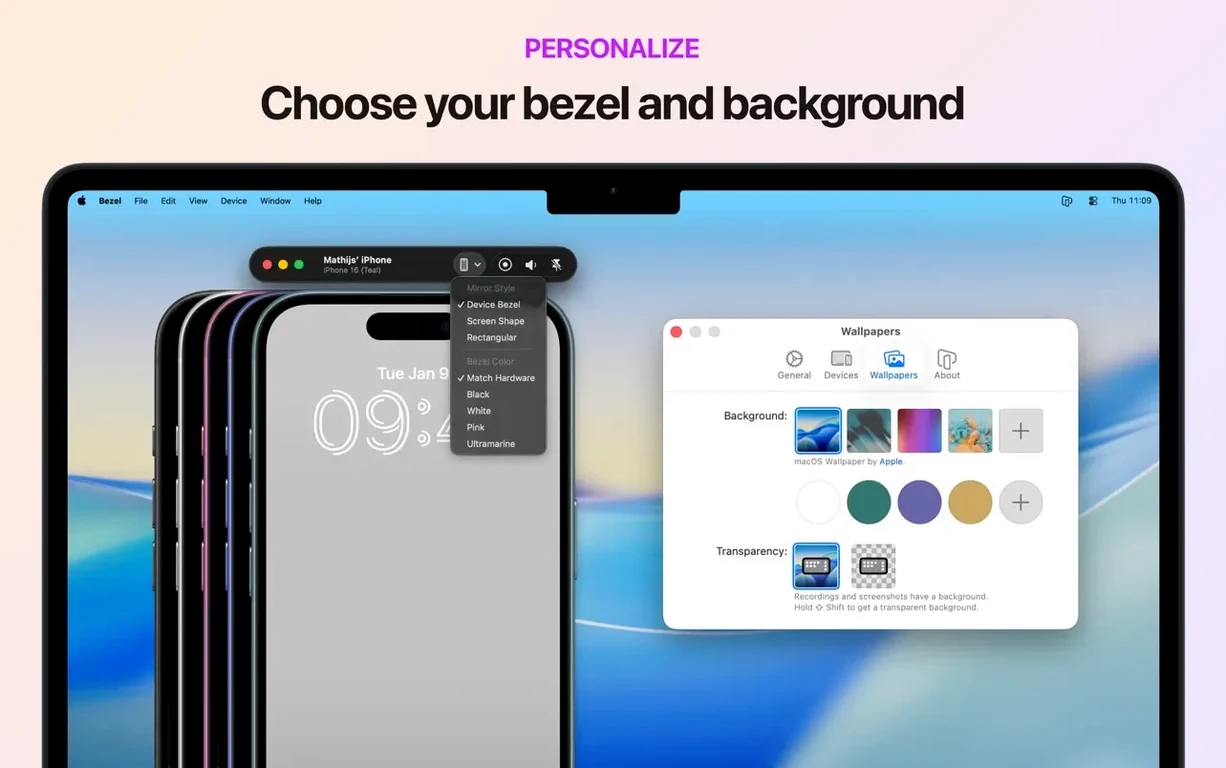
Absolutely. Drag the mirror window to an external monitor or projector, go full-screen, and the audience sees only the device. Your Mac screen stays free for notes, scripts, or a teleprompter. The mirror display size adjusts with a slider, so you're not stuck with one fixed scale.
- macOS 14 or newer
- Works on Apple Silicon and Intel Macs
Questions from the stall
Can Bezel mirror an Apple TV or Vision Pro?
Yes, it supports mirroring from iPhone, iPad, Apple TV, and Vision Pro over a wired or wireless connection.
What Mac hardware does Bezel need?
It runs on any Mac with Apple Silicon or a 64-bit Intel processor that has macOS 14 or later installed.
Notes from other shops 0
Sign in or open a shop account to leave a note.
No notes yet. If you've used this on a shop Mac, tell me how it went.