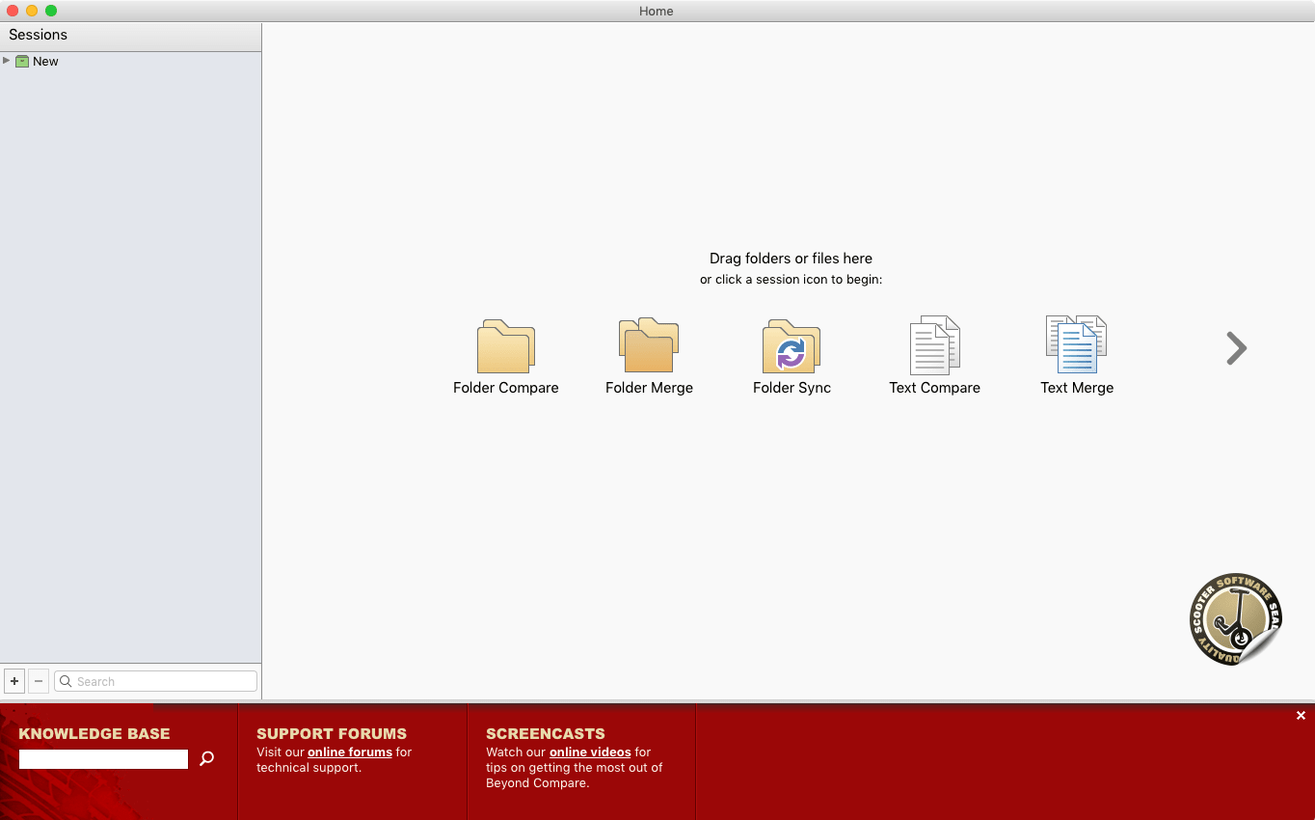
Beyond Compare is for anyone who manages versions of files, keeps folders in sync, or just needs to find what changed between two sets of data. It’s used by writers, coders, photographers, and small shop owners who want a clear visual way to compare folders side by side and merge what’s different.
Spot differences in a product catalog update
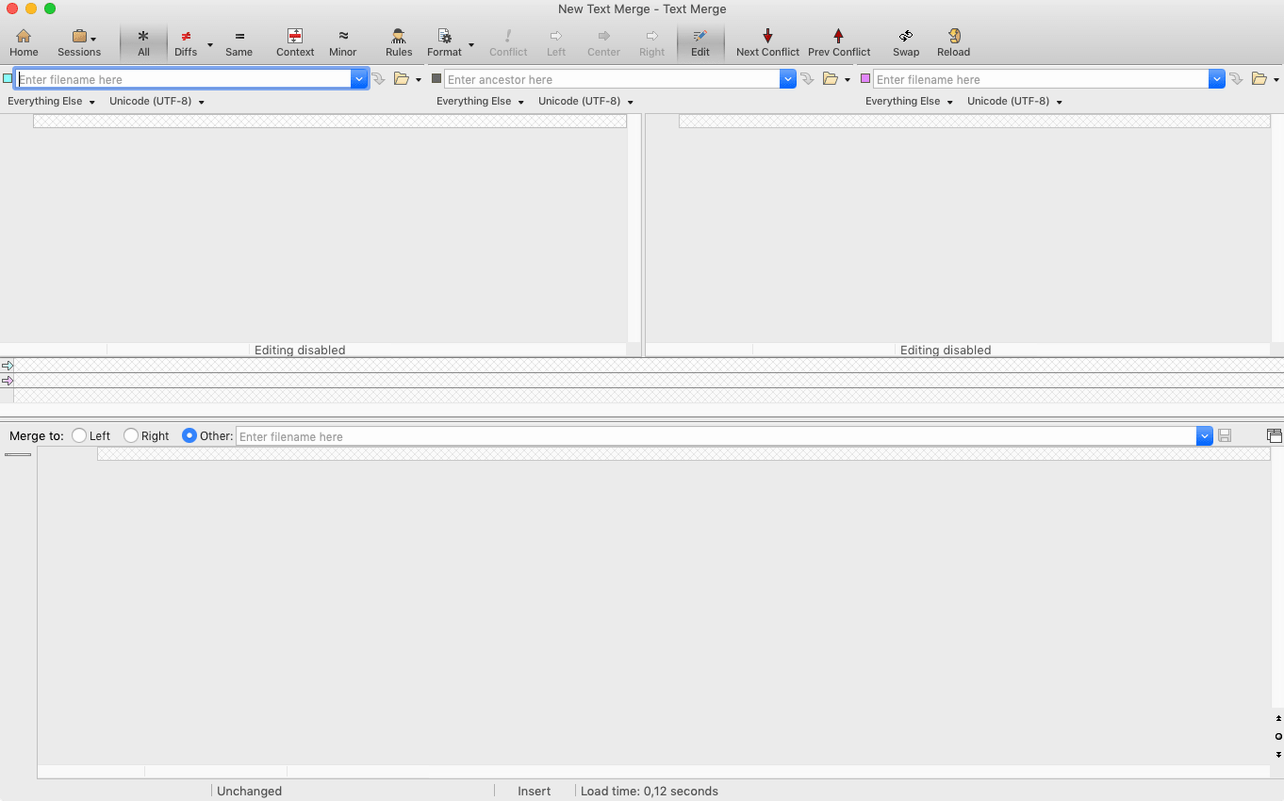
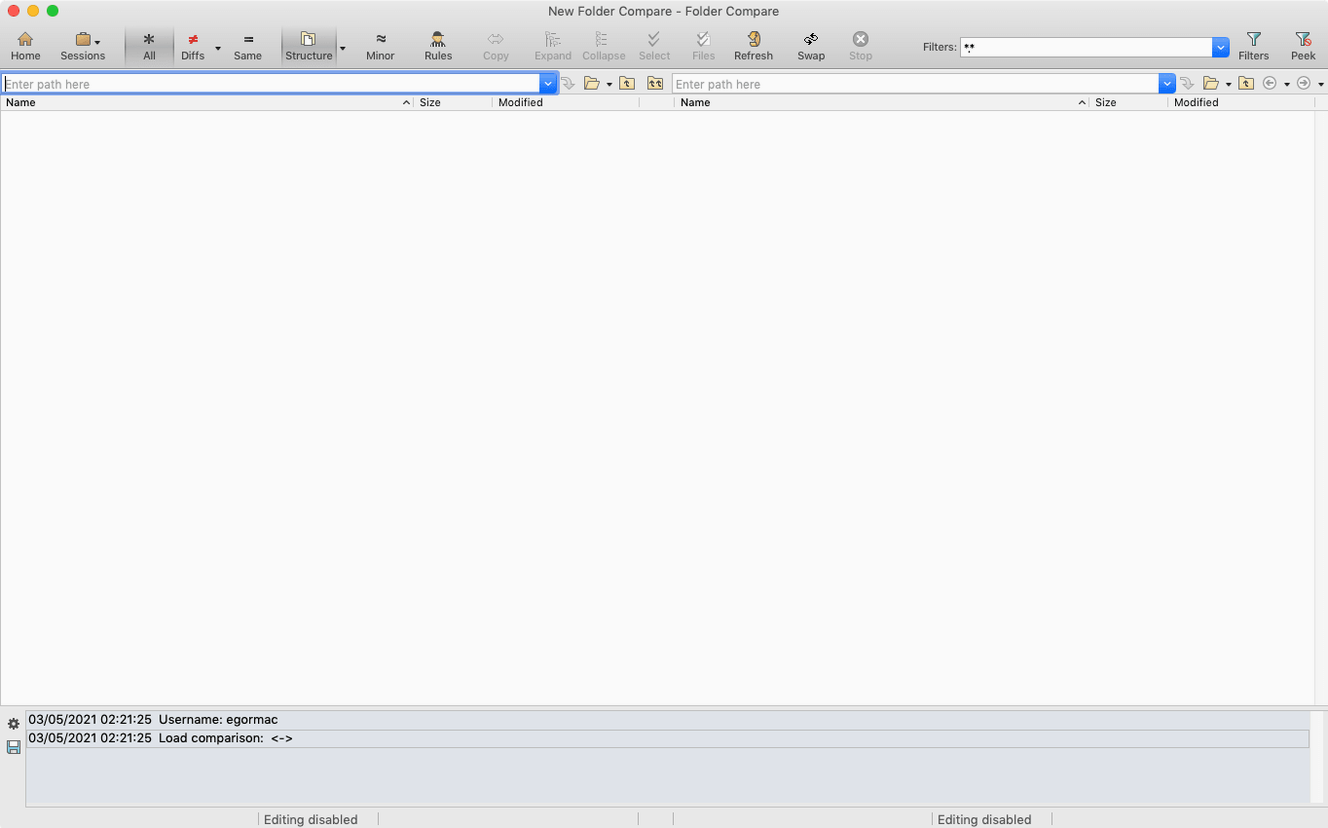
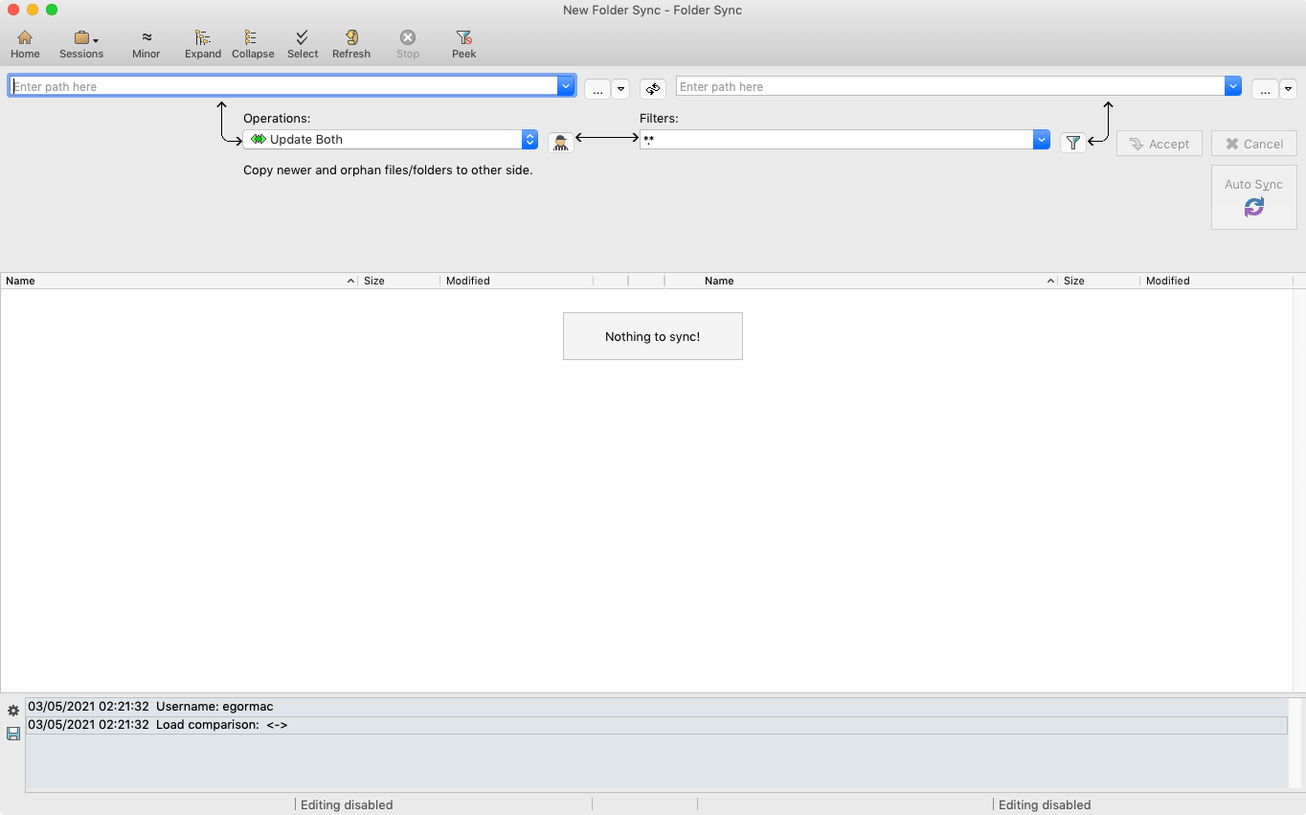
Imagine you maintain a product catalog for your website and a supplier sends you an updated folder of images and descriptions. You drop your current catalog folder into the left pane and the supplier’s folder into the right. Beyond Compare instantly color-codes every file that’s newer, older, or orphaned. For a text file like a price list, a double-click opens a side-by-side view where changed lines are highlighted, and you can copy individual edits from one side to the other with a single click. You can even set up rules that ignore file types you don’t care about, so you only see the differences that matter.
Sync only what you need
Once you have reviewed the changes, the sync tools take over. You can mirror the supplier’s folder to your store’s local copy, update only newer files, or create a custom sync that leaves your existing work untouched while pulling in the new product photos. The two-pane layout makes it obvious what will be copied or deleted before you confirm the action. It’s a controlled, transparent way to merge updates without losing track of your own changes.
The first time you launch Beyond Compare, it helps to set up just one saved session for a folder pair you revisit often. Pick something you compare weekly — maybe your live shop images folder against a backup drive. Name it clearly, and from then on you can reopen that exact comparison in two clicks from the session list. It saves you from dragging folders in every time and keeps the comparison rules consistent.
Quiet conveniences worth learning early
A few small shortcuts make the daily work faster than you’d expect. Press Ctrl+Tab to switch between the folder compare and the file viewer without reaching for the mouse. If you often compare the same two folders but in different directions — say, checking what’s on a USB stick versus what’s at home — you can swap the left and right panes instantly with View > Swap Sides. No need to close and restart the session.
There’s also a filter bar tucked above the file list. Typing *.jpg or price* narrows the view to only the files you care about, which is handy when a folder holds hundreds of mixed assets. And if you’ve ever accidentally closed a comparison tab you still needed, the Session > Recent menu lists your last several comparisons so you can pick up exactly where you left off.
This release folds in the developer's newest batch of patches and small refinements for a smoother comparison workflow.
- macOS 10.12 or later
- Runs natively on both Apple Silicon and Intel 64-bit Macs
Questions from the stall
Does Beyond Compare run on Apple Silicon Macs?
Yes, version 5 adds native support for Apple Silicon, so it runs smoothly on M-series Macs alongside Intel models.
Can I change the app language?
Yes, the interface is available in English, German, Simplified Chinese, French, and Japanese.
What macOS versions are supported?
It requires macOS 10.12 Sierra or any newer version.
Notes from other shops 0
Sign in or open a shop account to leave a note.
No notes yet. If you've used this on a shop Mac, tell me how it went.