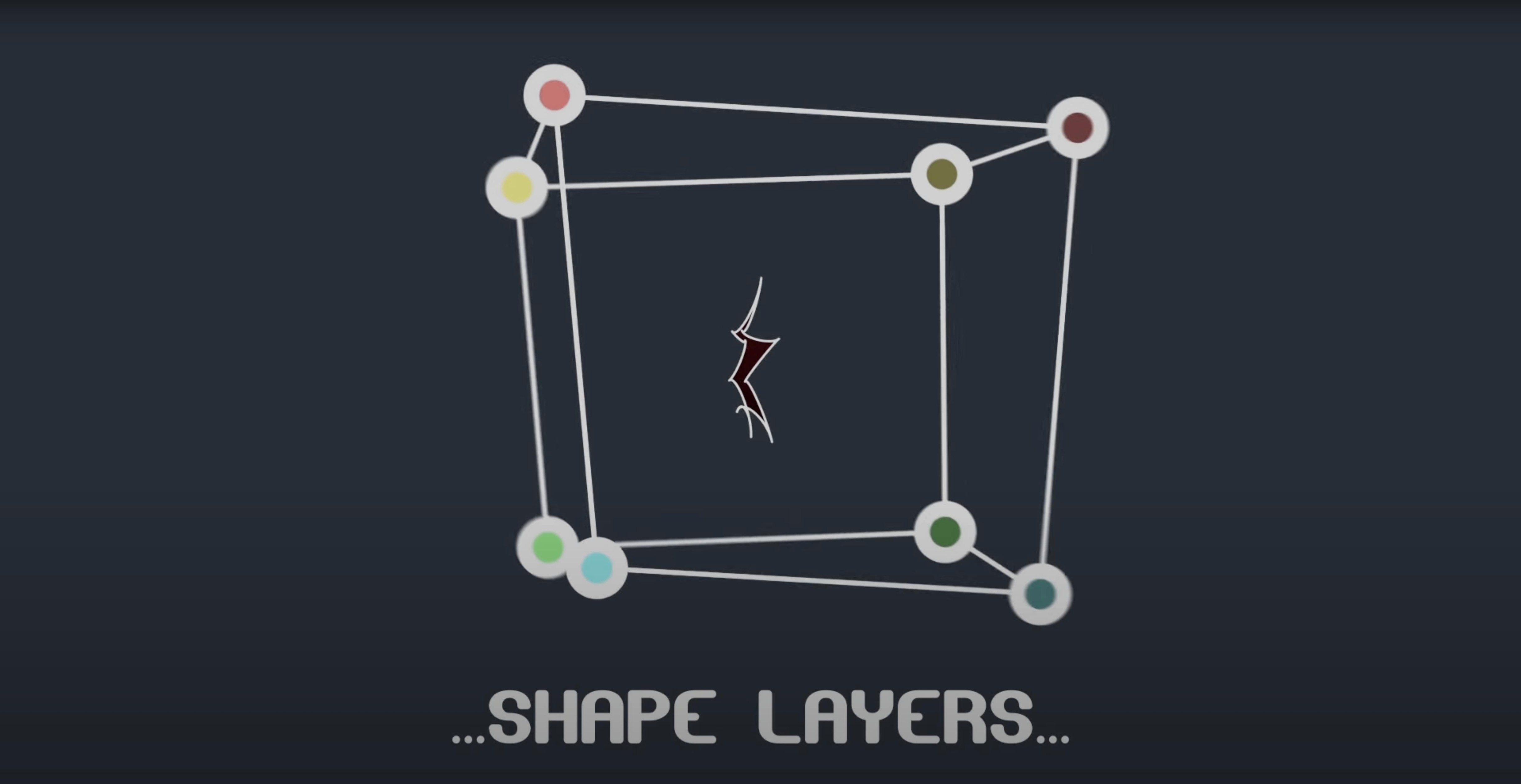
Motion designers who push After Effects masks beyond simple shapes will find a lot to like here. Instead of wrestling with the whole path, BAO Mask Avenger lets you grab a single vertex or tangent handle and work with it directly.
How does it change the way I animate a mask?
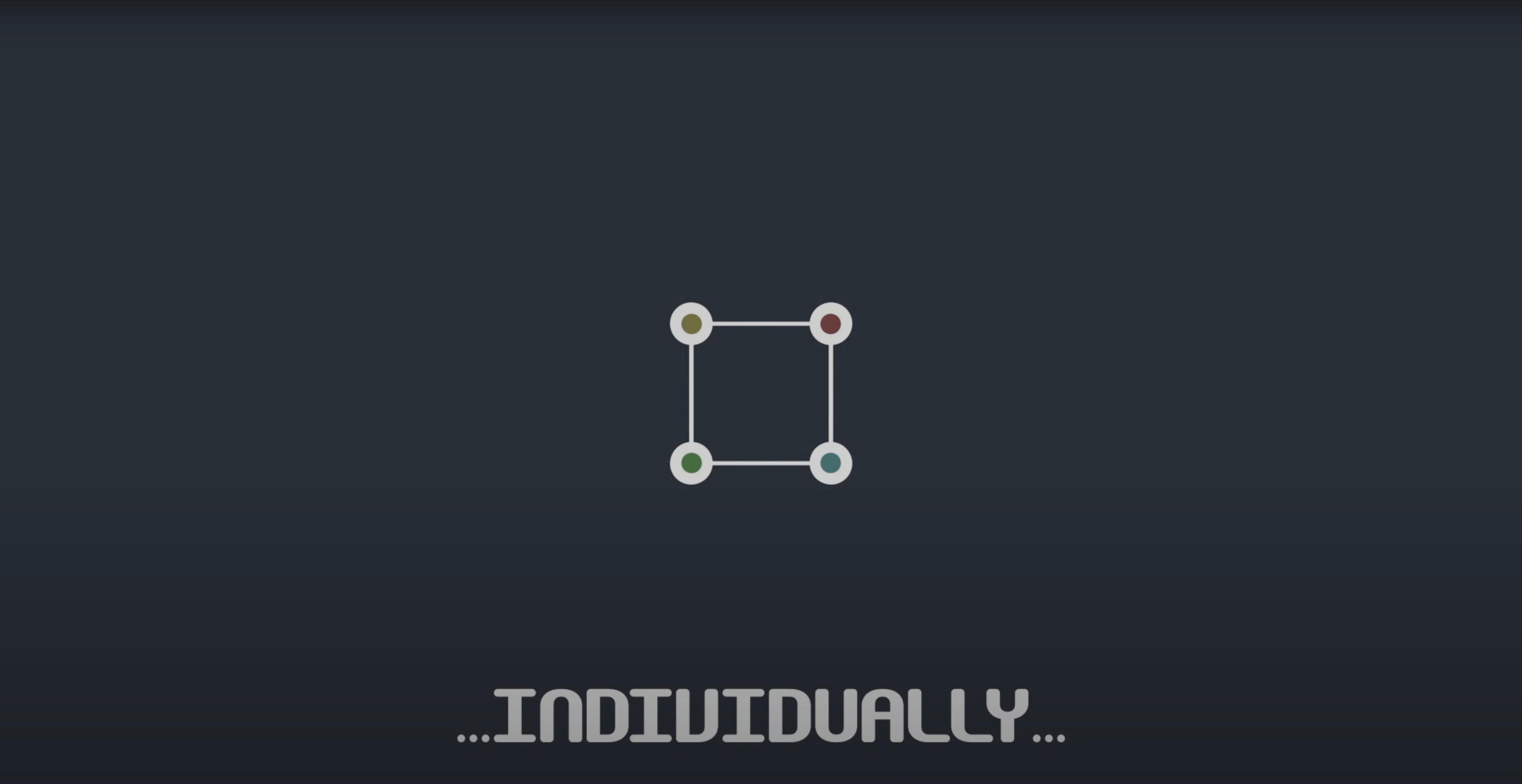
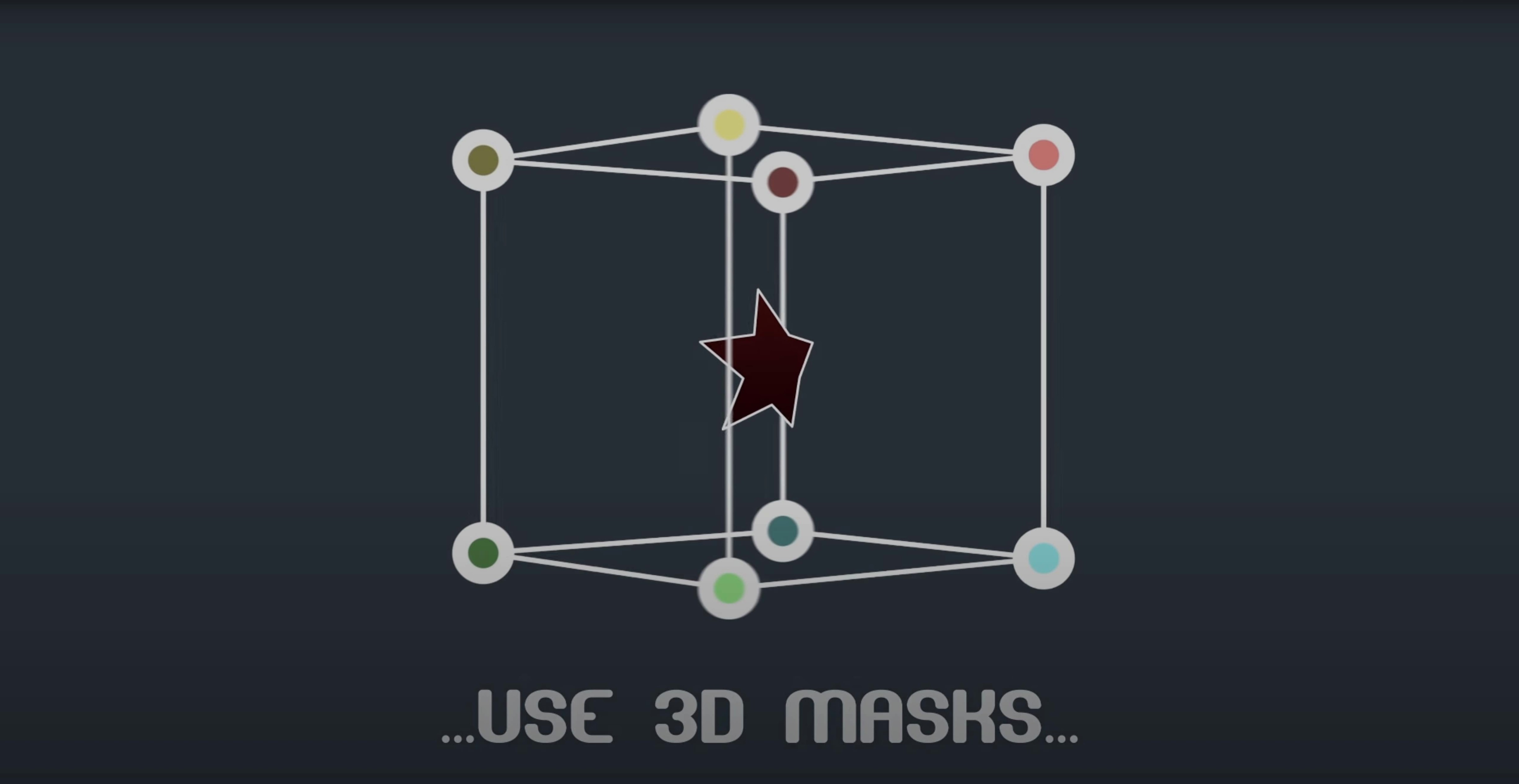
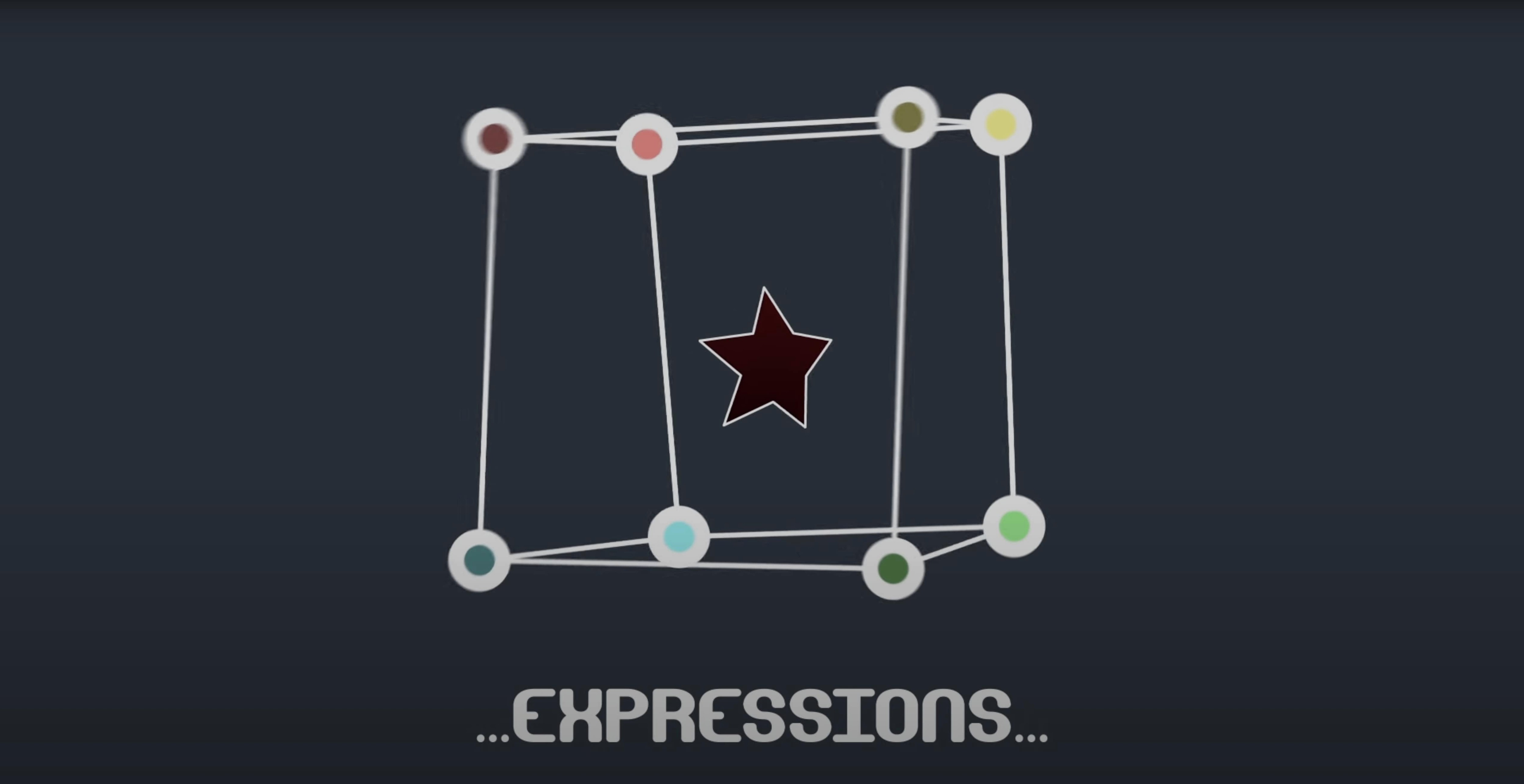
You gain precise, independent control. You can keyframe, ease, or attach an expression to one point on a mask while the rest of the path stays put, which makes complex reveals and morphs feel far more intentional.
Can I link mask points to other layers?
Yes. The integrated scripts let you connect mask vertices to null layers, so a character’s blinking eye or a moving cutout can follow a tracked object in 3D space without constant manual adjustment.
Toggle from vertex positions to full tangent handles
You can toggle between working with vertices only or full tangent control. Reading position and orientation data from any point along the path gives you that extra finesse when a curve has to land just right.
Bake per-point animation into standard keyframes for sharing
It does. A built-in freeze mode bakes your intricate per-point animation into standard keyframes, so you can hand off a project and everything renders as you intended, no plugin required on their machine.
Creating a rippling bottom-to-top product reveal
You open a comp where a product shot needs a gradual reveal from bottom to top. A simple rectangular mask covers the frame, but you want the top edge to ripple slightly as it rises — not just slide up like a title card.
First you draw the mask with After Effects’ pen tool, nothing fancy. Then you open Mask Avenger from the Effects menu and point it at that mask. Straight away the plugin reads the existing path and lists every vertex in its panel. You select the two top corner points.
You switch to full tangent control because you need the curve between those corners to feel organic. With both vertices highlighted, you set a gentle incoming tangent on the left point and a matching outgoing tangent on the right. The straight line becomes a soft arch. That’s your starting frame.
You move eight frames forward, nudge the left vertex down by twelve pixels, and pull its tangent handle a little longer. The right vertex stays put for now. You keyframe only those properties. The arch now tilts slightly, leaning left as it travels upward. At frame sixteen, you reverse the asymmetry — right vertex moves down, left one holds. The ripple is already taking shape.
You attach a null layer to a tracker point in the footage so the whole mask drifts gently with the object underneath. A quick expression from Mask Avenger’s pick-whip links the null’s position to the mask’s center-of-gravity anchor, so the ripple doesn’t fight the background movement.
You add easing to the keyframes, scrub through, and watch the reveal breathe — uneven, alive, nothing like a linear wipe. When you’re done, you hit freeze mode, bake everything to standard path keyframes, and hand the comp off to the edit team.
Per-vertex control added on top of native mask tools
Does this replace the built-in mask path keyframing entirely? Not exactly — it adds a layer on top. You still create masks with After Effects’ native tools. Mask Avenger takes over once you need per-vertex control that the standard keyframing doesn’t offer. For simple moves, you might never open the plugin. For anything with asymmetric motion or linked tracking, it becomes the tool you reach for first.
Can I use it on shape layers, or is it limited to masks on footage and solids? It speaks to shape layers too. You can apply a Mask Avenger mask to a shape layer path and treat its vertices the same way you would on a layer mask. That’s handy when your artwork already lives as shapes and you want to avoid duplicating paths between masks and shape geometry.
What happens if I get a “Mask Avenger 2” file from someone else? Version 2 has been around for a while, but this build — 2.7.5 — fixed a specific Apple Silicon compatibility hiccup. If you’re on an M-series Mac and tried an older version that acted strange, vps avenger 2 torrent files from the earlier release won’t have that fix. The freeze mode also means you can open a project saved with the plugin even if your collaborator used a different avenger vst torrent variant and forgot to bake — you’ll just see the frozen keyframes.
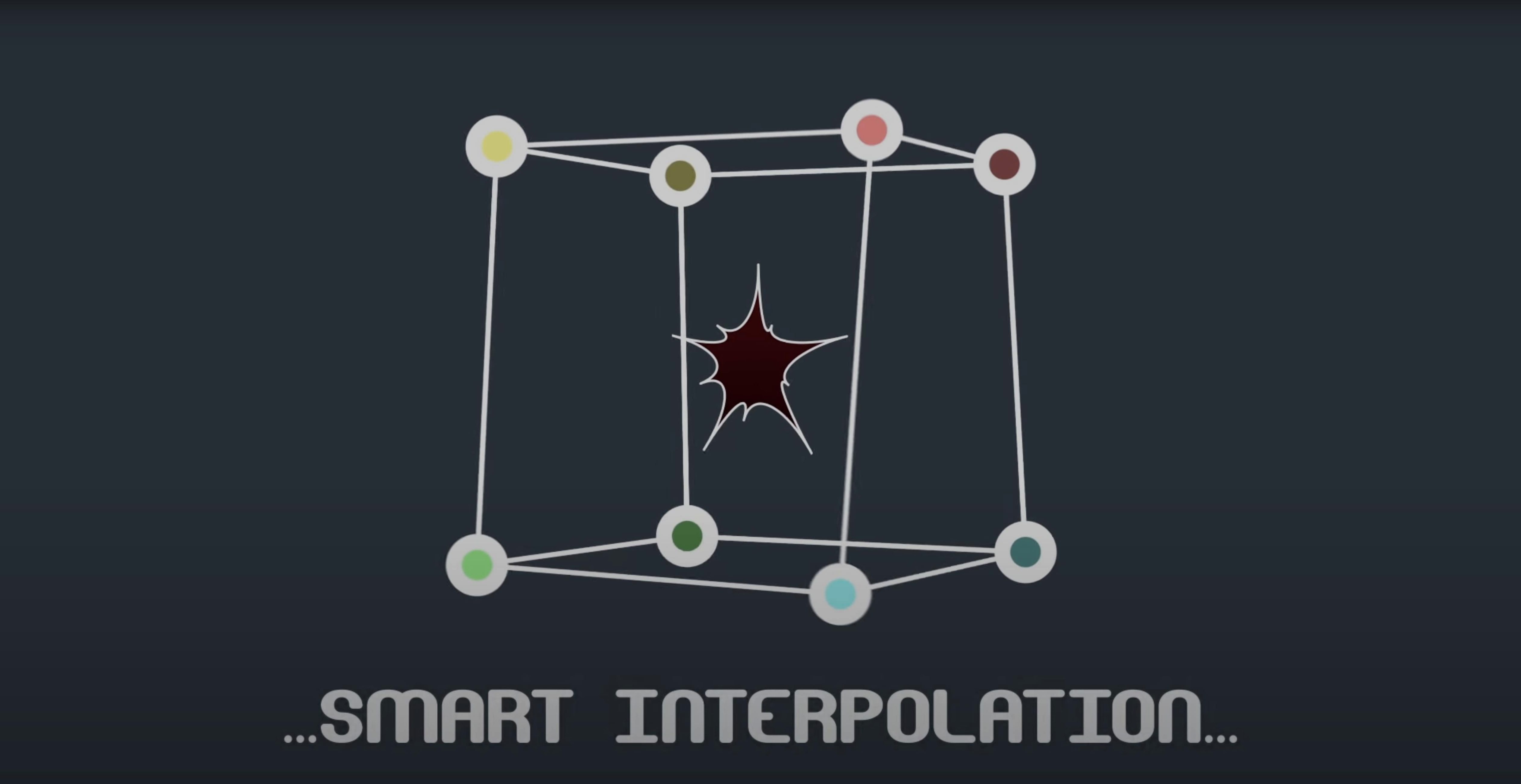
Does the intelligent interpolation mode require a lot of setup? No. You pick between center-of-gravity interpolation or an independent key anchor point from a dropdown. The first option calculates motion based on the mask’s overall shape; the second lets you designate a separate reference point that all vertices follow proportionally. Both work with expressions if you need them to.
Dozens of icons appearing inside blueprint map regions
Imagine someone knee-deep in a twelve-minute explainer for a logistics company. The video walks through warehouse processes, and dozens of small icons — boxes, forklifts, conveyor belts — need to appear and disappear inside outlined regions of a blueprint-style map. Each region is a mask.
This animator doesn’t have time to fight with whole-path keyframes that force every vertex to move in lockstep. They use Mask Avenger to grab the leading edge of a masked box and push it outward while the trailing edge stays anchored to a conveyor graphic. The motion matches the narration: “Packages flow from intake to dispatch.” A quick expression links the leading vertex to a track point on a moving package icon, so the mask edge follows the box exactly.
When the forklift enters a storage zone, the animator uses tangent-only control on two corner vertices to bulge the mask outward — a subtle expansion that makes the zone feel occupied. No need to redraw the mask or mess with shape layer keyframes that don’t quite follow the blueprint lines.
At the end of the day, a colleague who doesn’t own the plugin needs to open the project for color adjustments. The animator freezes all Mask Avenger layers in one pass. The intricate per-vertex work becomes standard mask path keyframes. The colleague sees nothing unusual — just masks that move exactly as designed.
For a workload like that, where mask animation is the backbone of every scene, having per-vertex control isn’t a luxury. It’s the difference between finishing on Friday and spending the weekend nudging bezier points. And the freeze mode means nobody has to chase down a specific vps avenger mac torrent or vps avenger torrent just to open your file.
Version 2.7.5 fixed an M1 compatibility issue on Mac.
- Apple Silicon and Intel Macs
- After Effects 2024, 2023, 2022, 2021, 2020, CC 2019, CC 2018, CC 2017, CC 2015.3, CC 2015, CC 2014, CC, CS6
Notes from other shops 0
Sign in or open a shop account to leave a note.
No notes yet. If you've used this on a shop Mac, tell me how it went.