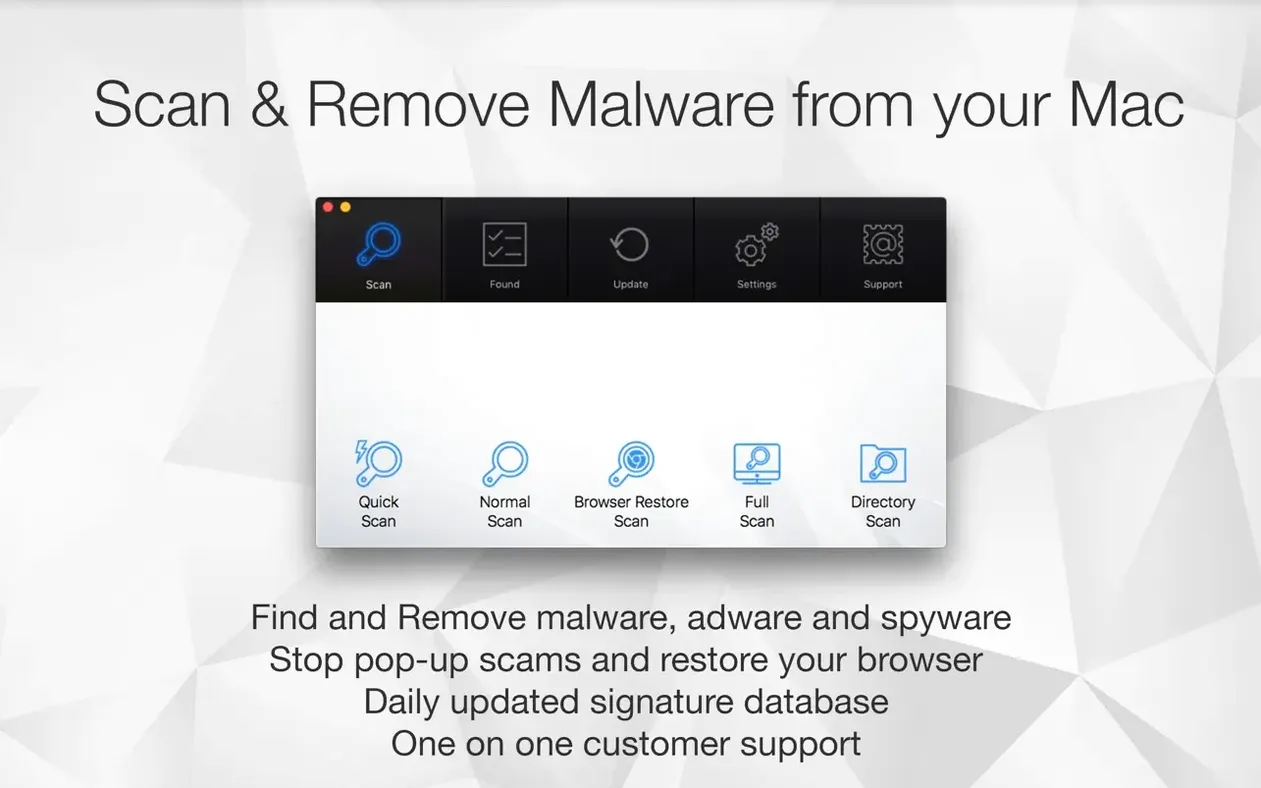
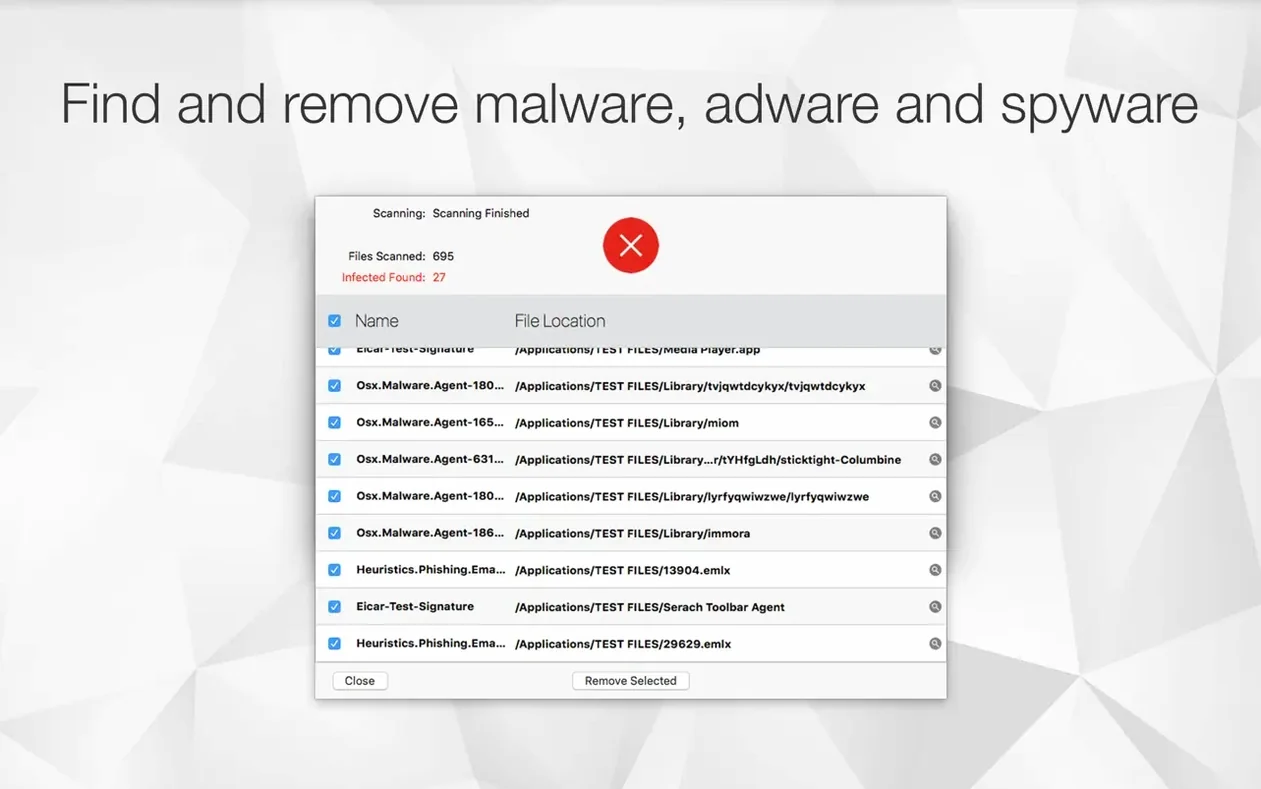
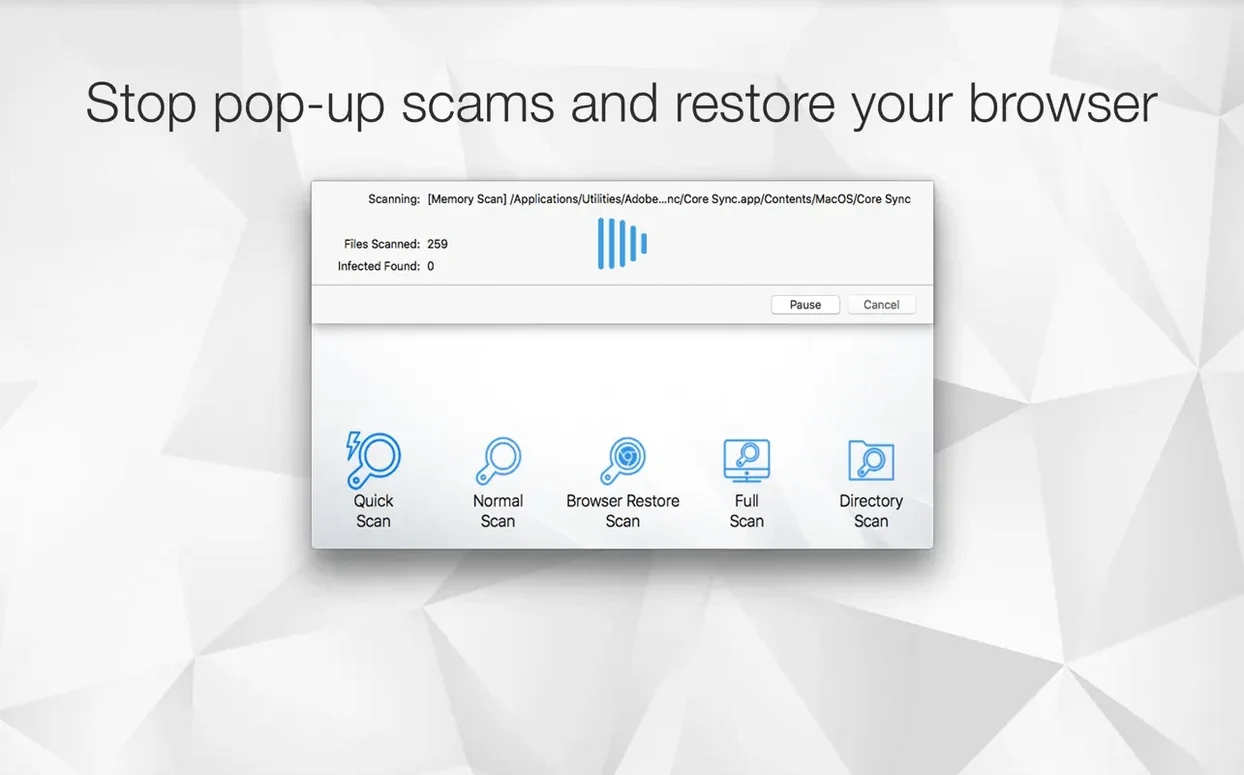
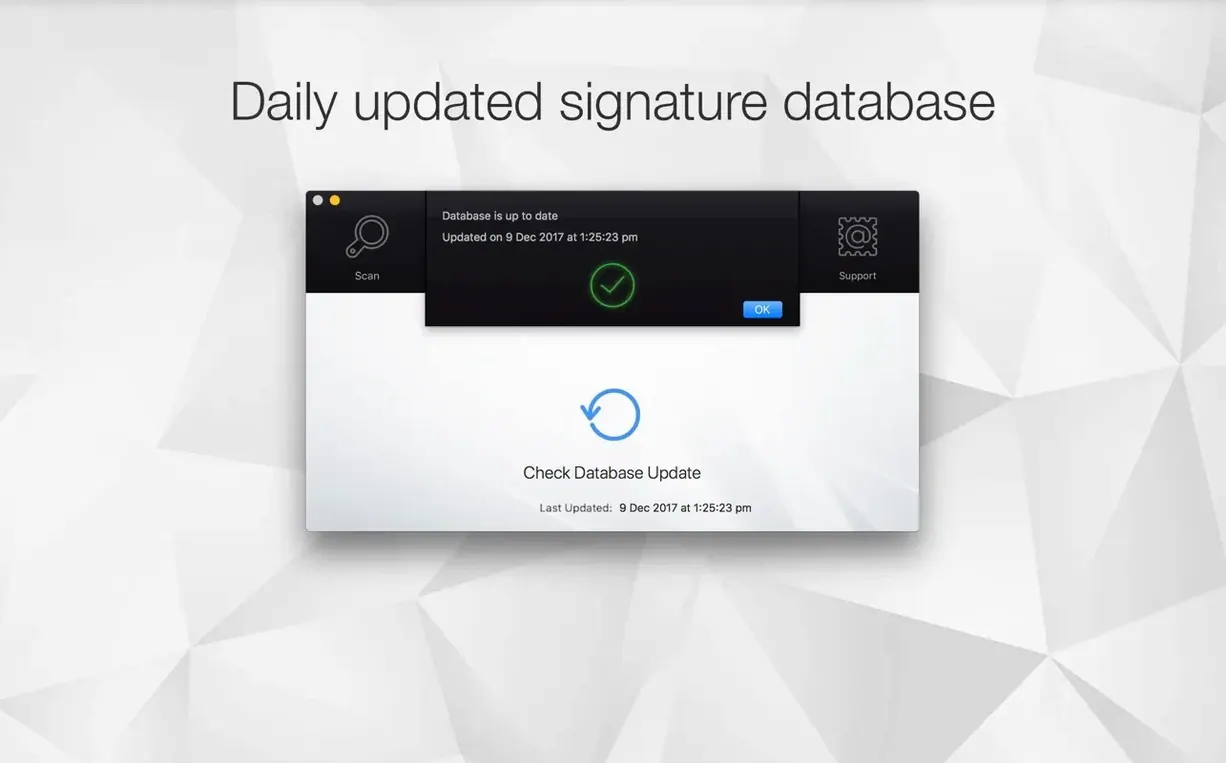
This app is for the cautious downloader and the person who likes a tidy browser. If you grab files from places you probably shouldn't, or you just want to see what's lurking in your Library folders, Antivirus Zap acts as a straightforward second set of eyes. It doesn't run constantly in the background; you launch it, tell it to scan, and it reports back on what it finds.
Scans for malware and cleans up browser junk
| What it does | The details |
|---|---|
| Scanning | Malware, adware, and other suspicious files already on your Mac |
| Browser cleanup | Removes cookies, extensions, and caches via a Browser Restore Scan |
| System | macOS 13 and later, Apple Silicon and Intel |
Beyond scanning for threats, the Browser Restore Scan is useful for clearing out the digital dust that accumulates after installing free software. It pulls out stubborn cookies and extensions in one pass without needing to dig through each browser's settings individually. The app also includes a few file conversion tricks for HEIC, TIFF, and MOV formats, plus basic video compression and resolution adjustments—handy extras if you're cleaning up a Mac to pass it on to a family member.
Questions I get about Antivirus Zap
People email me about two things: whether it'll conflict with other security tools, and whether it phones home constantly. Antivirus Zap is an on-demand scanner—it doesn't install a background agent, it doesn't monitor network traffic, and it doesn't load a kernel extension. That means you can keep your existing antivirus zap mac setup alongside CleanMyMac or Malwarebytes without them stepping on each other's toes. The tradeoff is you won't get real-time blocking, so you're relying on the scan-after-the-fact model.
Another one: "Does it delete my browser bookmarks during a Browser Restore Scan?" No. It targets cookies, extensions, and cached data—the stuff browsers accumulate that bogs things down or tracks you across sites. Your bookmarks, saved passwords, and open tabs stay put. I'd still back up your browser profile before running it the first time, because I'm the sort of person who backs things up twice, but I haven't seen it nuke anything it shouldn't.
And yes, people ask if it handles torrented files—the antivirus mac torrent crowd wants to know. Antivirus Zap scans whatever you point it at, including your Downloads folder and any mounted disk images. It won't differentiate between a legit DMG and one pulled from a tracker; it just looks for known malware signatures and suspicious file structures. If you're grabbing things from P2P networks, running a quick scan on that folder before opening anything is a sensible habit.
Triggers a malware sweep right from a shortcut
I use Antivirus Zap as part of a trio: it handles the malware sweep, a separate uninstaller (like AppCleaner) removes leftover preference files, and Finder's built-in search digs up large forgotten files. The app's Shortcuts integration means you can trigger a quick scan from a custom workflow—I have one that runs the scan, then compresses any video files in my Desktop folder, all from a single menu bar click.
The file conversion features tie into this nicely. Say you've scanned a USB stick from a client and found nothing nasty, but it's loaded with HEIC images you can't open on an older Mac. Antivirus Zap converts those to JPEG in the same session. It's not an image editor, but for format wrangling and quick compression, it saves you from launching a separate converter. The Dropshare integration also means you can scan a file, optimize its size, and upload it without opening three different apps.
A standard scan crawls your entire 2TB drive
Scan times vary more than you'd expect. The quick scan zips through common hiding spots in under a minute. The standard scan crawls through every accessible directory, and on a Mac with a 2TB drive full of tiny files, that can take half an hour. If it seems stuck, it's probably grinding through a folder with thousands of font files or email attachments. Let it finish—cancelling mid-scan doesn't save a partial report.
False positives happen. No scanner is perfect, and Antivirus Zap occasionally flags developer tools, old game mods, or unsigned scripts as suspicious. Before you delete anything it marks red, check the file path. If it's inside a folder you recognize and use, quarantine it manually rather than wiping it. The app shows you exactly which file triggered the alert, so you can make the call yourself.
Browser restore needs a browser restart. After the Browser Restore Scan clears extensions and caches, your browsers will feel sluggish on first relaunch while they rebuild caches. That's normal and not a sign something went wrong. If an extension you actually wanted gets removed, you'll need to reinstall it from the browser's extension store. The app doesn't keep a backup of removed extensions—it cleans house, it doesn't archive the furniture.
There's a nice polish to this update. Version 3.25.1 brings a refreshed, modern interface that feels a bit snappier to navigate. Under the hood, you're getting the usual round of performance improvements, plus a handful of bug fixes and stability tweaks to keep scans running smoothly.
- macOS 12 or later
- Apple Silicon and Intel 64-bit
Notes from other shops 0
Sign in or open a shop account to leave a note.
No notes yet. If you've used this on a shop Mac, tell me how it went.