What Macs can run it
Airflow 3.3.10 needs an Intel Mac running macOS 10.12 or later. Apple Silicon Macs aren't officially supported in this build.
How I get a video playing
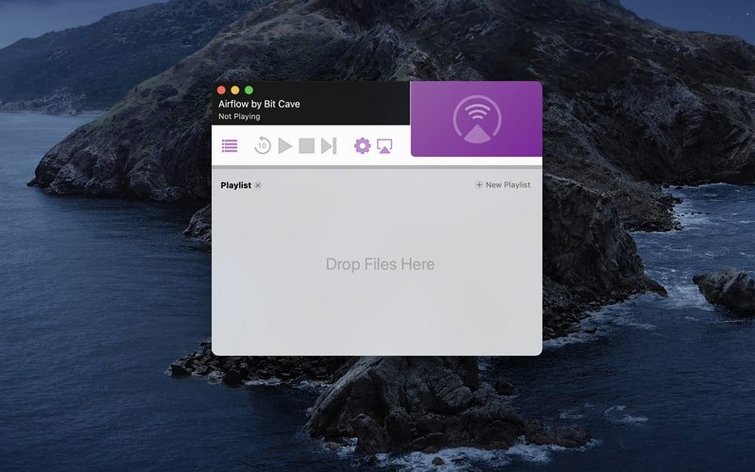
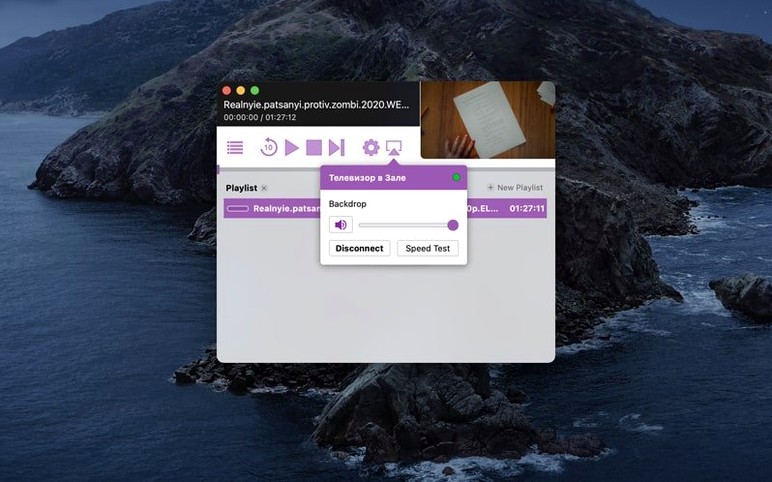
- Open the app and drop a video file into the window — it scans the file and gets it ready.
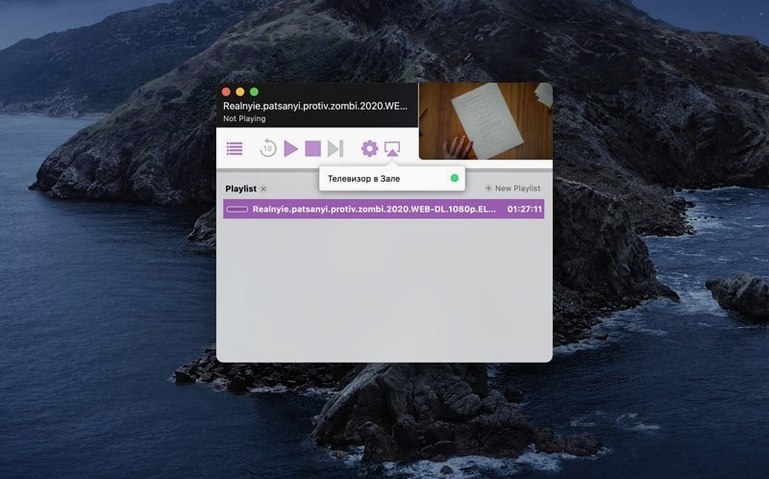
- Pick your Chromecast from the list that pops up. The app finds devices on the same network automatically.
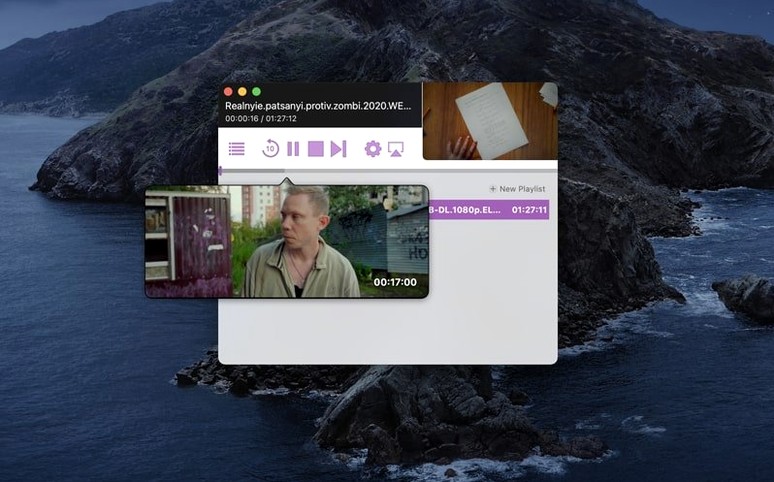
- Hit play. Airflow handles the rest, sending the video straight to the TV without fuss.
The interface stays out of the way so you can focus on what you're watching. No transcoding setup screens, just a straightforward pick-and-play flow that works with most common file formats.
Your local movie library, on the big screen
People who keep a local video library on their Mac tend to love this app the most. If you've got a drive full of movies, family footage, or downloaded tutorials and you'd rather watch them on a TV than a laptop screen, Airflow slots right into your evening routine. It's particularly handy for anyone who finds smart TV interfaces slow or frustrating — you keep your files organised on the Mac where you can rename, sort and preview them quickly, then shoot the one you want over to Chromecast when it's time to relax.
Designers and video editors are another natural fit. When you're reviewing a render or showing a client a rough cut, Airflow saves you from gathering everyone around a monitor. You drag the file in, tap play, and the whole room sees it on the big screen. Teachers and presenters who use Chromecast-equipped displays in classrooms or meeting rooms also find it a fast way to share video clips without cables or cloud uploads.
Essentially, if you own a Chromecast, keep media files on your Mac, and value a direct path from file to TV, you're the person this was built for.
A quick scenario: sharing last weekend's footage
Think of someone who films their kid's football matches on a mirrorless camera. The files land on the Mac as chunky .mov clips that don't play nicely with a browser-based casting tab. Instead of converting everything or uploading to a streaming service, they open Airflow, drag the Saturday-morning file in, select the living-room Chromecast, and within seconds the family is watching it on the TV while they eat lunch. They can queue up a second match from Sunday without touching the remote — just drop the next file and it plays when the first one ends. The whole thing feels less like "setting up a stream" and more like putting a tape in a player.
First questions about playing files on a TV
Does this only work with video files, or can I stream my desktop too?
Airflow is built specifically for video files. It doesn't mirror your Mac's screen or stream browser tabs — that's what Chrome's built-in casting does. The trade-off is quality: by working directly with the video file, it can deliver smoother playback and better audio sync than screen mirroring typically manages. If you've got a .mkv, .mp4, or .avi and you want it on the TV, Airflow is the right tool. If you're trying to show a website or a slideshow, stick with browser-based casting.
Will an airflow 3.3.10 install work on a newer macOS version?
Yes, as long as you're on an Intel Mac. The requirement is macOS 10.12 or later, so people running Ventura or Sonoma on Intel hardware can use this build without trouble. Apple Silicon users should look for a different version — this particular one targets x86 architecture.
What about subtitle support?
Airflow handles embedded subtitles in many containers and can also load external subtitle files. If you're watching foreign films or need captions, that's built in rather than requiring a separate step. The app picks up .srt files that share the video's filename automatically, which is a small touch that saves a lot of fiddling.
Does the app need an internet connection?
Only for the initial device discovery between your Mac and the Chromecast — both need to be on the same local network. Once the connection is made, Airflow streams directly over Wi-Fi. It doesn't route your video through a remote server, so your files stay local and playback quality depends on your home network rather than your broadband speed.
- macOS 10.12 or later
- 64-bit Intel Mac
Questions from the stall
Does Airflow work on Apple Silicon Macs?
This version is built for 64-bit Intel Macs only. It may run via Rosetta, but official support is for Intel hardware.
Can I stream to more than one Chromecast at a time?
Airflow lets you select one Chromecast device per playback session. You pick the device from a list and it connects directly.
What macOS version do I need for Airflow 3.3.10?
You need macOS 10.12 or later. The app won't launch on anything older than that.
Notes from other shops 0
Sign in or open a shop account to leave a note.
No notes yet. If you've used this on a shop Mac, tell me how it went.