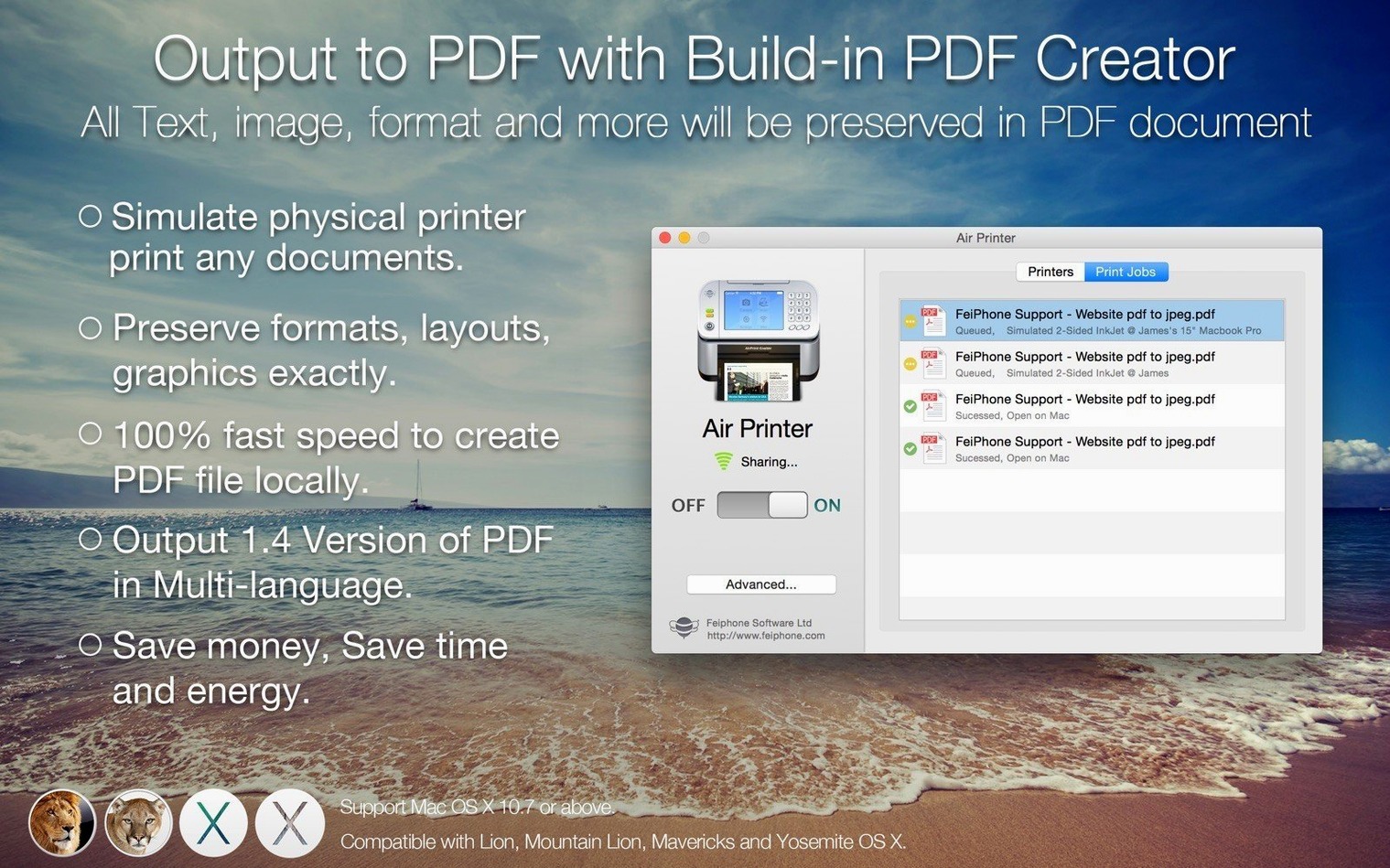
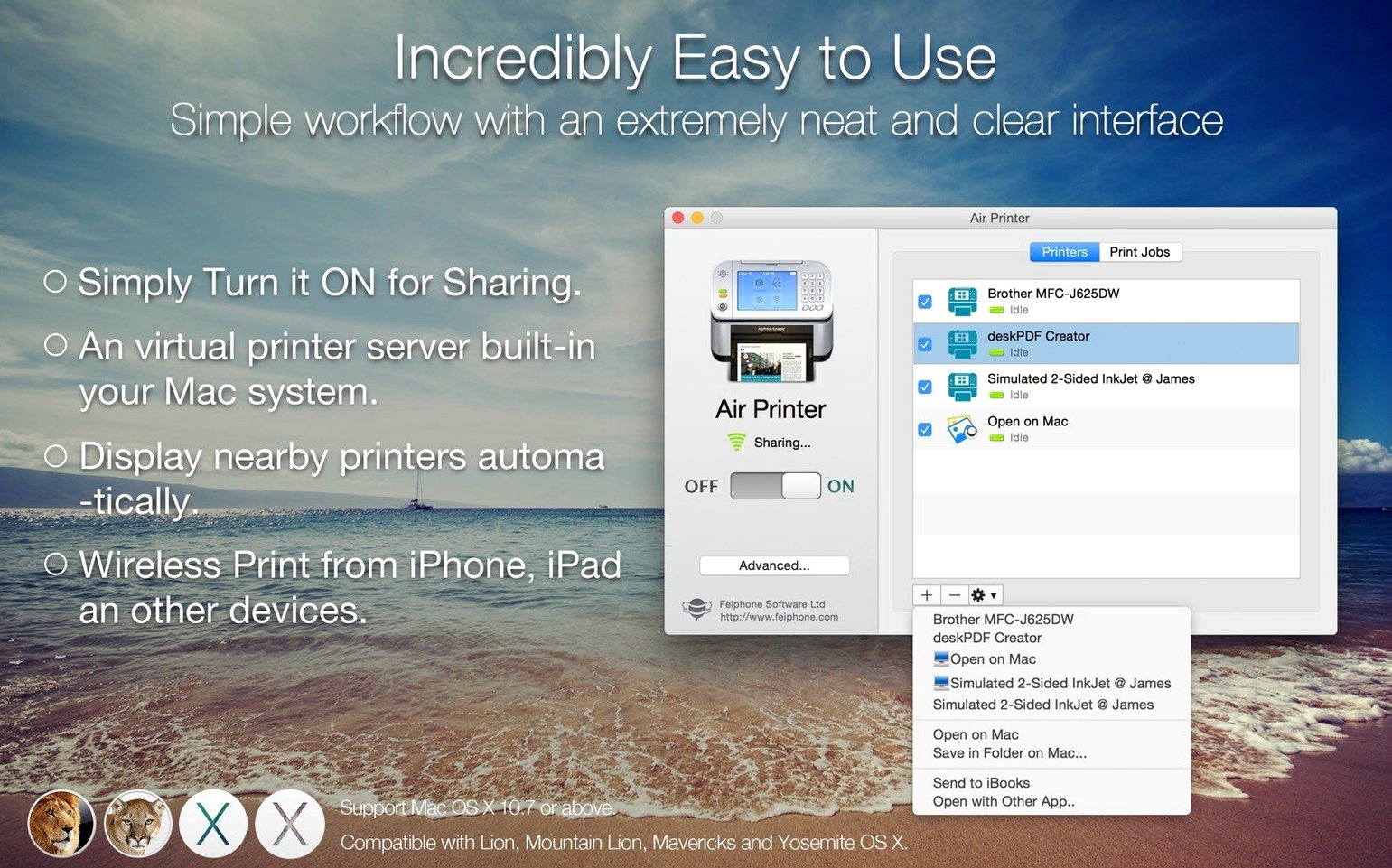
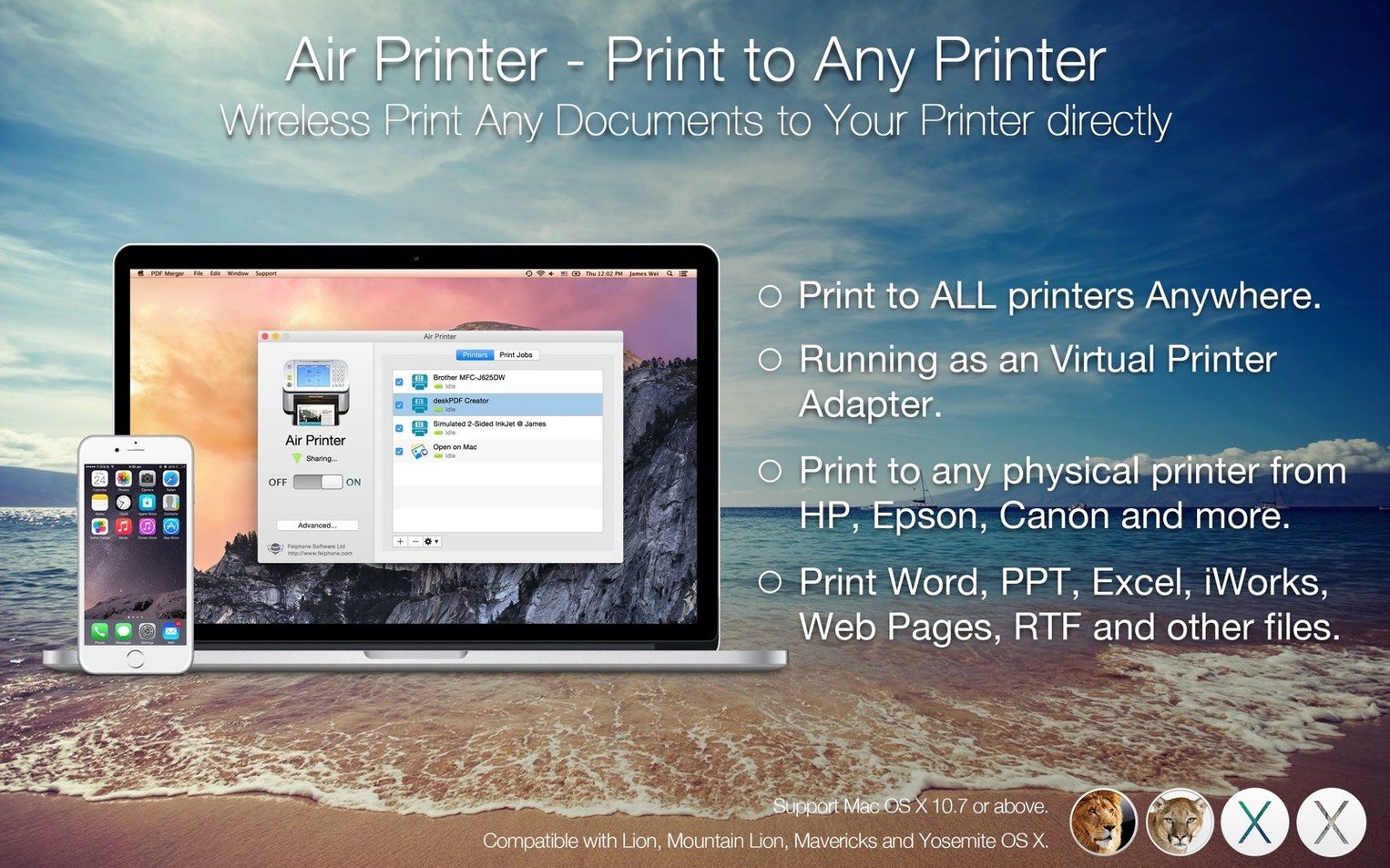
You’ve got one printer in the back room, a MacBook in the living room, and an iPad that needs to spit out an invoice. Air Printer lets your Mac act as the middleman — it turns the computer into a virtual print server that any device on the same Wi‑Fi network can send jobs to.
Turn one USB printer into a house-wide wireless hub
- Sharing a single USB or network printer with several Macs, iPhones, and iPads without buying extra hardware.
- Printing straight from cloud storage — you can pull files from Dropbox or Google Drive and send them to the real printer through the Mac.
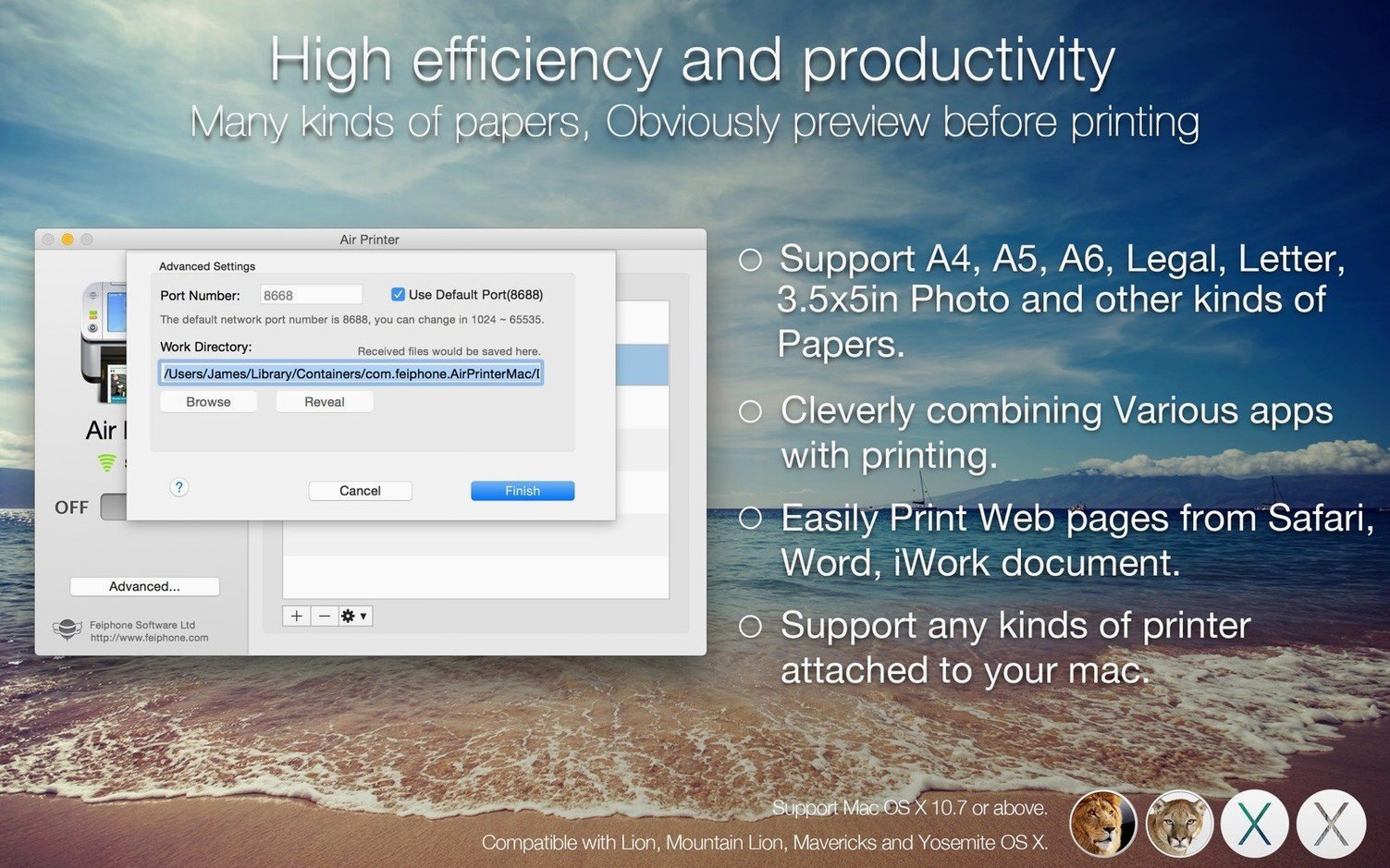
- Printing web pages from Safari when you need a hard copy of a booking confirmation or shipping label.
- Small shops and home offices where one dedicated Mac stays on and handles everyone’s print jobs.
Every device needs to live on the same Wi‑Fi network
- All devices — the Mac running Air Printer and whatever wants to print — must sit on the same local network.
- It works with both Apple Silicon and Intel Macs.
- Version 6.7.9 is marked compatible with the latest macOS Tahoe 26.x and includes bug fixes and performance improvements.
Tip: Leave the app running on the Mac that’s closest to the printer, then forget about it — other devices will find it automatically when they’re on the same network.
A small café’s morning setup
Picture a tiny coffee shop where the owner uses an old USB label printer for online order stickers. The printer lives in a cramped back office, tethered to a Mac Mini that also runs the till. With Air Printer running on that Mini, the barista’s iPad at the front counter can fire off a new label for a DoorDash order without anyone walking to the back. The owner prints end-of-day sales reports from a MacBook at home, pulling the PDF straight from Google Drive through the same setup. Nobody needs to swap cables, share a single Mac login, or email files around — one Mac acts as the quiet print hub, and the rest just print.
Duplex jobs and Safari prints that actually finish
Version 6.7.9 didn’t add flashy new buttons, but the under-the-hood work fixed a handful of things that matter day-to-day. Printing web pages from Safari feels snappier on newer macOS builds — fewer stalled jobs where the preview hangs. Duplex printing options behave more reliably across different printer drivers, so you’re less likely to get single-sided output when you asked for double-sided. The compatibility bump for macOS Tahoe 26.x means you won’t hit a wall if you’ve already updated your Mac past a certain point. For a tool that sits in the background, that kind of quiet polish is what keeps a small business running without surprise downtime.
- macOS 10.13 or later
- Apple Silicon or Intel Mac
- Wi‑Fi network
- All devices must use the same local network
Questions from the stall
Do all devices need to be on the same network?
Yes — the Mac running Air Printer and any device that wants to print must be connected to the same local Wi‑Fi network.
Can I print from cloud storage with this app?
You can print documents straight from Dropbox and Google Drive without downloading them to a different device first.
Does Air Printer work on Apple Silicon Macs?
Yes, it runs natively on both ARM (Apple Silicon) and Intel 64-bit Macs with macOS 10.13 or later.
Notes from other shops 0
Sign in or open a shop account to leave a note.
No notes yet. If you've used this on a shop Mac, tell me how it went.