The Master Section's 12-slot insert rack is where a session finds its final voice. It is less about adding a single limiter and more about building a chain that responds to the specific dynamic shape of the track sitting upstream from it.
Spectral editing on a critical track
When a mix print lands on the timeline, the Spectrogram reveals things a waveform hides — a chair squeak between notes, a narrow resonance on a held vocal. The spectral editing tools let you select that exact frequency-time event and attenuate or remove it without touching the surrounding material, keeping the fix transparent.
Master bus processing and metering
The Master Section holds everything from surgical EQ to complex multiband dynamics. With the automatic waveform peak scaling, you see the visual effect of a 0.5 dB boost without squinting. Loudness metering runs alongside, so you are not guessing whether the limiter is hitting a delivery spec, just watching the numbers settle where they need to be.
Montage assembly and Dolby Atmos delivery
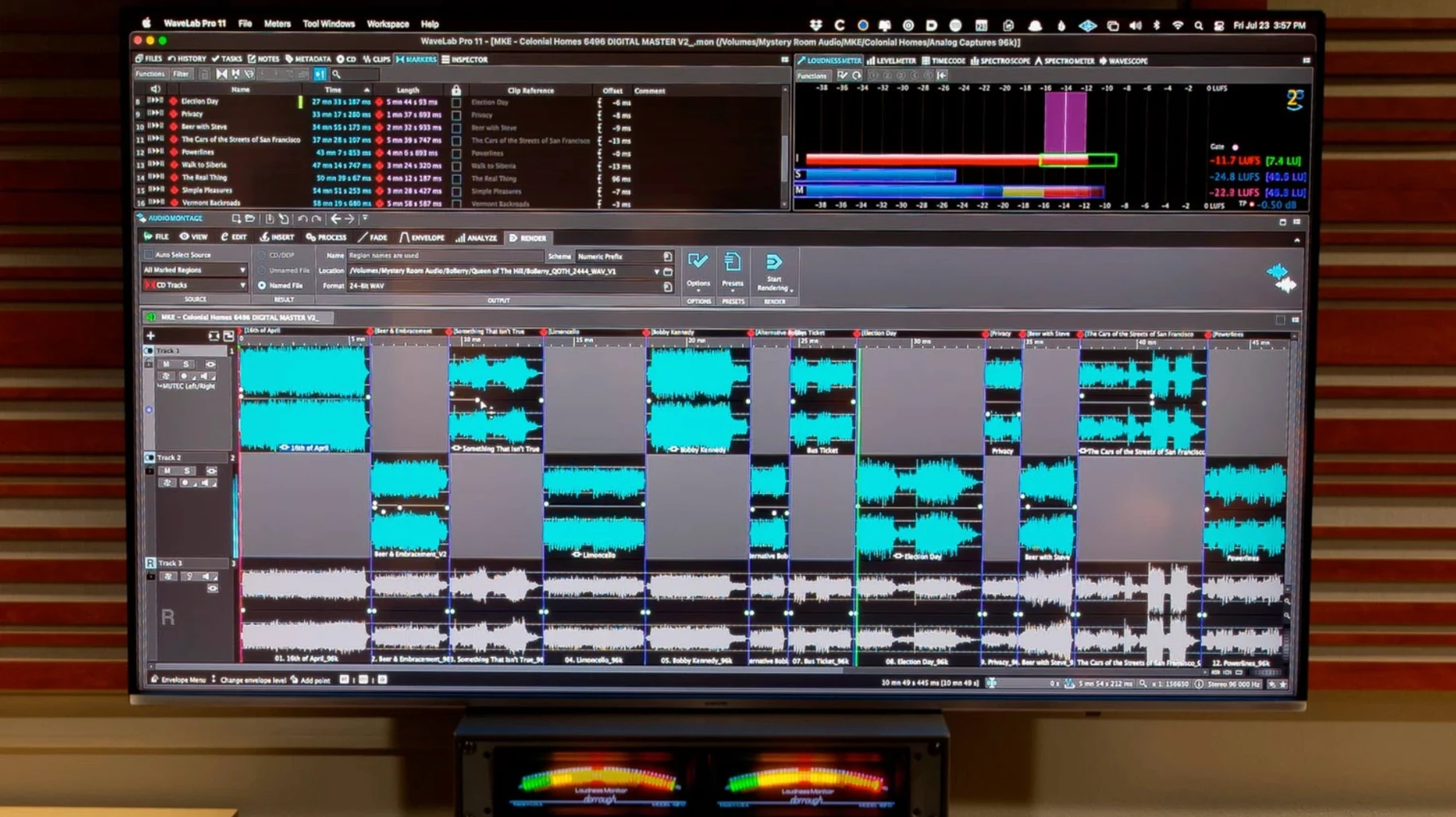
A master montage is the natural place to sequence an EP or an album, set gaps, and apply track-specific processing. Version 13.0.30 extends that to Dolby Atmos, letting you bring channel-based surround files into an Atmos montage and monitor the spatial result binaurally with a personal HRTF profile loaded for accurate headphone checks.
Apple Silicon runs it without Rosetta translation
One of the first things people wonder is whether WaveLab runs comfortably on an Apple Silicon Mac. The 13.0.30 build is a universal binary, so there is no Rosetta translation happening — it loads natively on M-series chips and older Intel machines alike, as long as you are on macOS 13 or later.
Another common question is whether the installer drags along a pile of separate tools and license managers. The package includes activation, and once it is set up, the application opens as one environment — editor, montage, Master Section, spectrogram, metering, all under the same roof. No extra downloads to chase.
People also ask if this is strictly for mastering engineers. The short answer is no. An editor cleaning up field recordings or a composer preparing stems for a library submission will find just as much use in the spectral repair and loudness tools. The workflow bends toward whoever needs sample-accurate decisions and a clear picture of what the audio is actually doing.
There is sometimes a question about whether the ARA plug-in means you can skip the standalone app. You can do a lot inside Cubase 13, Nuendo 13, Reaper 7, or Studio One 6.5 — drag a range into the WaveLab ARA plug-in, apply effects or restoration, and send it back. But the plug-in is an extension, not a replacement. The full mastering chain, montage assembly, and detailed metering still live in the standalone workspace.
A dedicated mastering desk versus Logic’s all-in-one studio
Putting WaveLab alongside something like Apple Logic Pro is mostly a conversation about focus. Logic does a bit of everything — recording, MIDI, scoring, mixing — and its stock mastering plugins are capable. But Logic does not give you a dedicated montage view for sequencing an album with independent clip effects and precise gap control. It also lacks the deep spectral editing and forensic analysis tools that WaveLab builds right into the main window. If your day ends with a stereo or surround deliverable that needs to meet strict loudness and spacing specs, WaveLab skips the workarounds.
Compared with iZotope RX on the Mac, the overlap is real but the emphasis shifts. RX leans heavily into repair and cleanup, and its spectral denoise and de-click modules are first-rate. WaveLab covers audio restoration too, yet it wraps that capability inside a complete mastering environment where the repair, the processing chain, and the final assembly happen in one session. Where RX asks you to hand off the cleaned file to another app for sequencing and delivery, WaveLab lets you do the cleanup and the finishing work in the same montage.
Against Triumph (from Audiofile Engineering), the difference is clearer. Triumph is an editor and converter, quick and scriptable, but it does not attempt the multiband processing, advanced metering, or surround mastering that WaveLab is built around. Someone who used to reach for Triumph for fast batch edits and sample-rate conversions might still keep it around, then move to WaveLab when the job calls for critical listening decisions and a polished master.
Automatic peak scaling reveals quiet waveform detail
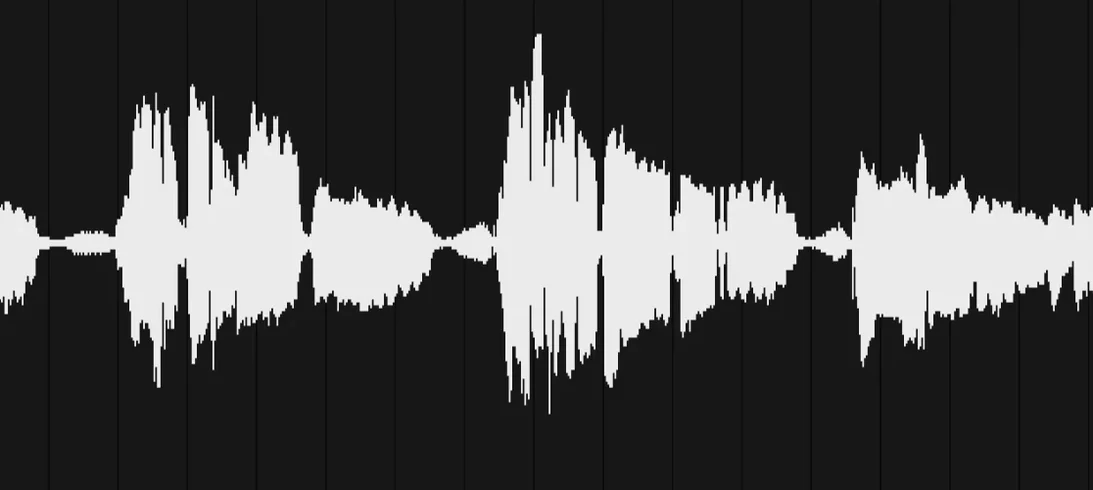
Waveform peak scaling mode. By default, the waveform display may not reflect quiet passages as clearly as you want. Switch to automatic peak scaling in the view options and the visible amplitude adjusts to the zoom level, making it much easier to spot low-level clicks or breaths without changing the actual gain.
Spectrogram resolution and color map. The factory spectrogram settings are usable, but bumping the FFT size up to 4096 or 8192 gives you finer frequency resolution for surgical edits. Pair that with a high-contrast color map — the gray-to-orange one is easy on the eyes for long sessions — and the difference between a broad resonance and a tight harmonic becomes immediately readable.
Default montage gap and fade preferences. Before you start dropping tracks into a montage, set your preferred default gap (often two seconds for album work) and a short clip fade-in and fade-out of a few milliseconds. This saves you from manually adjusting every boundary and prevents the tiny clicks that can sneak through when a clip starts or ends at a non-zero crossing.
Metering ballistics for delivery specs. The loudness meter can be switched between EBU R128, ATSC A/85, and other standards. If you regularly deliver to streaming platforms, set the default to LUFS Integrated with a true-peak ceiling indication. That way, every time you open a new montage, the meter is already speaking the same language as the spec sheet.
Version 13.0.30 adds two meaningful Dolby Atmos improvements:
- Master montages can now include channel-based surround files, so existing surround mixes sit naturally in an Atmos project.
- Binaural monitoring for Dolby Atmos supports loading a personal HRTF profile, giving you a more accurate spatial picture on headphones.
- macOS 13 or later
- Runs natively on both Intel and Apple Silicon Macs
Questions from the stall
Does WaveLab work as a plug-in inside a DAW?
You can use WaveLab Pro inside Cubase 13, Nuendo 13, Reaper 7, and Studio One 6.5, so it slots into a session right where you need a focused mastering environment.
What does the forensic audio analysis do?
It is a toolkit for examining audio closely — useful for authentication work, identifying edits, or pulling hard-to-hear detail out of a file when a waveform view alone is not enough.
Notes from other shops 0
Sign in or open a shop account to leave a note.
No notes yet. If you've used this on a shop Mac, tell me how it went.